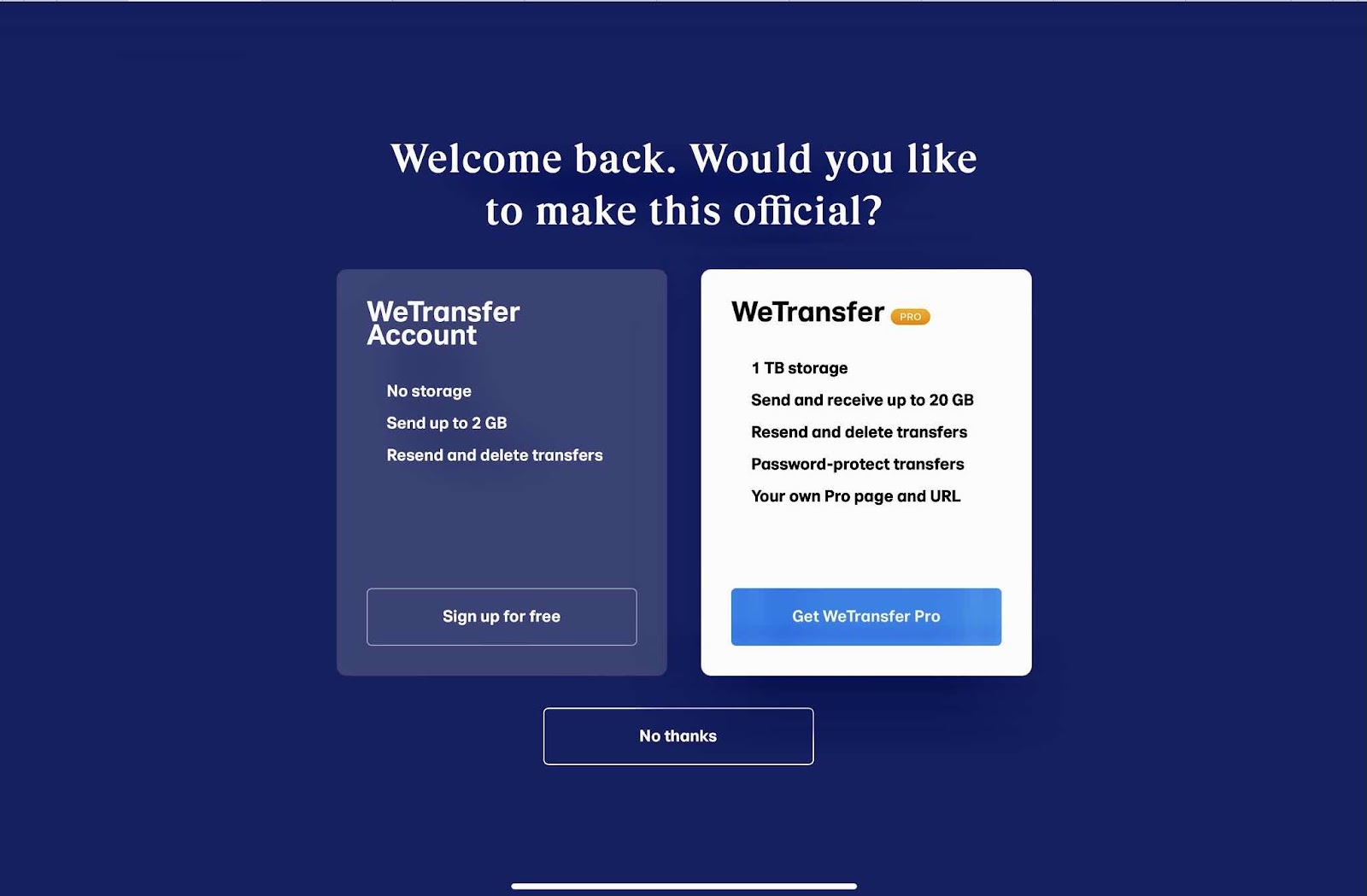
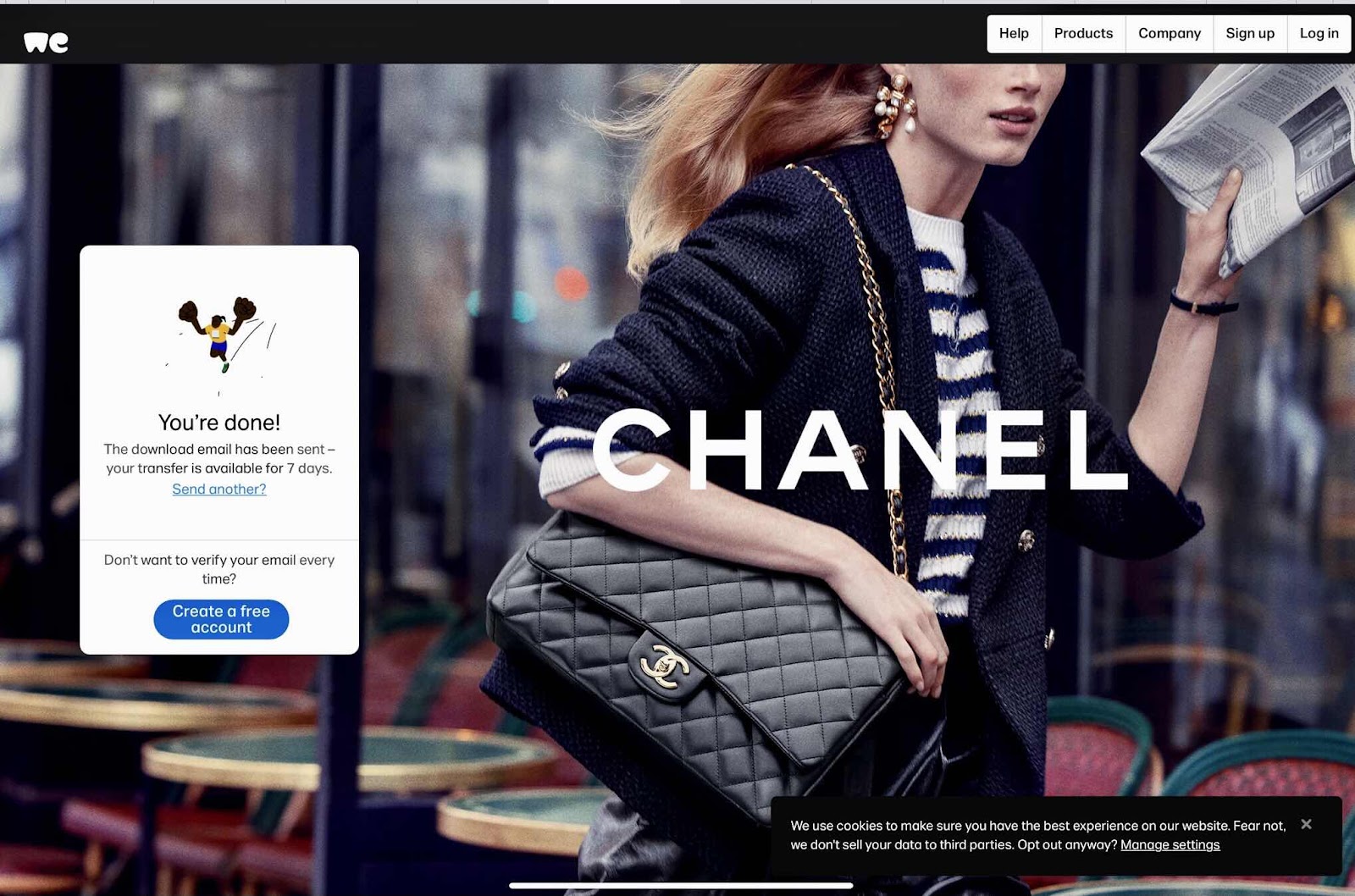
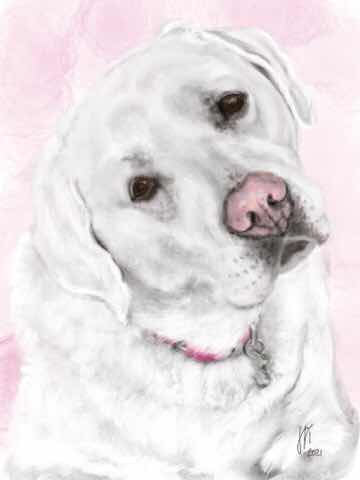
I’ve been painting custom pet portraits on my iPad for about nine years. The jpeg and png digitalart portrait files are sent directly to the customer’s email. They then create the products they want using the images. Every once in a while there is an incompatibility issue. When that has happened in the past, I used my laptop rather than my iPad to send the files. But since my laptop isn’t working, that’s not an option - and I haven’t had that issue for a very long time. So when my most recent customer was telling me that the Walmart photo process kept telling her the image was low resolution, I was stumped. I asked her to try the plain background PNG image. That didn’t work either. An alternate workaround is to upload the image on my Redbubble or Fine Art America/Pixels websites and send the link. Unfortunately the timeline to get the product using those options was too long, so we continued to try other ideas. She asked me to try We Transfer. I did and the files were successfully uploaded and then downloaded, but they didn’t work. I was having no problems uploading the files on any of my websites, so I tried the Walmart option myself. When it told me my images were also low resolution, I figured it must be Walmart that was the problem. So I tried Staples and Walgreens as test cases and had no problem. So I told my customer to try a different website like Walgreens. She did, and it worked seamlessly. She said she even got a discount and would send me a photo of the finished product. The funny thing is is that I had done portraits for her in the past without incident. It took a while to figure it out, but I wouldn’t quit until I did. And I also learned about We Transfer. It may come in handy for large file shares.