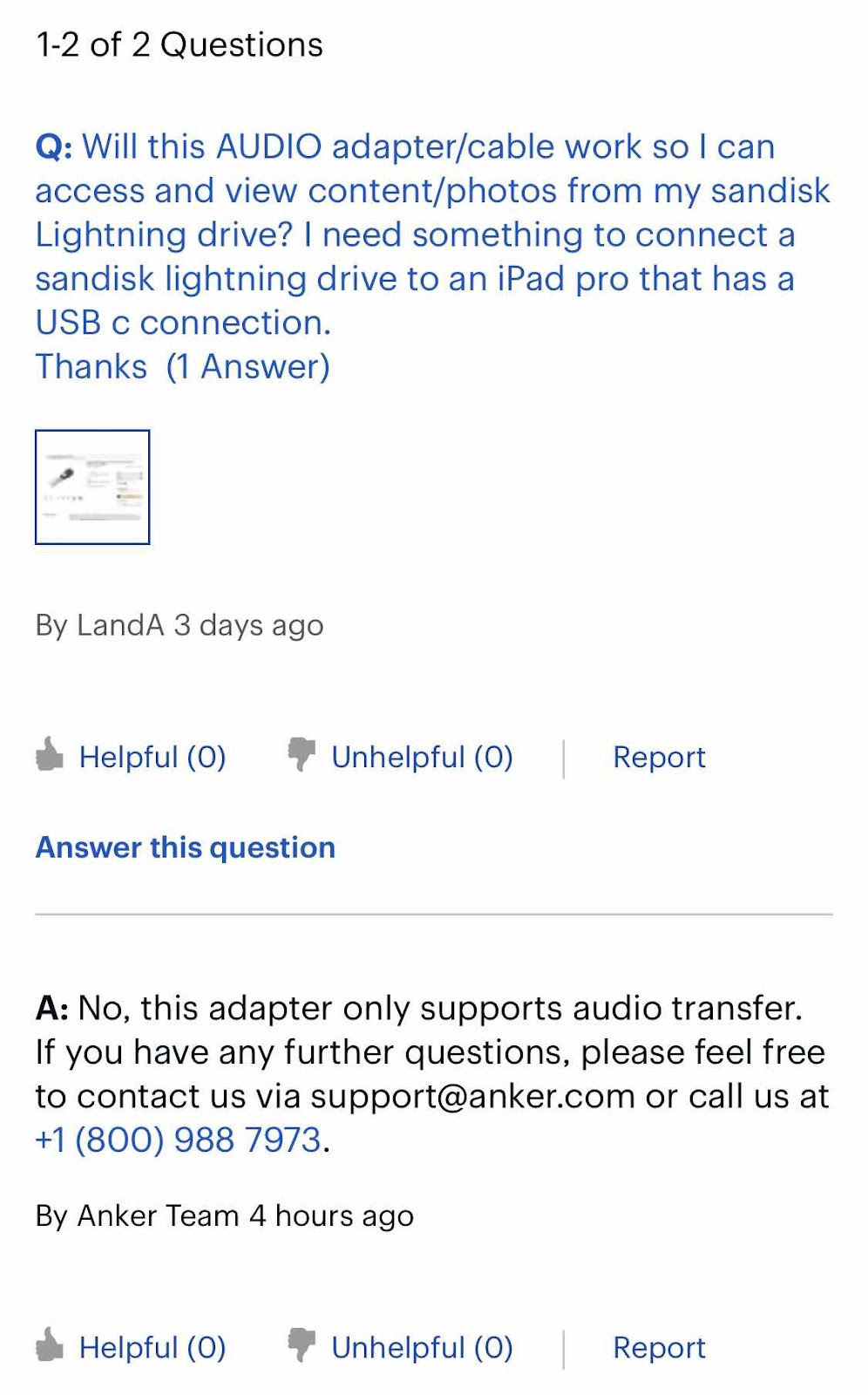
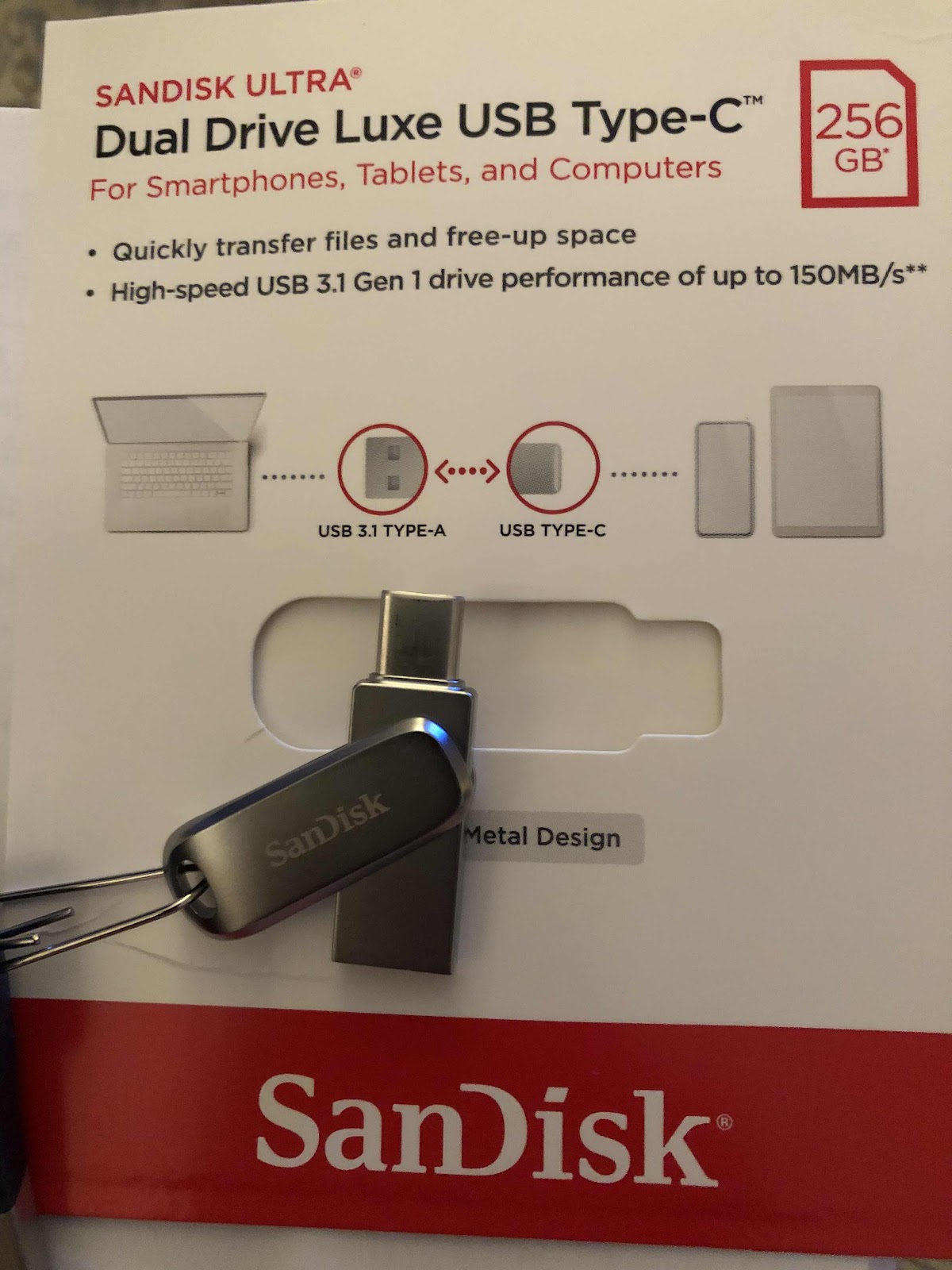
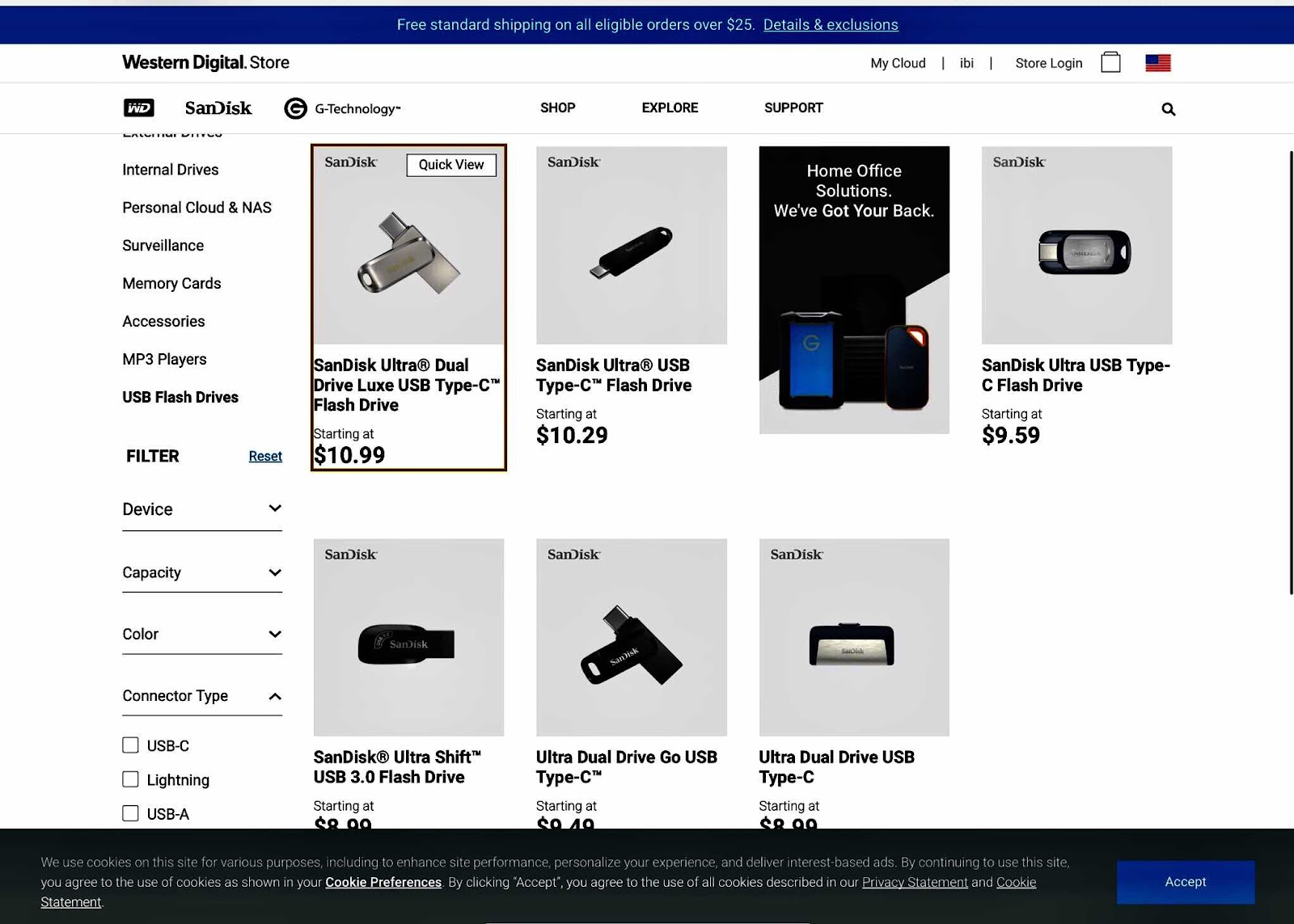
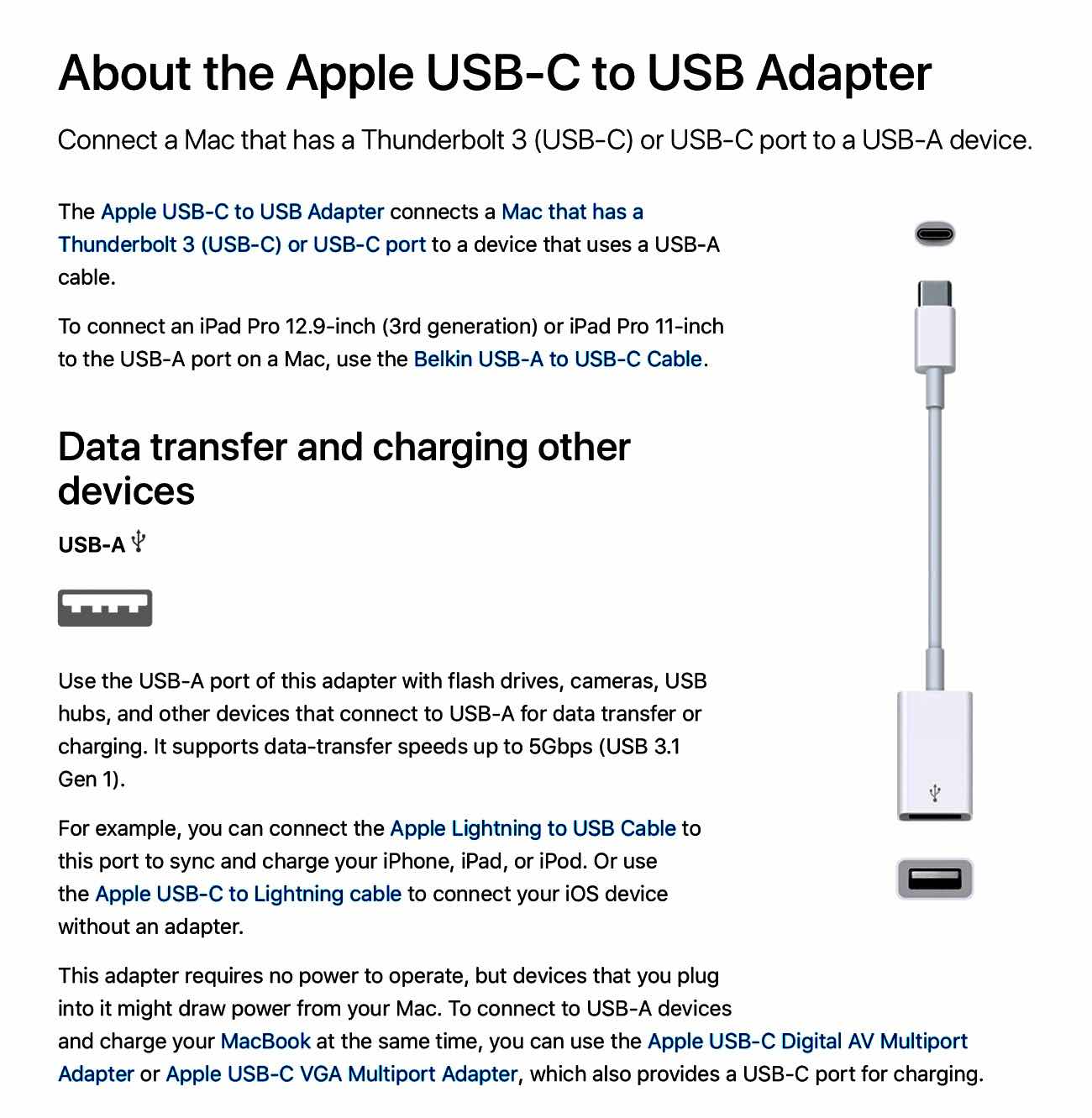
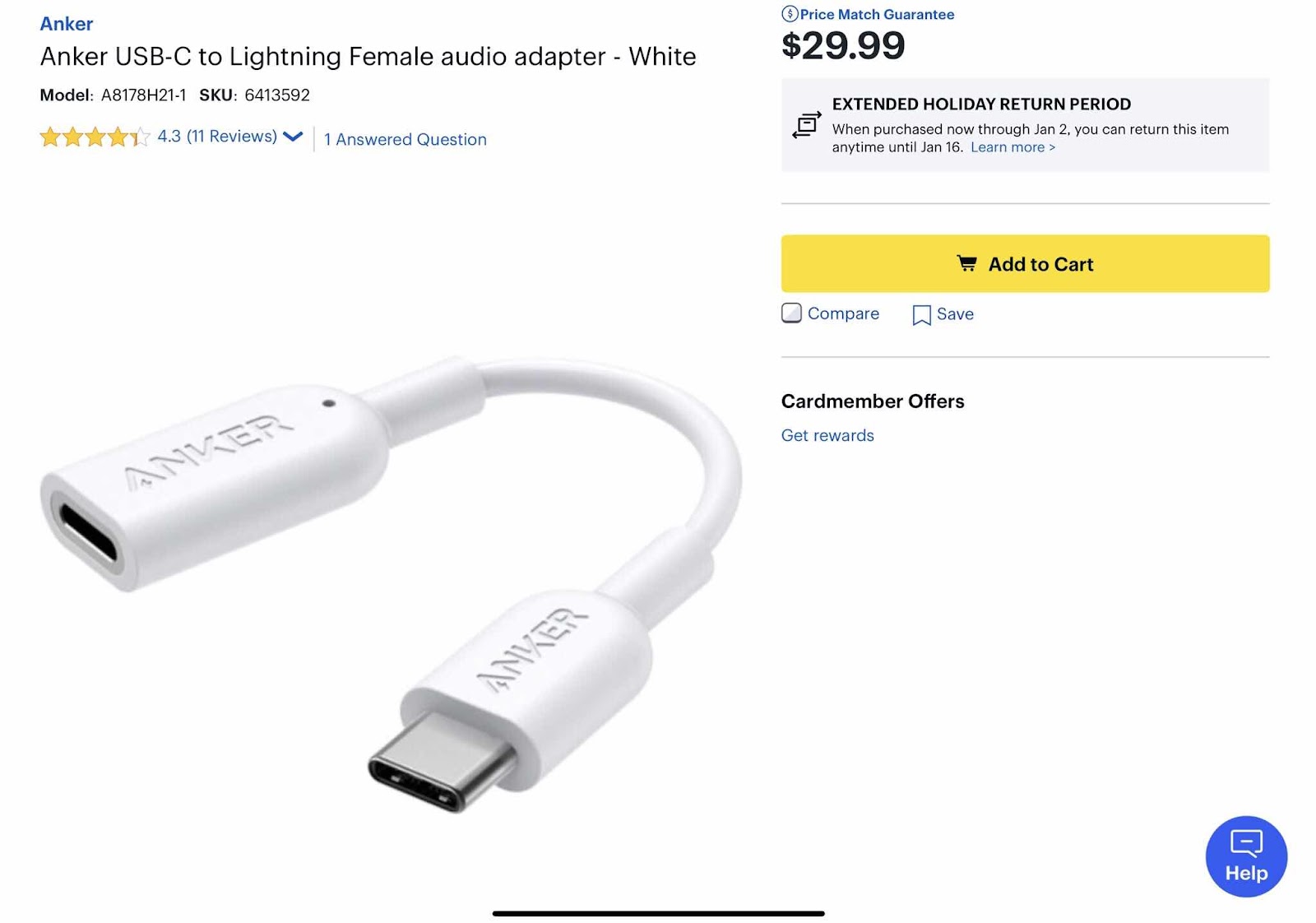
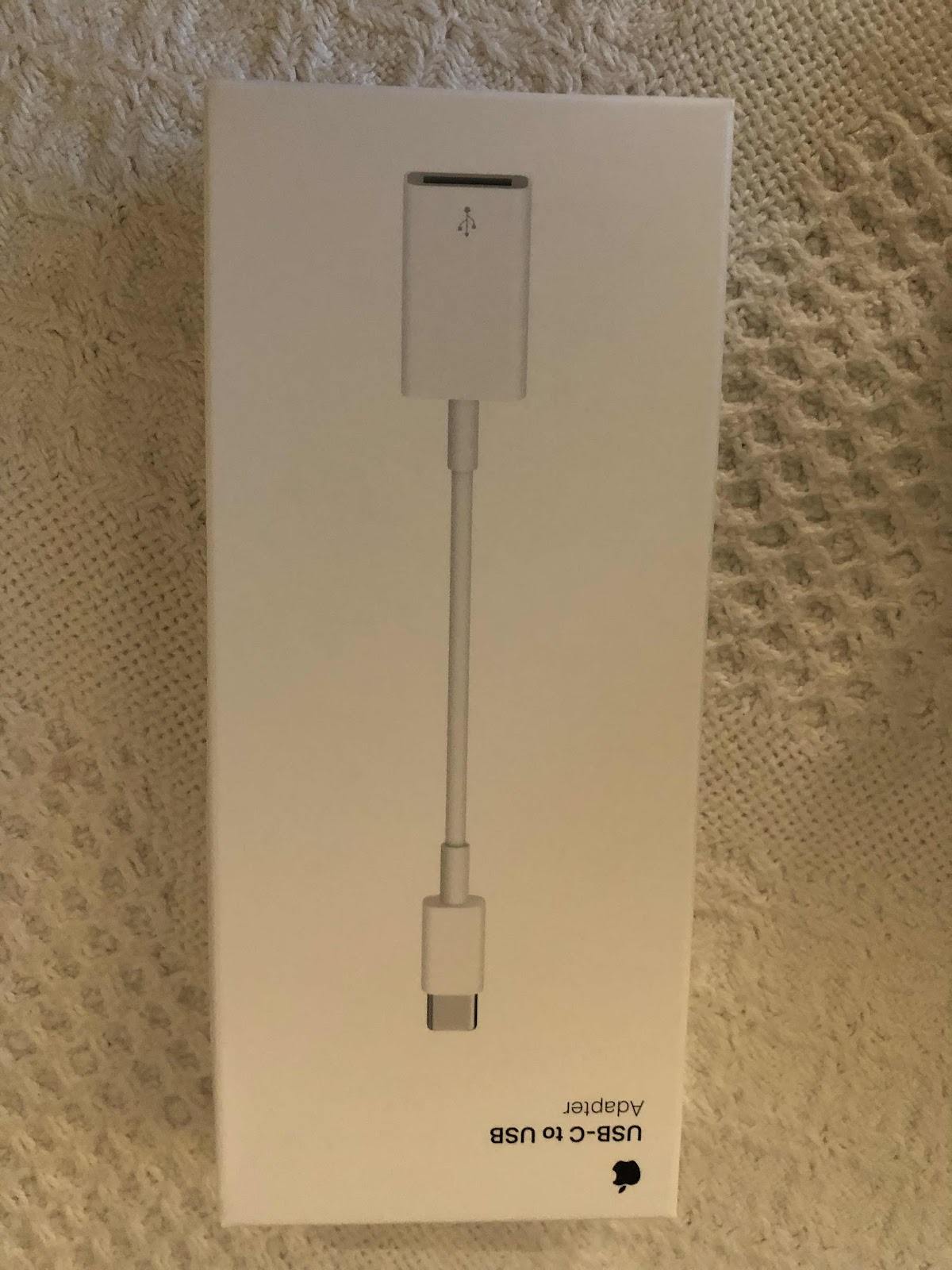
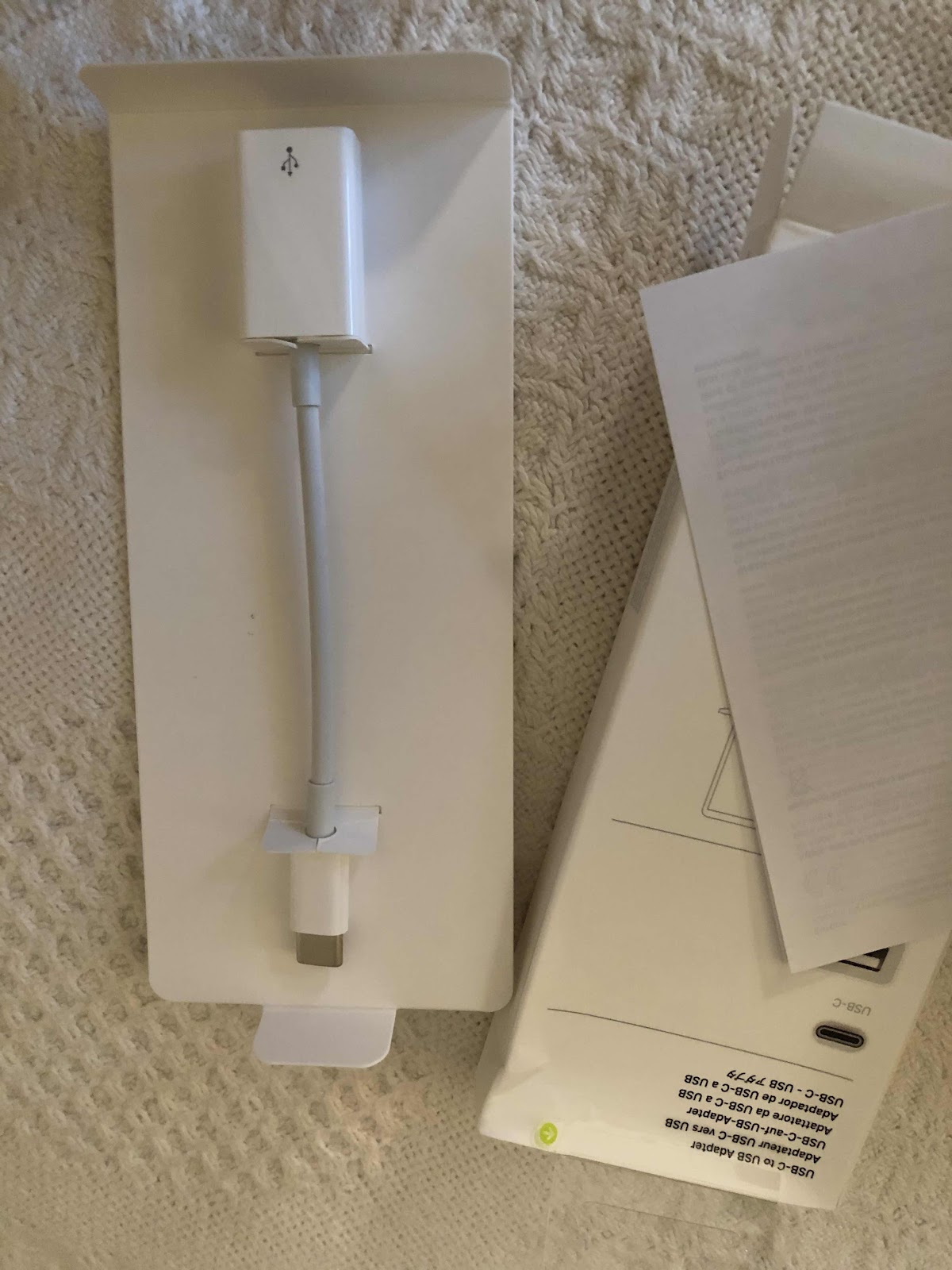
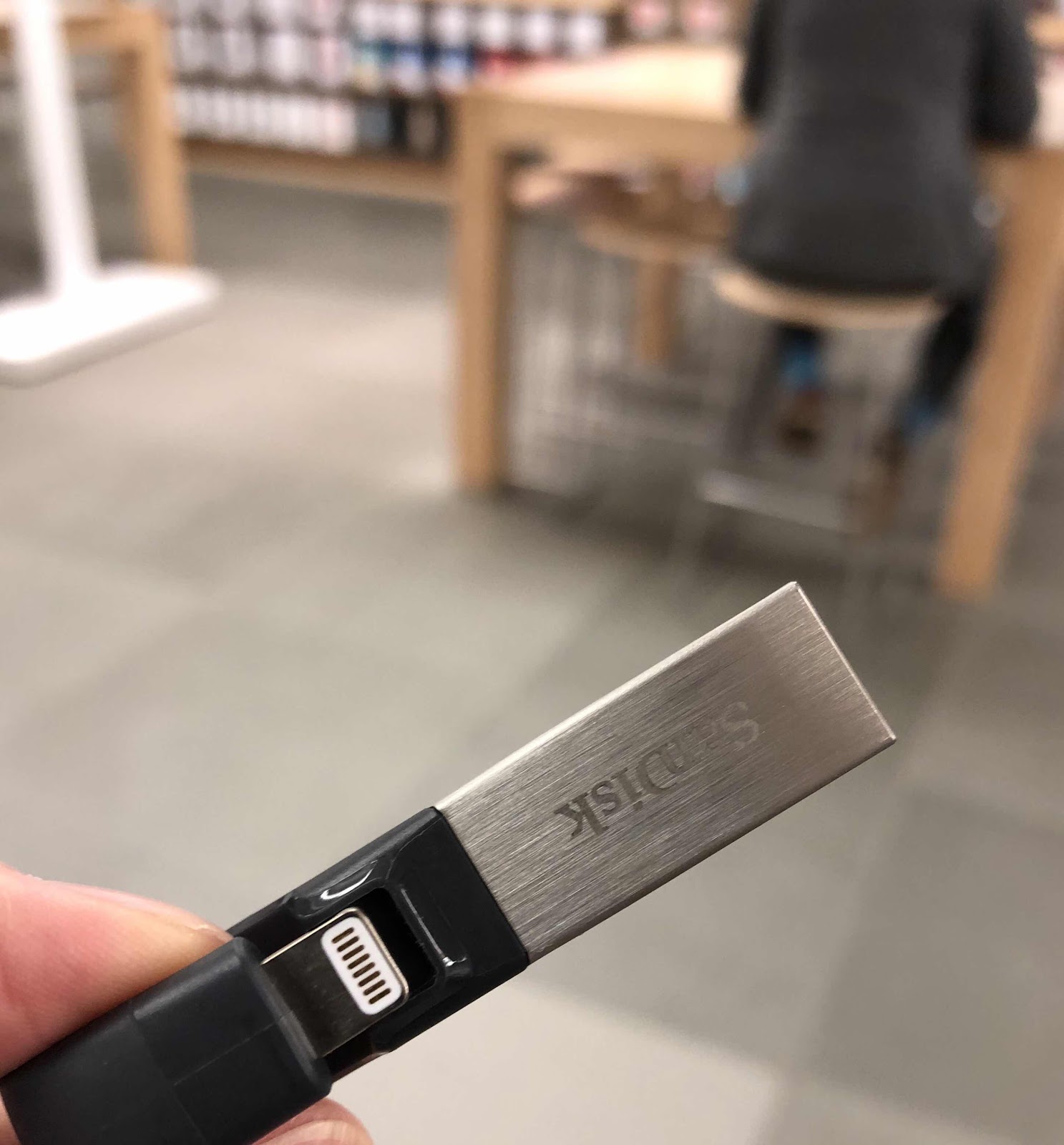
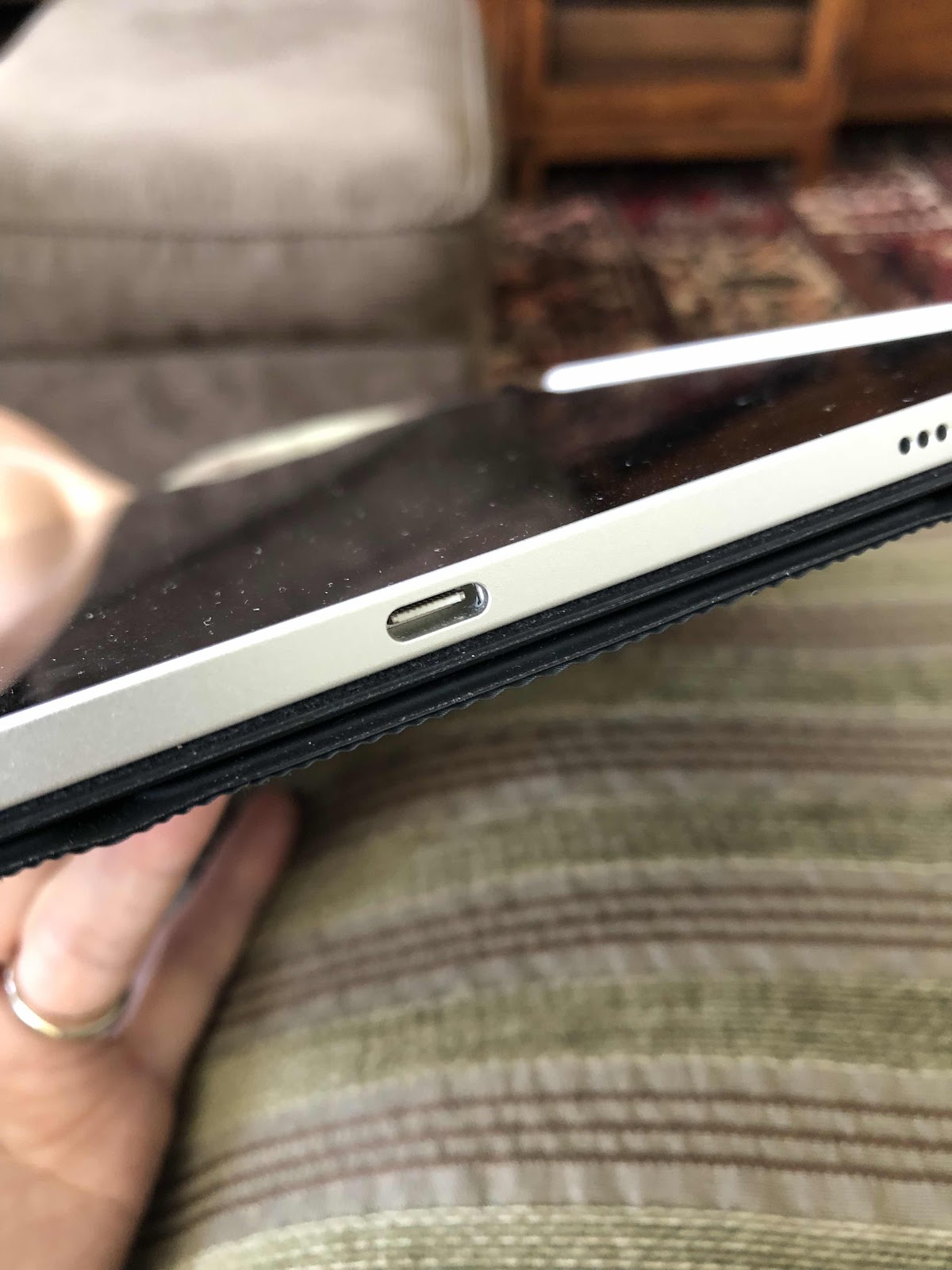
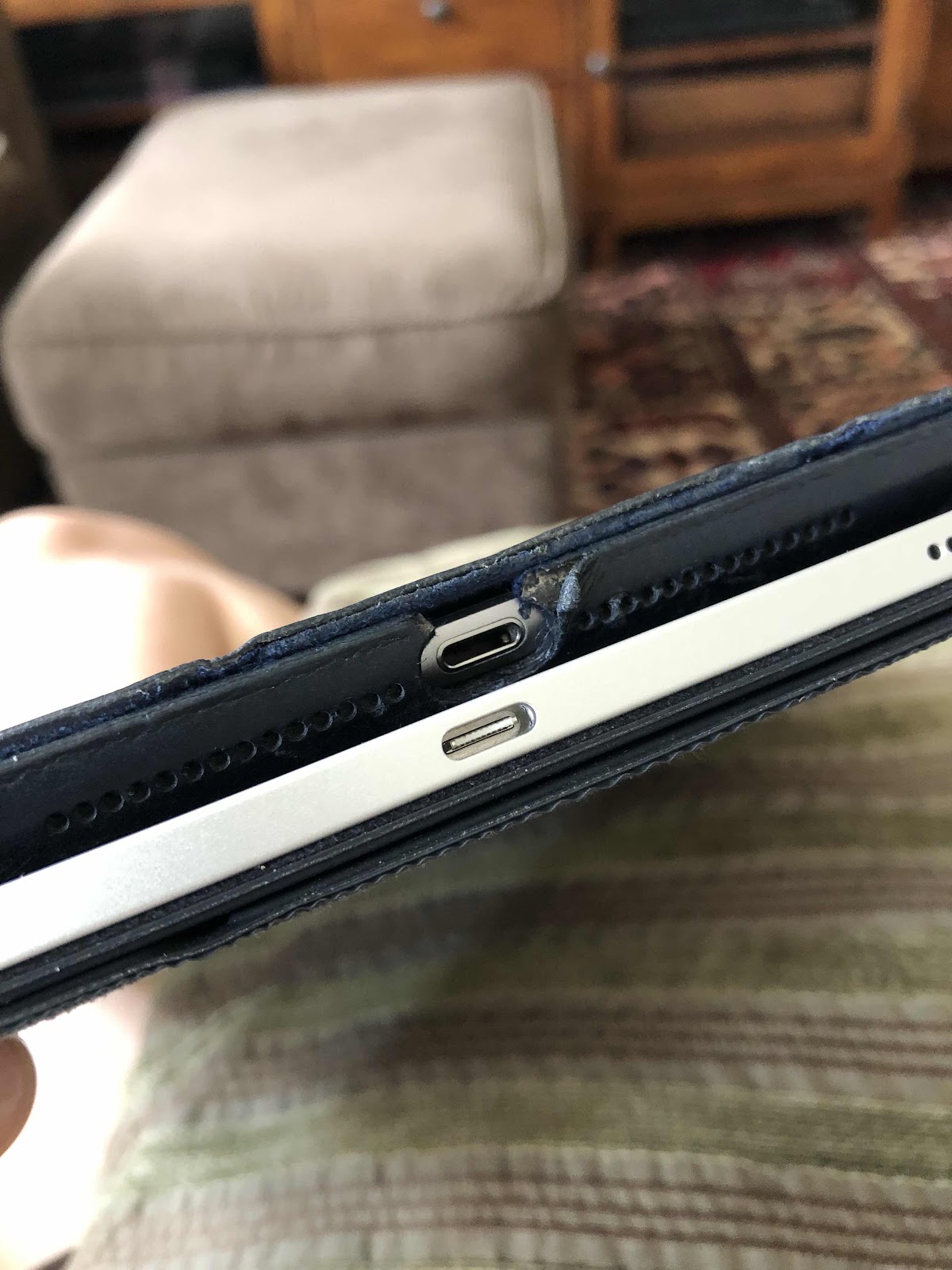
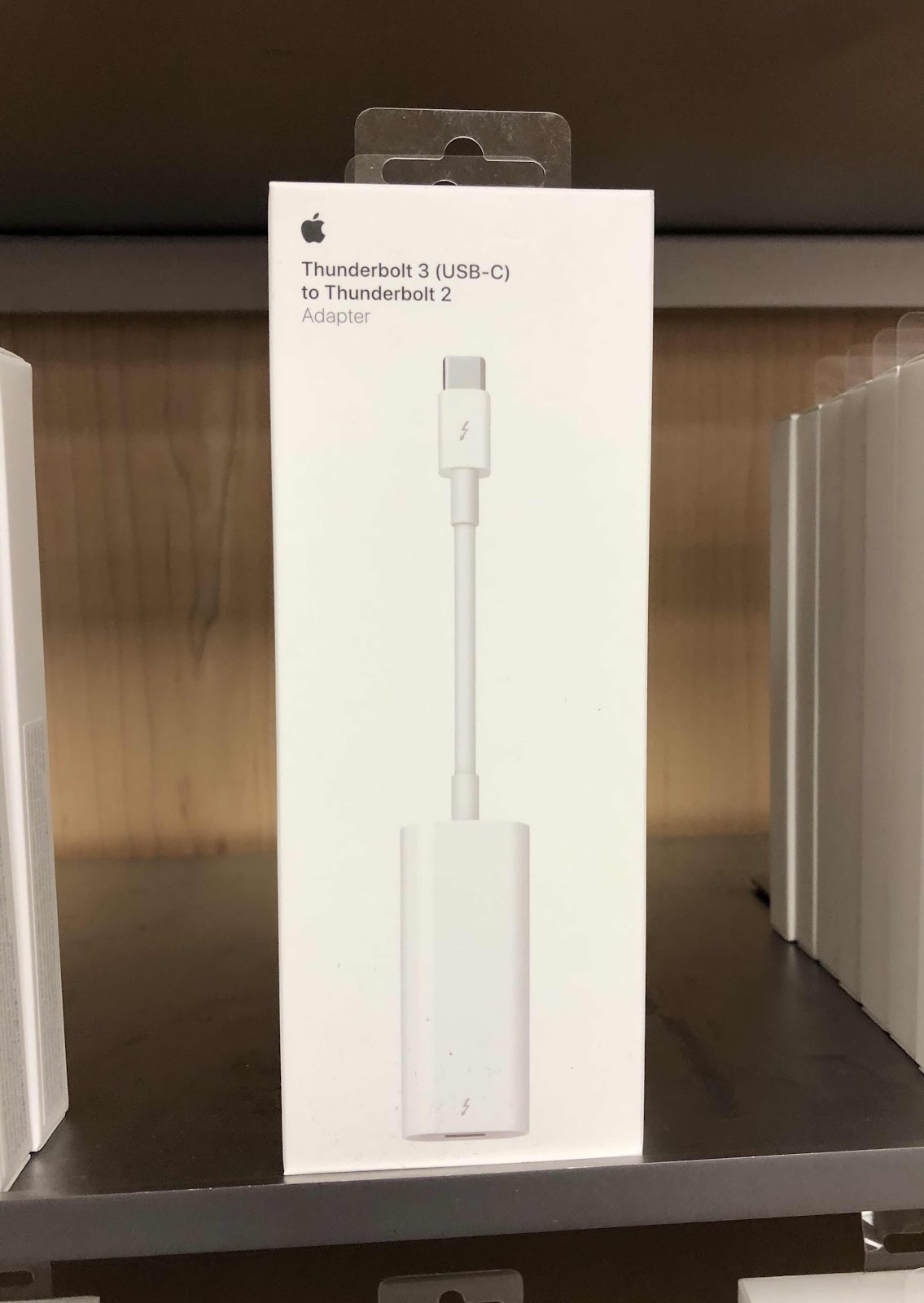
I got a SanDisk thumbdrive before we moved from Capitol Hill to northern Virginia to put as many photos and videos from a variety of sources in one place. It worked well on my old iPad using the lightning connection and the SanDisk app. When I got a new 12” ipadpro, the drive no longer worked because it’s not a lightning drive. I tried getting a connector for it at the Apple store a while back and they didn’t have such a thing. Because I wanted to access and use the photos on my iPad Pro, I figured there must finally be a solution. So I researched the topic and checked the Apple store again and found a USB-C to USB adapter. When it arrived I tried it and it didn’t connect to the SanDisk app. So I contacted Apple and they suggested I get a cable from Best Buy, but before I got it I emailed Best Buy to find out if the “audio” cable would help. They said no. So I then contacted SanDisk and they suggested I get another drive with a USB-C connector. That meant I would have to copy and paste everything on one drive to another using my laptop - something I wanted to avoid. I did that and the drive still didn’t connect to the SanDisk app. Never giving up I contacted Apple again. They set up a phone call with their “creative”department at a convenient time as the problem couldn’t be handled via chat. I allowed them remote access to my laptop and the resolution was right in front of my face, but I didn’t know it. I followed their remote blue arrow directing me to the files app. All I had to do was open the files app, found the thumbdrive, and there they were - all my photos - WITHOUT using the SanDisk app. I couldn’t however, access my videos this way, but can on my laptop and my husband’s older iPad. In the end I didn’t need to buy another drive, and copy and transfer all the photos because when I used the Apple connector with my original lightning SanDisk drive, the going to the file app, it worked. I’m just glad I finally figured it out with the help of an astute Apple support person - the third one. I’m sure they thought I was nuts because the solution was so simple. I use my ipadpro primarily for painting and didn’t realize it had a lot of laptop features like saving files. So I learned something new, but it took quite a while to get there. Now I have another thumbdrive to save more photos on. I suppose that’s not so bad.