Observations, pictures, and sketches highlight the transition of moving to the nations's Capitol after 30 years of living in the Midwest. A clash in cultures? Maybe not!
Showing posts with label Apple. Show all posts
Thursday, March 30, 2023
Need Antivirus Software on IPhone?
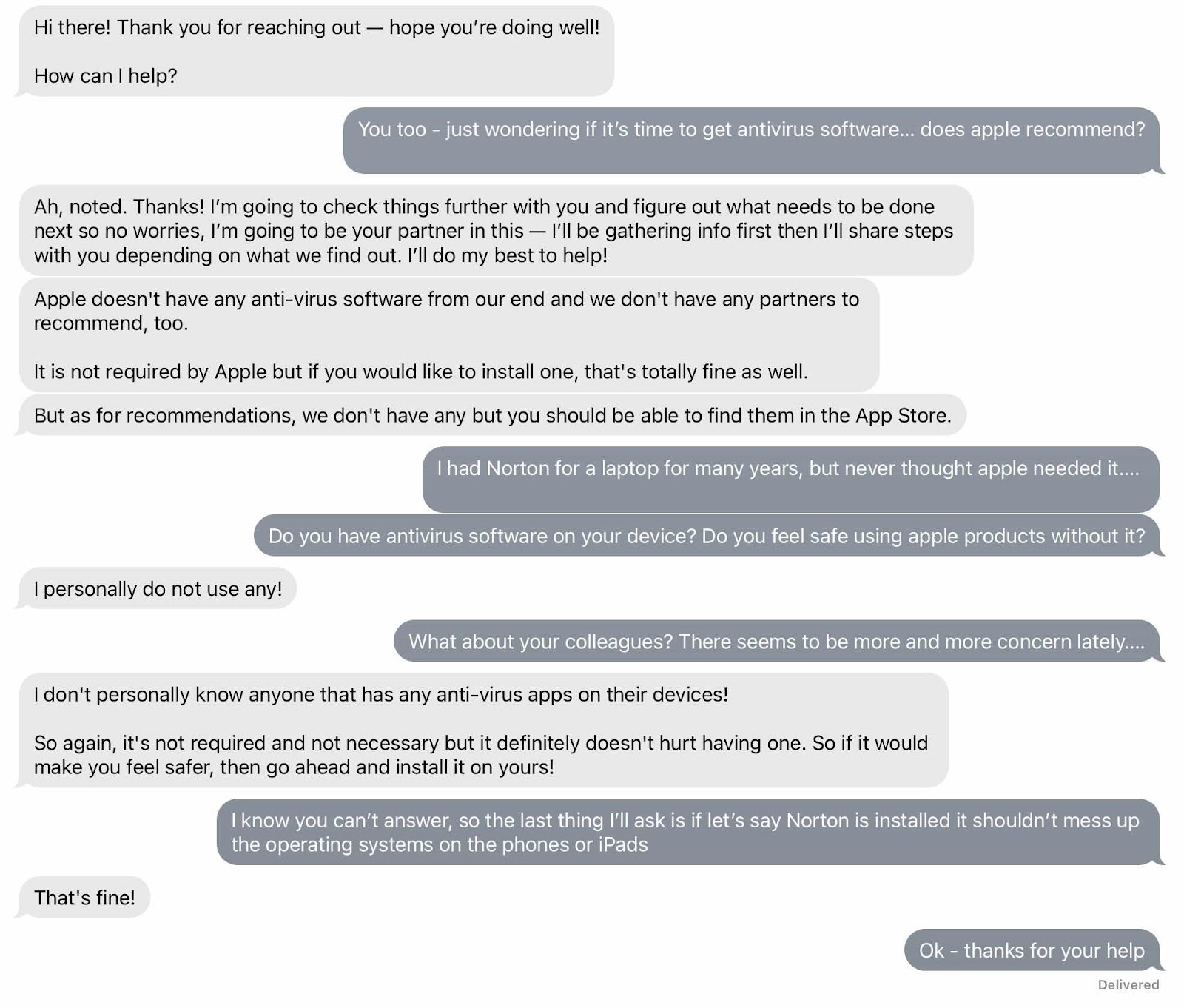
It used to be in the old days that antivirus software was required on laptops and such. It was necessary not only on work computers - which wasn’t my problem - but also at home, and that was my problem. Over the years I had a variety of laptops and Norton was the software of choice. I always kept one non apple laptop at home because I still needed it to do functions that an iPad couldn’t. Sometimes a completed digitalart art work needed to be sent via laptop to a customer. I also have to upload images to Amazon Merch via laptop because they are not friendly to mobile apple products. But when my last laptop died I didn’t replace it. My iPad Pro does most everything now, but I still can’t upload images to my Amazon Merch shop. But lately there have been more and more questions about antivirus software - even if you have an apple product. So I started a chat discussion with apple just to get a read on the state of things. The general answer was you don’t need an antiviral software on apple products, but if it makes you feel better it wouldn’t do any harm. And they certainly don’t have their own product and definitely wouldn’t recommend any one in particular. I asked if they or any of their colleagues had it on their devices and they said no. I suppose if you continue to update to the latest operating system and keep everything else up to date things should be okay. One of my friends was going to ask apple what they thought. I suppose we can compare notes. I still have a question in my mind but don’t feel like dealing with it right now.


Tuesday, January 24, 2023
Apple IOS Updates
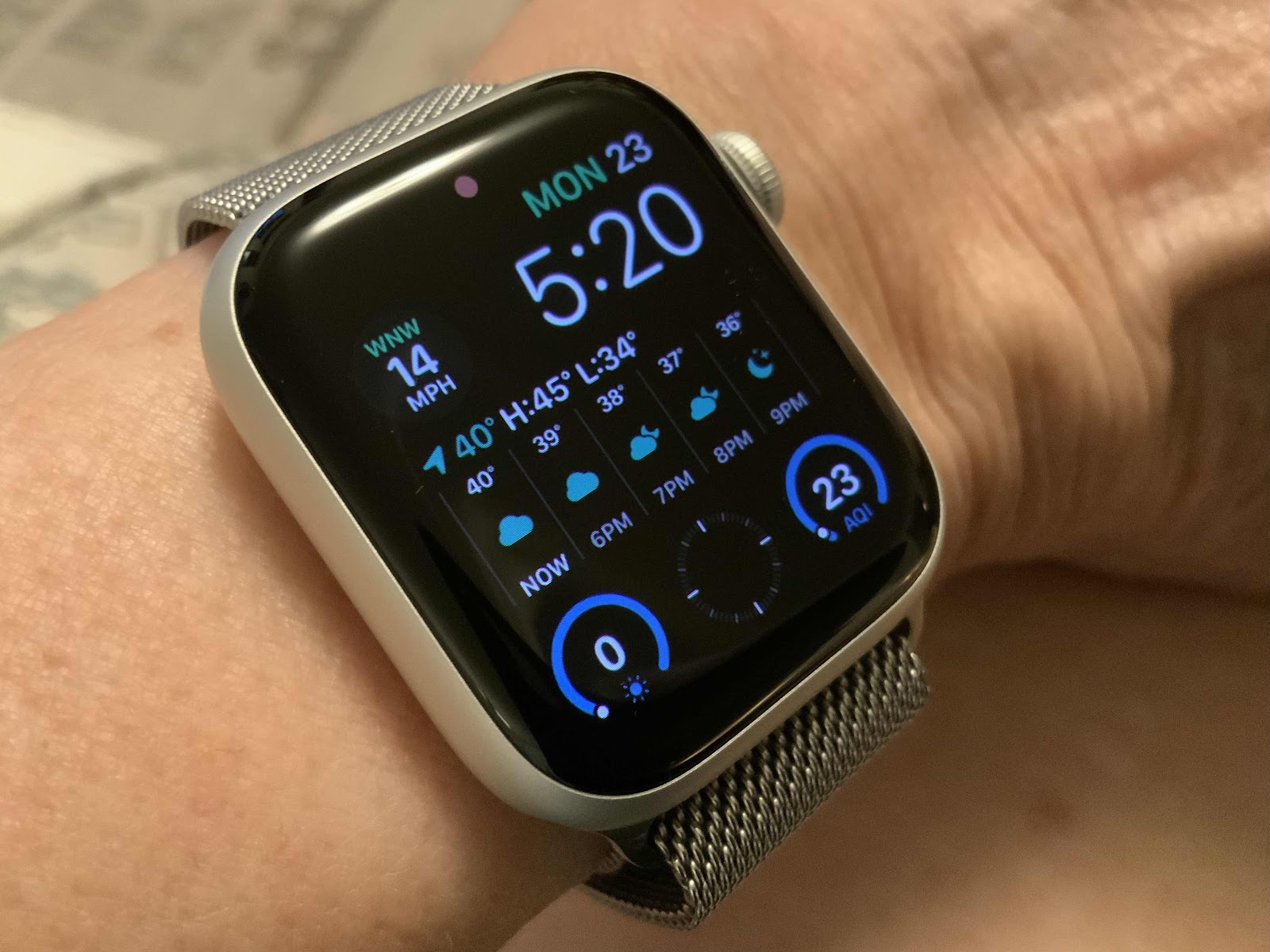
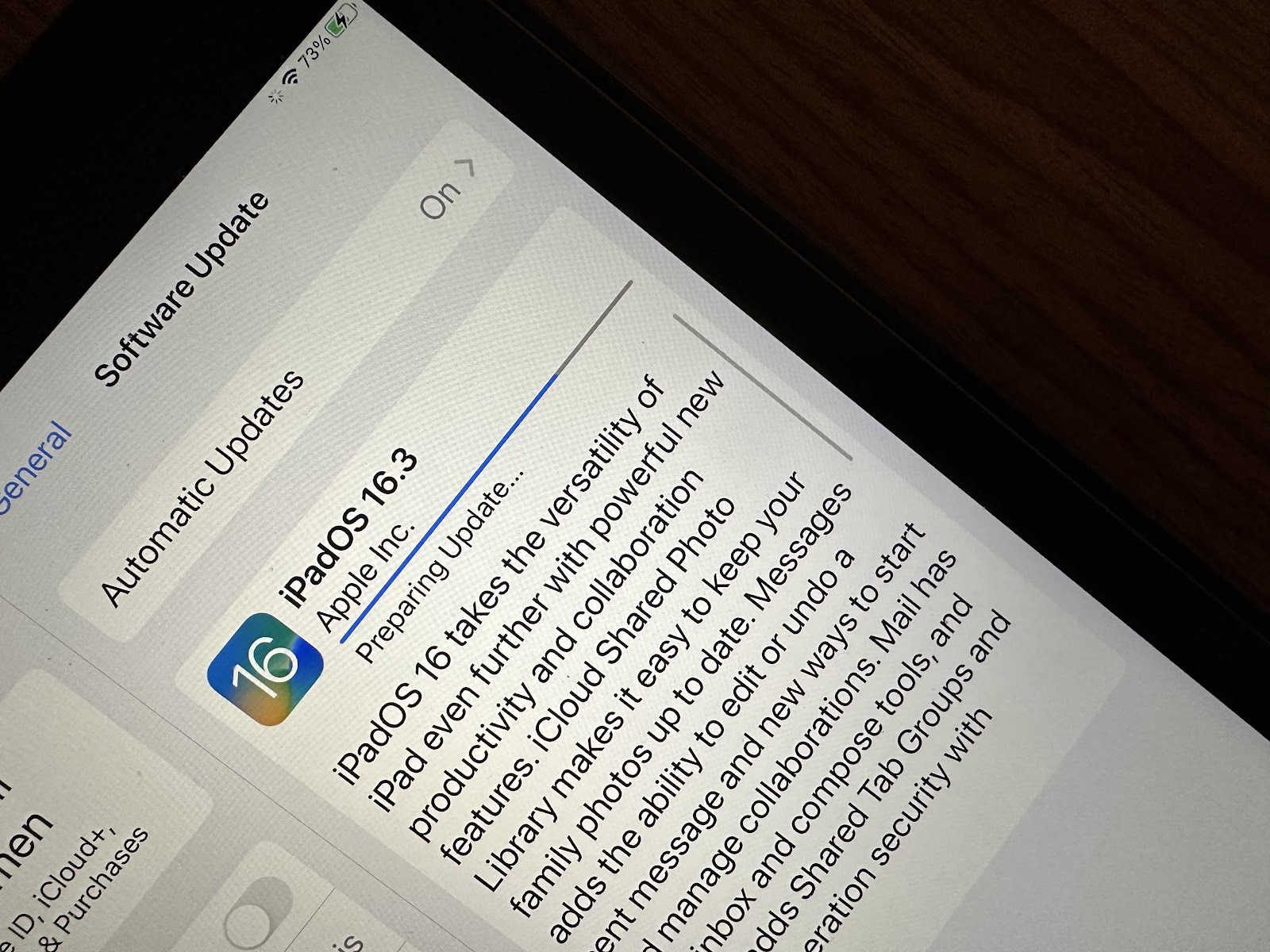
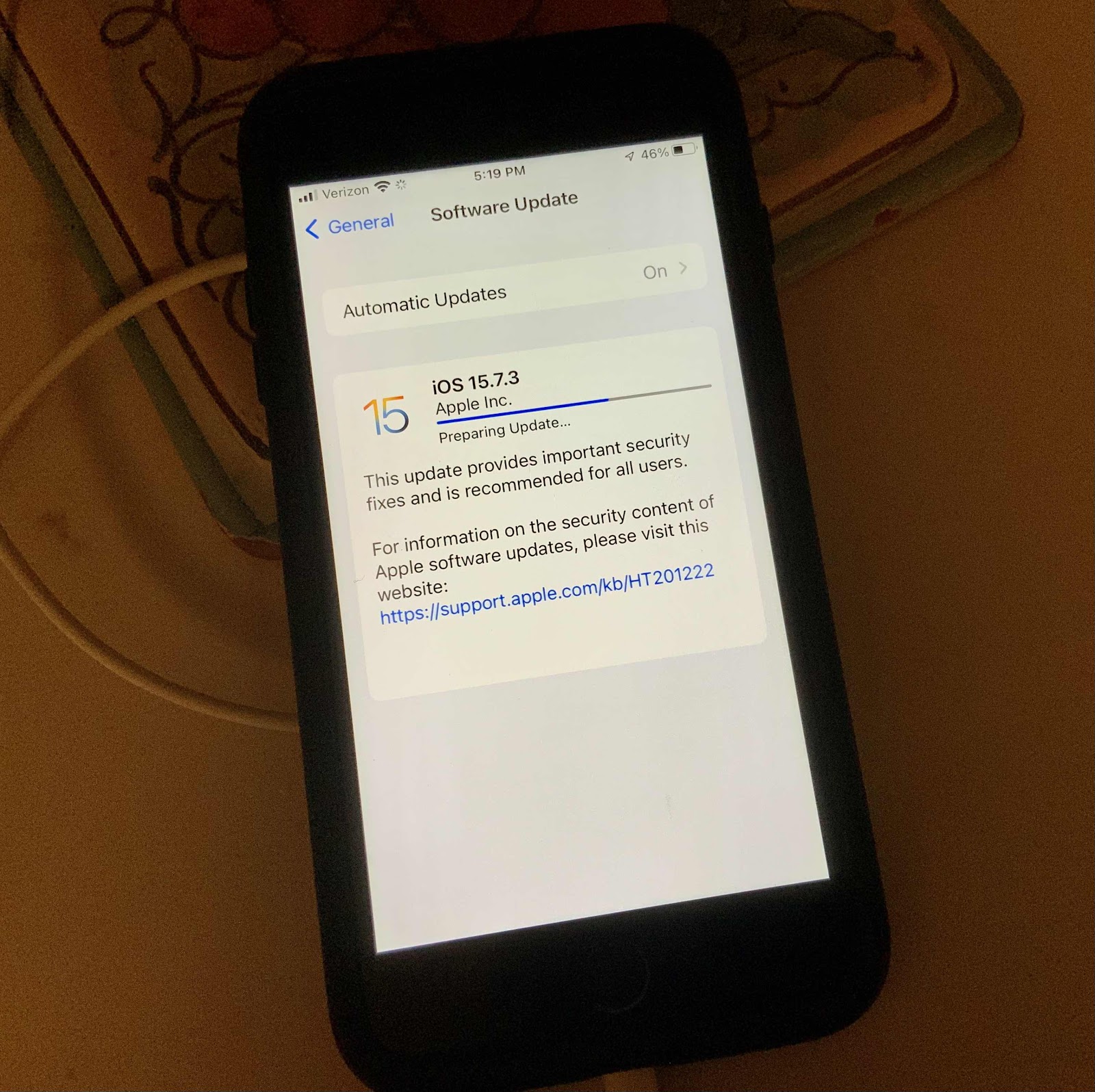
It’s so nice having digital devices. They do make life a lot easier most of the time. Since I am the technical person in our house, it can sometimes get overwhelming. I’m not really a technical person. I just happened to use a lot of technical equipment both as a nurse in the rudimentary stages of ICU sand cardiac cat lab gadgets, but later on as a nursing administrator, finance support person, and an infrastructure support person at the Library of Congress. We were one of the first - if not the first - hospitals to implement an automated documentation system and I was responsible for the project way back in 1988! It really helped to stay up to date on the latest technologies both in a clinical and an office setting. But there was always an IT support number you could call for help. Now that I’m retired and have no IT support number to call I need to update all of our gadgets when there is an IOS update, set up a new device, or trouble shoot whenever there is a problem. Plus I’ve learned to do digital art on my iPad - all on my own without help from anyone or training session. We no longer have a laptop which I used for some things I couldn’t do on an iPad. Unfortunately I can no longer update my Amazon Merch site without it. Amazon is not mobile device friendly. So yesterday when the newest apple IOS update was released, I had to update all of our Apple devices - my IPad, my husband’s iPad and phone, my phone and my last phone that my husband should be using but isn’t, and now my Apple Watch. It usually goes without a hitch but it can just be annoying. I’m just glad I can usually figure out what to do - with a lot of luck.


Friday, September 9, 2022
Preorder Apple IPhone 14 Pro Max
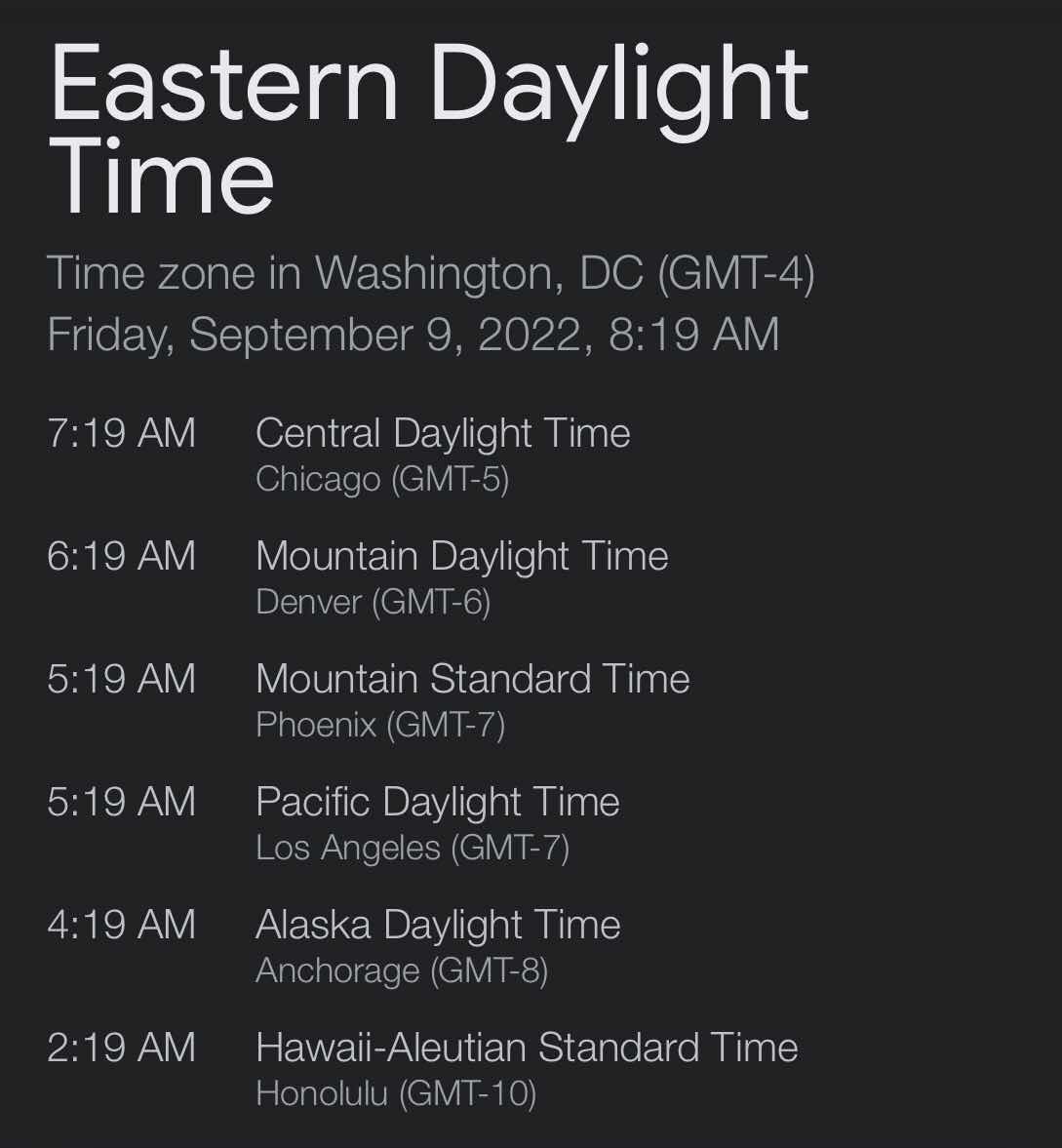
I am a big Apple fan. Ever since the iPad came out I was enthralled by the simplicity of its use. It was easy to switch from the other clunky phones out there to a simple Apple. This has been the longest time I have waited to update my phone. I have an 8Plus and use it for everything, but primarily as my camera for a weekly photo challenge. I was going to update it last year but decided to wait for the next generation camera updates. So I’ve been checking the internet for updates over the last several months and waited for the big reveal this week. I’m not so sure there is much of a difference from the 13 model, but it’s time. My husband always gets my phone when I move on. This is especially timely because his 6 Plus phone sometimes won’t charge and also loses the charge faster. So in the event of further deterioration we will have a back up. I also have never preordered anything from Apple. But this time I felt like doing it. So I used the Apple app on my phone and completed the preorder steps including the phone service switch from my old phone to the new. So my order was set to go. All I had to do was wait for the five AM Pacific time zone - eight AM eastern time zone to arrive - and press the button after deciding to pick up in store or have it delivered. The scheduled delivery is hopefully by the end of the month. So it was with a great deal of satisfaction that the transaction was completed this morning. Now I have to get a case to fit it. Bandolier is the product of choice. I’m really looking forward to the upgrade - for so many reasons.


Thursday, May 12, 2022
Apple Customer Support from Canada
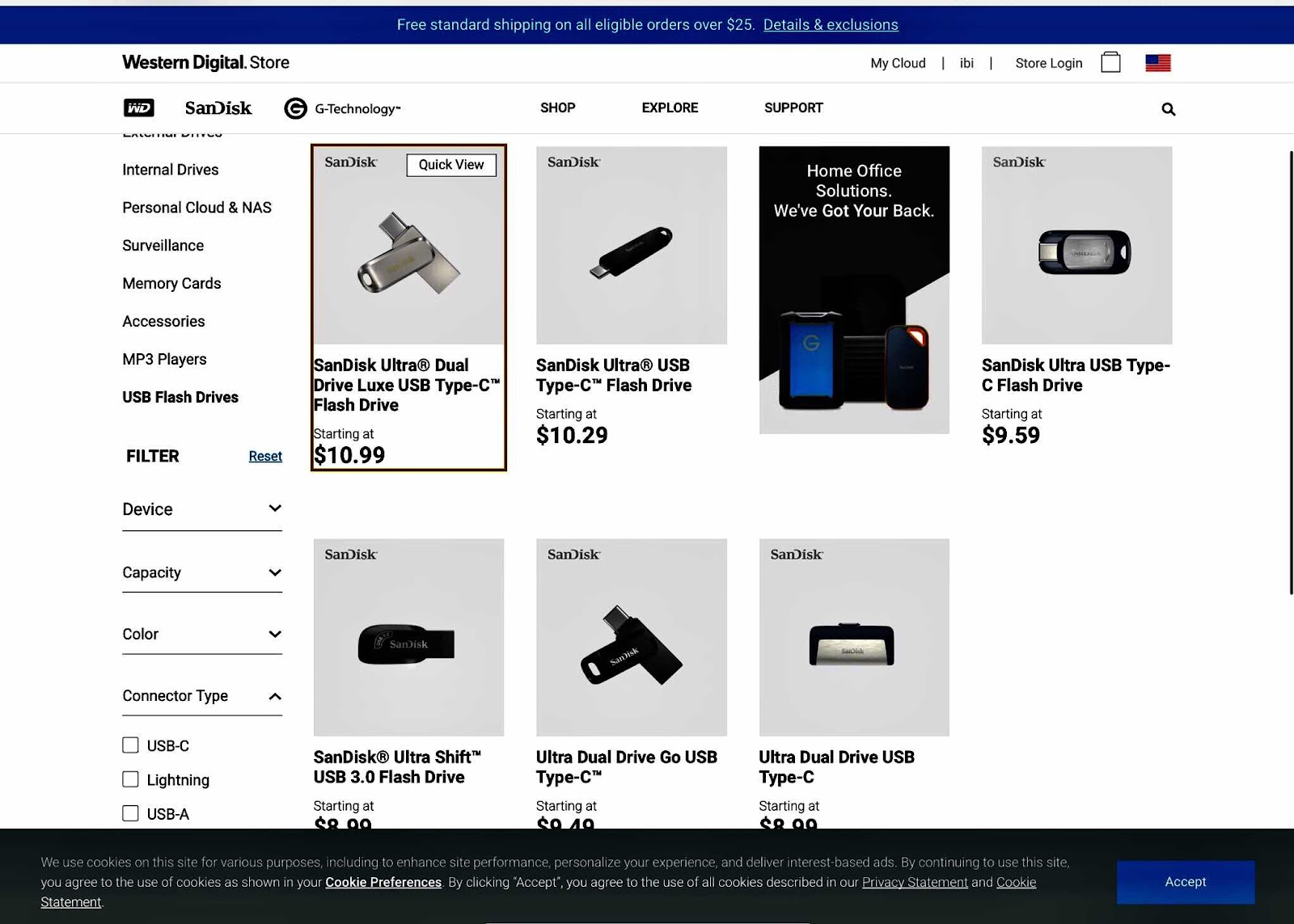
It’s the last thing you want to see on a Sunday morning - your Apple ID and phone number is now being used on a new iPad - that you didn’t do. That sort of thing sends shivers up my spine and I won’t rest until the issue is resolved. Given all the scams these days I am forever vigilant. So I changed the password right away but things got balled up after that. So after several attempts at fixing things I just got frustrated. So much so that I finally broke down and called Apple support before the whole day was wasted. I was connected to a very friendly chap from Canada. He was so pleasant and entertaining that it made the whole experience worthwhile. It turns out my error was so embarrassing! I can usually figure out the problem but just couldn’t. I was confusing the verification code with the passcode! While I had him on the phone I asked about why my photo stream all of a sudden stopped working. So we tried a few things and decided that I should probably turn iCloud photos on - especially since I’m already paying $10 a month for storage and had plenty of it. He also suggested a thumb drive which ironically I already had but just don’t use that much. Within the day everything was working well. I just need to review all 67,000 photos for duplicates and delete all the garbage. I take a lot of photos for this daily blog and for the weekly photo challenge - and personal use. So both of my issues were resolved - until the next time. I hope I get someone like him again on the next call.
Friday, May 7, 2021
JETech Protective IPad Case
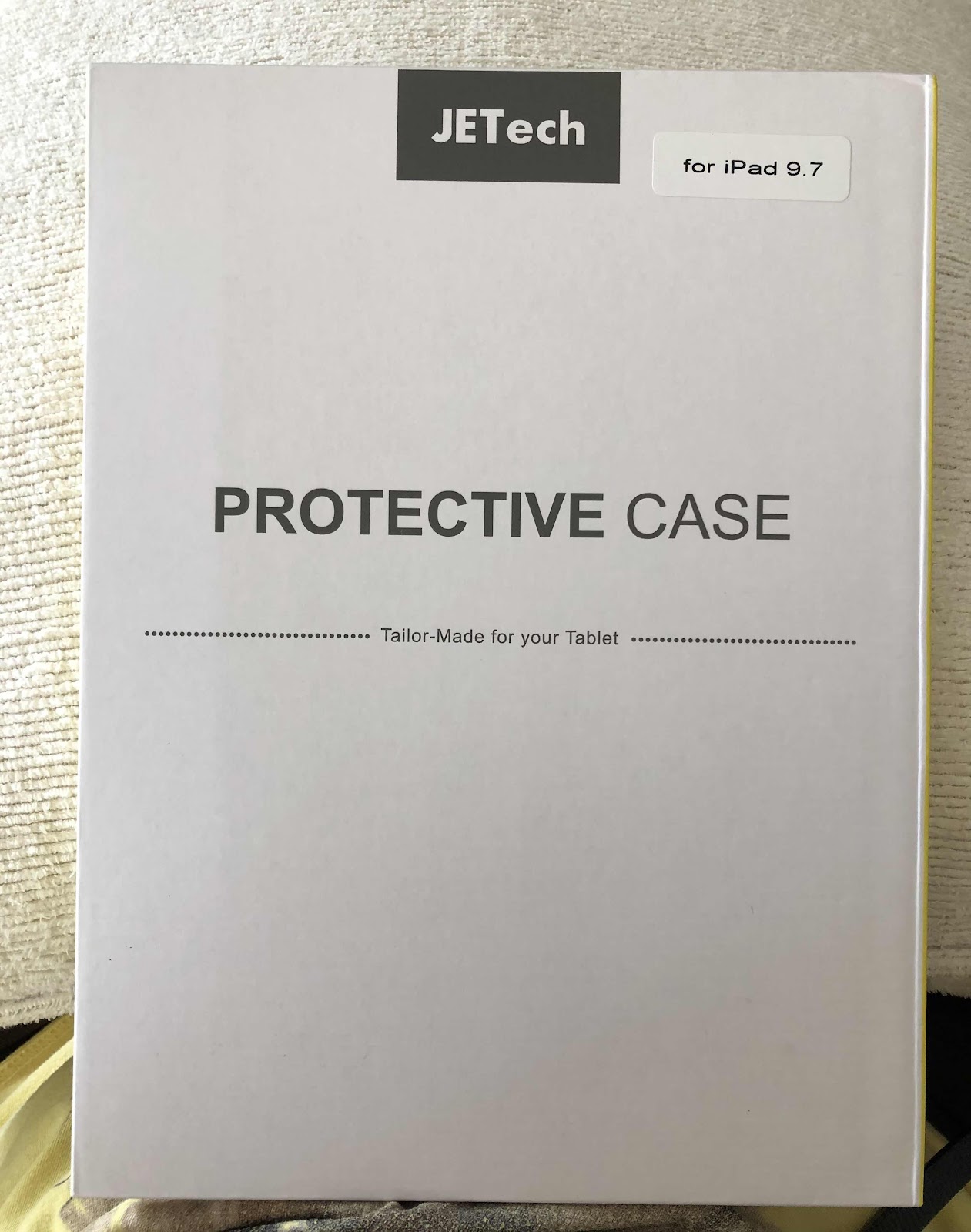
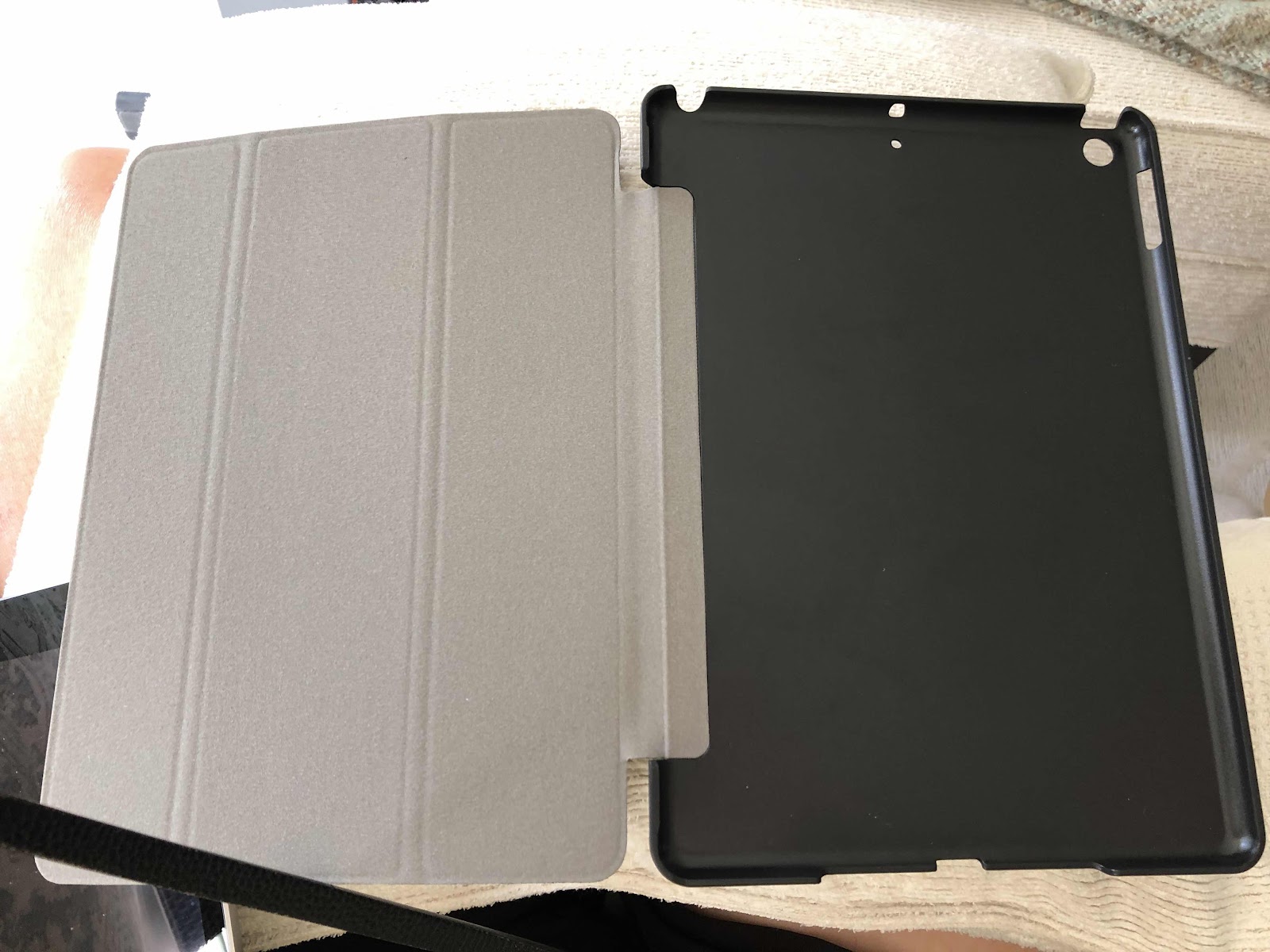
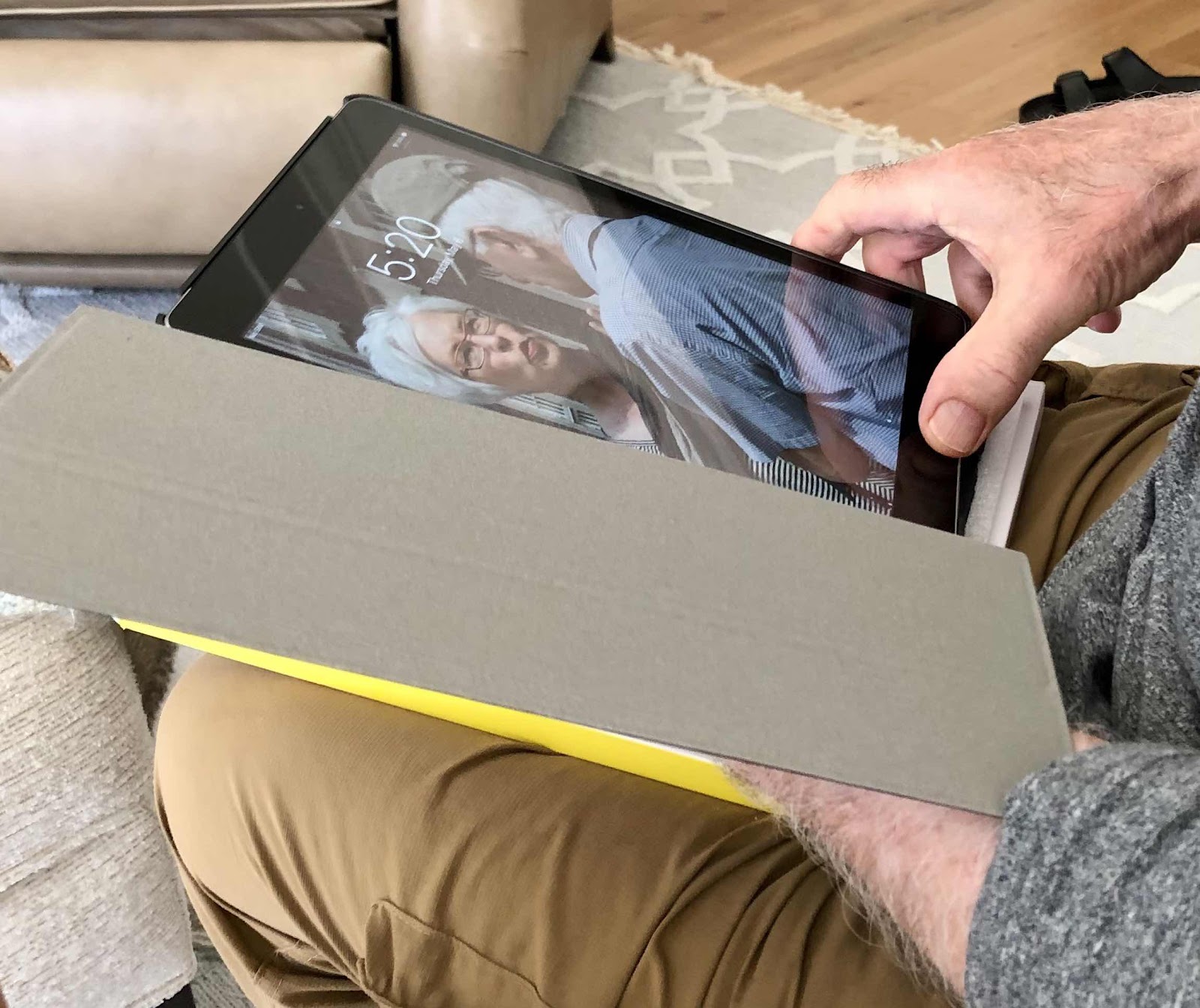
The iPad case was literally falling apart. And when my husband says he may need something, I know it is a desperate situation. He usually waits until things are falling apart - for the “unimportant” things. The iPad cover was torn and frayed and didn’t hardly hold the device in place anymore. So I got the information about it - it was an iPad fifth generation - and the model number, which is located on the back of it. Otherwise it’s hard to make sure you find the right size and I wasn’t sure because this device was a replacement for my mom’s that suddenly stopped working. So I checked the Apple store and couldn’t find anything that was compatible with a fifth generation device. One may have been okay but it was unavailable. And they usually run around $79. So I went to Amazon and searched for the specific type and model and found the JETeach brand. It had all the essentials and my husband would only use a black case. So I ordered it for $11.99? It arrived the next day and it hit all the right notes and my husband liked it. I can’t imagine that it will last very long for that price, but maybe it will surprise us. The nice thing is is that it covers the entire back and front - unlike the last one that only covered the front. I should know how important that is since I dropped my brand new iPad Pro on a stone floor and cracked the corner glass. Of course, it was the first time that happened and the first time I didn’t take out an extra warranty. Luckily it still works, but you never know when the glass may crack even more. Anyway, at least my husband’s iPad is well protected now. But we don’t go anywhere that might put it at risk. But at least we feel better about it.


Monday, October 26, 2020
SanDisk, Best Buy, Apple iPad Pro Compatibility Finally Solved
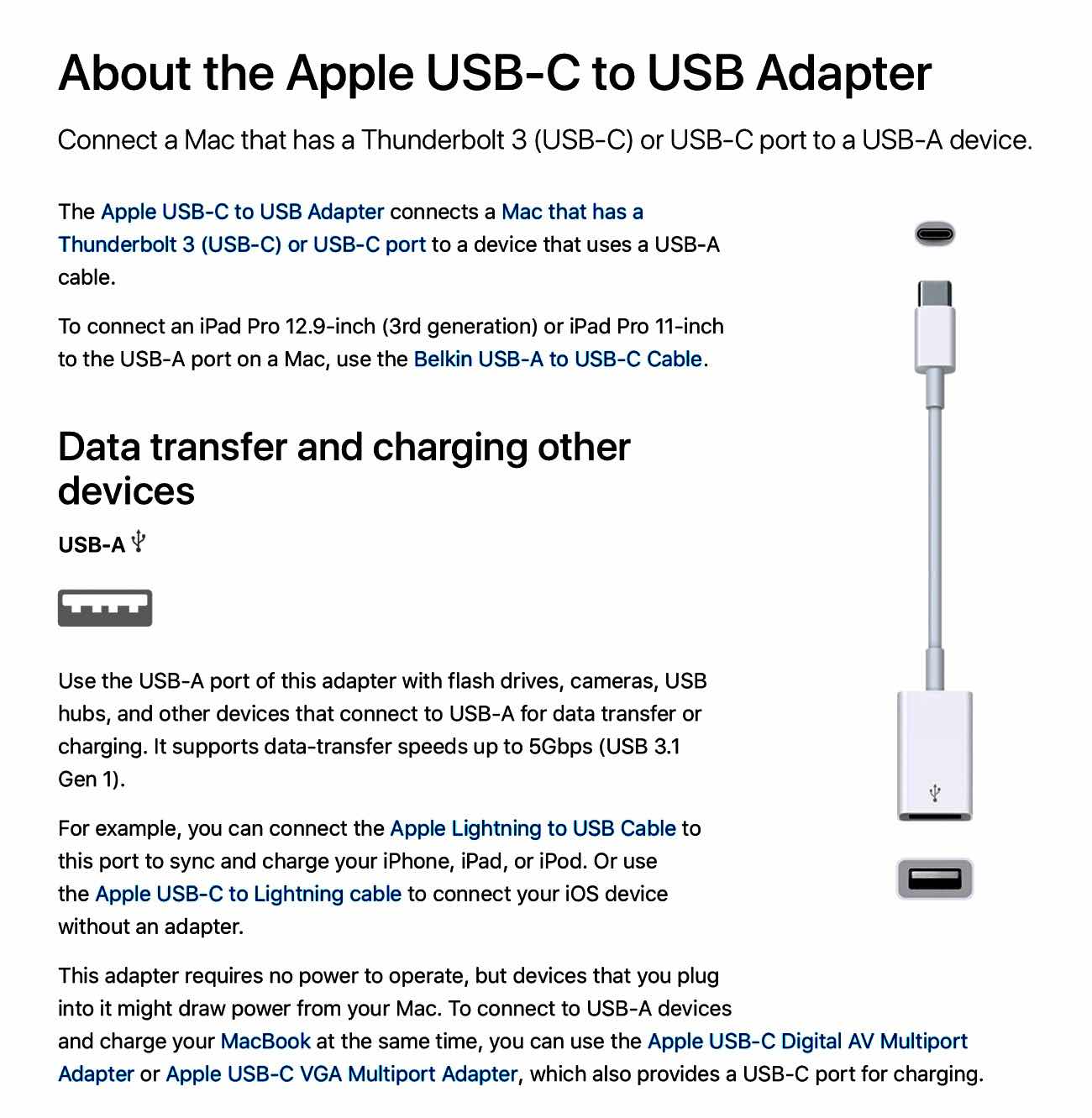
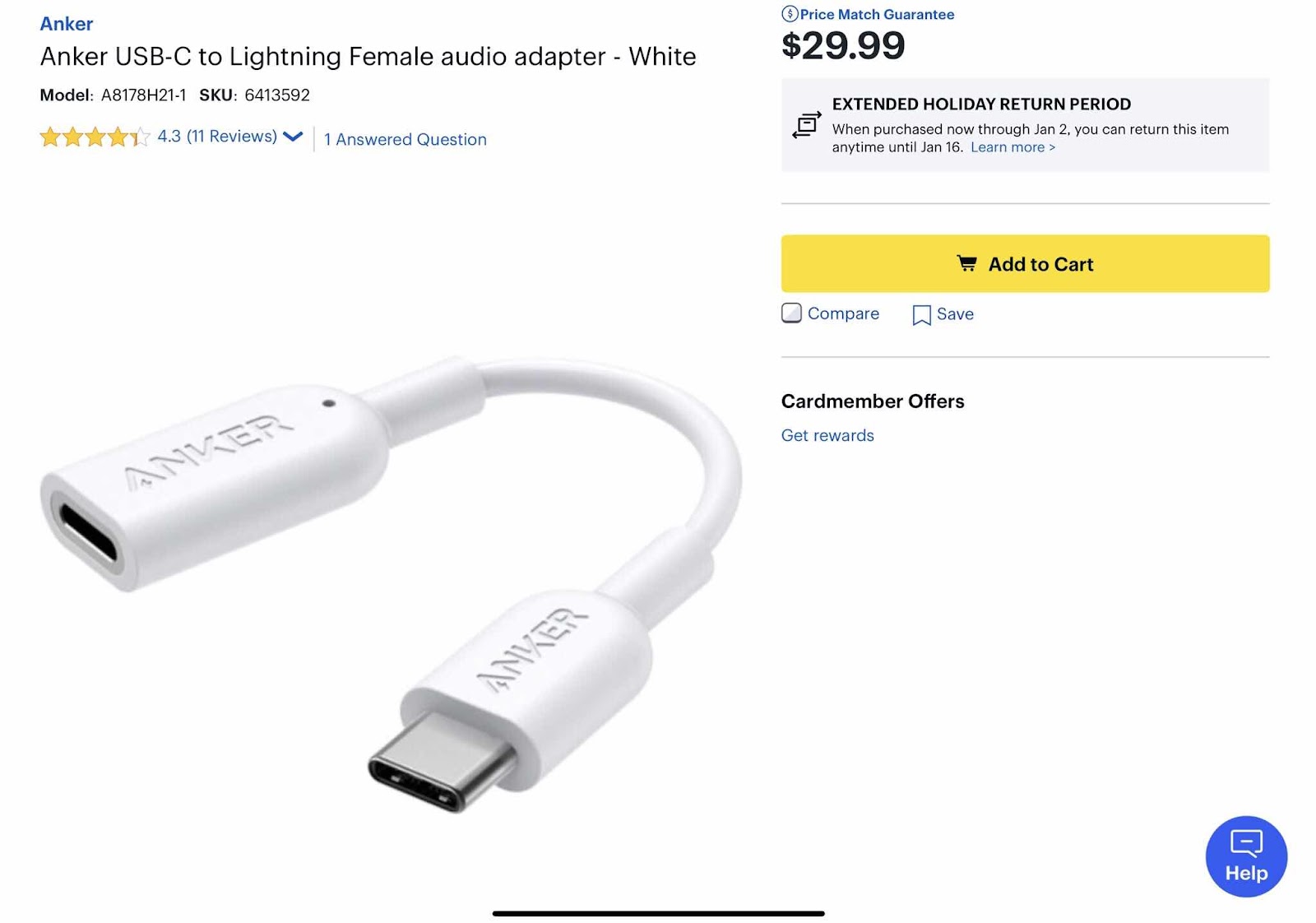
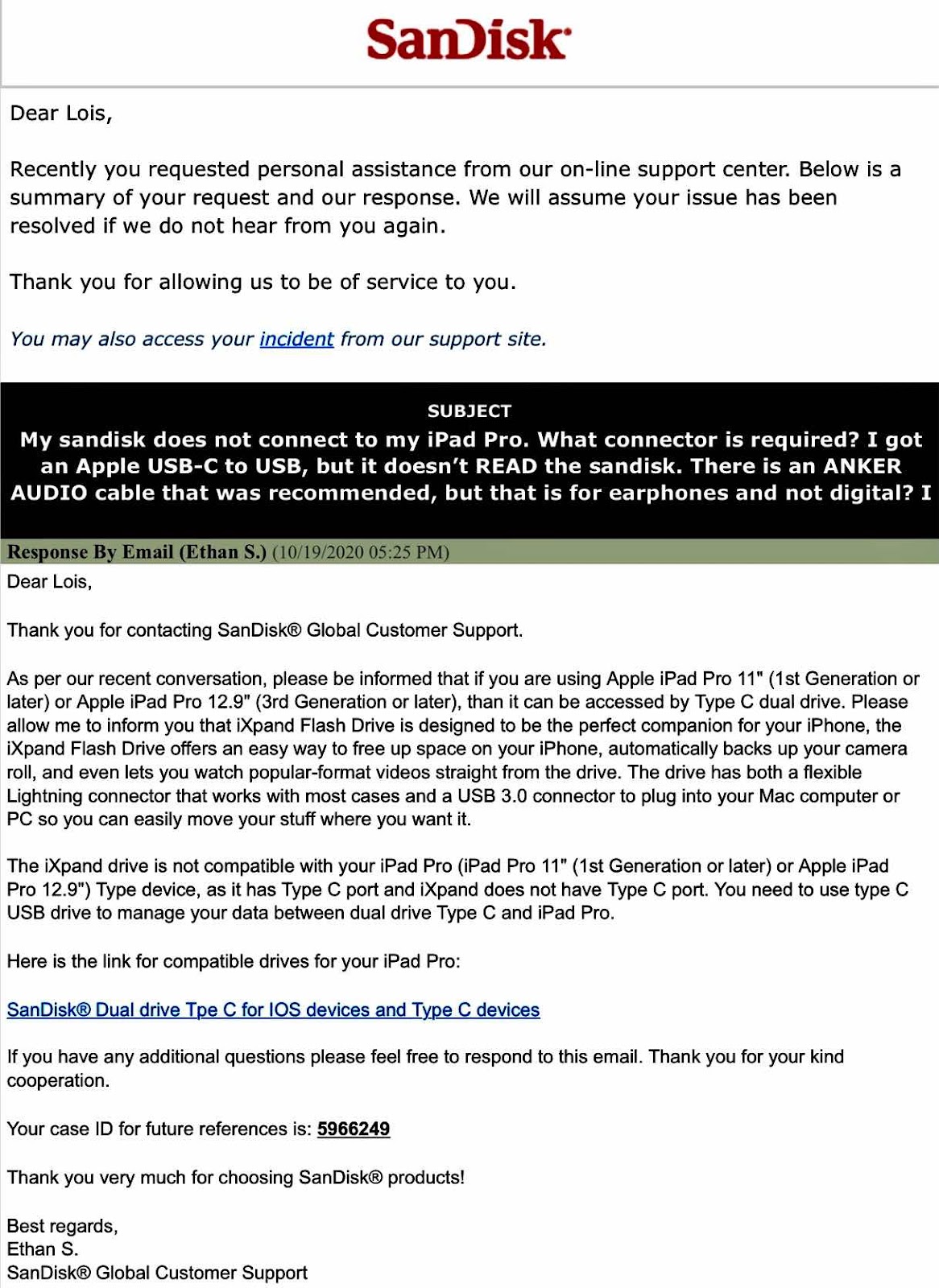
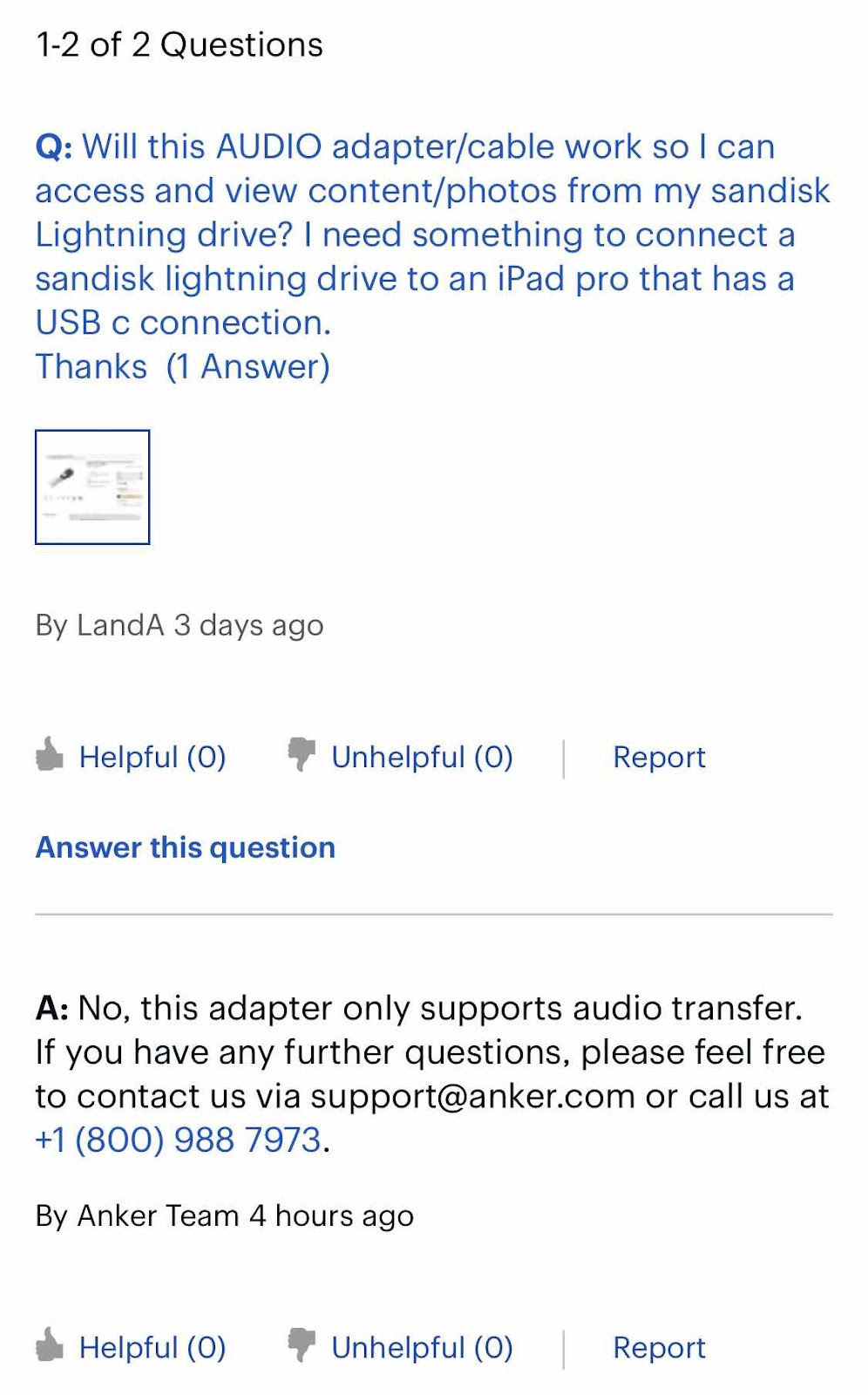
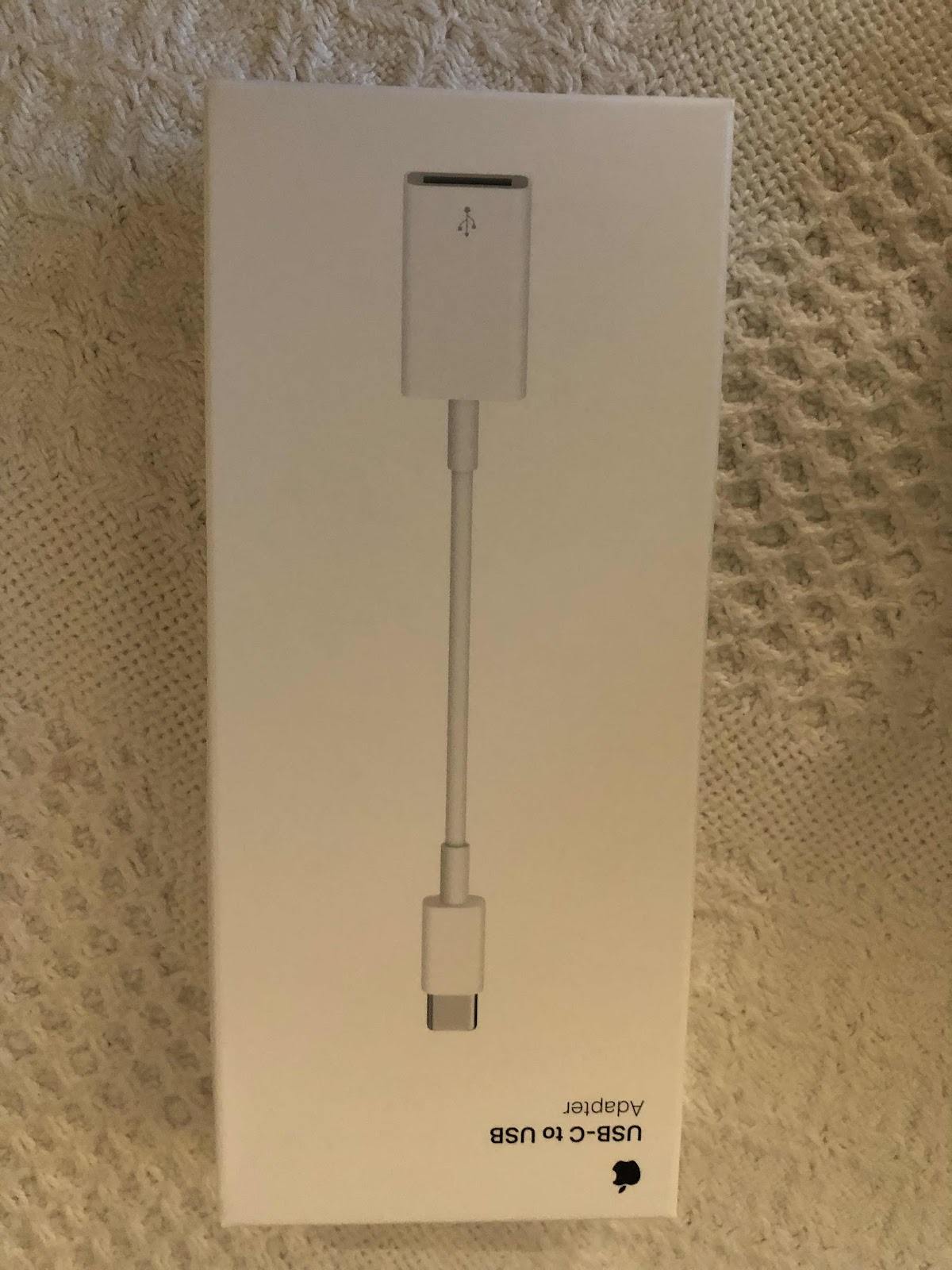
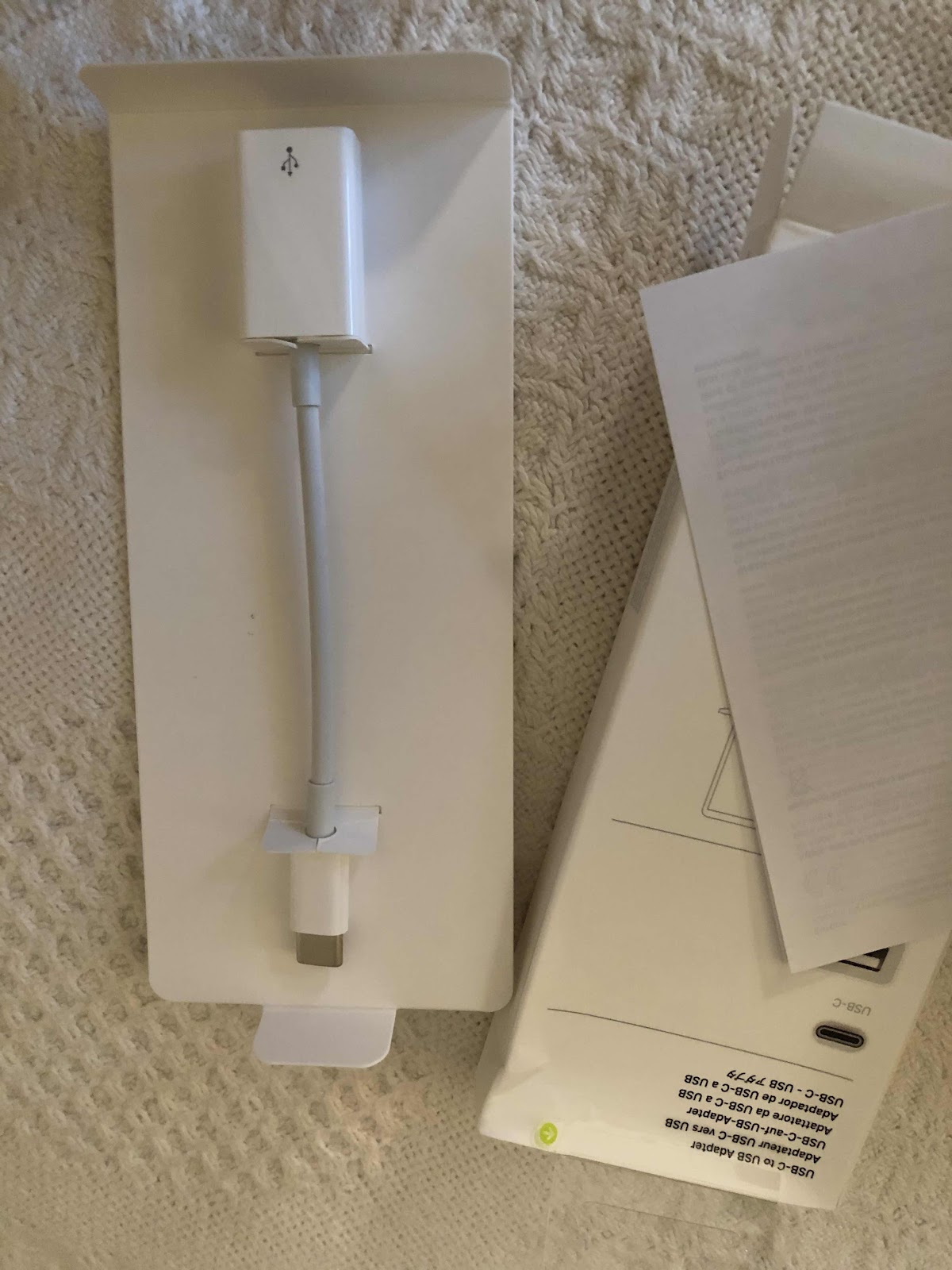
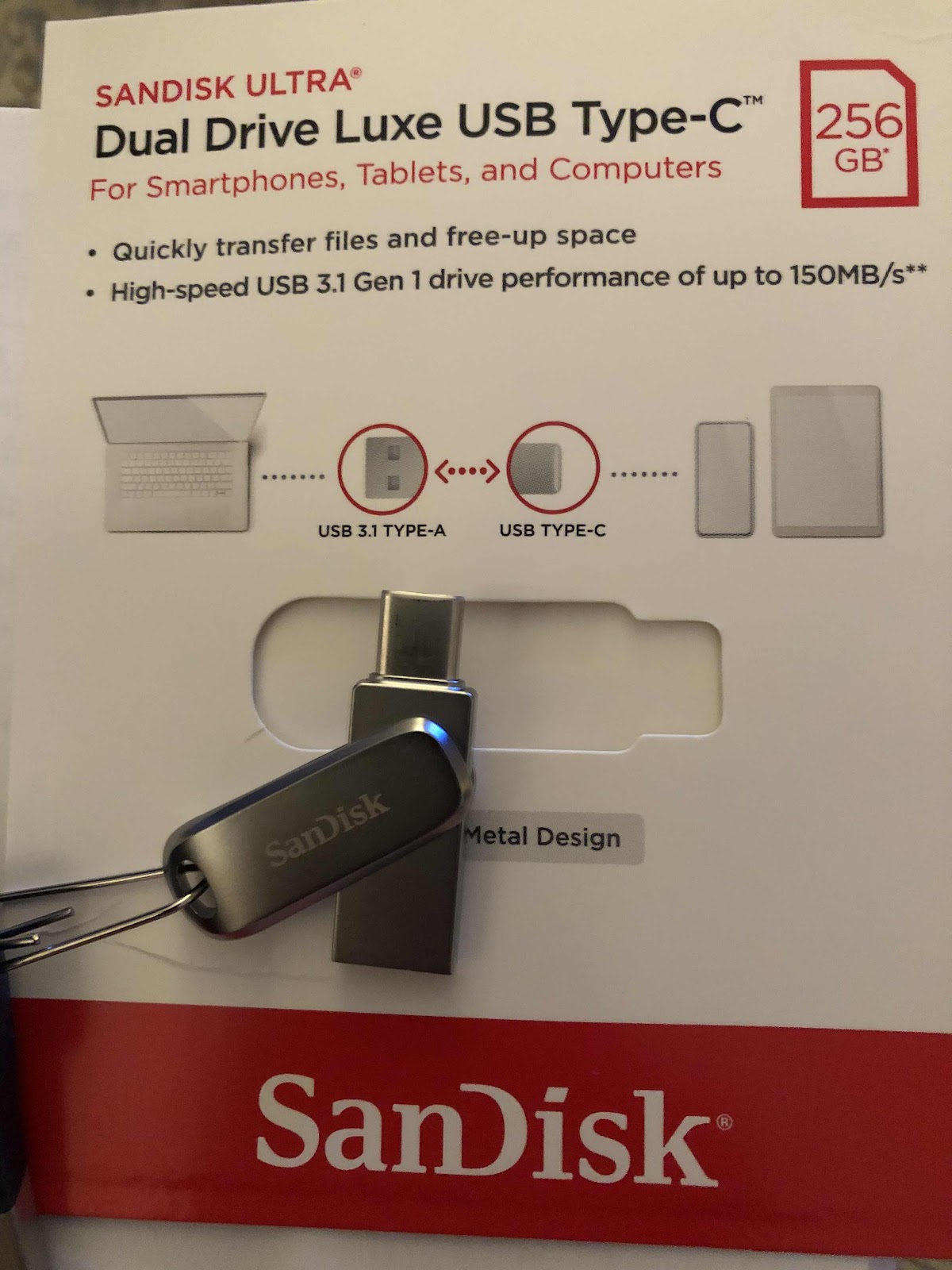
I got a SanDisk thumbdrive before we moved from Capitol Hill to northern Virginia to put as many photos and videos from a variety of sources in one place. It worked well on my old iPad using the lightning connection and the SanDisk app. When I got a new 12” ipadpro, the drive no longer worked because it’s not a lightning drive. I tried getting a connector for it at the Apple store a while back and they didn’t have such a thing. Because I wanted to access and use the photos on my iPad Pro, I figured there must finally be a solution. So I researched the topic and checked the Apple store again and found a USB-C to USB adapter. When it arrived I tried it and it didn’t connect to the SanDisk app. So I contacted Apple and they suggested I get a cable from Best Buy, but before I got it I emailed Best Buy to find out if the “audio” cable would help. They said no. So I then contacted SanDisk and they suggested I get another drive with a USB-C connector. That meant I would have to copy and paste everything on one drive to another using my laptop - something I wanted to avoid. I did that and the drive still didn’t connect to the SanDisk app. Never giving up I contacted Apple again. They set up a phone call with their “creative”department at a convenient time as the problem couldn’t be handled via chat. I allowed them remote access to my laptop and the resolution was right in front of my face, but I didn’t know it. I followed their remote blue arrow directing me to the files app. All I had to do was open the files app, found the thumbdrive, and there they were - all my photos - WITHOUT using the SanDisk app. I couldn’t however, access my videos this way, but can on my laptop and my husband’s older iPad. In the end I didn’t need to buy another drive, and copy and transfer all the photos because when I used the Apple connector with my original lightning SanDisk drive, the going to the file app, it worked. I’m just glad I finally figured it out with the help of an astute Apple support person - the third one. I’m sure they thought I was nuts because the solution was so simple. I use my ipadpro primarily for painting and didn’t realize it had a lot of laptop features like saving files. So I learned something new, but it took quite a while to get there. Now I have another thumbdrive to save more photos on. I suppose that’s not so bad.


Labels:
Apple,
Best Buy,
ipadpro,
photo access,
sandisk,
thumbdrive
Friday, May 8, 2020
Mom’s IPad Saga Finally Ends
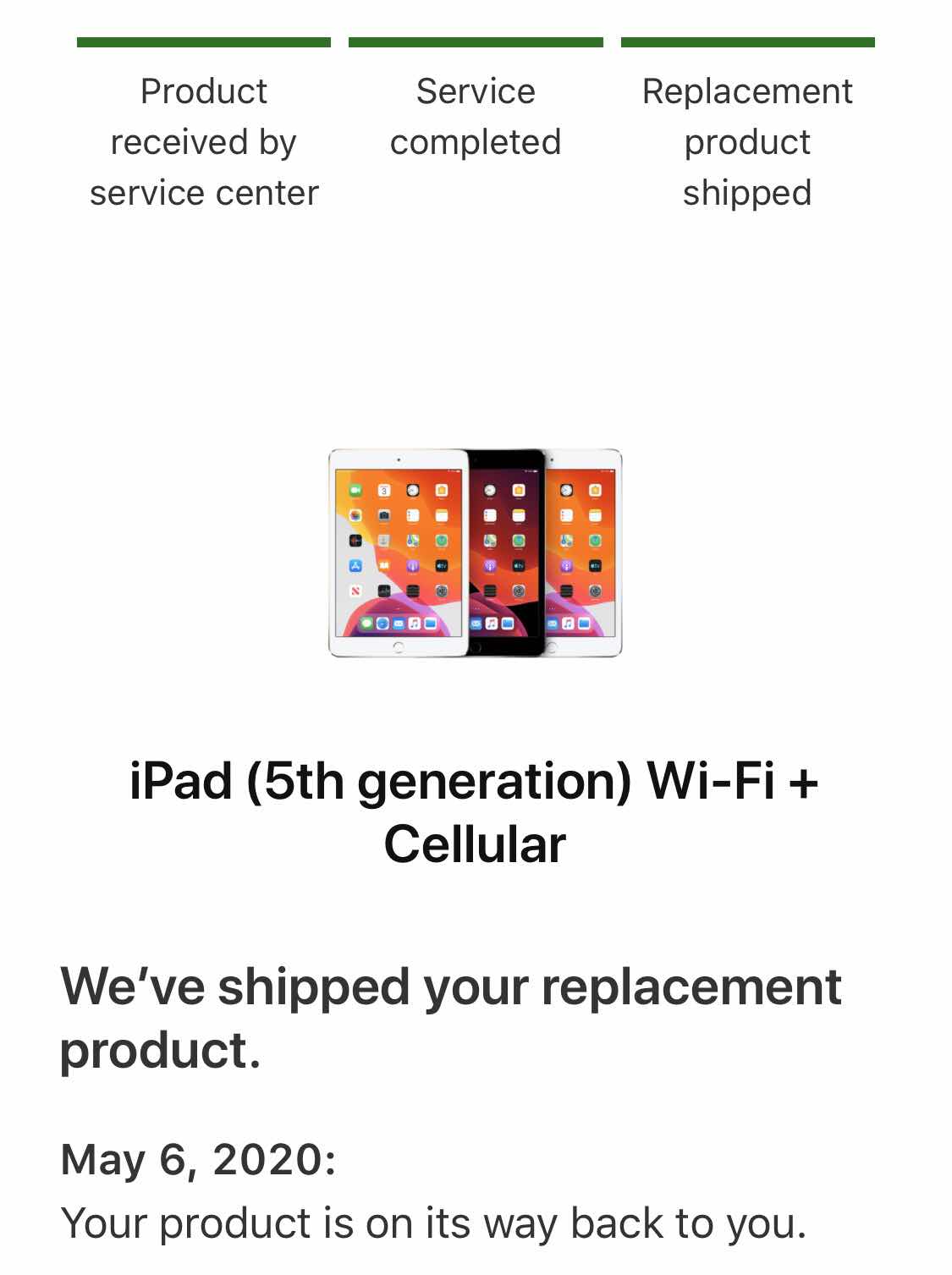
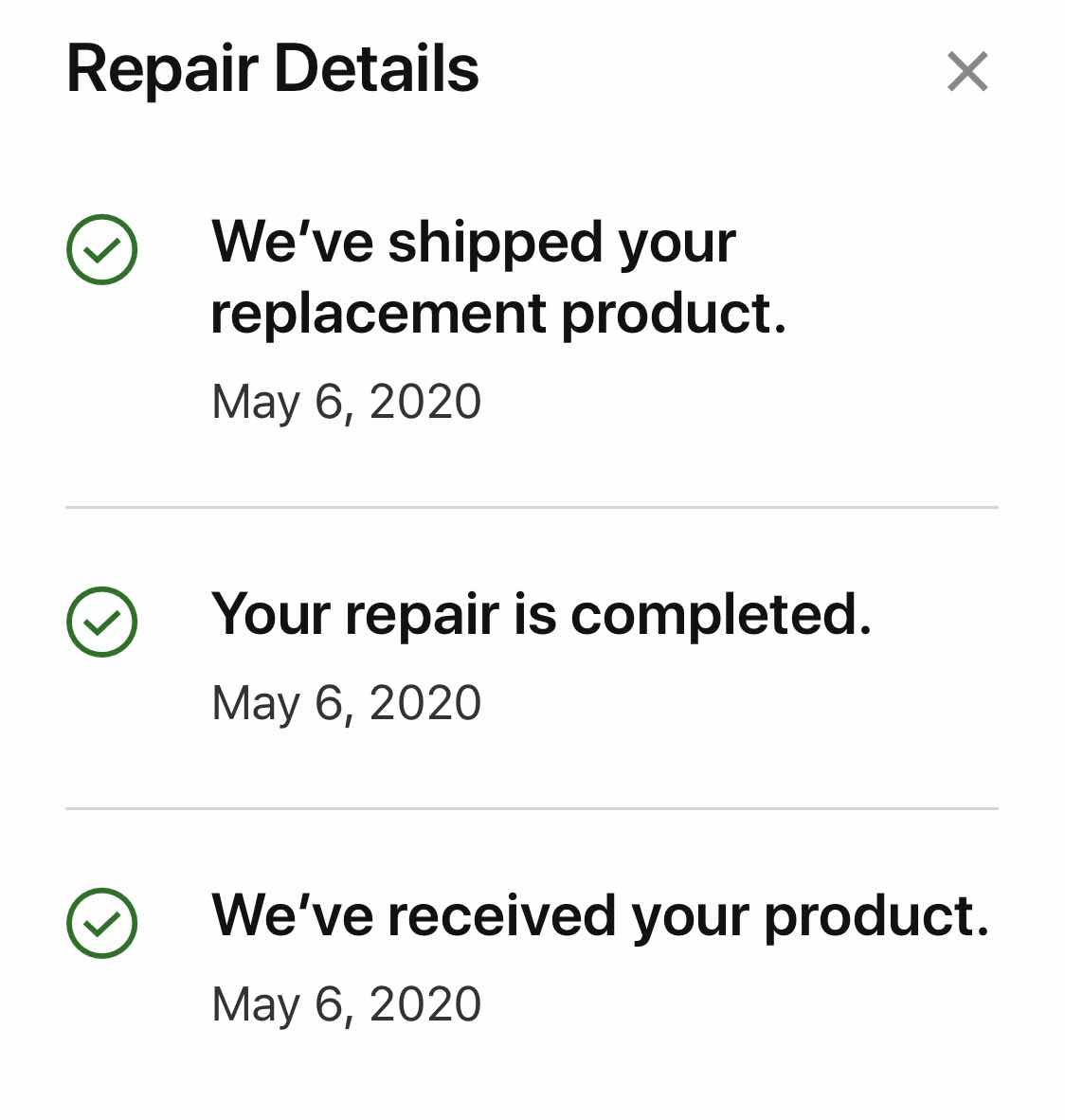
It’s over. The iPad dilemma has ended. Since February I have been fiddling around with my mom’s iPad. She passed away in February and it’s the last version I got for her. But when I tried to update the operating system, it crashed. No matter what I did, it wouldn’t work. Last Friday I put in a repair request, and a box with instructions arrived on Monday. After the decontamination process, we opened the box on Tuesday and followed the instructions, put the iPad in, and walked it down to FedEx. On Wednesday I got a notice that the iPad would be replaced, and it was scheduled to be delivered yesterday - Thursday - which it was. Obviously they weren’t able to fix it either. After the box went through another decontamination process in our foyer, we opened it this morning. And it is a new iPad, but doesn’t have a charging cord. All along the way during this process we received notifications of what to expect. They sent emails, texts, and tracking links. I’m a little sad because I wanted to keep my mom’s iPad for sentimental reasons. I still have the cover and the stylus she used so not all is lost, and I can check her emails by signing in on line. But some photos and other items were lost. At least now my husband has a new device to replace his broken mini and I don’t have to get annoyed anymore with a broken device - except the same thing happened to my iPad when I tried to update it. I was originally charged $250 for this repair - which was less than the cost of a new mini - and the pending Apple charges were dropped. I don’t remember if I bought the warranty on mom’s device. Regardless, it was a free exchange. Now I’m wondering if I should send my old one in to? It’s got a lot of my art work on it, but I’m currently using my iPad Pro. I’ll sit on that idea for awhile. Anyway, last Friday I ordered the service and the transaction occurred within the week. Who could ask for anything more?


Tuesday, May 5, 2020
Apple iPad Repair Request
Last Friday I opted to request a repair of my mom’s iPad. She passed away in February and we had swapped her old iPad for a newer edition a couple of years ago. When I updated it to the latest operating system, it stopped working. I tried everything, including talking with the techs, trying to get it back to ground zero, etc and nothing brought it back. Once I placed the order, I got an email from Apple about the next steps and what to expect. Yesterday in the mail I received the box to send the iPad along with instructions on preparing the iPad and where to drop it off. It needs to be charged and the SIM card needs to be removed, then put in a protective envelope and in to the padded box. I added a note with more details about the problem because “doesn’t start” didn’t seem quite enough. This afternoon we will take a walk over to FedEx for an overnight delivery to Pennsylvania. It’s a good excuse to stretch our legs and get this task accomplished. I’ll be able to follow the progress along the way. Hopefully this will be a painless and successful experience. It’s cheaper to repair this ipad rather than buy a new mini for my husband. His mini is quite old with a cracked screen that can’t be used anymore because it has “ghost strokes.” So far, so good. Let’s see how the next 5-10 day business turnaround goes.


Friday, March 13, 2020
iPad Hell
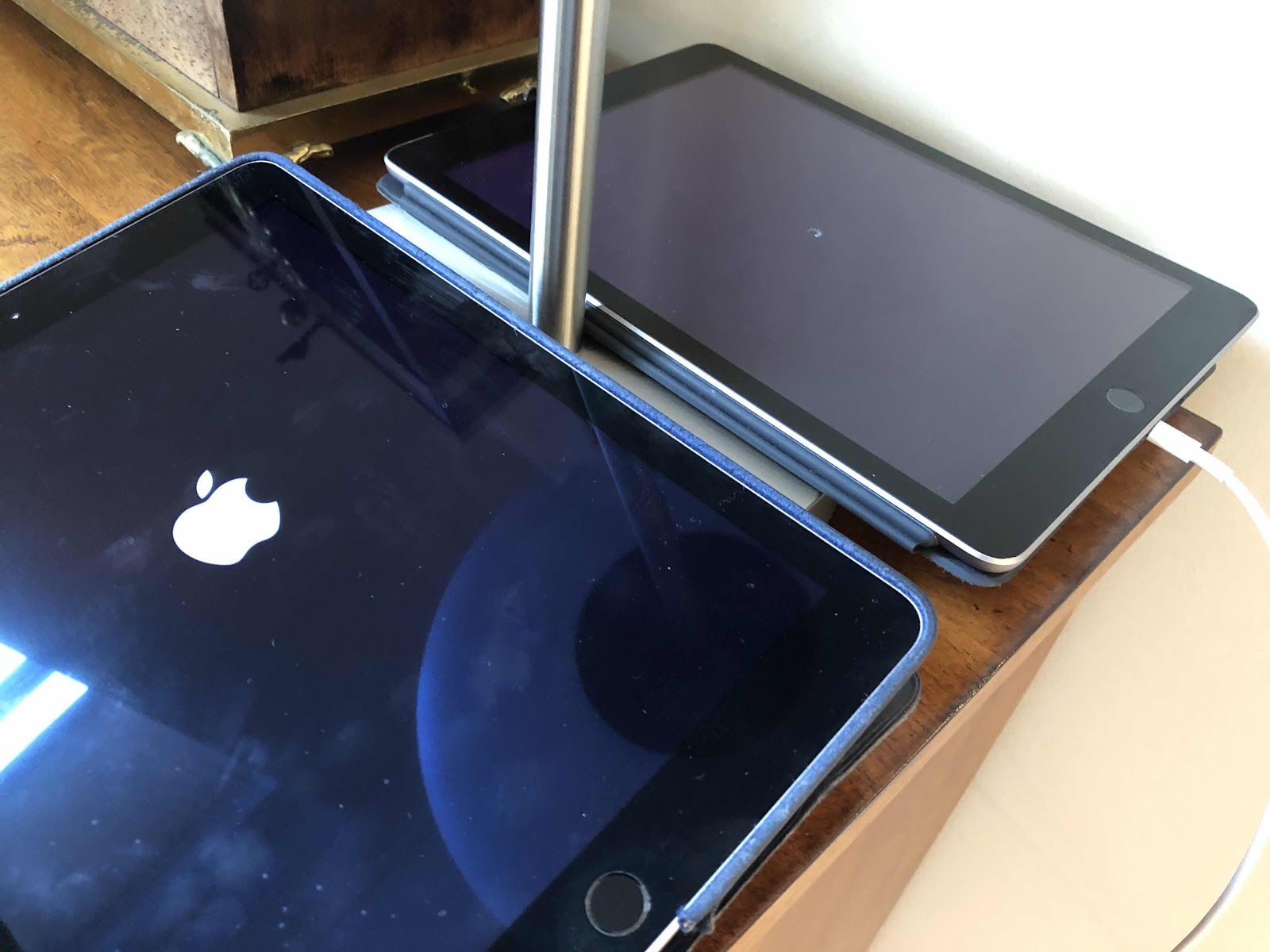
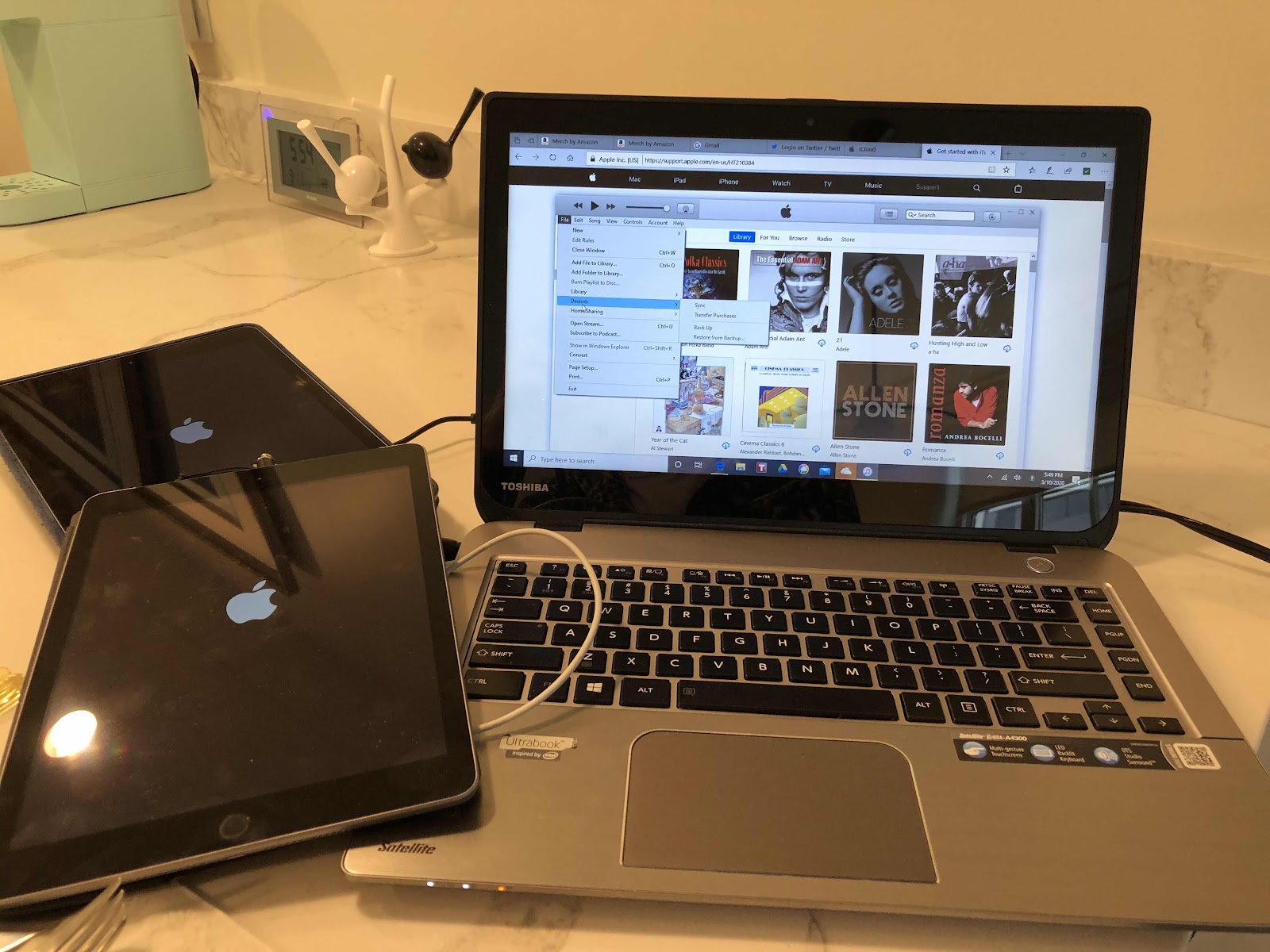
I was one of the first people to jump on the iPad bandwagon. I still have my original iPad, two more after that, and an iPad Pro. I use them for my digital art work. My husband has an iPad mini and when my mom passed away last month, I kept the iPad we got her that she was using for the last few years, but left behind her original one. My husband’s mini has “ghost screen” now which essentially makes it impossible to use. It needs a new screen. I updated my mom’s iPad to the newest operating system and since I did that it doesn’t work - it’s stuck on the Apple logo, or loses battery power. No hard rebooting in the world is brining it back. I can’t log on long enough to connect it to iTunes to try and update it again. And of course the same thing happened to my last iPad - updated it to the latest 13 operating system and it’s acting just like the other one. Apple help desk finally said they need to be seen by a technician. But that’s the last thing I’m going to do given both my husband and are are at the “at rusk” group for the virus. So that leaves us with my iPad Pro - which I never put down, and my second old iPad. I was able to get the old iPad powered up. My husband really needs a device to read the New Yorker and the New York Review of Books. It’s too hard to read on the iPhone - which would be the last resort. I was able to get one app going, but couldn’t even get to the App Store to download the other. So I thought maybe he could use my laptop. It’s pretty clunky to use. I could get the New Yorker.com, but it wasn’t working right - he said it wasn’t letting him read the magazine. Talk about frustrating. So I went back to the old iPad and tried - again - to get the app from the App Store. Finally!!!!! I could get the app and download the latest issue. I just hope it works because it’s so old and slow. If worse comes to worse I could let him use my iPad Pro. It is ridiculous to have so many devices and three of them are out of commission. What’s with the 13+ operating system anyway? This never happened before to either of us. What’s the big deal now?


Tuesday, January 7, 2020
iPad Pro Oops
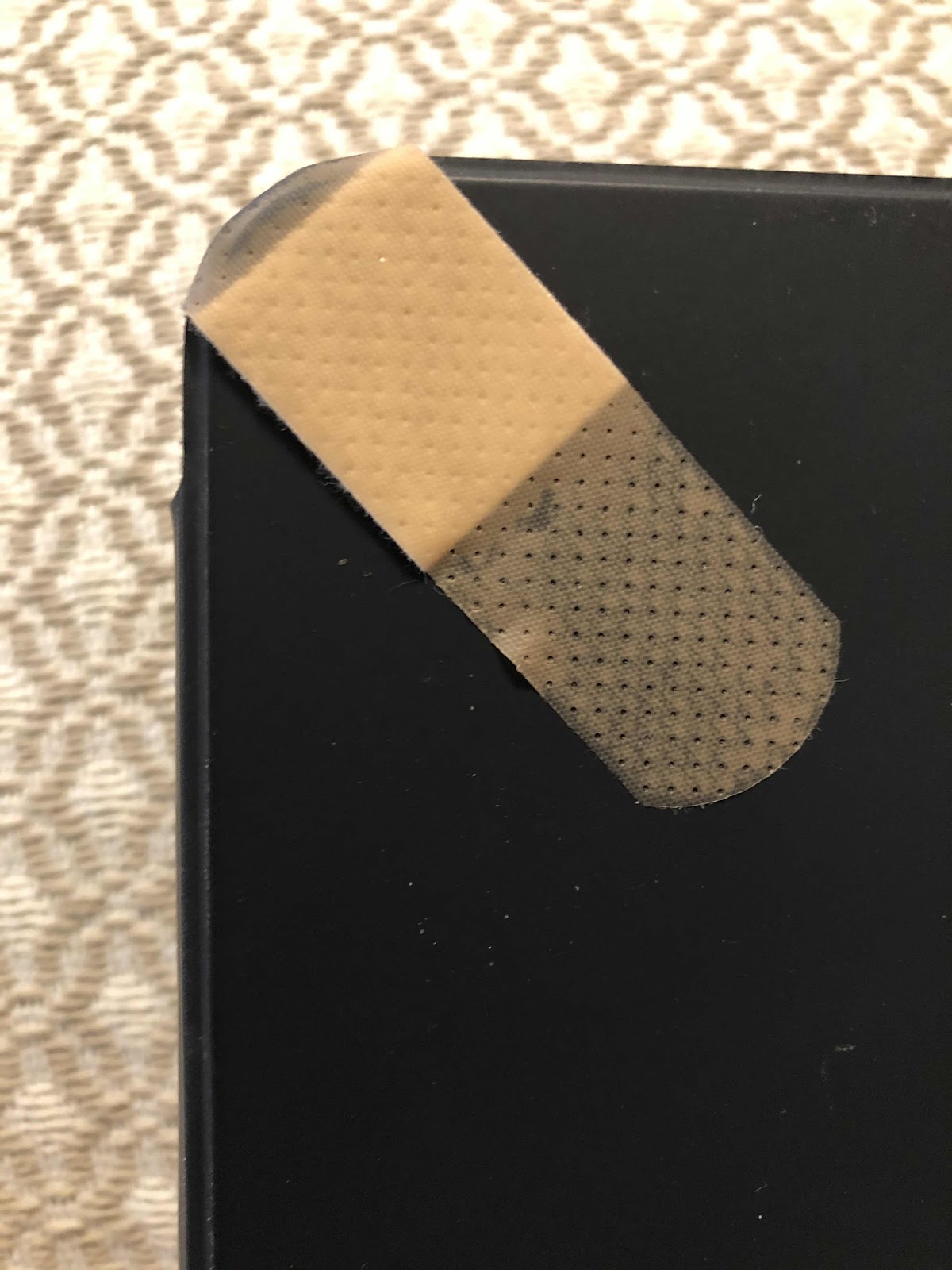
I have treasured each and every one of my iPhones and iPads - and I have had several. We not only have them for my husband and myself, we got one (now two) for my mother and two more for overseas friends. I had the first iPad when it was introduced and now use it for all of my digital art custom pet portraits. I am now on my fourth iPad. This one is an iPad Pro that I got because the Art app I was using was not compatible with an updated operating system. The new version seemed too difficult to self teach. So I took the summer to reintroduce myself to the app Procreate, and relearn my digital art skills on the new iPad Pro. I liked the bigger canvas and the size hasn’t been an issue - except when we travel I need to bring my largest purse to fit it in. For all of my devices I always got a warranty, but for whatever reason I did get one not for the iPad Pro. And wouldn’t you know... while on a trip last month we stayed at a hotel with stone floors. While I was getting up from the couch my iPhone strap somehow got entangled with the iPad and it came crashing down to the hard floor. Of course the corner was dented, and the glass was also affected. I was so upset and put a band aid on the glass to keep it in check. Luckily the small section of shattered glass was in the corner and within the black edge of the screen - so it wouldn’t affect viewing anything or drawing anything. As long as the unit continued to operate I was reconciled to the fact that I now had broken glass on a six month old iPad. The band aid was replaced with tape. I had a feeling when I got the case for it that the iPad was not completely protected because the sides were left exposed so the Apple pen could adhere to it. I always prided myself in taking such good care of my Apple products. So much for that.


Subscribe to:
Posts (Atom)