Showing posts with label Best Buy. Show all posts

Monday, October 26, 2020

SanDisk, Best Buy, Apple iPad Pro Compatibility Finally Solved

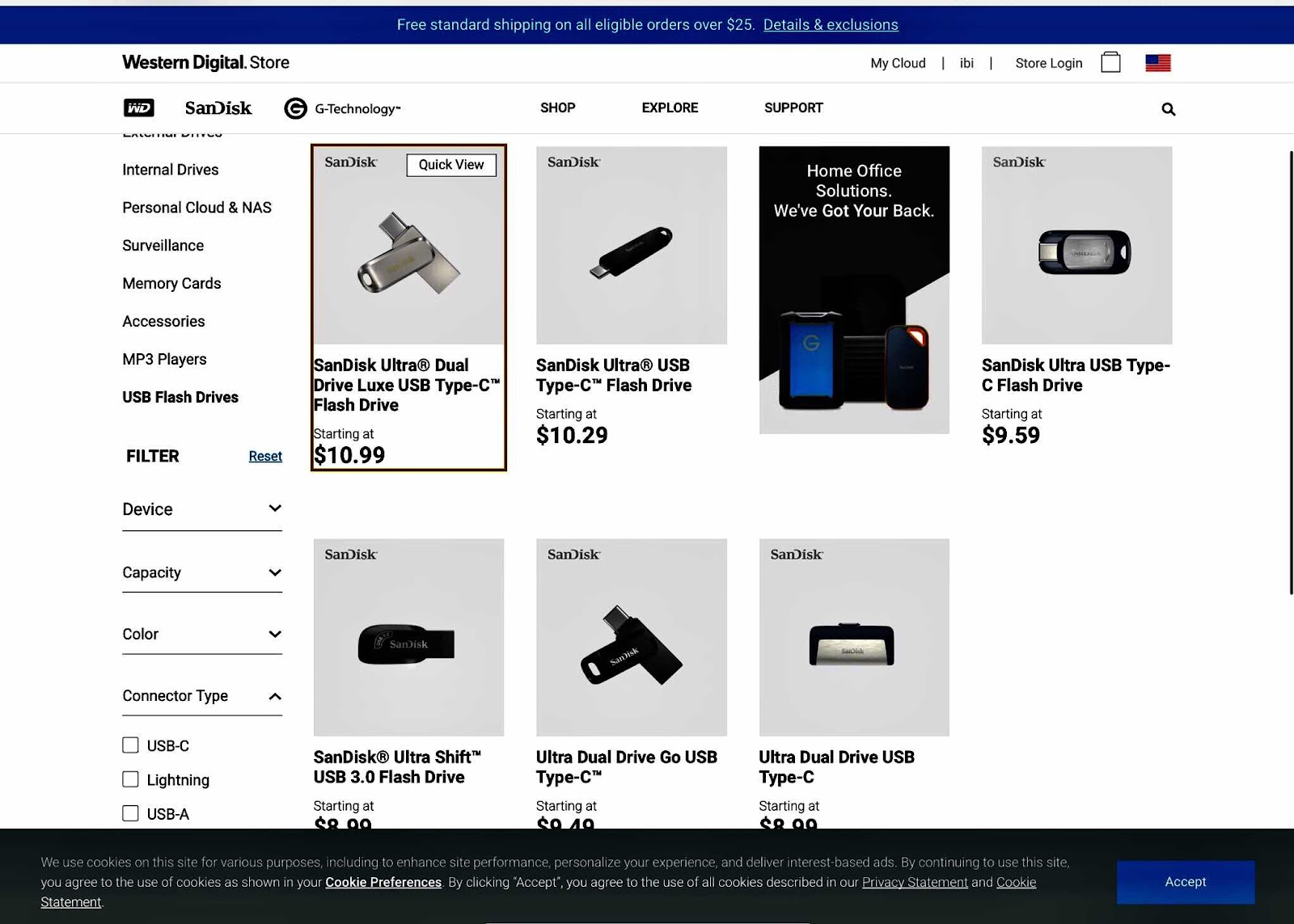
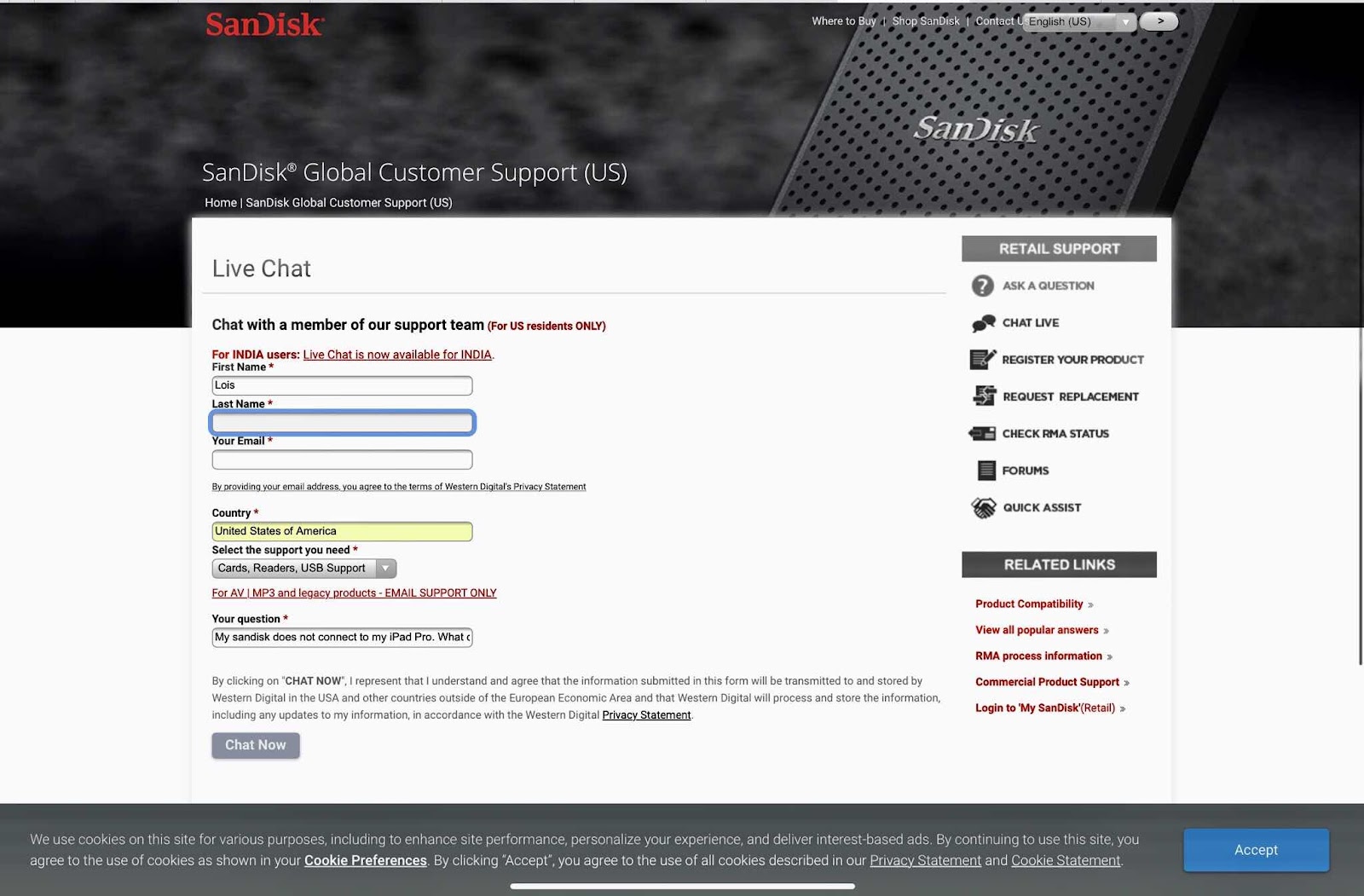
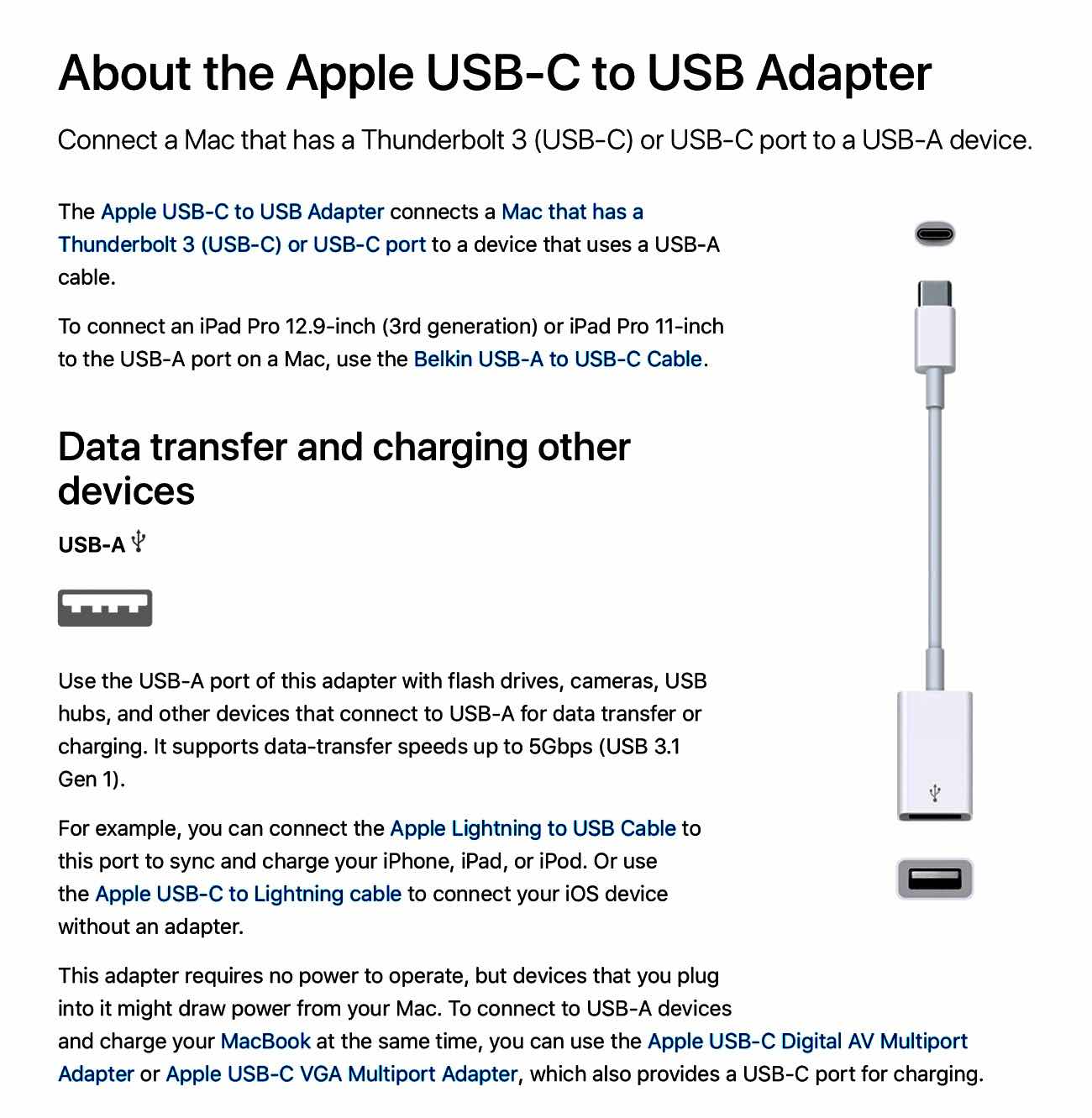
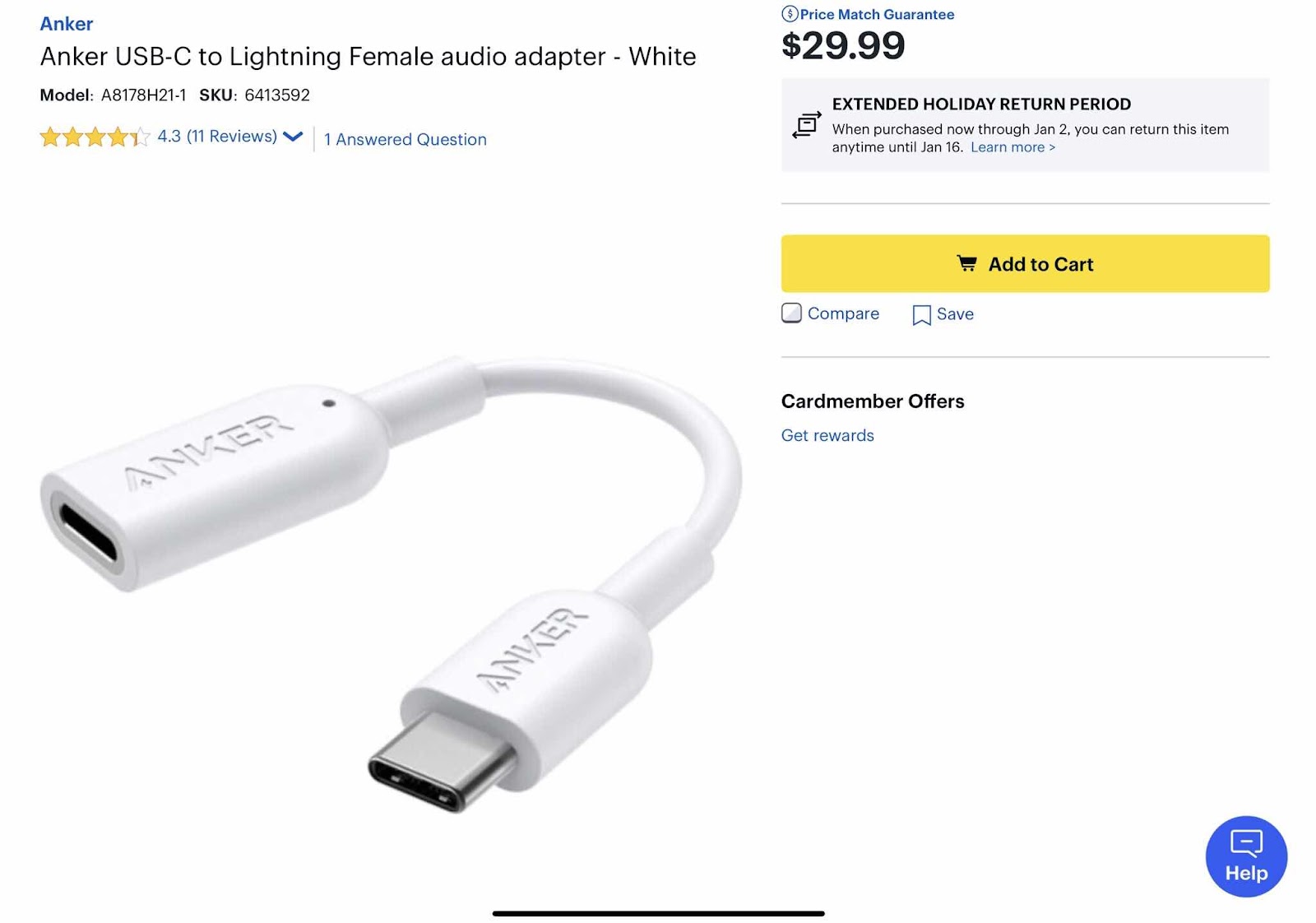
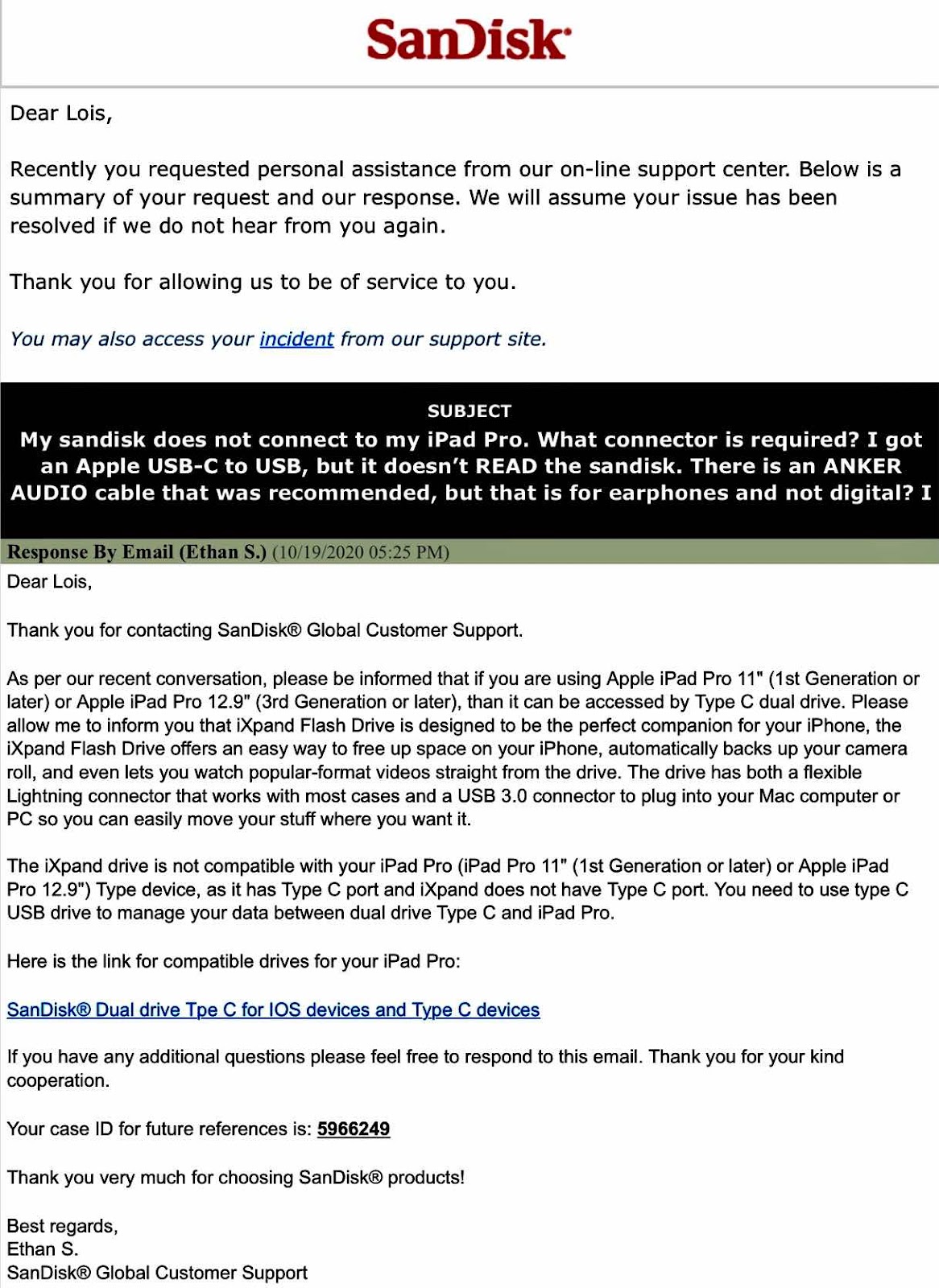
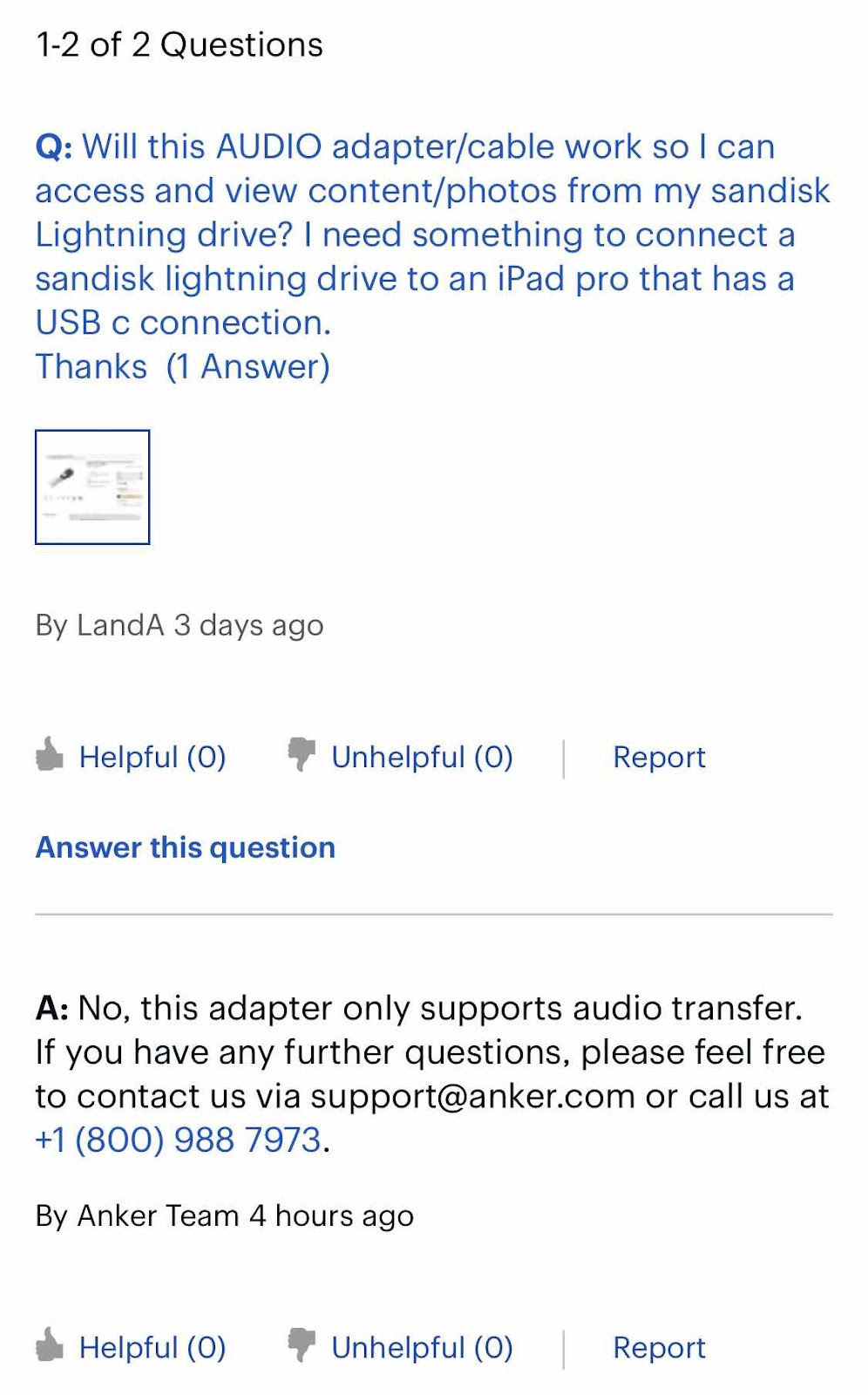
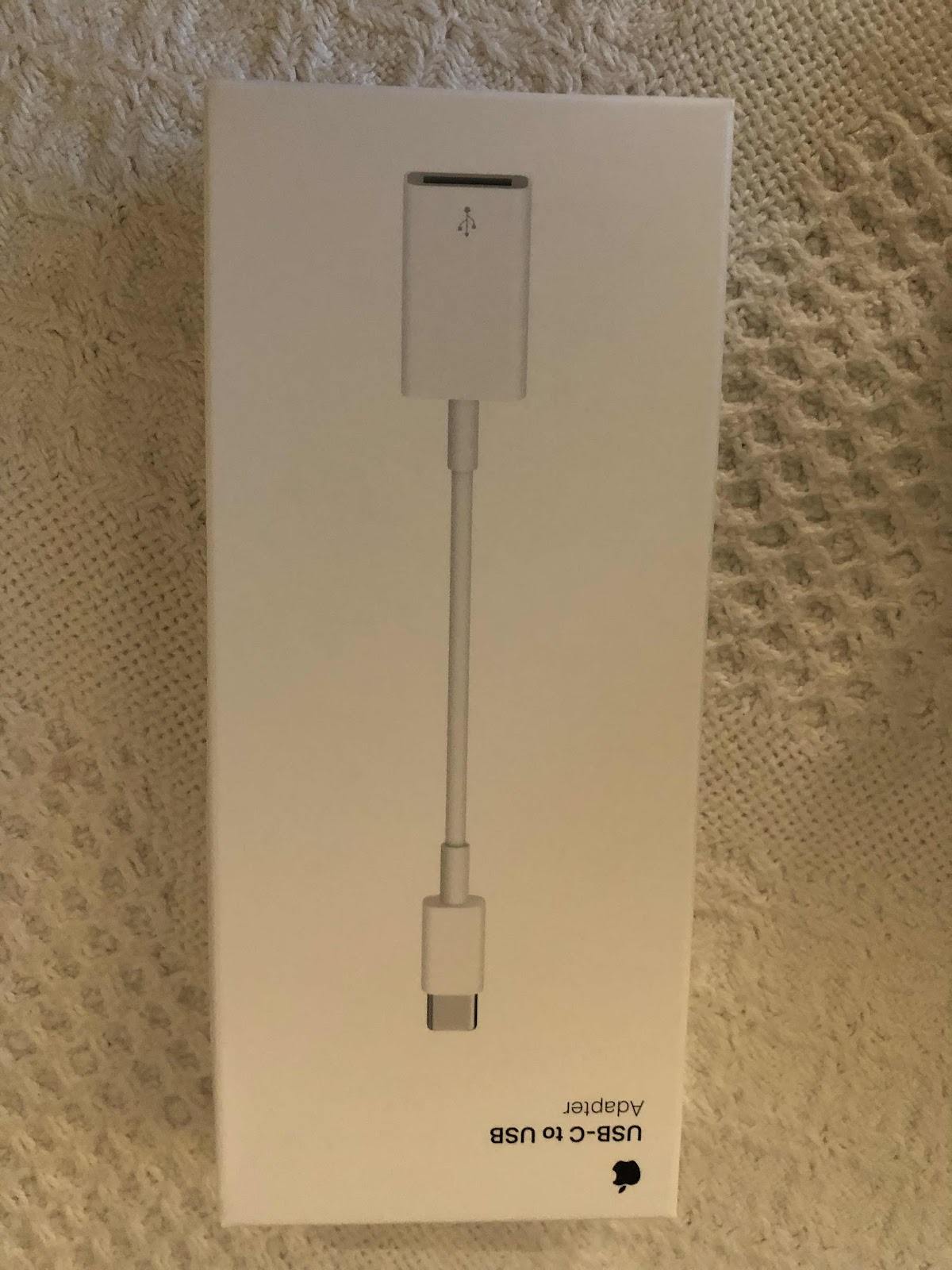
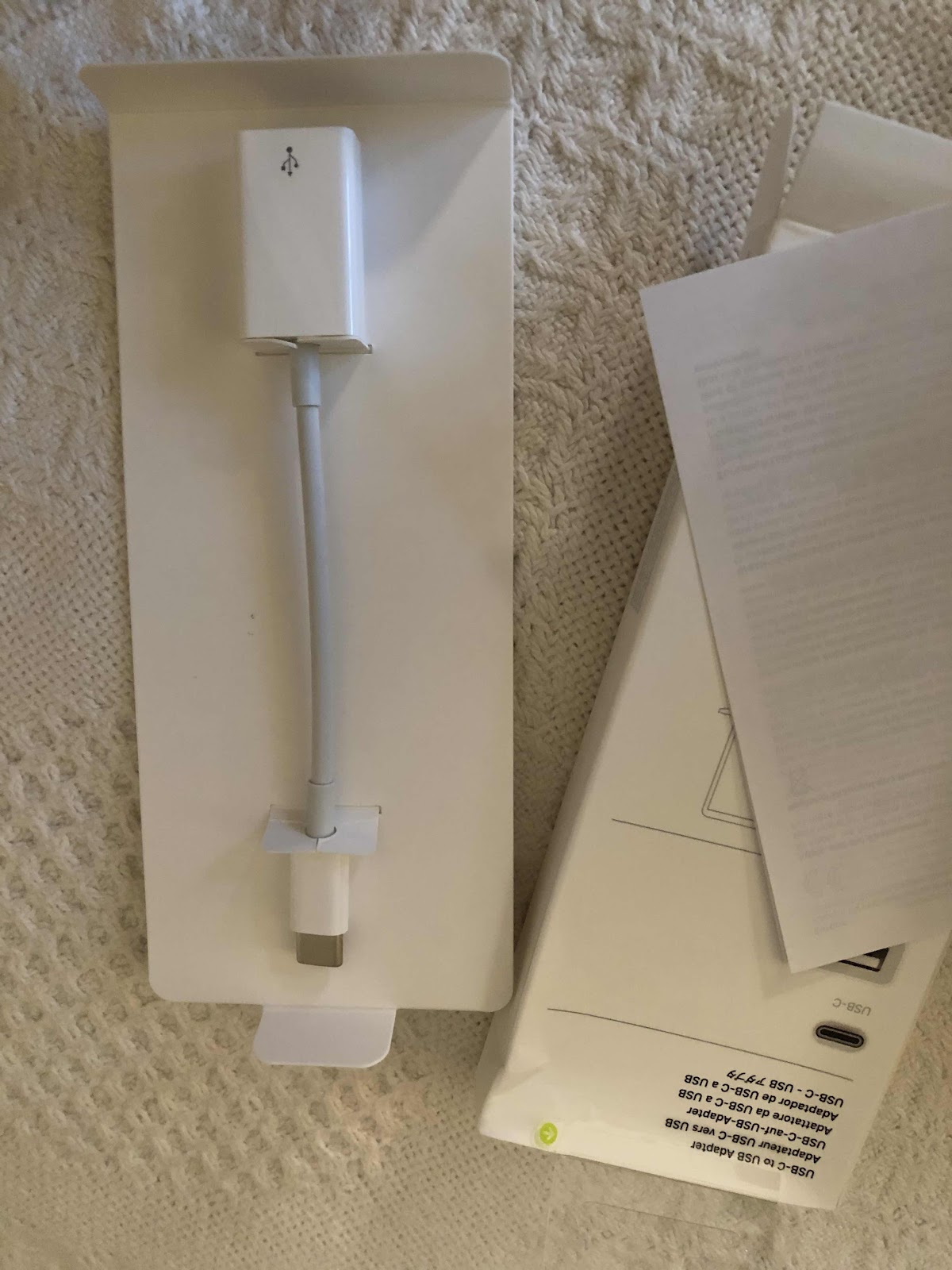
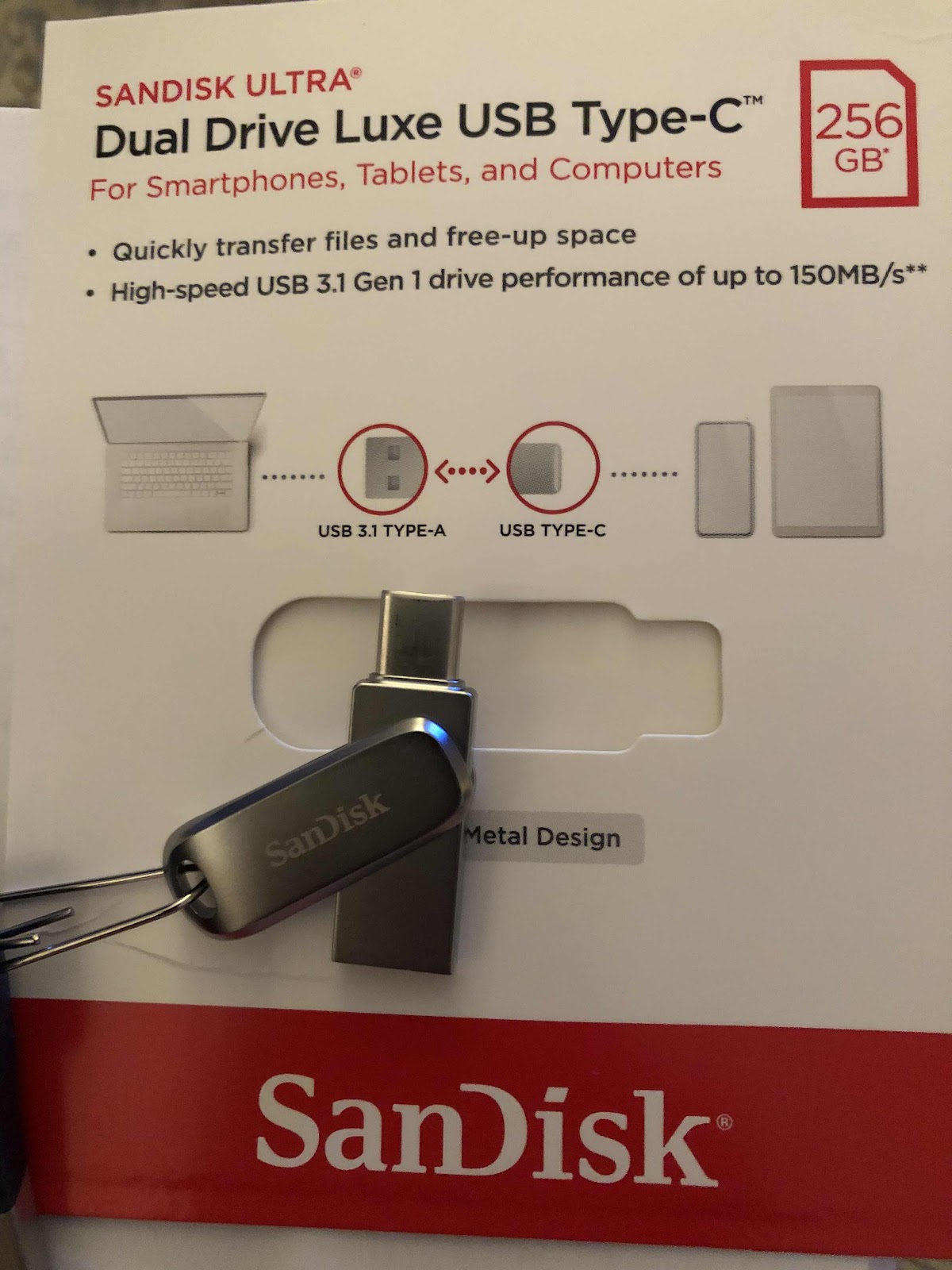
I got a SanDisk thumbdrive before we moved from Capitol Hill to northern Virginia to put as many photos and videos from a variety of sources in one place. It worked well on my old iPad using the lightning connection and the SanDisk app. When I got a new 12” ipadpro, the drive no longer worked because it’s not a lightning drive. I tried getting a connector for it at the Apple store a while back and they didn’t have such a thing. Because I wanted to access and use the photos on my iPad Pro, I figured there must finally be a solution. So I researched the topic and checked the Apple store again and found a USB-C to USB adapter. When it arrived I tried it and it didn’t connect to the SanDisk app. So I contacted Apple and they suggested I get a cable from Best Buy, but before I got it I emailed Best Buy to find out if the “audio” cable would help. They said no. So I then contacted SanDisk and they suggested I get another drive with a USB-C connector. That meant I would have to copy and paste everything on one drive to another using my laptop - something I wanted to avoid. I did that and the drive still didn’t connect to the SanDisk app. Never giving up I contacted Apple again. They set up a phone call with their “creative”department at a convenient time as the problem couldn’t be handled via chat. I allowed them remote access to my laptop and the resolution was right in front of my face, but I didn’t know it. I followed their remote blue arrow directing me to the files app. All I had to do was open the files app, found the thumbdrive, and there they were - all my photos - WITHOUT using the SanDisk app. I couldn’t however, access my videos this way, but can on my laptop and my husband’s older iPad. In the end I didn’t need to buy another drive, and copy and transfer all the photos because when I used the Apple connector with my original lightning SanDisk drive, the going to the file app, it worked. I’m just glad I finally figured it out with the help of an astute Apple support person - the third one. I’m sure they thought I was nuts because the solution was so simple. I use my ipadpro primarily for painting and didn’t realize it had a lot of laptop features like saving files. So I learned something new, but it took quite a while to get there. Now I have another thumbdrive to save more photos on. I suppose that’s not so bad. 


Thursday, February 27, 2020

CD Reader

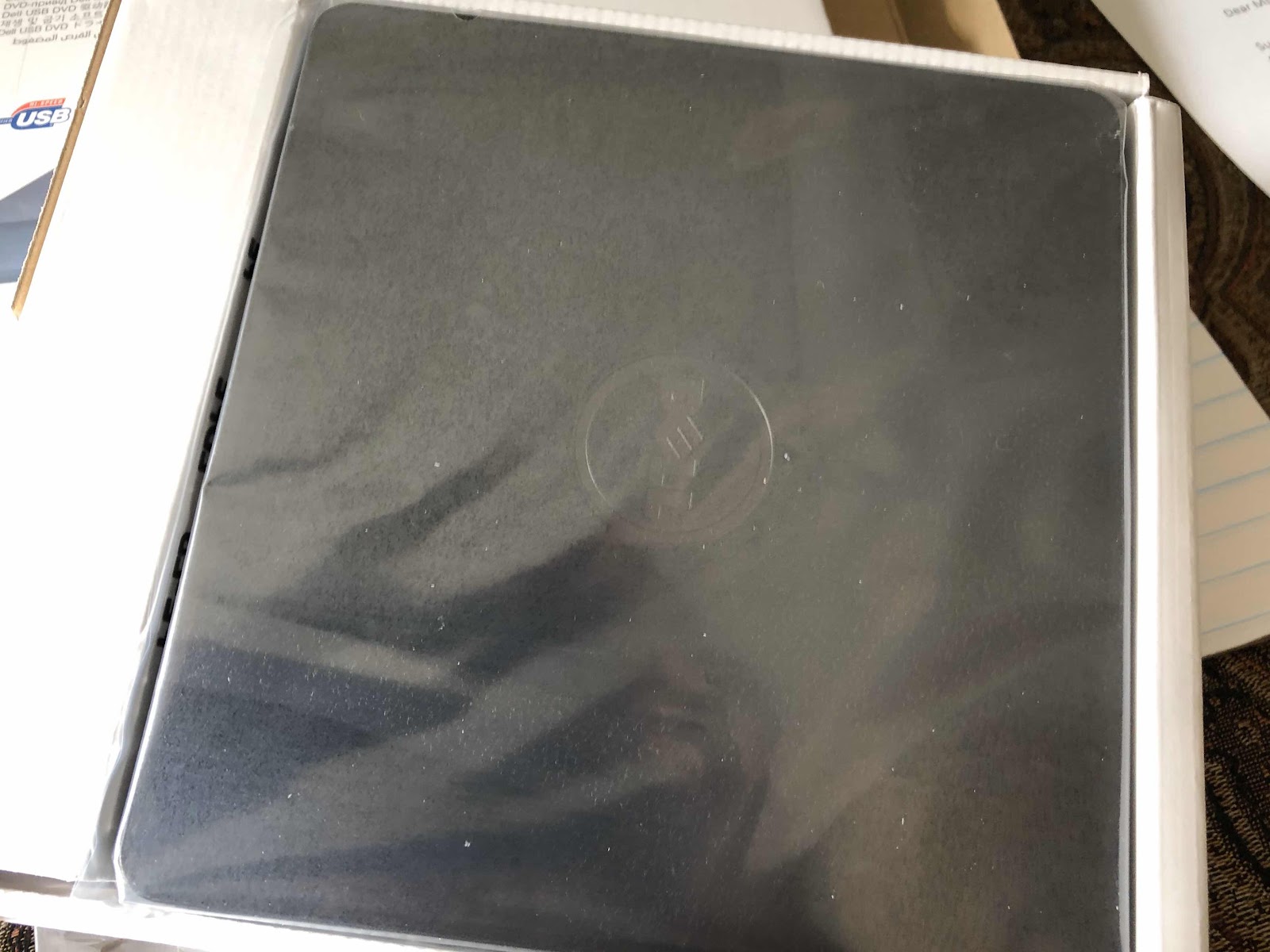
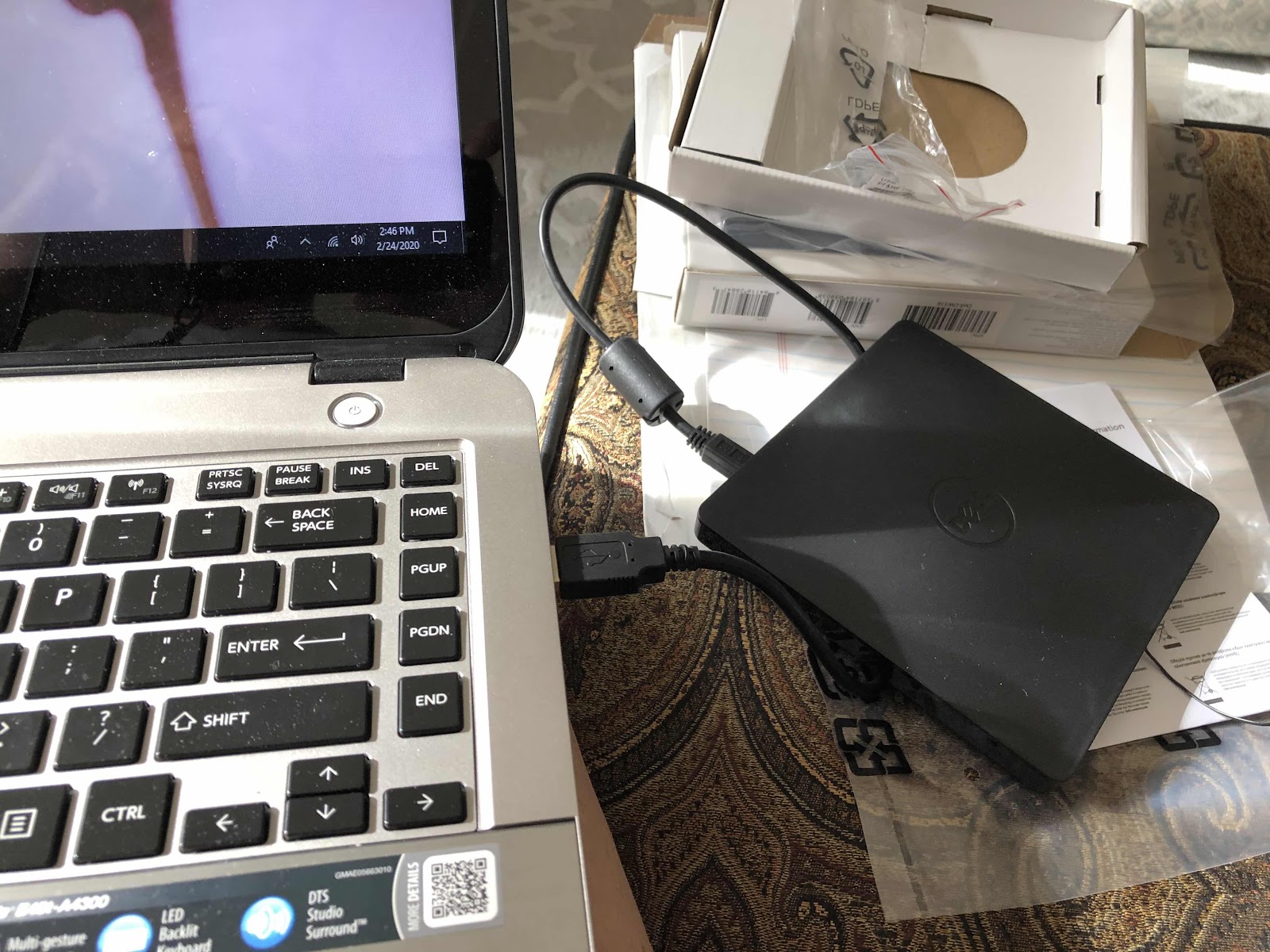
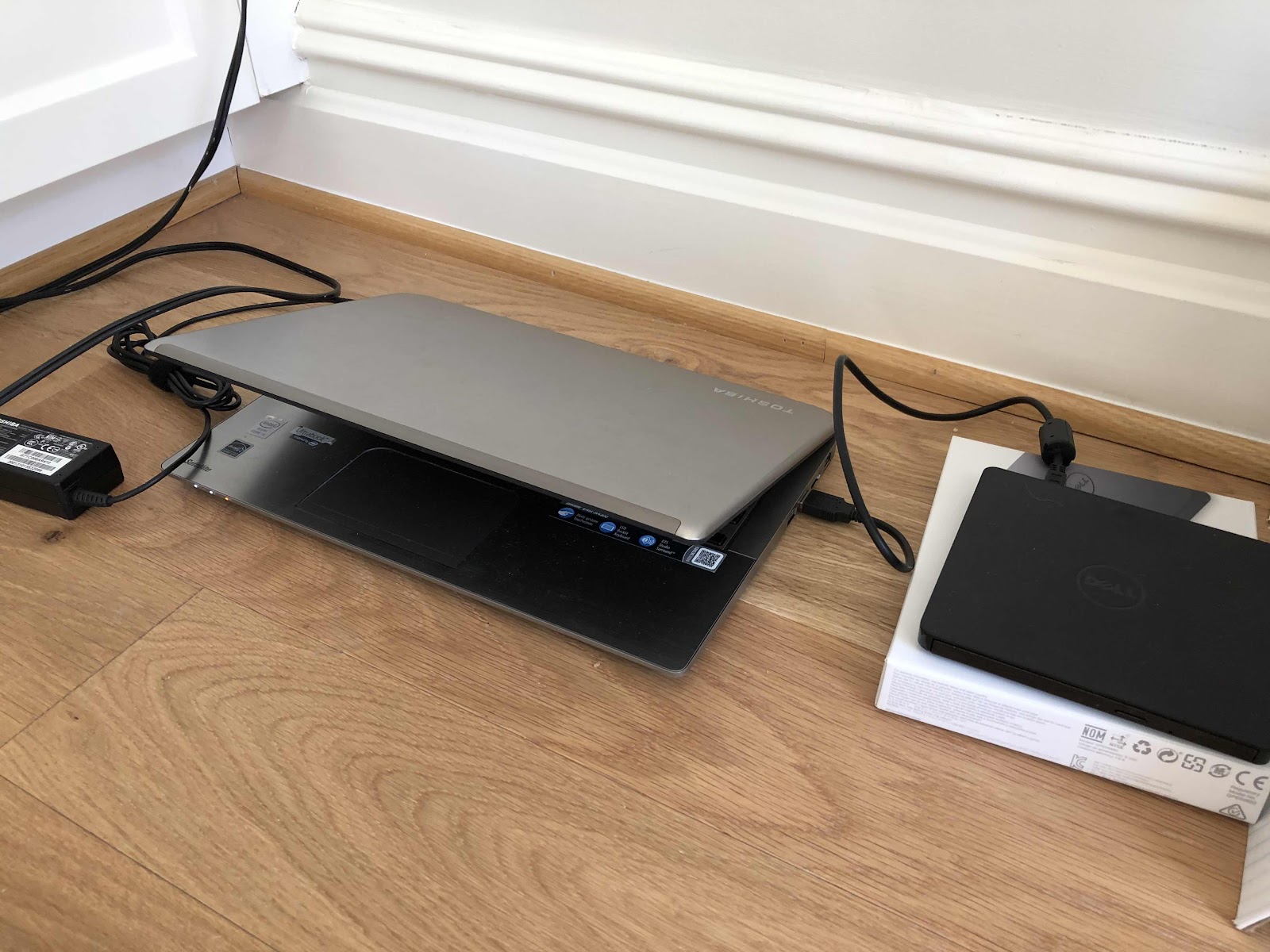
My old laptop had a CD reader/drive. We used a lot of CD’s back then. When I got my latest Toshiba laptop at least five years ago, I opted not to get the CD drive. I use my iPad for just about everything, and needed a simple laptop for functions the iPad just doesn’t have. I never cared for the iMacs and software, so I just stuck with the what I had been using at work for so many years. Now we have a project that requires reading a CD. Rather than try to figure it out at the local library, we decided to just buy the CD drive and take the time to review the records in the comfort of home. So we drove over to Best Buy and picked up a dell unit. It’s obviously easy to use. I’m sad that I didn’t think about getting it earlier because when we moved almost eleven months ago to our new condo in northern Virginia from Capitol Hill, we threw out all of our CD’s - a couple movies and many albums. You could say we are creatures of having the least amount of junk on our hands. When we moved, we purged even more of the few things that we owned. If it’s really important we can always access the music or the movie digitally. Somehow that never happens. 


Wednesday, September 27, 2017

Wifi Extender for Apple TV?

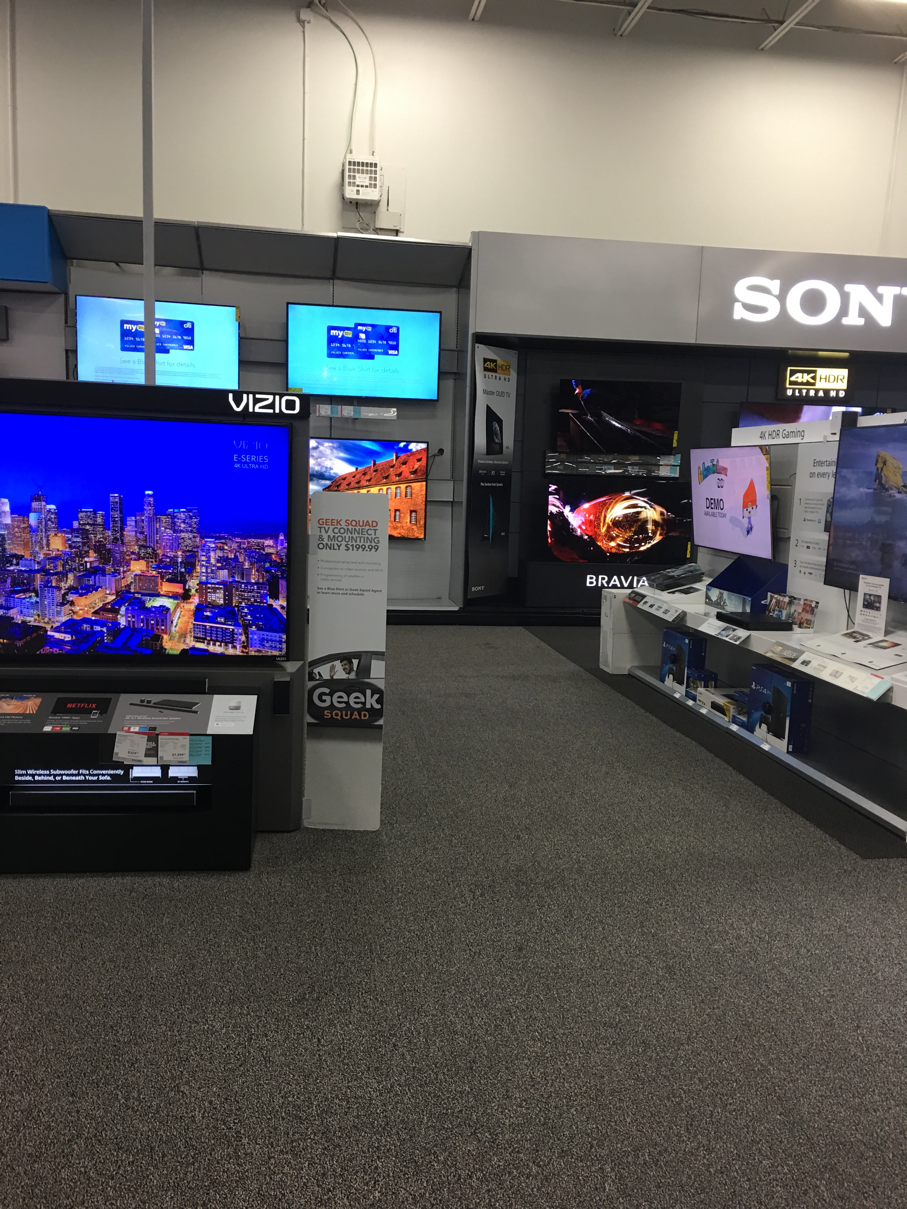
We are trying to figure out how we can make the best use out of our tv in a room that we don't frequent that often. We used to have basic Comcast service connected to it, but discontinued it because it was used once or twice a year and not worth the monthly fee. Any room DVR doesn't interest me either. So I came to the conclusion that just having a stronger wifi signal to that room would allow for Apple TV to work, and then we could just mirror whatever was on our iPads. So we went to Best Buy to find out our options. Because I didn't know what make of modem we had, or know enough about wifi extenders, and they didn't have the new Apple TV version, we left. We just had Best Buy set up a new LG Oled tv a few months ago with Apple TV. I'm thinking we may just call the tech back and ask him what we specifically need to do. I'm not even sure this idea will work. If nothing else we do need an extender just so the wifi signal is strong. Having the Apple TV option would be a bonus. I just wish I knew more about this stuff. Or maybe we don't do anything at all. 


Saturday, September 10, 2016

HP Envy 5660 e All-In-One Set Up - How Things Have Changed!

My printer bit the dust after about five years. I tried everything and couldn't get the cartridges to align and the print jobs had major streaks. I need my printer primarily to make 8x10 copies of my digital art pet portraits to display at the Wagtime shop and occasionally to make copies of documents. I was also having trouble getting it to print from my laptop, and copying any black and white documents. I've never had anything but HP printers, so I did my homework and read the reviews about the latest HP printers available. I had an idea of what I wanted, so we headed out to Best Buy in Alexandria. I needed to see the printers rather than order on line, and have my questions answered too. It came down to one of the HP ENVY models. They were much cheaper than any of the printers I have ever owned. The drawbacks were two print cartridges rather than four, and the photo tray could not be size adjusted. Other than that, I didn't need a document feeder, the color touch screen display, and any increase in speed would be appreciated. After talking to the sales rep, I decided to go with the ENVY 5660, and it was a $60 discount. I always dread setting up equipment based on past experiences. But either I have become sufficiently knowledgeable (which I doubt) or the products and the systems have simply become so much easier to work with. No longer are CD's required - just smart phones, iPads, and apps. Nothing makes you feel better than a "congratulations" page to say the set up is complete. But only until I actually printed something from all my devices did it matter. After setting up my iPhone and iPad, I had to tackle the dreaded laptop. And to my surprise it was a snap. I saved the original box until I am certain it works properly. In the meantime I need to figure out how to dispose of the old printer and leftover very expensive ink cartridges. I understand both Best Buy and Staples have recycling programs. I guess that's something we will do next week.