Observations, pictures, and sketches highlight the transition of moving to the nations's Capitol after 30 years of living in the Midwest. A clash in cultures? Maybe not!
Showing posts with label broken iPad. Show all posts
Saturday, May 9, 2020
Setting Up a New IPad
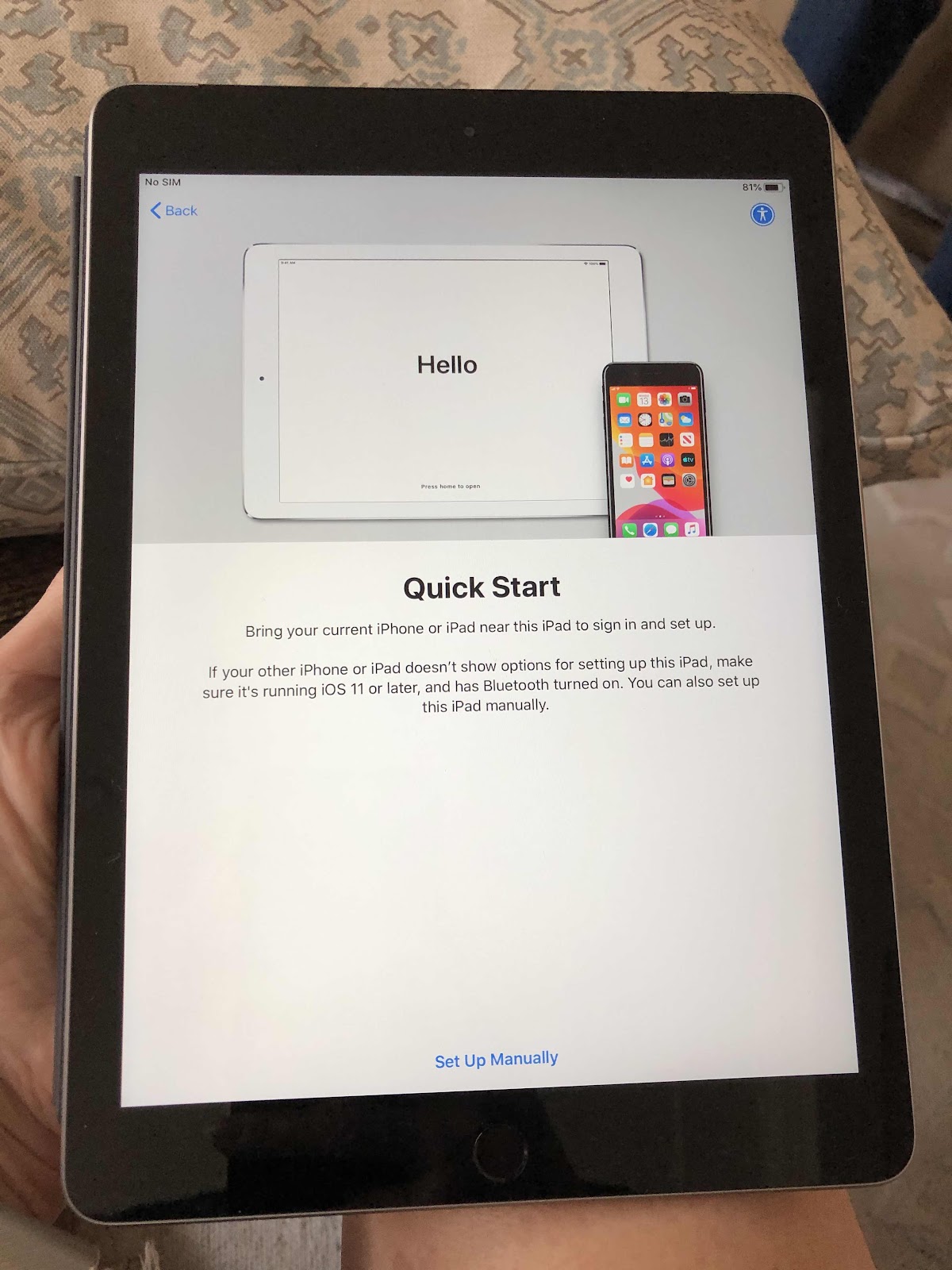
I don’t remember if I bought my mom’s last iPad two plus years ago with a warranty. All I know is that it shut down after I updated it to the latest operating system. My mom passed away in February and I wanted to keep her device for sentimental reasons. But we had no other choice but to finally send it in last week for repairs. Plus, my husband’s iPad mini had a broken screen and his no longer worked. He’s been using a very old iPad of mine that still works, but it is very slow and heavy. Mom’s IPad would be cheaper to fix than to buy a new one. Apple made the process quite easy, and since the problem couldn’t be fixed, they sent a new replacement iPad instead. My husband usually isn’t that excited about packages, but he was anxious to get a new iPad - but it had to sit in quarantine in the foyer until 24 hours passed. So yesterday I set it up and that process has never been easier. You basically just hold your iPad or iPhone next to the new device and it magically captures all the necessary information without having to manually set up email accounts, etc. - although you can manually set it up if you need or want to. The new iPad still has my mom’s cover and stylus, so not all is lost. In the end we weren’t charged for the repair because it really was an Apple software issue. We may need to go through this exercise again because I have another device that has the same problem. It has a lot of my artwork and photos that I don’t want to lose. If it means getting another free device we may just do it. It beats getting annoyed with an iPad that doesn’t work - because of a software update gone wrong.


Friday, May 8, 2020
Mom’s IPad Saga Finally Ends
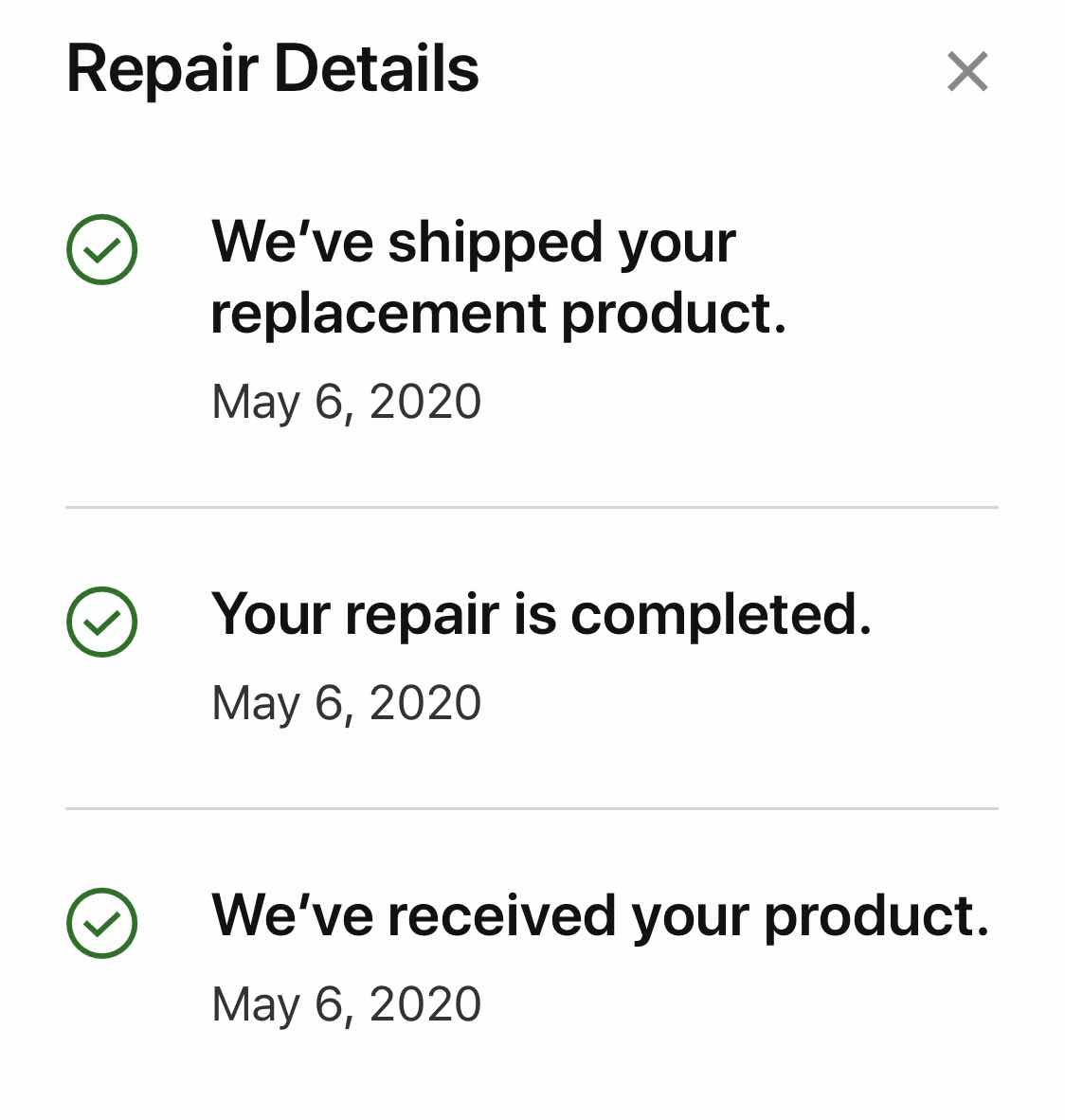
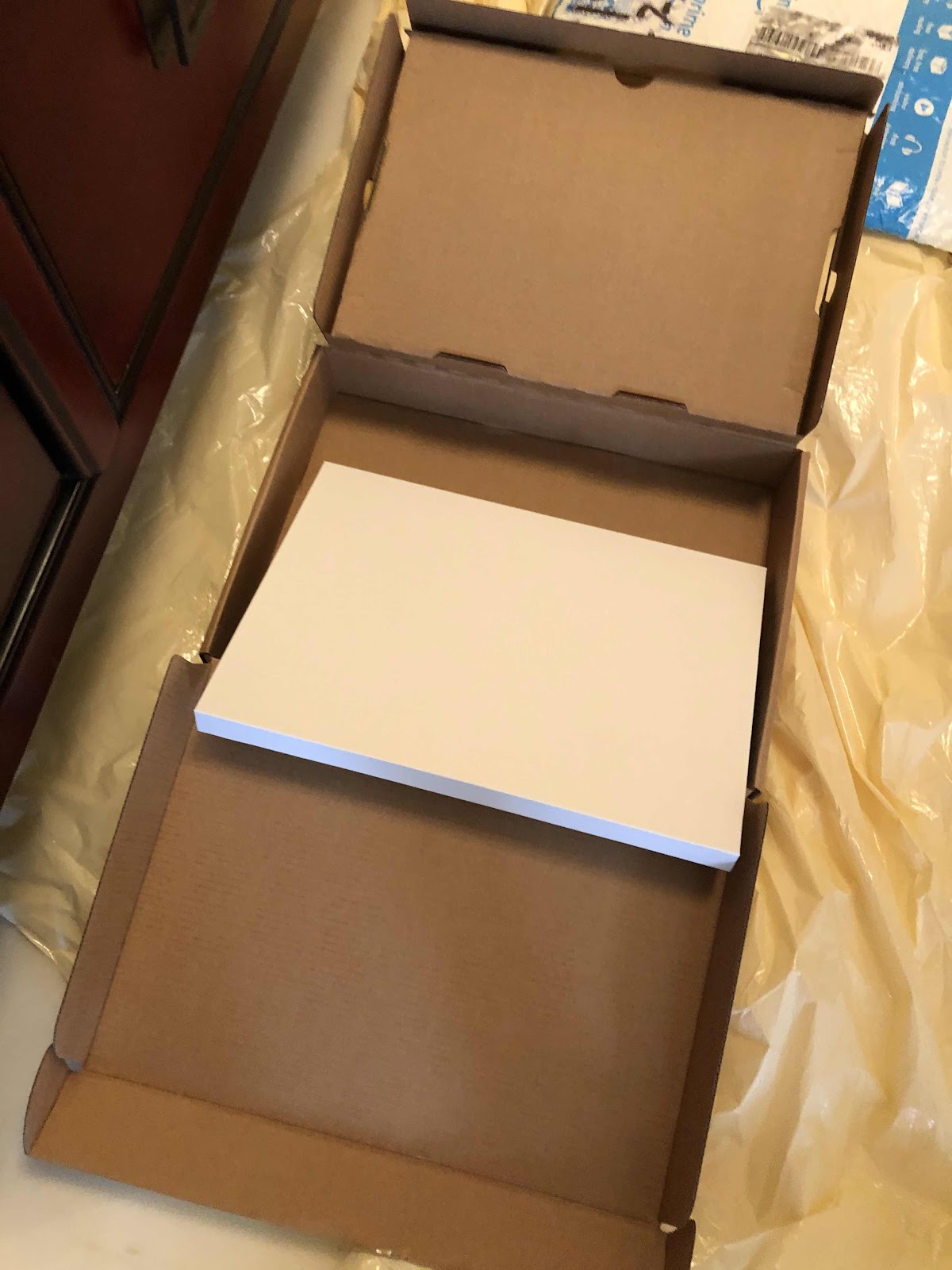
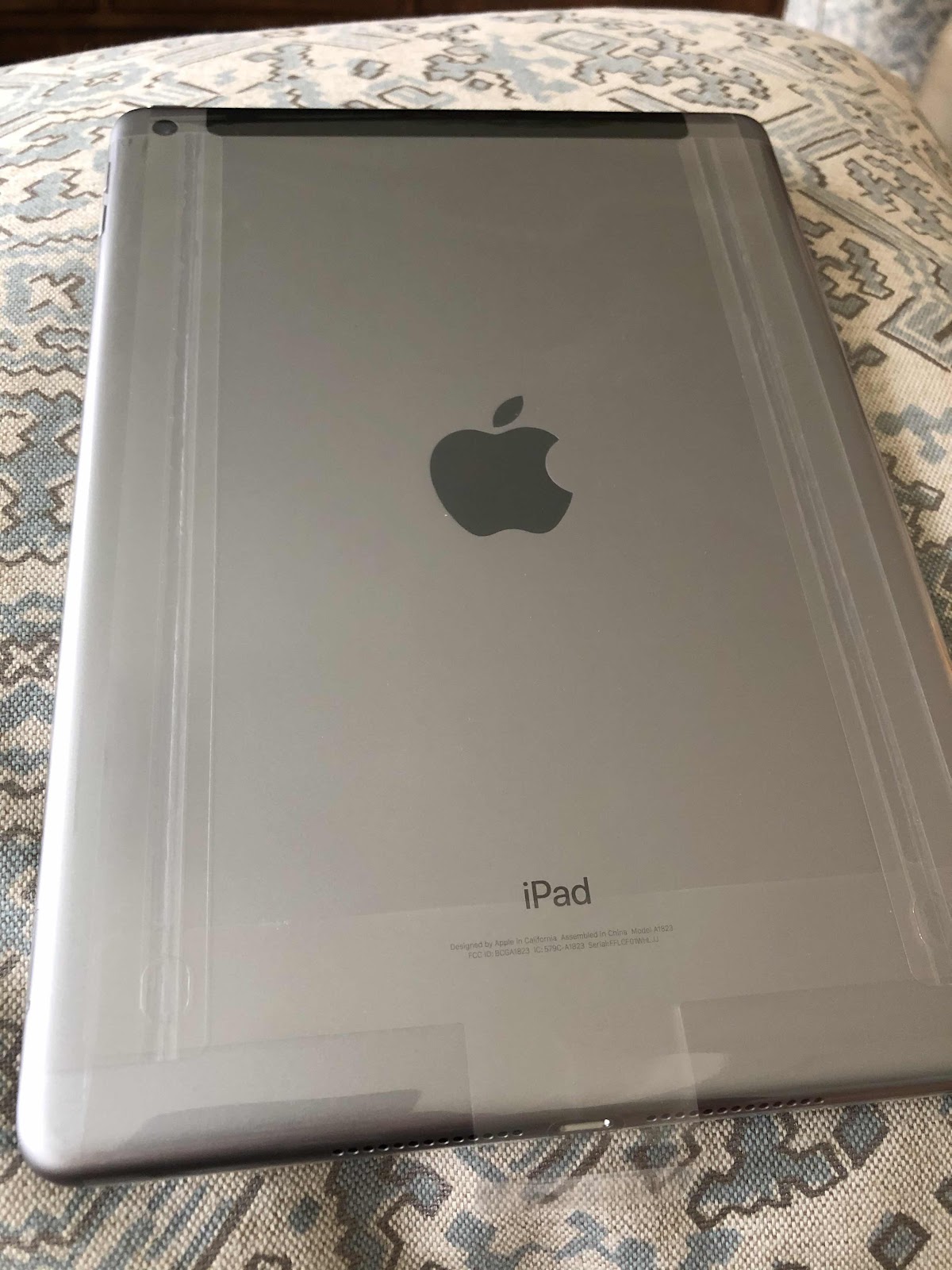
It’s over. The iPad dilemma has ended. Since February I have been fiddling around with my mom’s iPad. She passed away in February and it’s the last version I got for her. But when I tried to update the operating system, it crashed. No matter what I did, it wouldn’t work. Last Friday I put in a repair request, and a box with instructions arrived on Monday. After the decontamination process, we opened the box on Tuesday and followed the instructions, put the iPad in, and walked it down to FedEx. On Wednesday I got a notice that the iPad would be replaced, and it was scheduled to be delivered yesterday - Thursday - which it was. Obviously they weren’t able to fix it either. After the box went through another decontamination process in our foyer, we opened it this morning. And it is a new iPad, but doesn’t have a charging cord. All along the way during this process we received notifications of what to expect. They sent emails, texts, and tracking links. I’m a little sad because I wanted to keep my mom’s iPad for sentimental reasons. I still have the cover and the stylus she used so not all is lost, and I can check her emails by signing in on line. But some photos and other items were lost. At least now my husband has a new device to replace his broken mini and I don’t have to get annoyed anymore with a broken device - except the same thing happened to my iPad when I tried to update it. I was originally charged $250 for this repair - which was less than the cost of a new mini - and the pending Apple charges were dropped. I don’t remember if I bought the warranty on mom’s device. Regardless, it was a free exchange. Now I’m wondering if I should send my old one in to? It’s got a lot of my art work on it, but I’m currently using my iPad Pro. I’ll sit on that idea for awhile. Anyway, last Friday I ordered the service and the transaction occurred within the week. Who could ask for anything more?


Saturday, November 17, 2018
iPad Fixed by Burping It!
We have several Apple devices in our house. It started with a basic IPhone many years back, then blossomed with the first iPad back in 2010, a second and third iPad (primarily used for my digital artwork), then an iPad mini for my husband, and several iPhones since. My current phone is an 8Plus and my husband got my old 6Plus. Along the way we have gifted a few iPads as far away as England and France. I’m pretty familiar with troubleshooting the devices, but we were stumped with my husband’s iPad mini. He uses it constantly for reading, solitaire, and surfing. It’s also been dropped several times. Lately it’s been locking up where he has needed to hard reset it several times during the day. The issue wasn’t storage, and it was becoming irritating. We deleted a lot of junk from his device anyway. It was getting to the point where I thought we may have to take a trip to the Apple store to see if they could figure it out or we would need to purchase a new device. So on the sly my husband searched for alternate troubleshooting options and came across “burping” the iPad. I thought he was kidding - but he wasn’t. He said he wrapped the iPad face down in a towel, layed it on his lap and tapped on it clockwise for at least a minute covering the entire backside. That was two days ago. Since that time he has had no problem with his device acting up whereas before he was messing with it at least 2-3 times per day. It must be something mechanical that suddenly fell back in to place or just plain luck. For whatever reason my husband seems to be able to figure out whatever isn’t working. This approach was quite unexpected, but definitely worth trying.


Subscribe to:
Posts (Atom)