Showing posts with label iPad Pro. Show all posts

Wednesday, April 22, 2020

I Lost All My Safari Tabs on My IpadPro

They all just disappeared the other day. All the Safari open tabs on my iPad went poof - and there were many, many tabs. Then they all came back out of the blue. Unfortunately I didn’t copy what was there, so it’s all up to my memory because they all went missing yesterday again. I’ve had iPads since 2010 and this has never happened. When I searched the topic, apparently it happens all the time. So I read about bookmarking and went to work reestablishing all the items that I could remember. Looking at tabs that were recently closed wouldn’t help my effort. So I started with all the things I typically look at in the morning - my blog, my digitalart web pages, the news, the local news, the condo building link, HP ink, social security, pharmacy and health care portals, real estate in our current and old neighborhood.... but there were so many I just couldn’t remember. I suppose when I’m looking for something and don’t see it I’ll add it. You could say it was a good way to clean up the tabs and leave only the essentials. That would have been okay if it was my idea. 


Tuesday, January 7, 2020

iPad Pro Oops

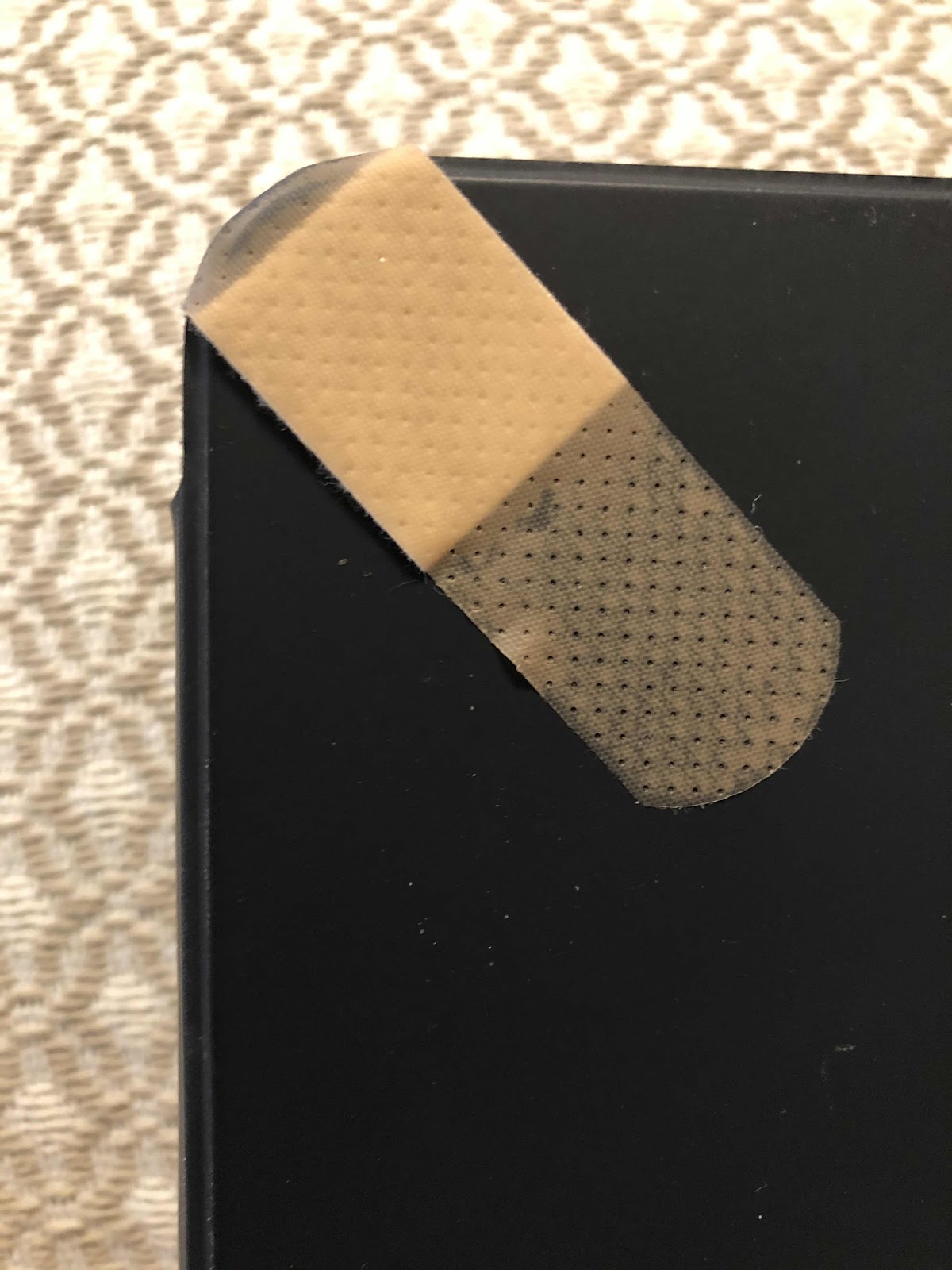
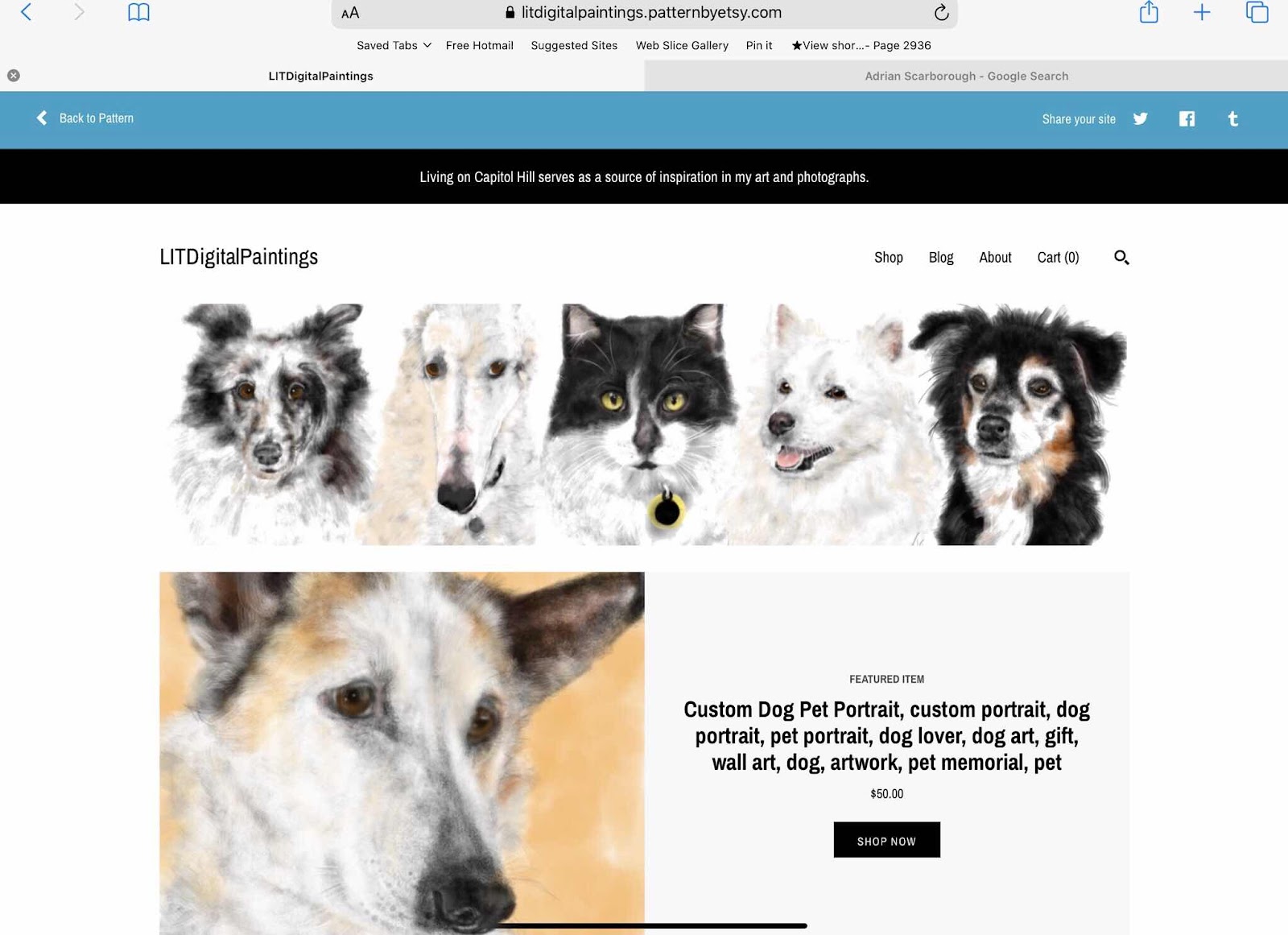
I have treasured each and every one of my iPhones and iPads - and I have had several. We not only have them for my husband and myself, we got one (now two) for my mother and two more for overseas friends. I had the first iPad when it was introduced and now use it for all of my digital art custom pet portraits. I am now on my fourth iPad. This one is an iPad Pro that I got because the Art app I was using was not compatible with an updated operating system. The new version seemed too difficult to self teach. So I took the summer to reintroduce myself to the app Procreate, and relearn my digital art skills on the new iPad Pro. I liked the bigger canvas and the size hasn’t been an issue - except when we travel I need to bring my largest purse to fit it in. For all of my devices I always got a warranty, but for whatever reason I did get one not for the iPad Pro. And wouldn’t you know... while on a trip last month we stayed at a hotel with stone floors. While I was getting up from the couch my iPhone strap somehow got entangled with the iPad and it came crashing down to the hard floor. Of course the corner was dented, and the glass was also affected. I was so upset and put a band aid on the glass to keep it in check. Luckily the small section of shattered glass was in the corner and within the black edge of the screen - so it wouldn’t affect viewing anything or drawing anything. As long as the unit continued to operate I was reconciled to the fact that I now had broken glass on a six month old iPad. The band aid was replaced with tape. I had a feeling when I got the case for it that the iPad was not completely protected because the sides were left exposed so the Apple pen could adhere to it. I always prided myself in taking such good care of my Apple products. So much for that. 


Sunday, August 18, 2019

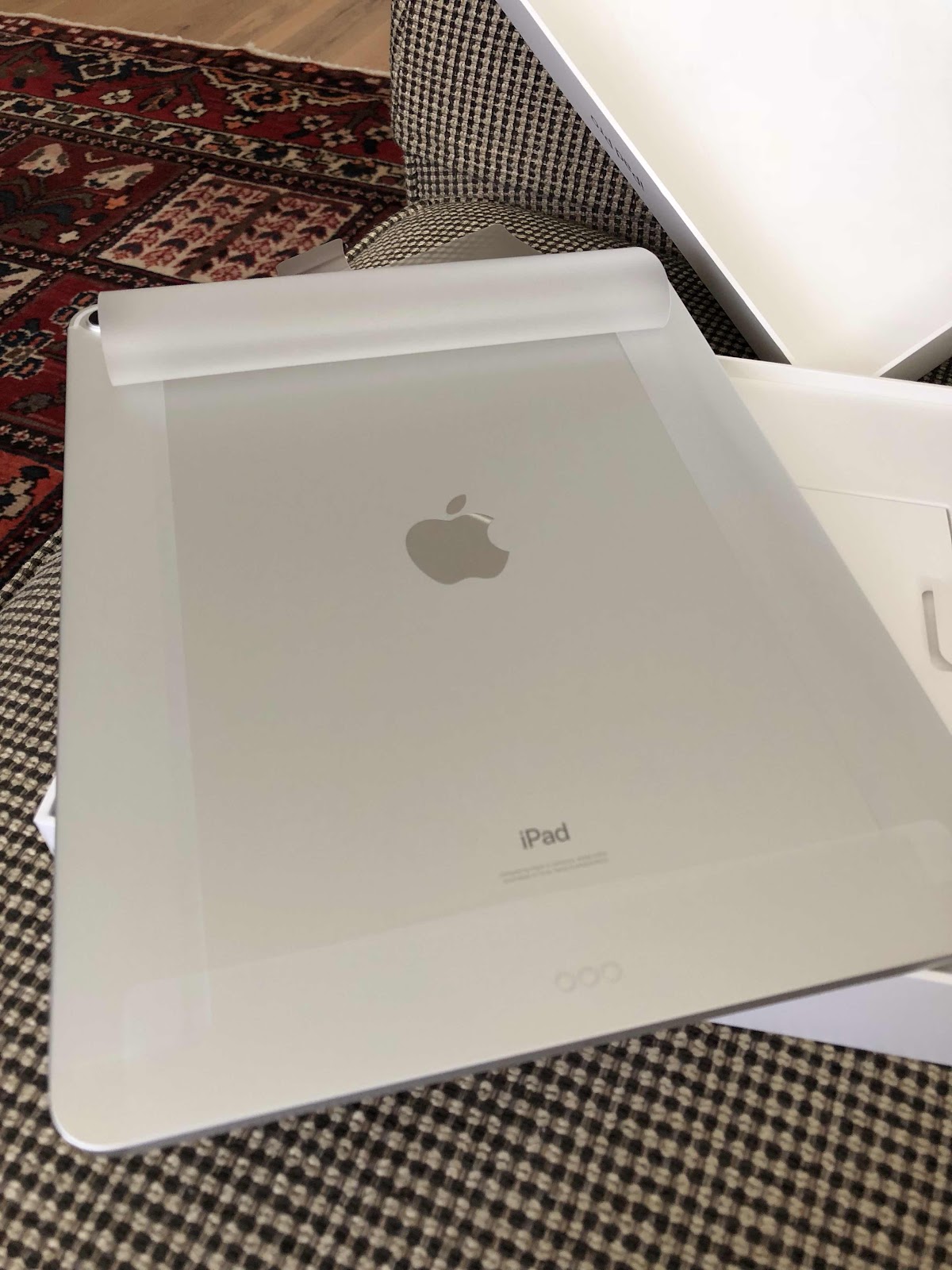
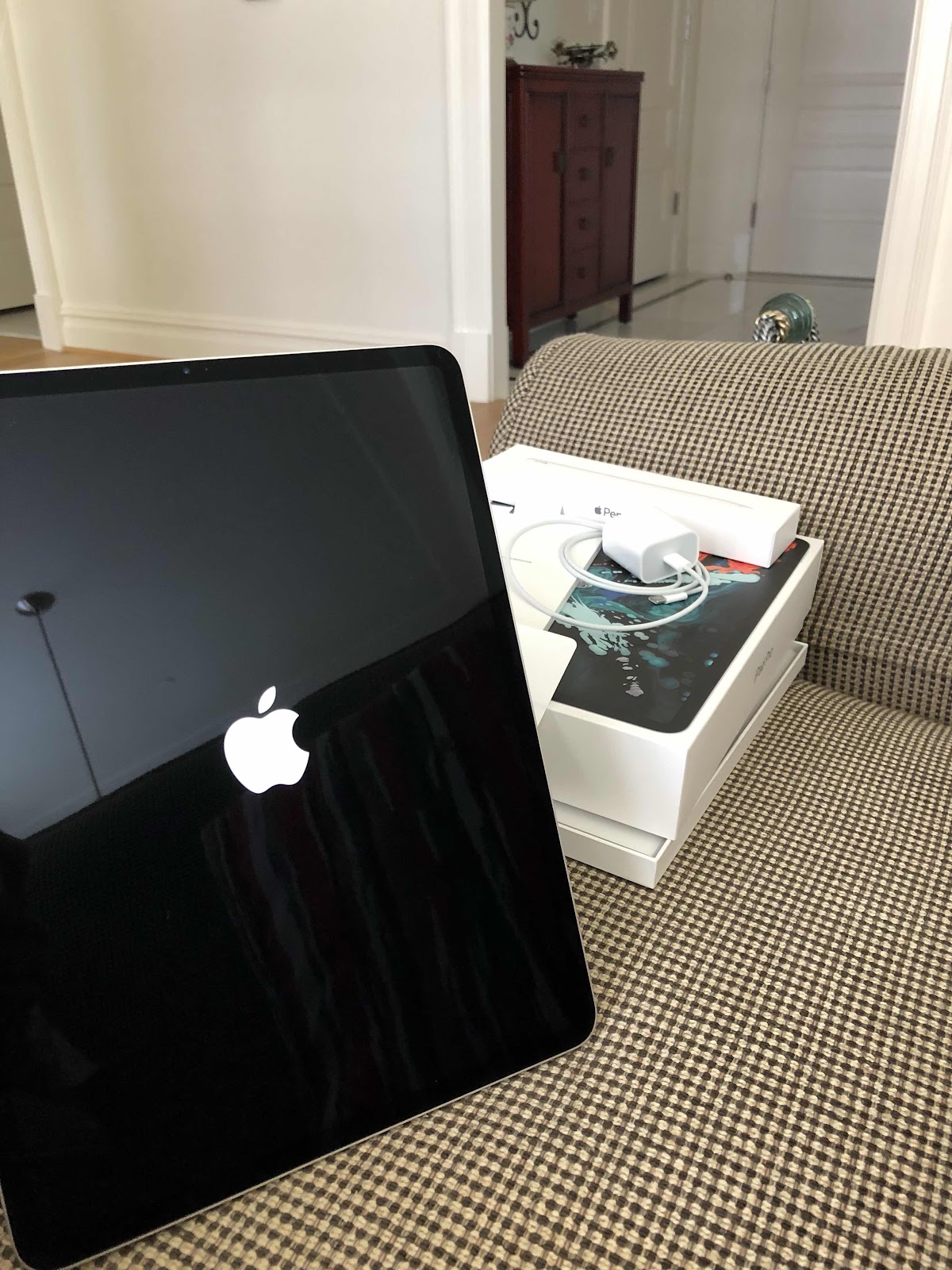
Apple IPad Pro with Pencil

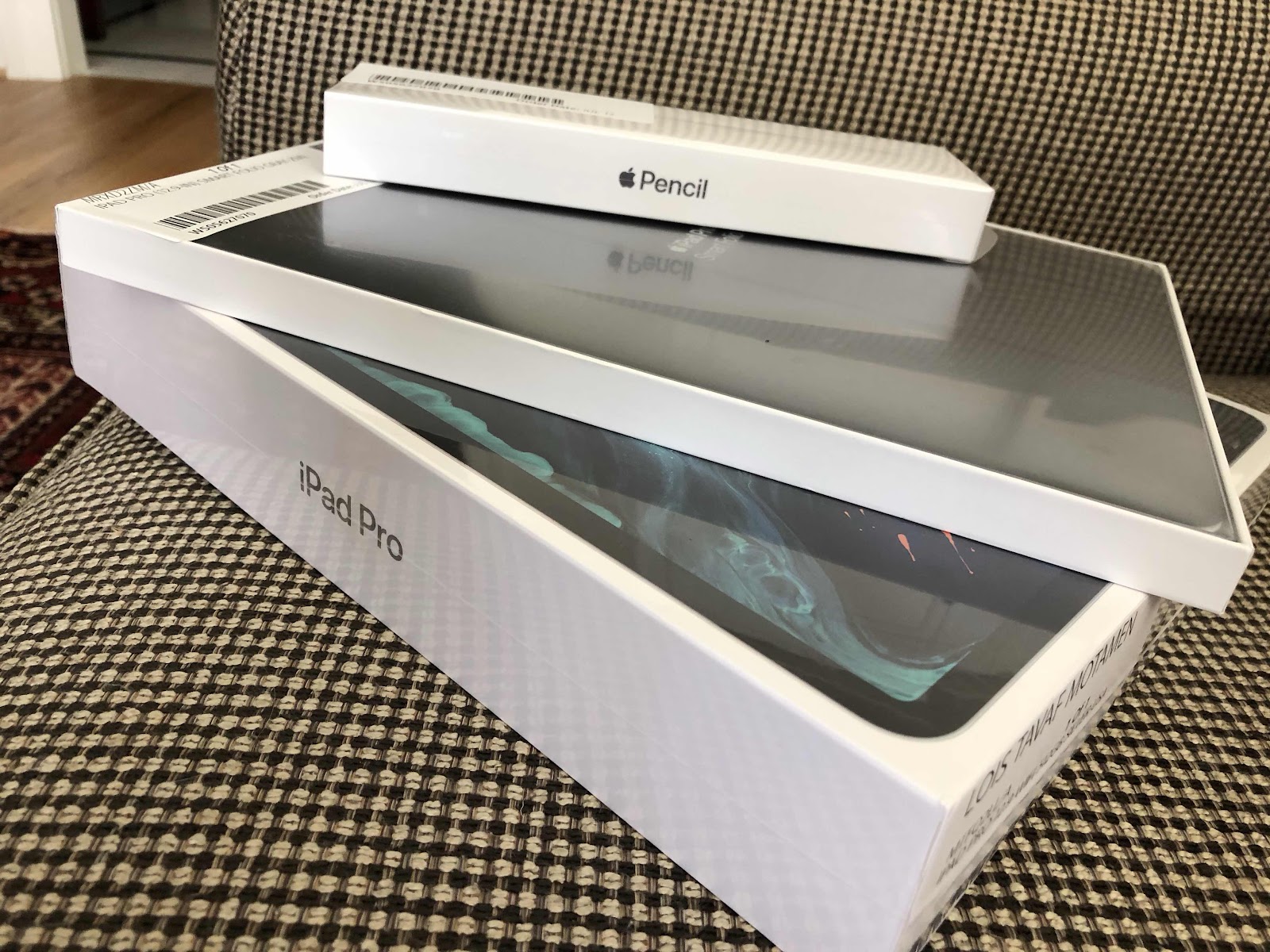
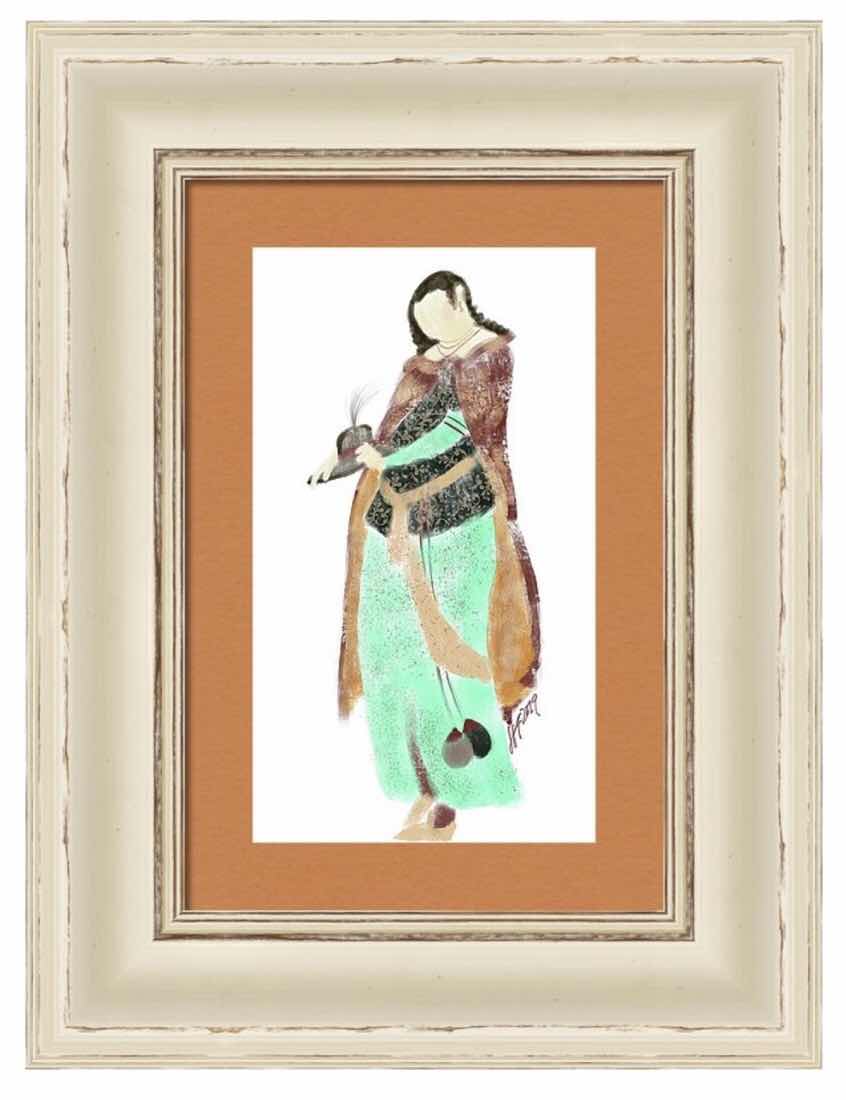
I’m not sure how old my iPad is, but I’ve been using it primarily to paint custom pet portraits using the sketchbook pro app. The sad thing is is that the sketchbook pro app is no longer supported on the updated operating systems, so I’m forced to keep it on a lower level system to preserve the app so I can use it. I was self taught on the sketch book pro app and it took a couple of years to perfect it. But my iPad became useless for other things that required updates to function. So I started thinking about a workaround. It’s been a while since I researched iPads and I was intrigued with the new iPad Pro that works with the Apple Pencil. I tried to learn the new sketch book pro app but found it quite difficult. I stumbled upon the Procreate app and read more about it. Since it was designed primarily for iPad use, maybe I could learn how to use it. So I ordered the latest iPad Pro and pencil and we went to the Apple store to pick it up. The Apple store is magical to me - kind of like art stores or container stores. I’ve always loved gadgets and was the first in line to get the first generation iPad. That’s when I started to paint again. Well, I’ve spent the last few weeks trying to learn about not only the new iPad and Pencil, but also Procreate. I downloaded the manuals for each and tried to learn a little bit every day. I like the larger iPad and use it for everything. My overall art style is changing from more precise to “impressionistic” watercolors - which is what I always preferred. The brushes and styles are very different - to me - from Sketchbook pro. Since I’m not a professional artist, I don’t know or need the functions that are available on the app. I probably use 10% of what’s out there. I’m not quite satisfied with my progress, but I tried doing our grandson’s Vizsla and even figured out the transparent background. I posted the image on Redbubble and Amazon Merch and ordered him a T-shirt with her painting on it. I’m practicing on a bunch of Persian art type things too - it’s one of the most frequently searched key words in my Etsy shop. At least I now have two options - I’ll use the old iPad for custom pet orders until I feel confident enough about my Procreate skills. Otherwise I’m having fun painting things I think look good. Thank goodness it’s a hobby!