Observations, pictures, and sketches highlight the transition of moving to the nations's Capitol after 30 years of living in the Midwest. A clash in cultures? Maybe not!
Showing posts with label procreate. Show all posts
Monday, April 15, 2024
52Frames Technology Photo Challenge
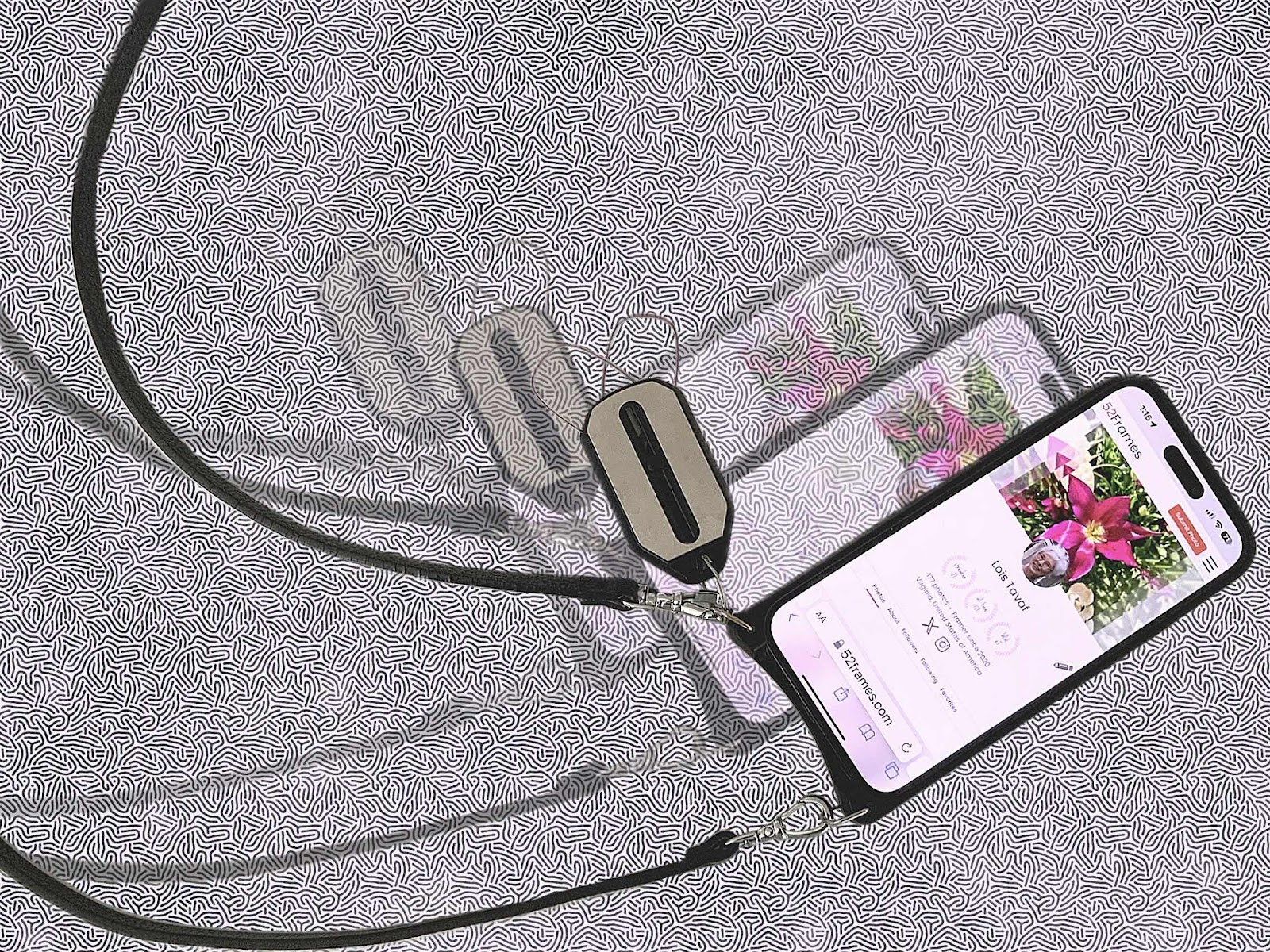
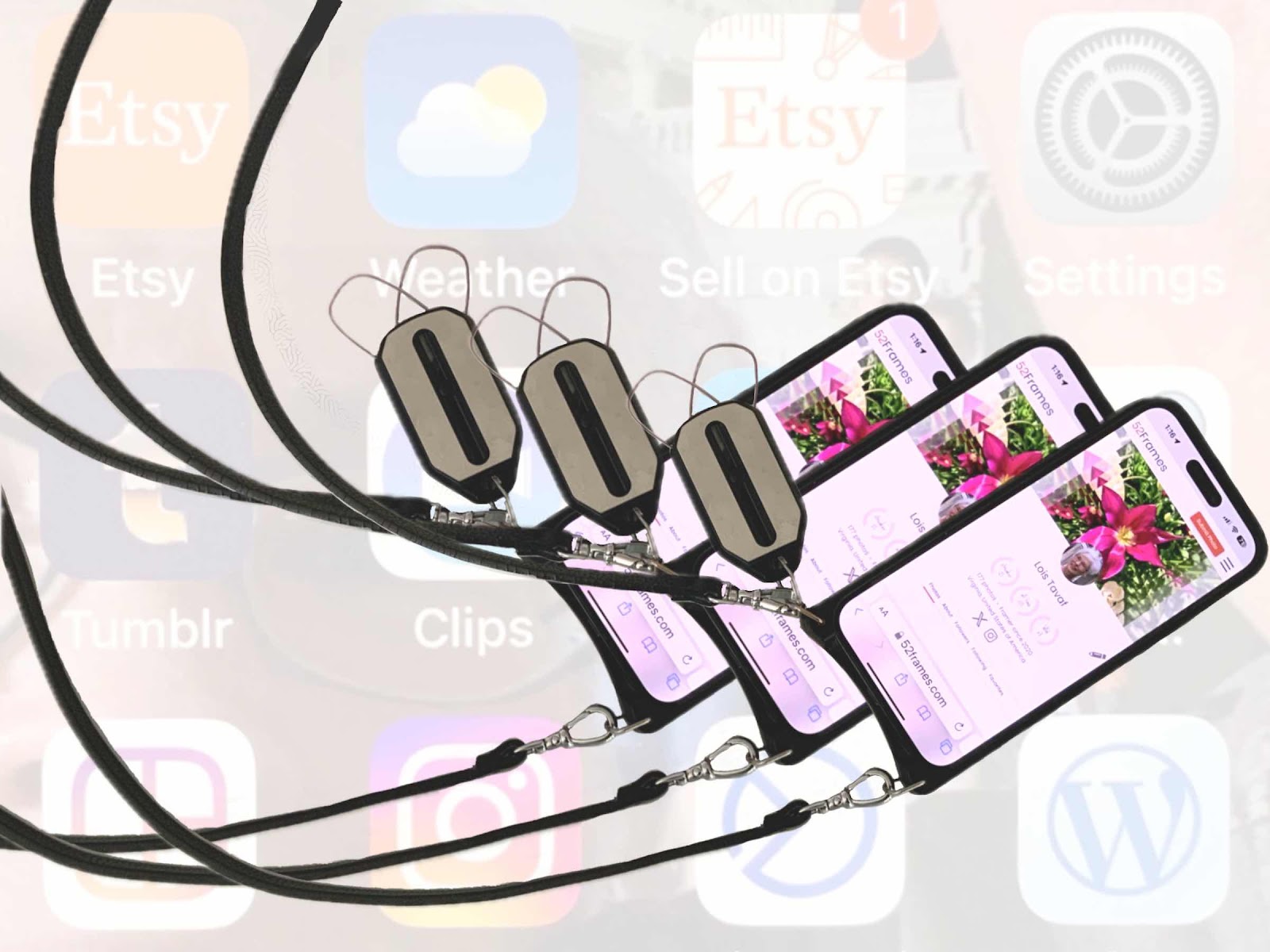
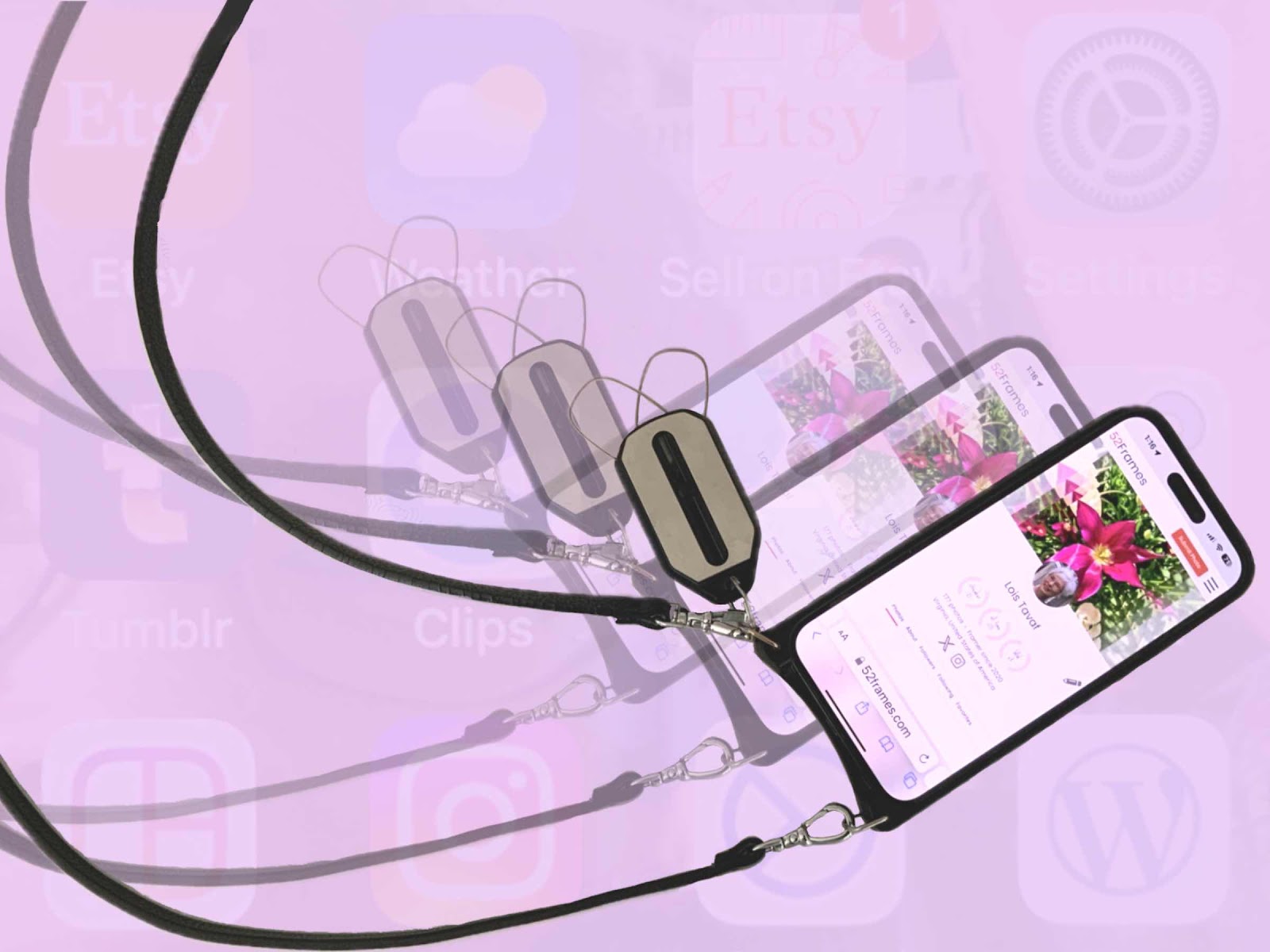
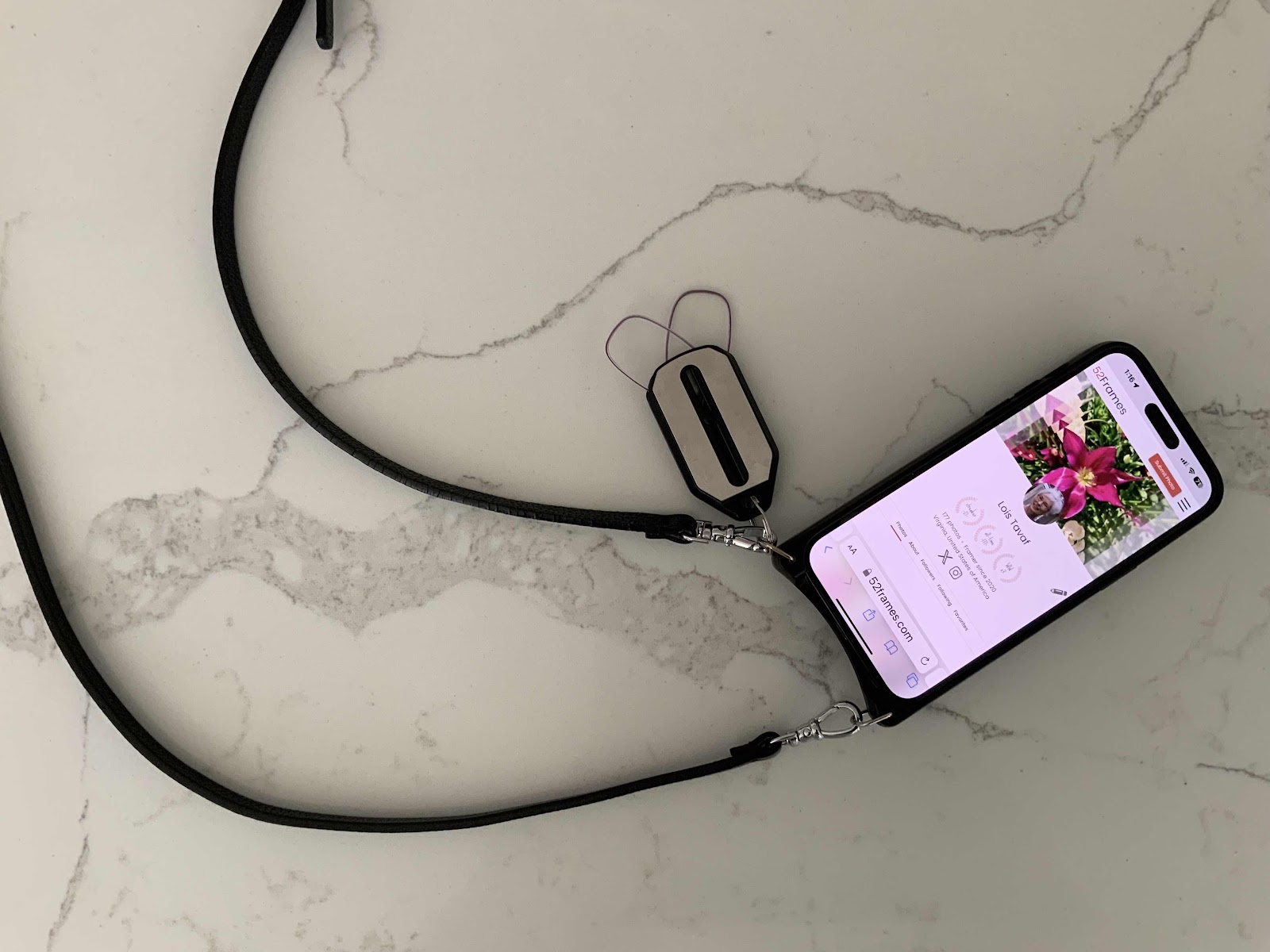
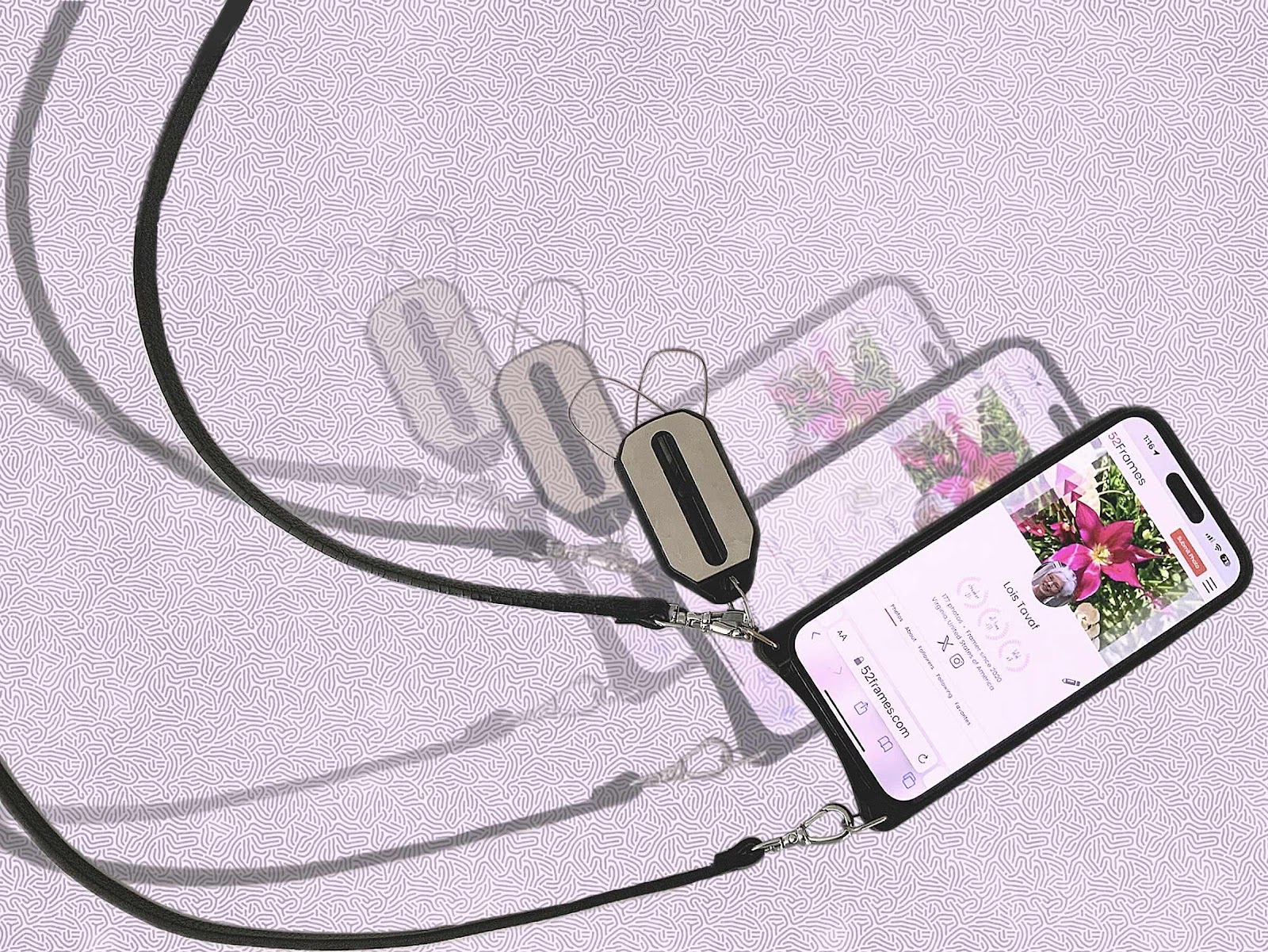
My favorite technology things are iPhones, ThinOptics readers, Bandolier straps, and the Procreate art app. So for this week’s 52Frames photo challenge I thought a composite image of these items would be appropriate since the subject was “technology,” So I took a photo of my phone, strap, and readers on the kitchen island, then sliced that image out and multiplied it two more times. Of course the 52Frames website was the screen image. The photos were edited in the camera plus app. Then using the Procreate app - the same one I use for all of my digital art and custom pet portraits - a background was added, several layers were added, and more cleaning up was done. A few different color backgrounds were tried. Usually several photos are taken for the weekly contest, but I only had this image in mind. The biggest question was where to crop it. I ended up using the original idea with the straps showing some movement and less emphasis on the phone size. Things have really changed from the original PictureIt! software for editing photos, taking photos with my swinger instant camera and all the other cameras to the ready at hand iPhone, and the klunky readers that are now replaced with ThinOptics key chain readers that are with me at all times. These are really my favorite things and they are used on a daily basis. I suppose I always loved gadgets. As a nursing administrator I headed the project to implement one of the first automated documentation systems in health care way back in 1988. And I preferred ICU and cath lab clinical specialties. I always loved visuals and excel spreadsheets as a performance productivity expert. I’m hoping I can stay on top of all of the products yet to come. We haven’t seen anything yet.


Thursday, March 9, 2023
Procreate Photo Editing
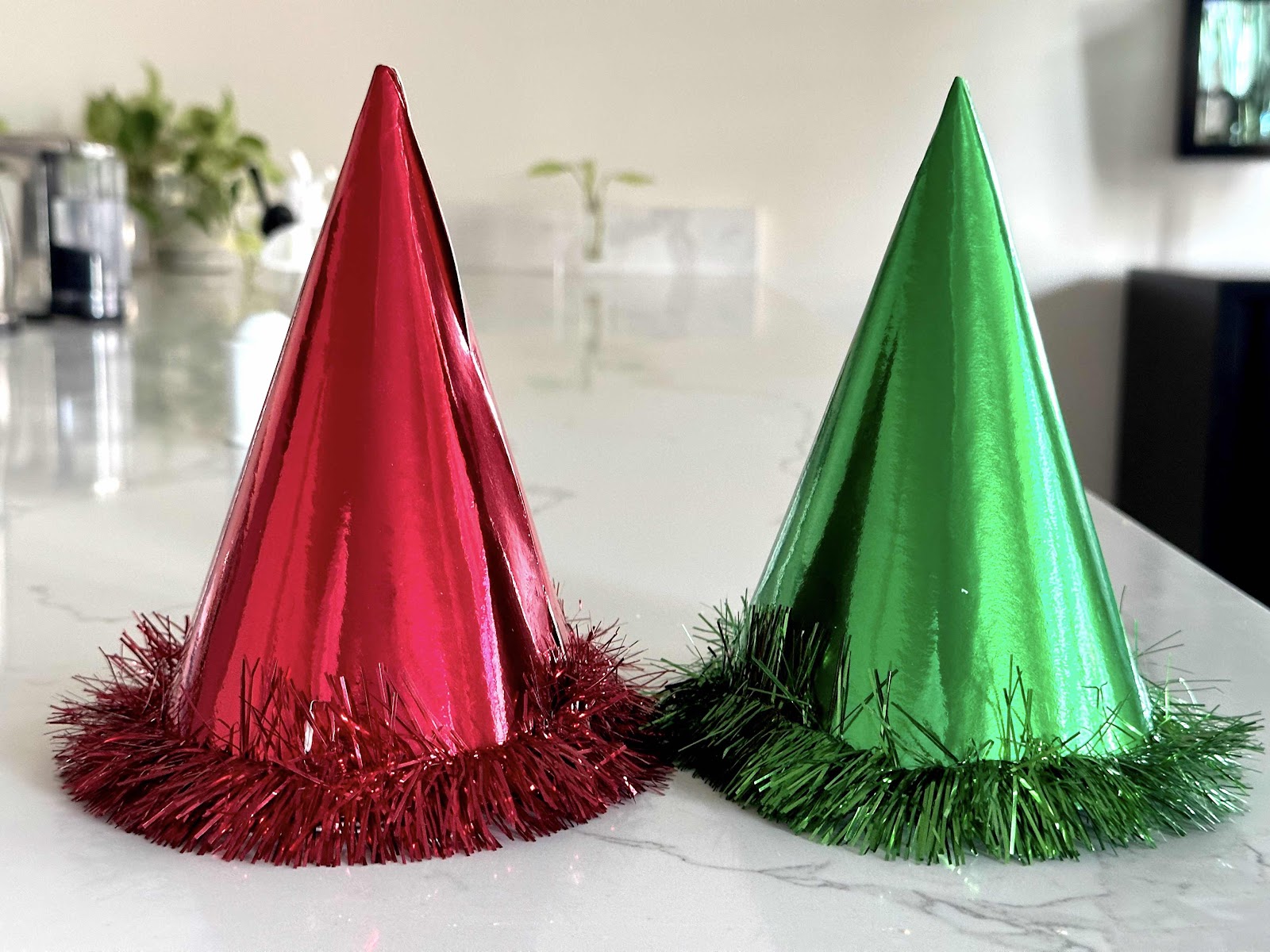
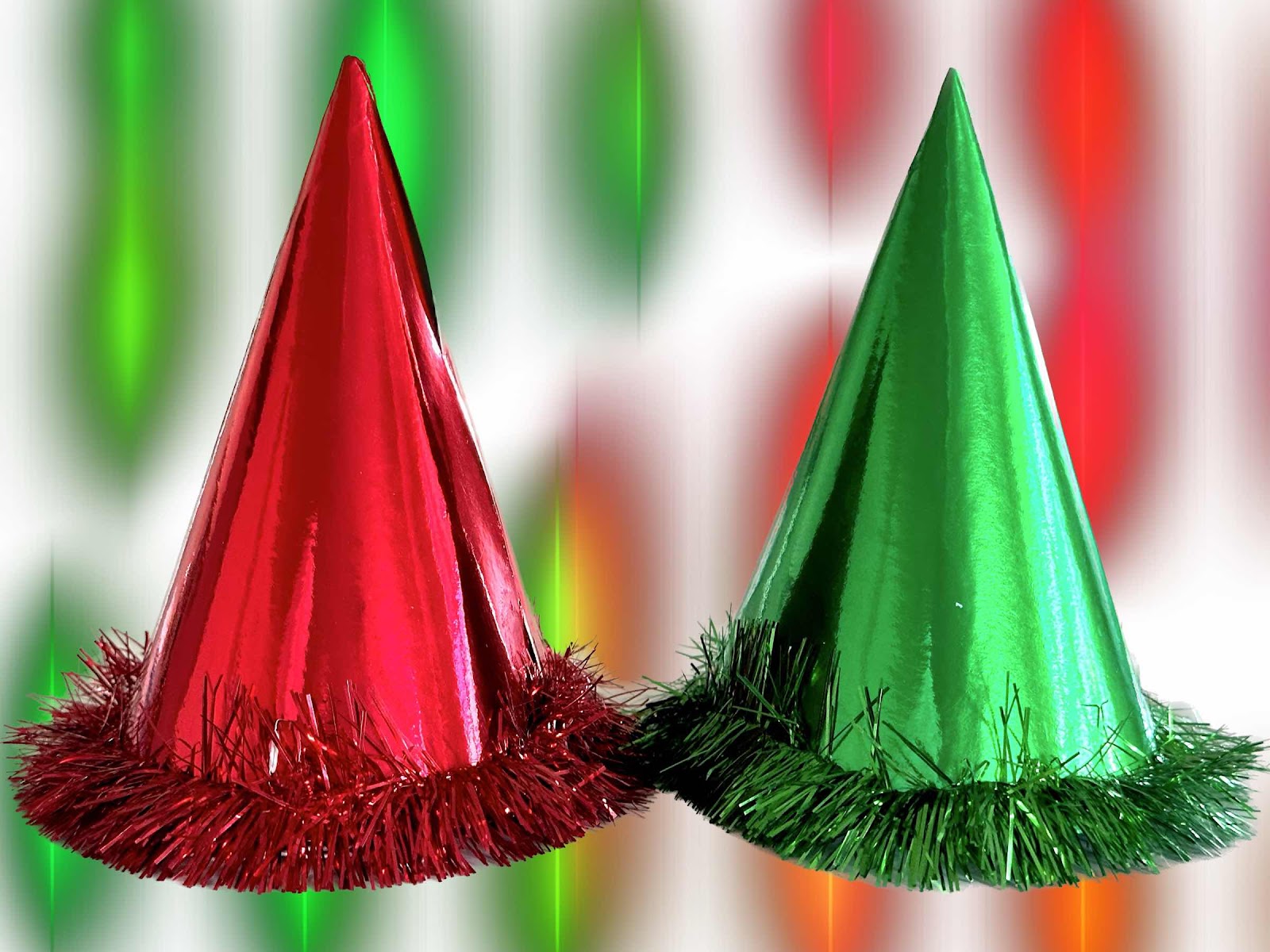
Every week I need to submit a photo for the weekly 52Frames challenge. Usually the generic editing function is used via the Apple iPad. But I also have an app called camera plus that has several great features including a clarity function that really brings out the colors on certain images. I also use Procreate for all of my digital paintings and recently wondered if I could also use it for editing photos. I wasn’t sure how exactly so I started to experiment with some things. It’s all self taught so it’s hit and miss. This week we need to take an image of complementary colors. This time I wanted to try several different backgrounds for a pair of New Year’s Eve hats that my husband and I don every year. So I isolated the hats on one layer, then experimented with several backgrounds that were sketched using the different brushes and styles available on another layer. So it would become a photo and a digital painting so to speak. The options are literally limitless based on your own creative thought process. Then I thought I would add our names to the image on another layer, then changed my mind to where the names would be located on the hats, then changed my mind to make them just initials, then changed my mind to put the initials on the top of the hats. I still don’t know if I like any of them, but it was an interesting experience. It’s not just taking pictures anymore - it’s telling a story and editing the photo in a way that grabs attention. But I need to really like it and I’m not quite sure about this one.


Sunday, February 5, 2023
Procreate for Photo Editing
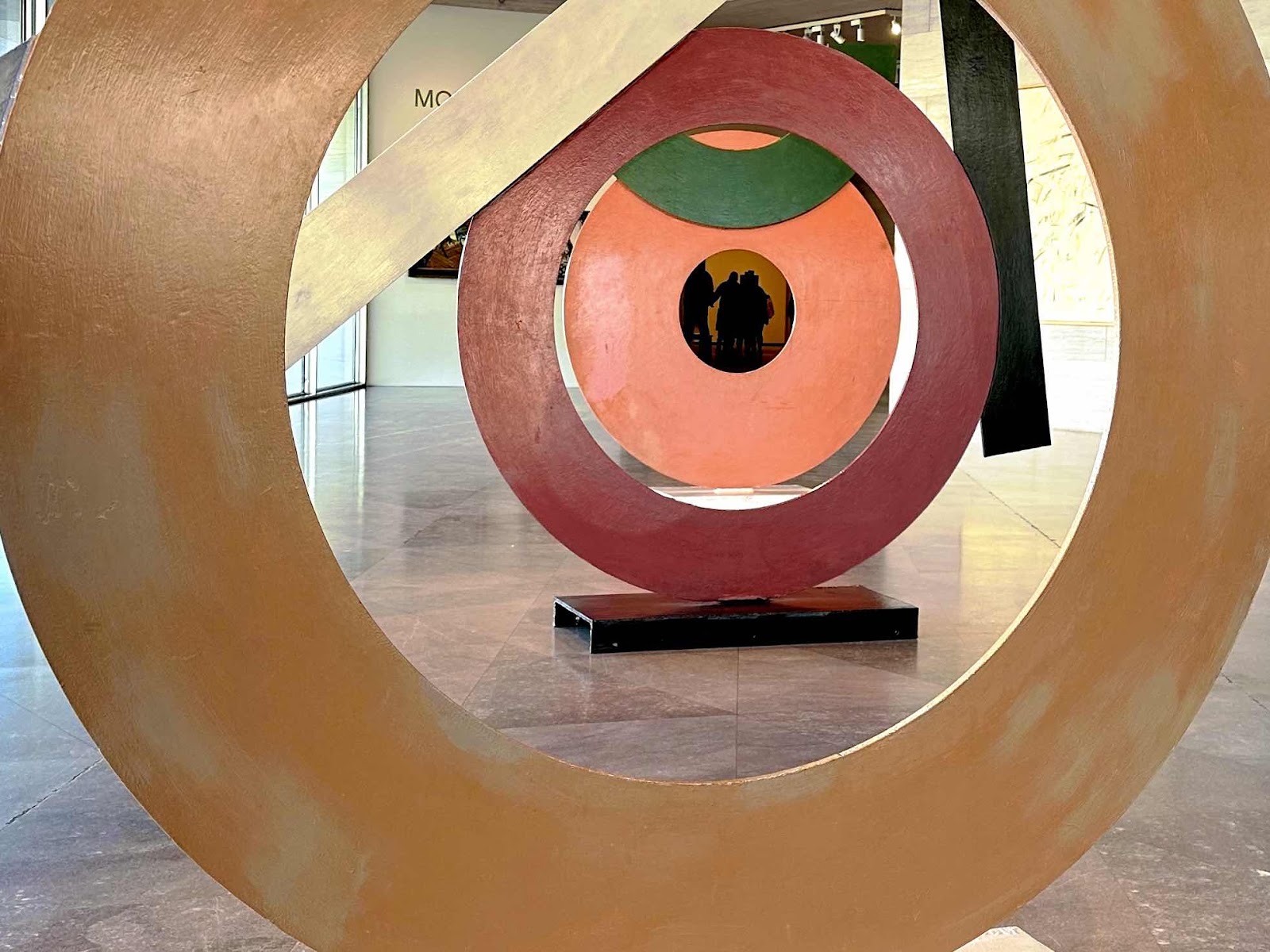
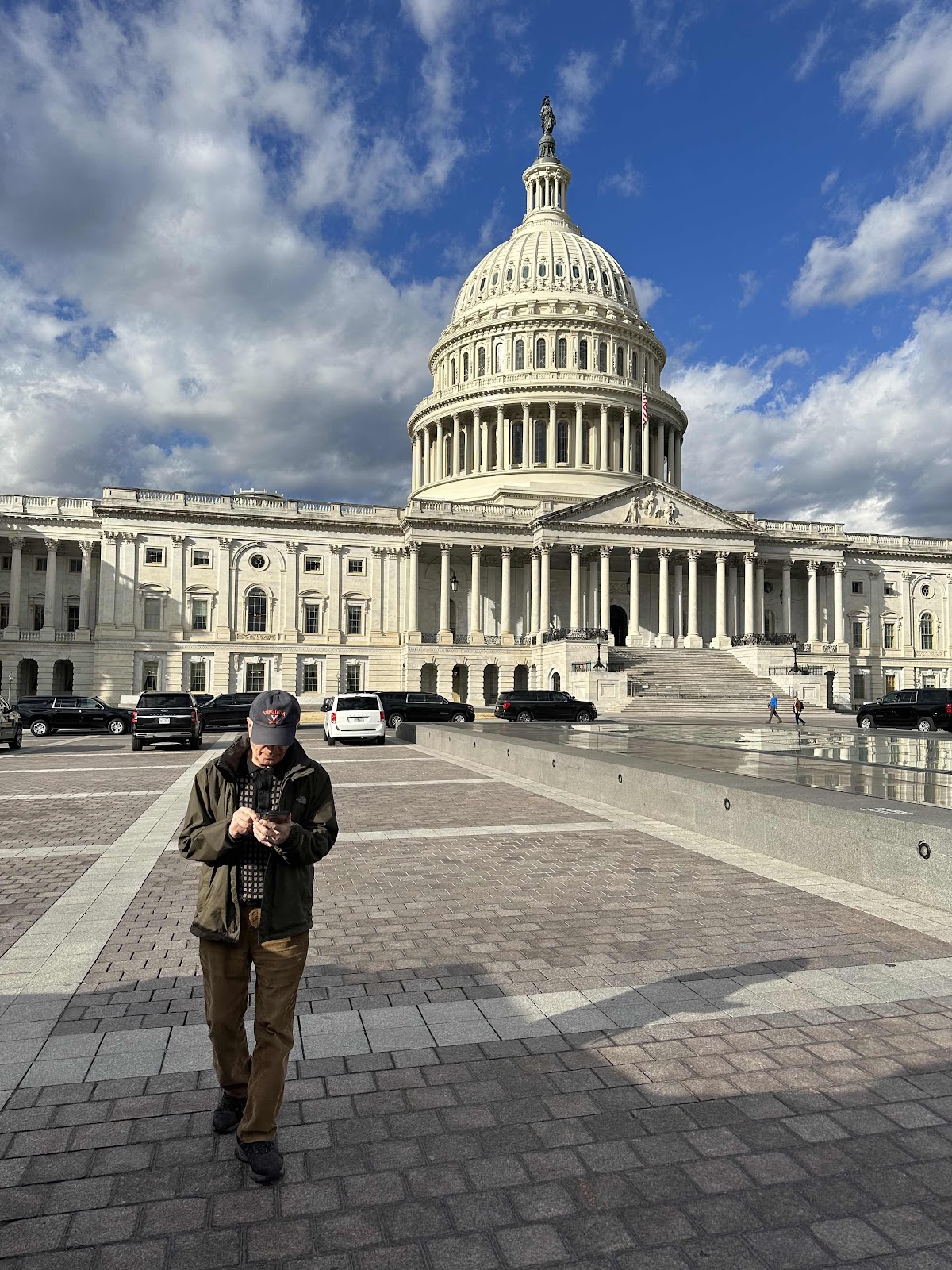
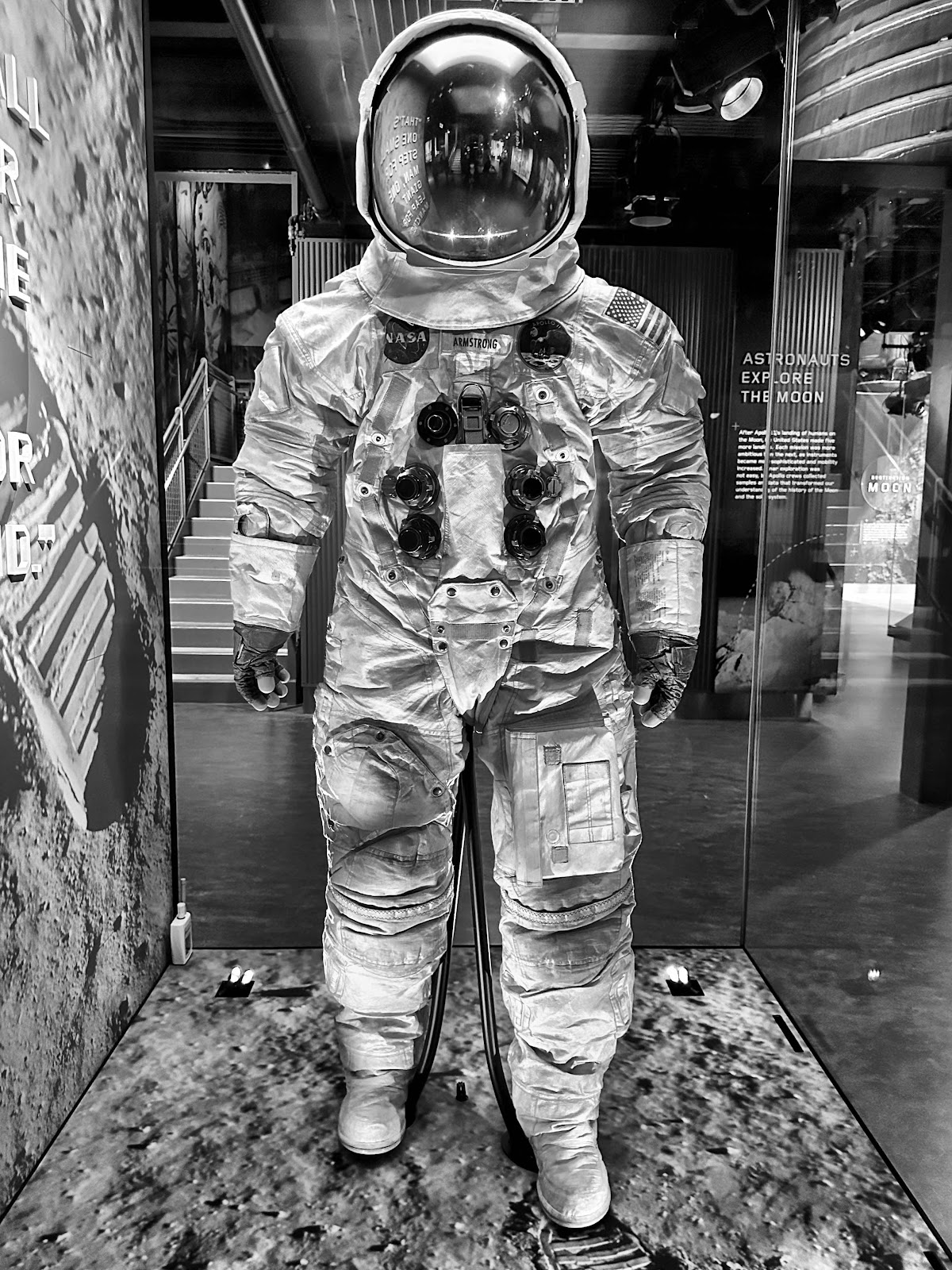
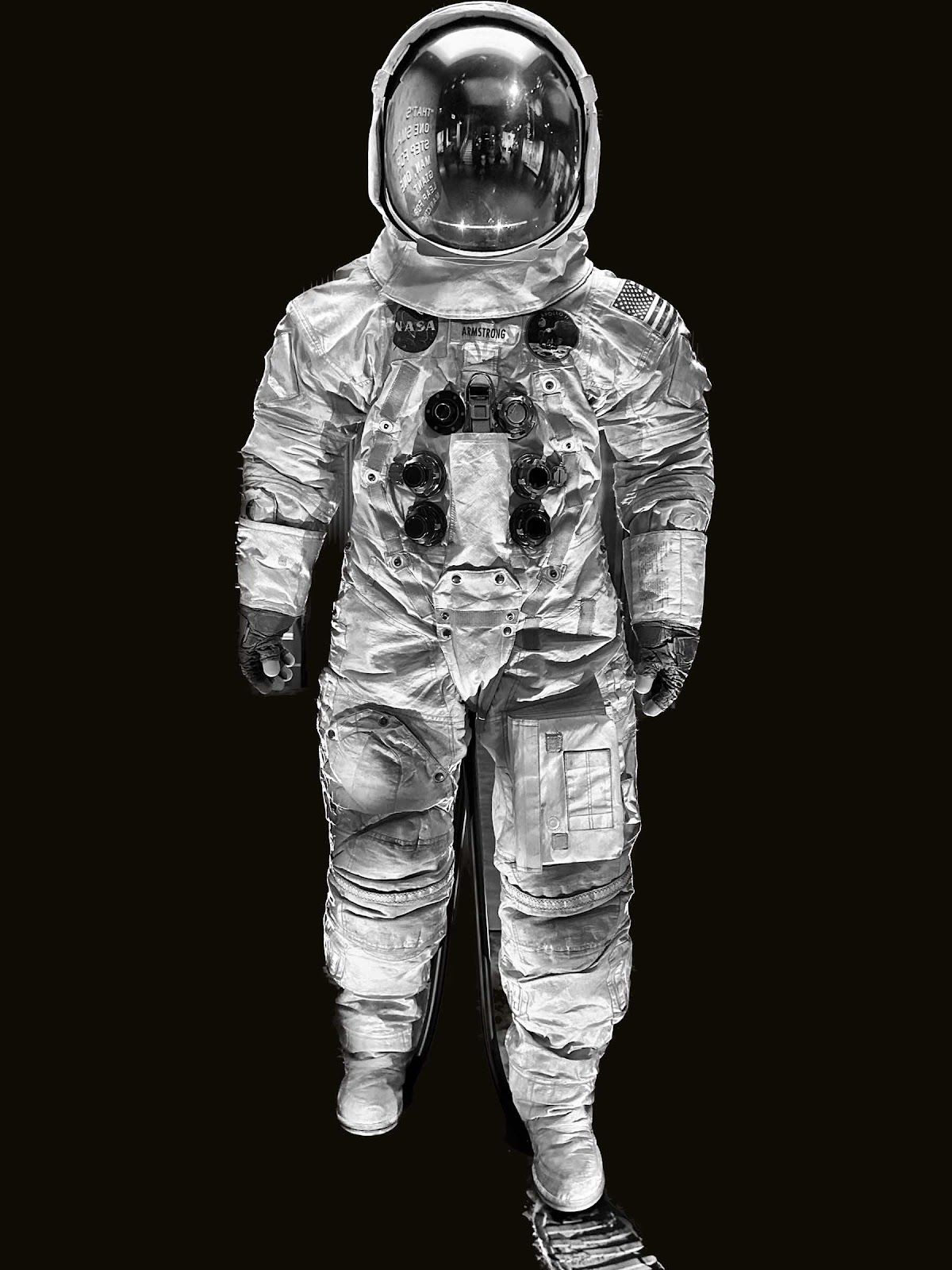
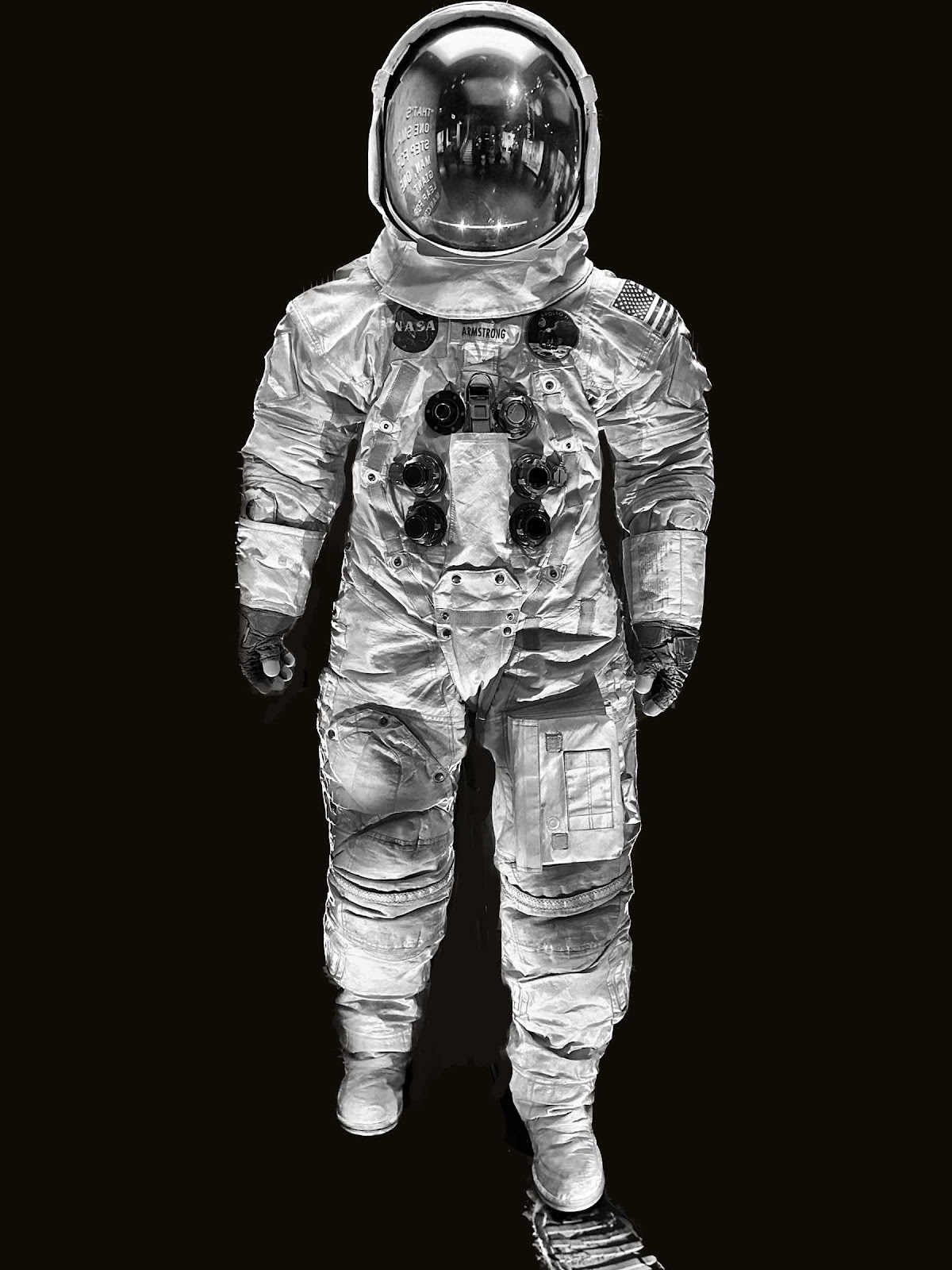
I have been using Procreate to paint digital art custom pet portraits for the last few years. It’s basically my art studio. The iPad is my canvas and the stylus is my brush. When I first started painting I used Sketchbook pro. It was all self taught and I know I’m missing out on a lot of things. Then sketchbook pro wasn’t going to be compatible with my iPad, or the program changed too much to relearn it. That’s when I started using procreate when I got my larger sized iPad Pro. It dawned on me that perhaps procreate could also be used for photo editing. Way back in the day I had a picture it program on my desk top computer that was used for photo editing. I even created a fifty year anniversary album for my parents using it. My weekly photo challenge got me to thinking that there must be a way to create more interesting photos aside from just basic editing - because I see things on there that aren’t just a typical photo. And with the latest photo updates on the iPad, you can easily carve out an image from its background and superimpose it on to another one. So I tried a couple of ideas and am slowly beginning to learn how I might be able to do it. Rather than layering the paint, you layer the images. So I tried it with a picture of my husband in front of the Capitol on top of the art at the National gallery. It was interesting. Last week I got a great photo of Neil Armstrong’s space suit at the air and space museum. So I isolated the suit from the noisy background and placed it on a plain black background. Because the cut wasn’t perfectly clean I painted in the lighter areas between the legs. A photo of rocket boosters was then added behind and the image really changed. Afterwards I googled if procreate could be used for photo editing and found out it could - to a certain degree. Photoshop is supposedly the best program for any of this but I don’t have the equipment for it. So I’ll need to read a bit more about it. This sort of thing I find very interesting. Maybe I will have some luck with it.


Wednesday, November 13, 2019
Procreate and Persian Prints
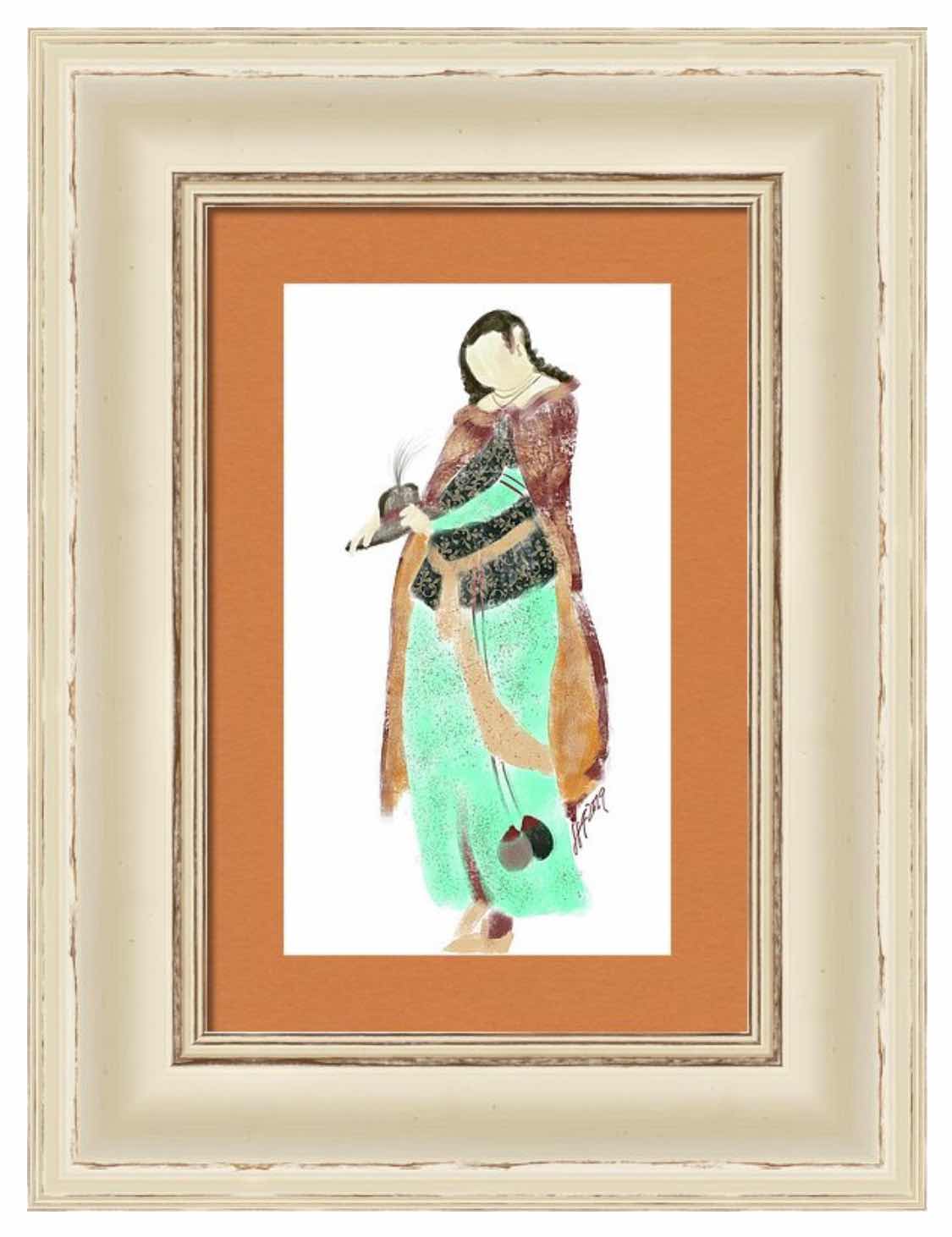
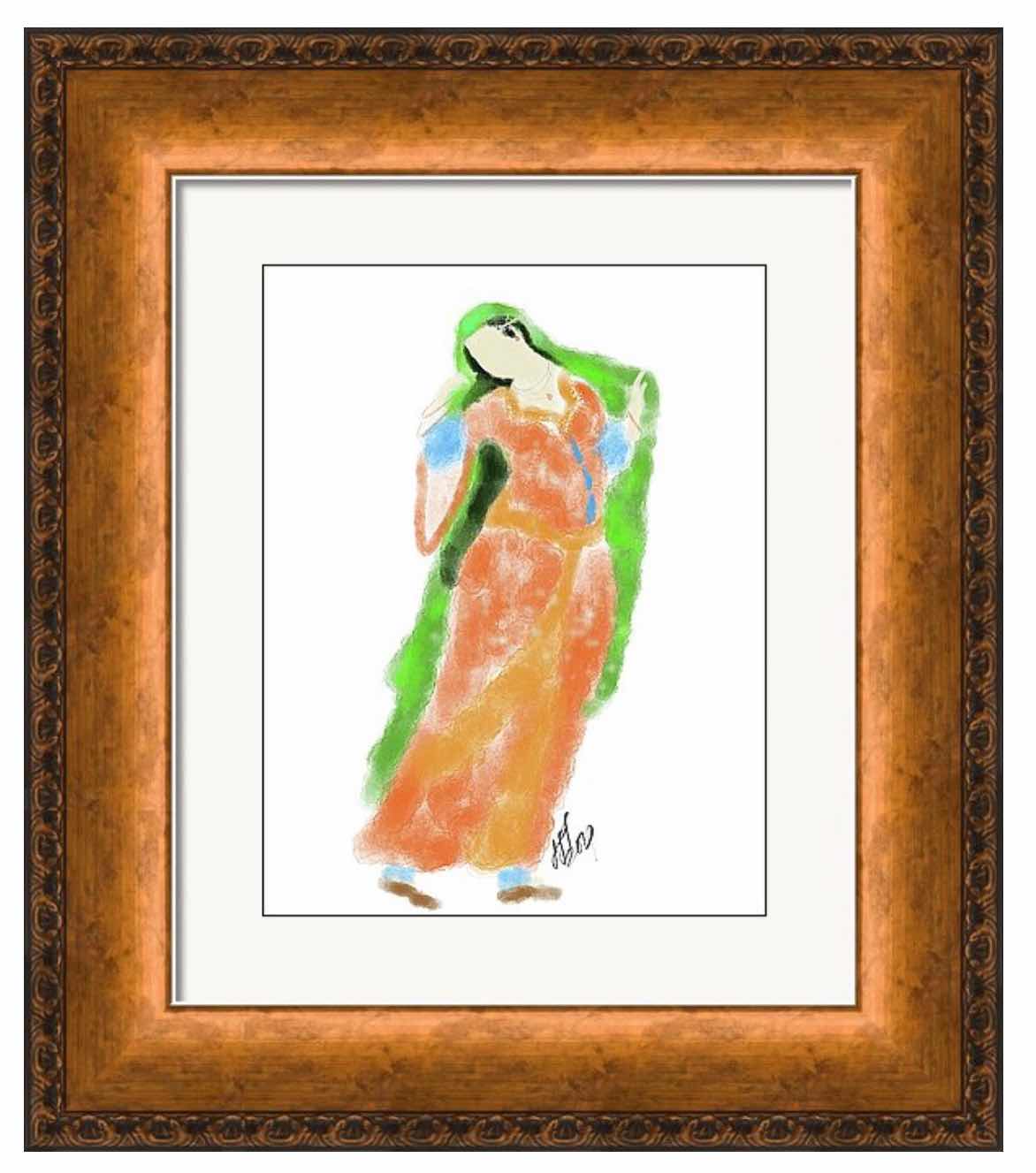
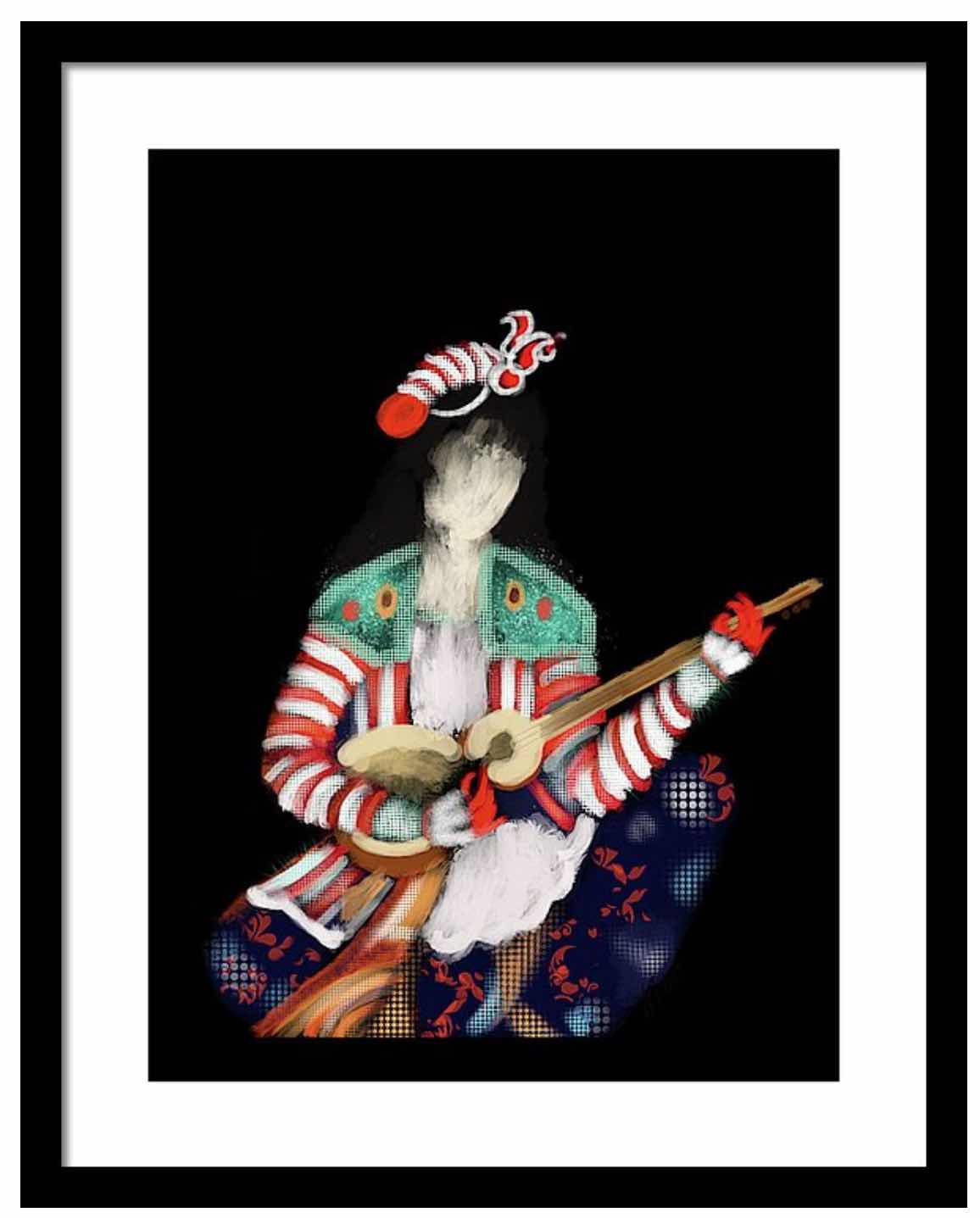
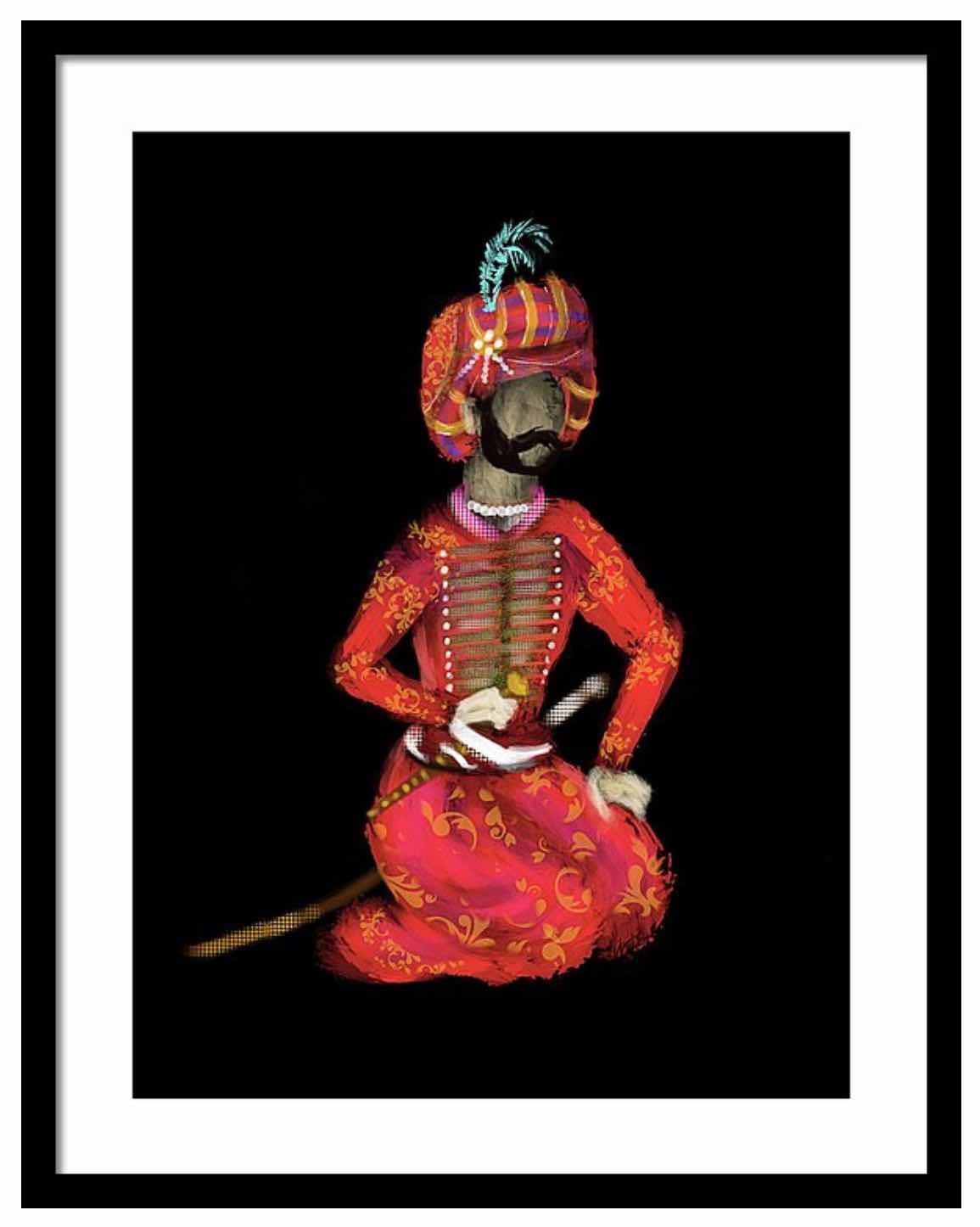
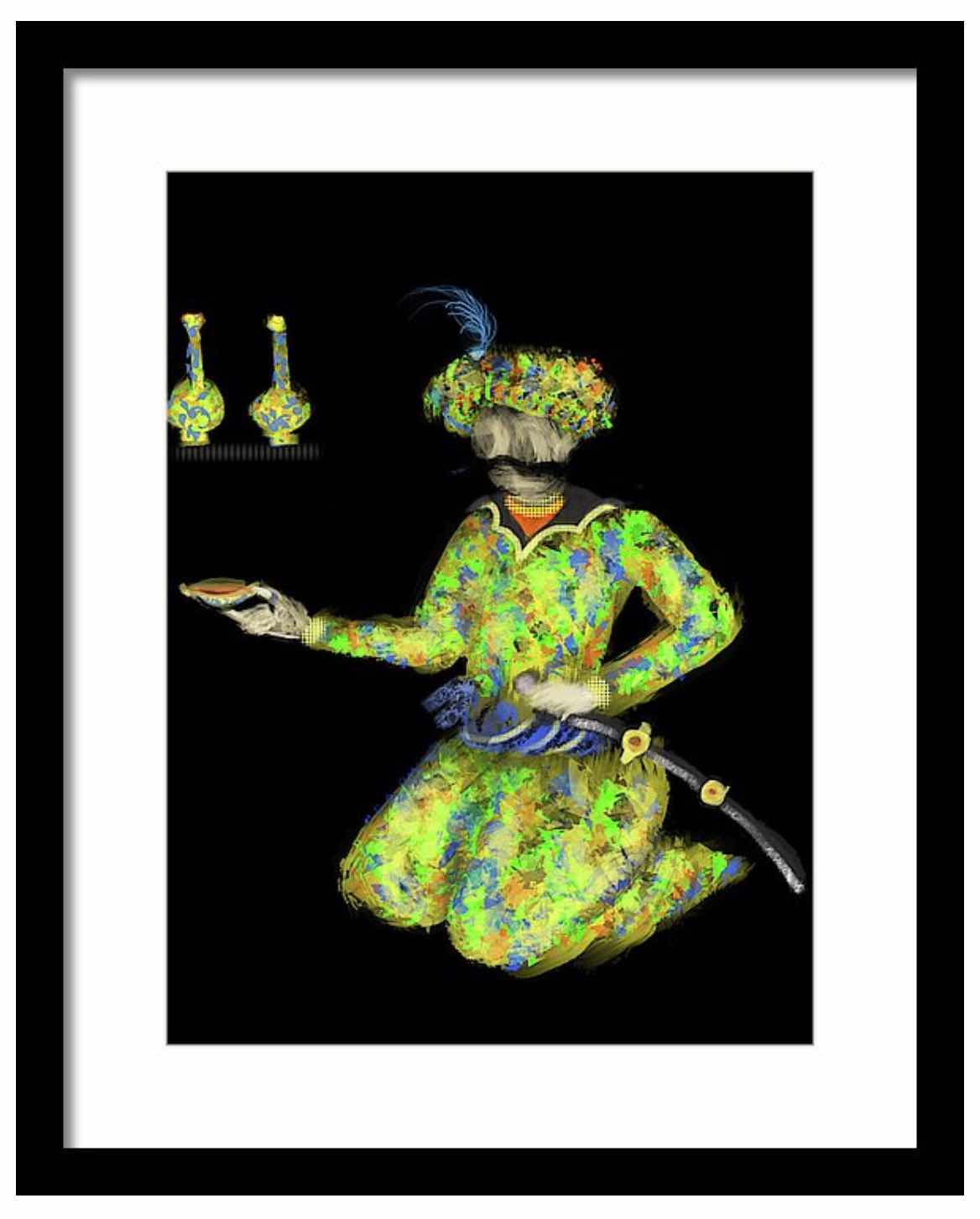
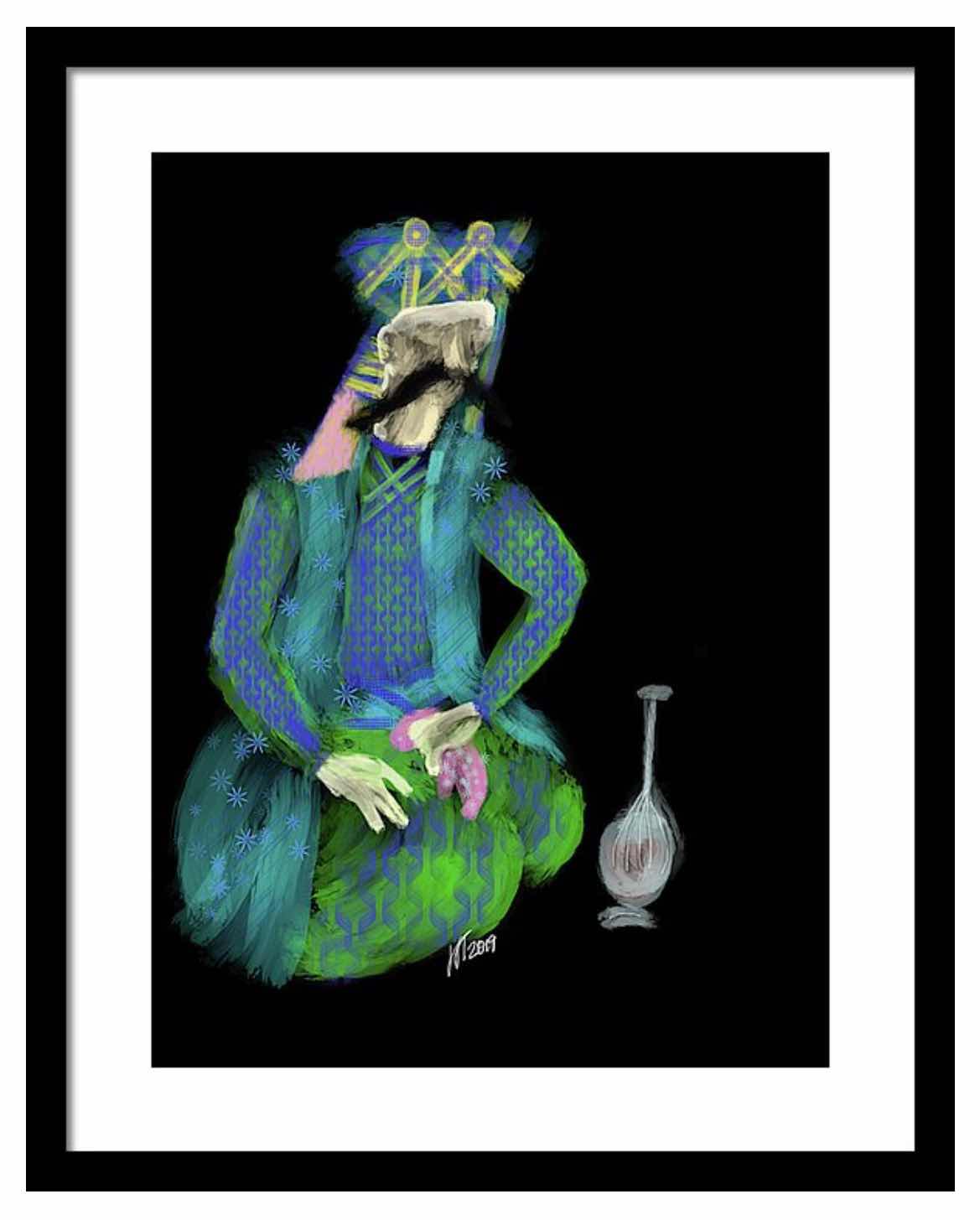
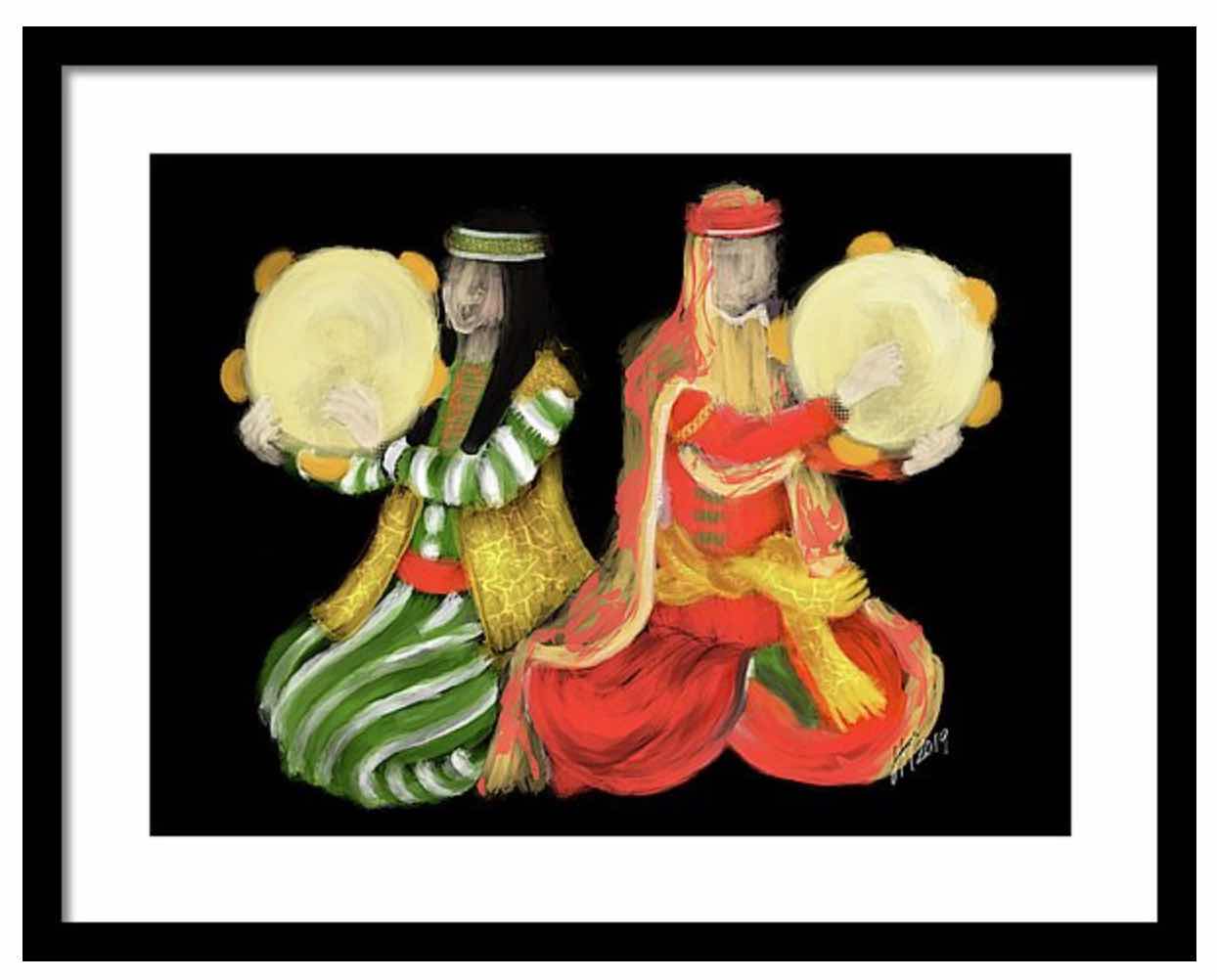
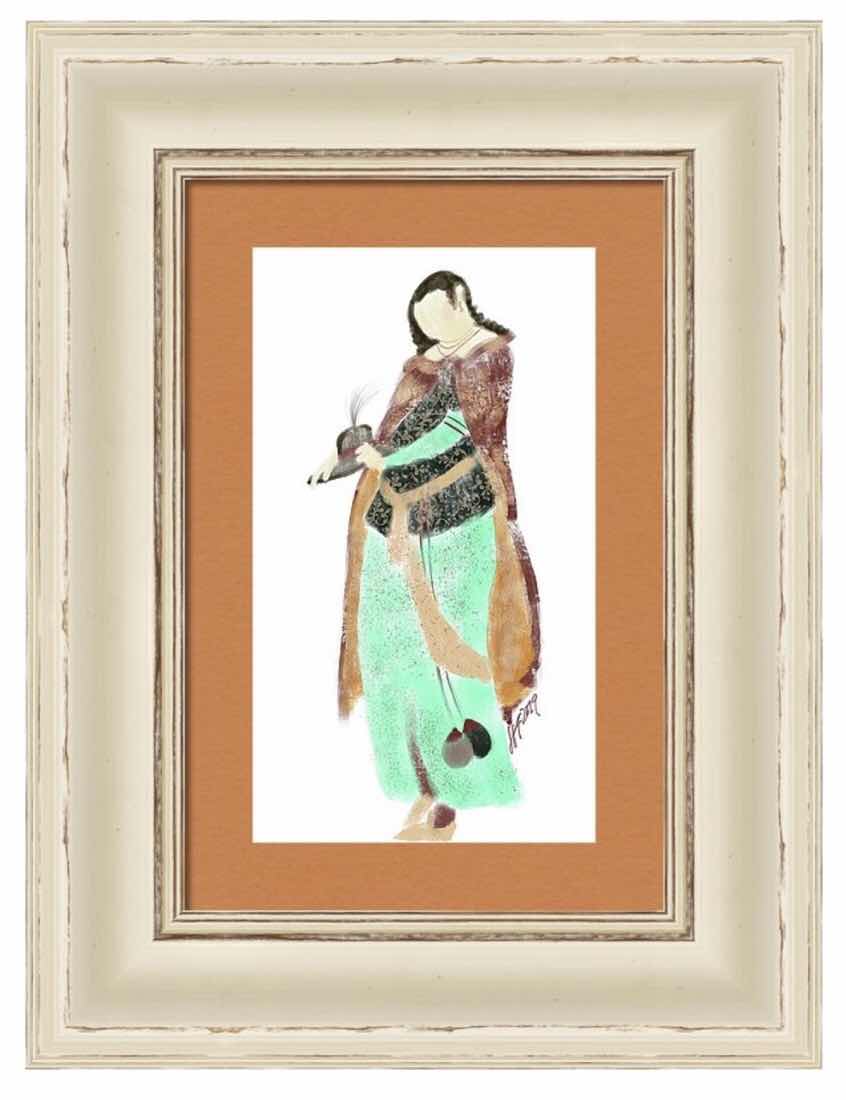
I started painting using my iPad back in 2010. The stylus was my paintbrush, the iPad was the canvas, and Sketchbook Pro was my app. I always loved to paint since kindergarten - first crayons - then pastels, watercolors, pen and ink, charcoal. But I put all of that aside and studied a subject in college that I could find a job - nursing. It was a very rewarding career and it took me in to interesting places - even the Library of Congress. So my art interest was reignited when the iPad came around. The app was self taught, and it worked very well for me for several years. But then the original app was no longer updated when the operating systems were and the new app seemed harder to get a handle on. So after putting it off for awhile, and doing my usual considerable research, I decided to get the latest iPad Pro and Apple Pencil in the spring. But it also meant learning a new app called Procreate. It took awhile, but after many days and weeks of reading and relearning brushes and palettes and processes, I finally became comfortable enough with the app, but still don’t use half of its capabilities. It stated with doodles and getting familiar with the program, and a custom pet portrait of our new “grand pup.” Then I received a custom order for a pet portrait and dove in. It turned out really well - more watercolor than not. So I liked the end result even more that before, and the canvas size of the bigger iPad made it feel even more like painting. Rather than rely on layers, I was actually painting. So I thought I’d try a different subject matter. Using photographs from our trip to Iran from almost ten years ago, I painted several Persian subjects that were fun and whimsical to create. It was a great experience and kept me busy throughout the summer. Now it’s getting closer to the holidays and the custom pet portrait orders are starting to come in. I’m really glad I finally took the plunge and learned the new app without being rushed or under pressure. I still have my old iPad and old app available in case I need them. I can’t believe I used that tiny screen to paint all the portraits I did! Regardless, it’s a great way to continue working on a hobby I have always loved. And I don’t have to deal with all the mess of real paint and watercolor. Plus my studio comes with me wherever I go.

‘


Sunday, August 18, 2019
Apple IPad Pro with Pencil
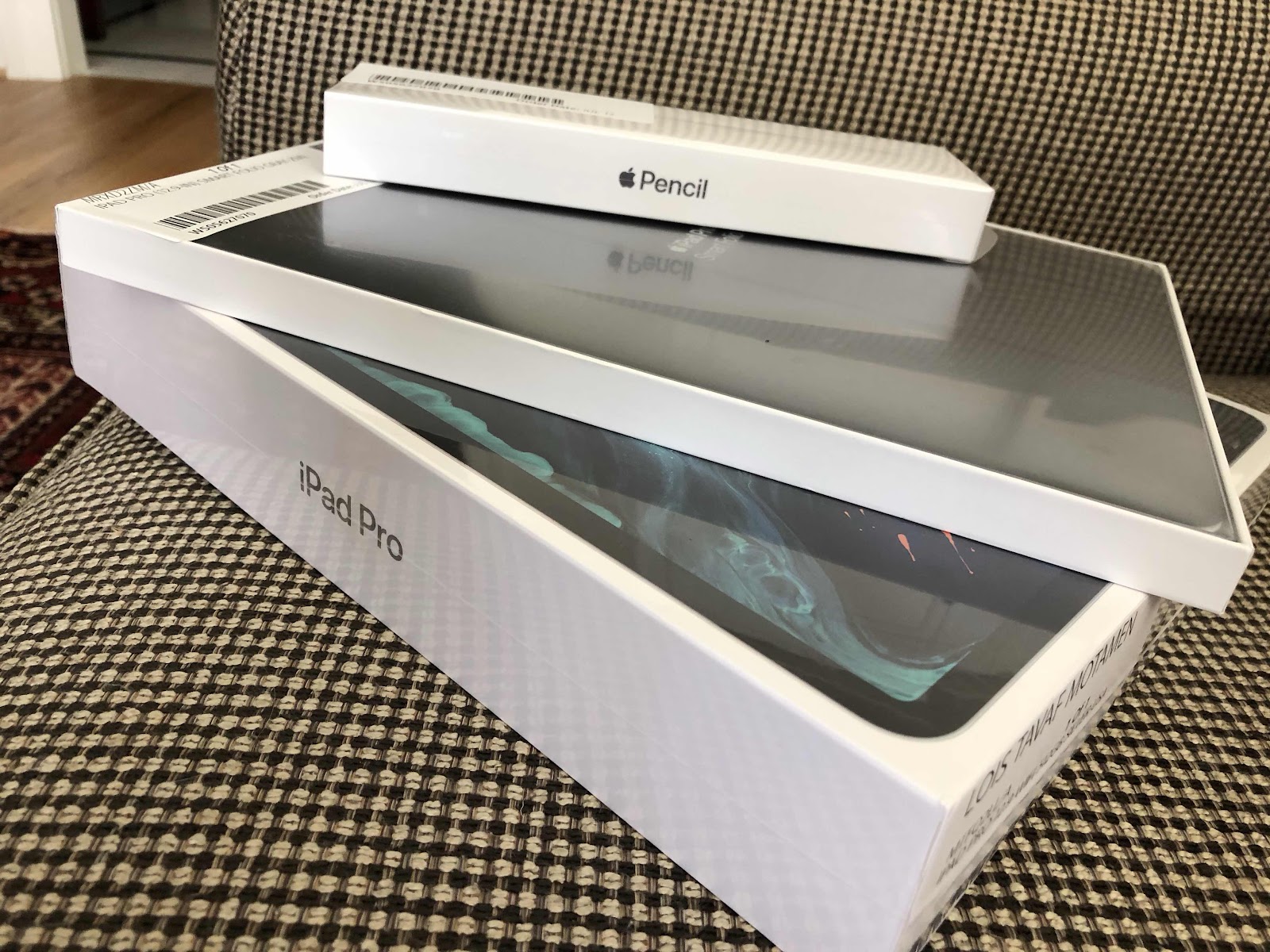
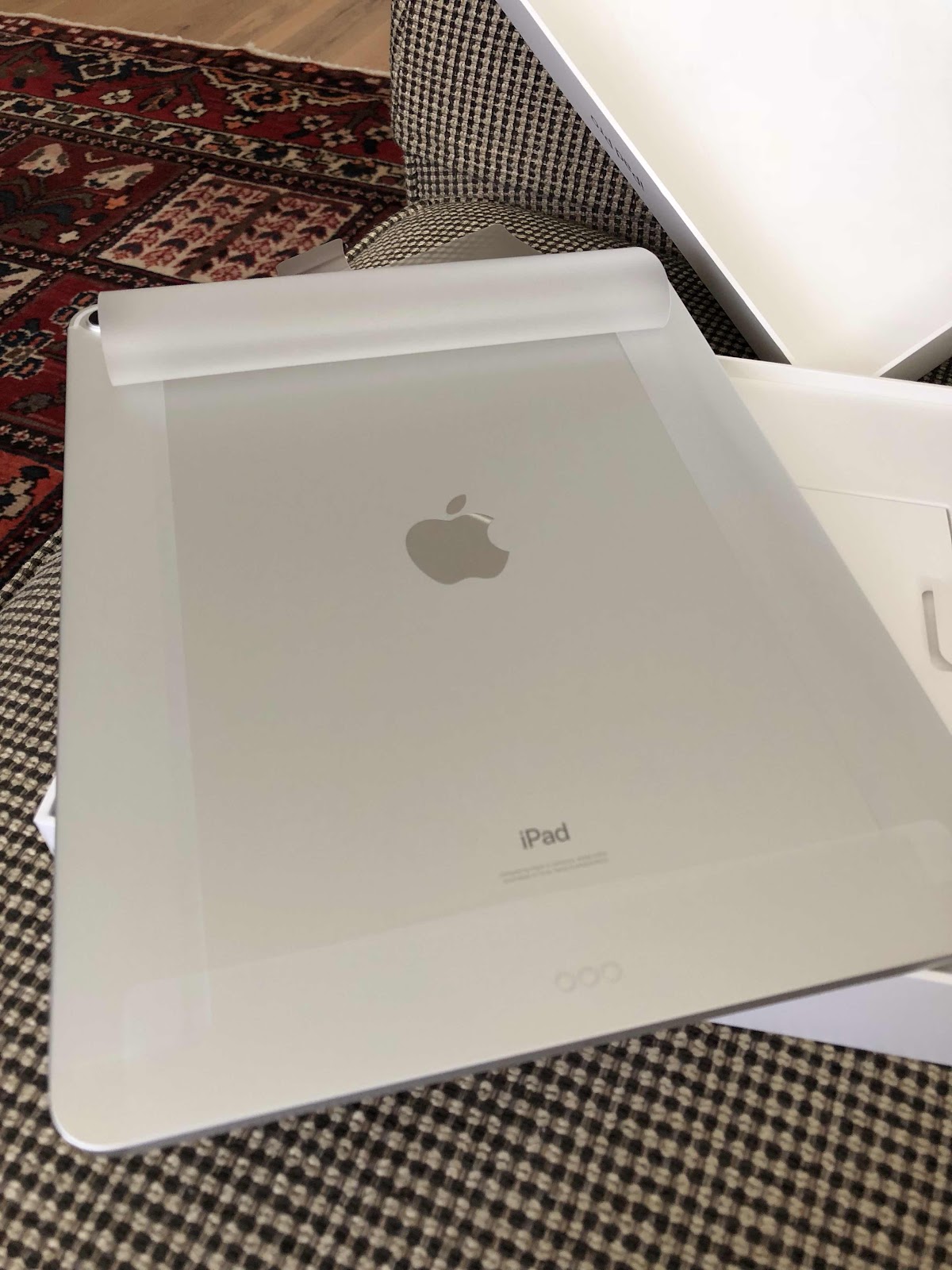
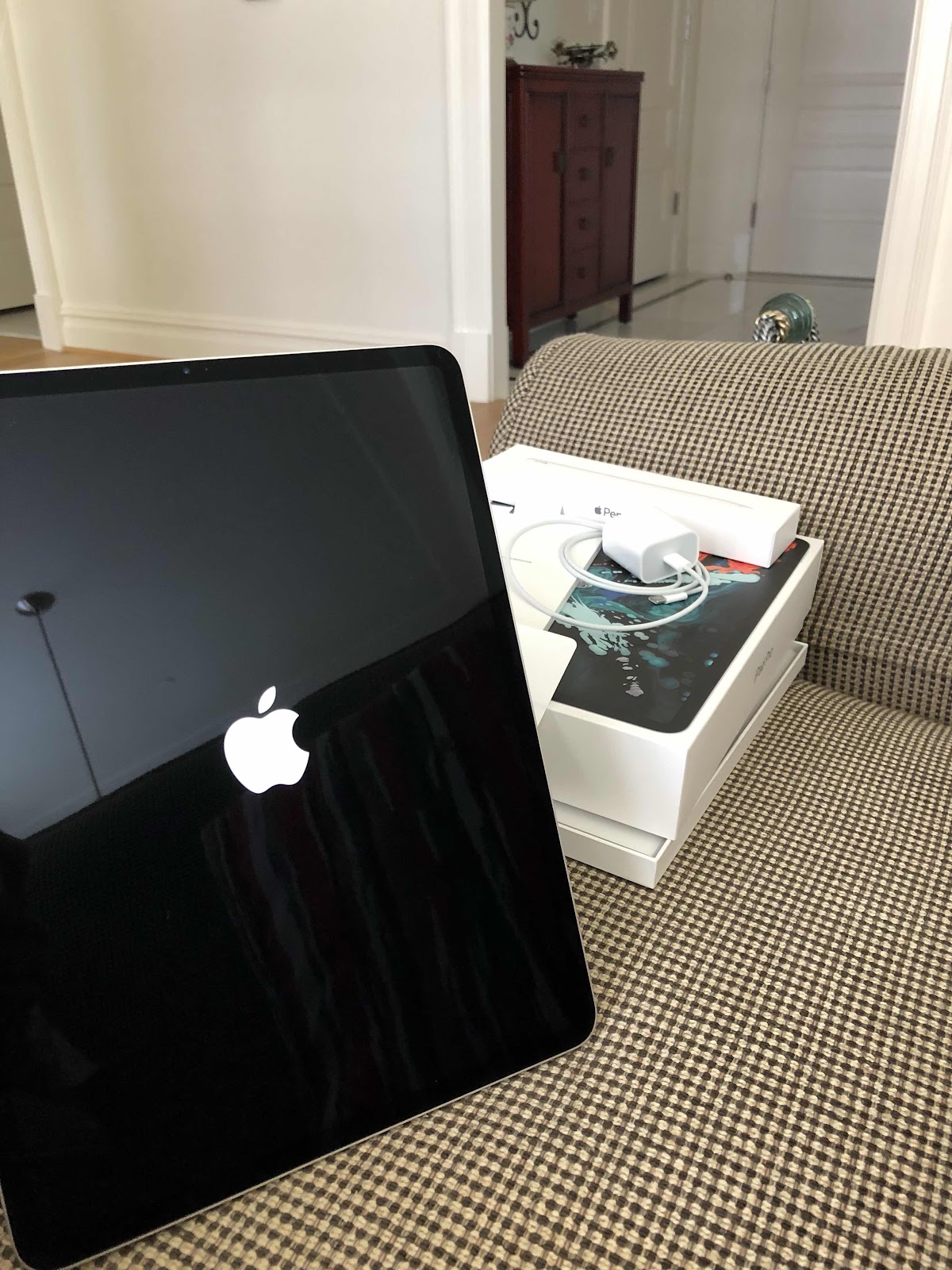
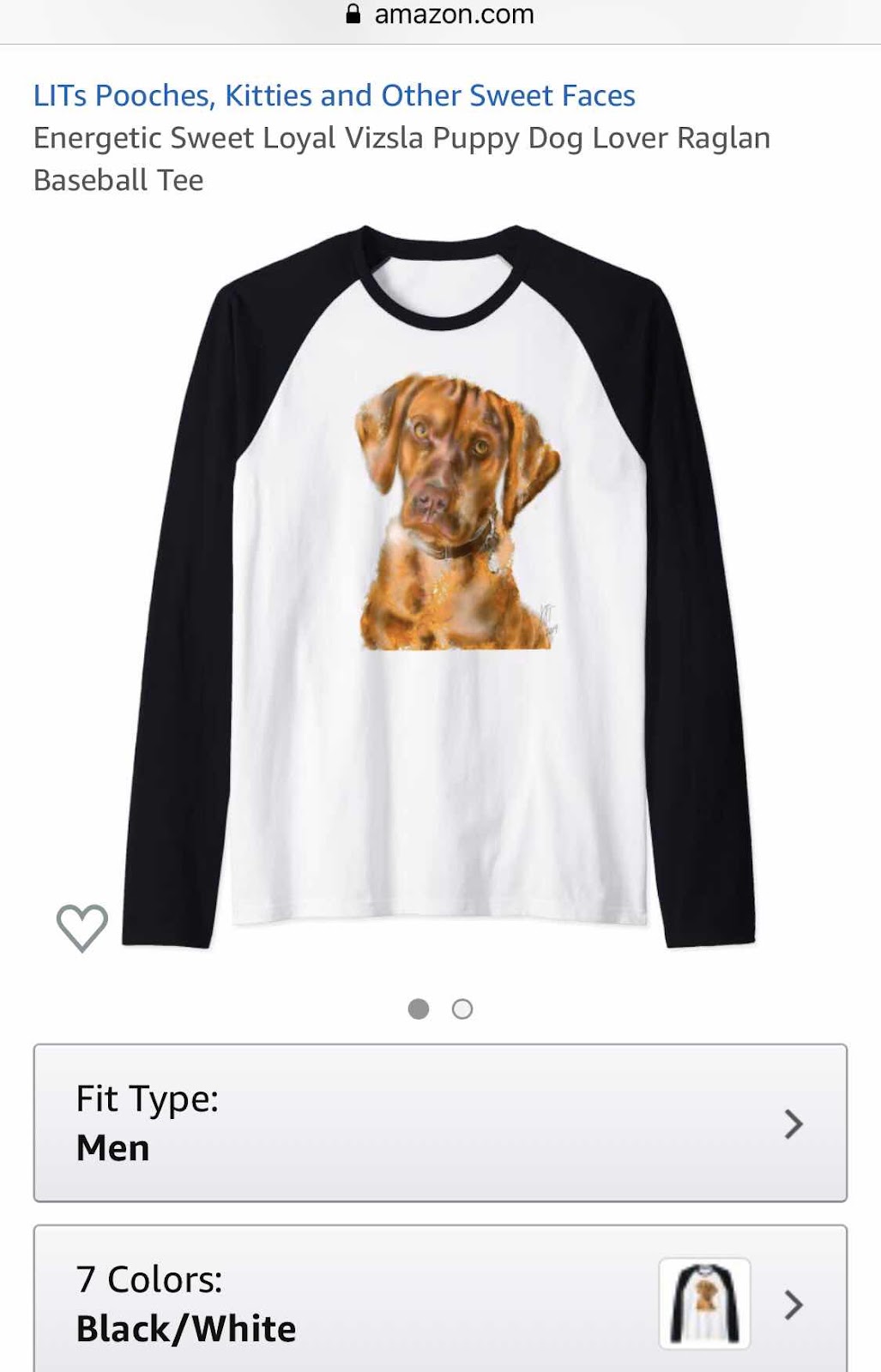
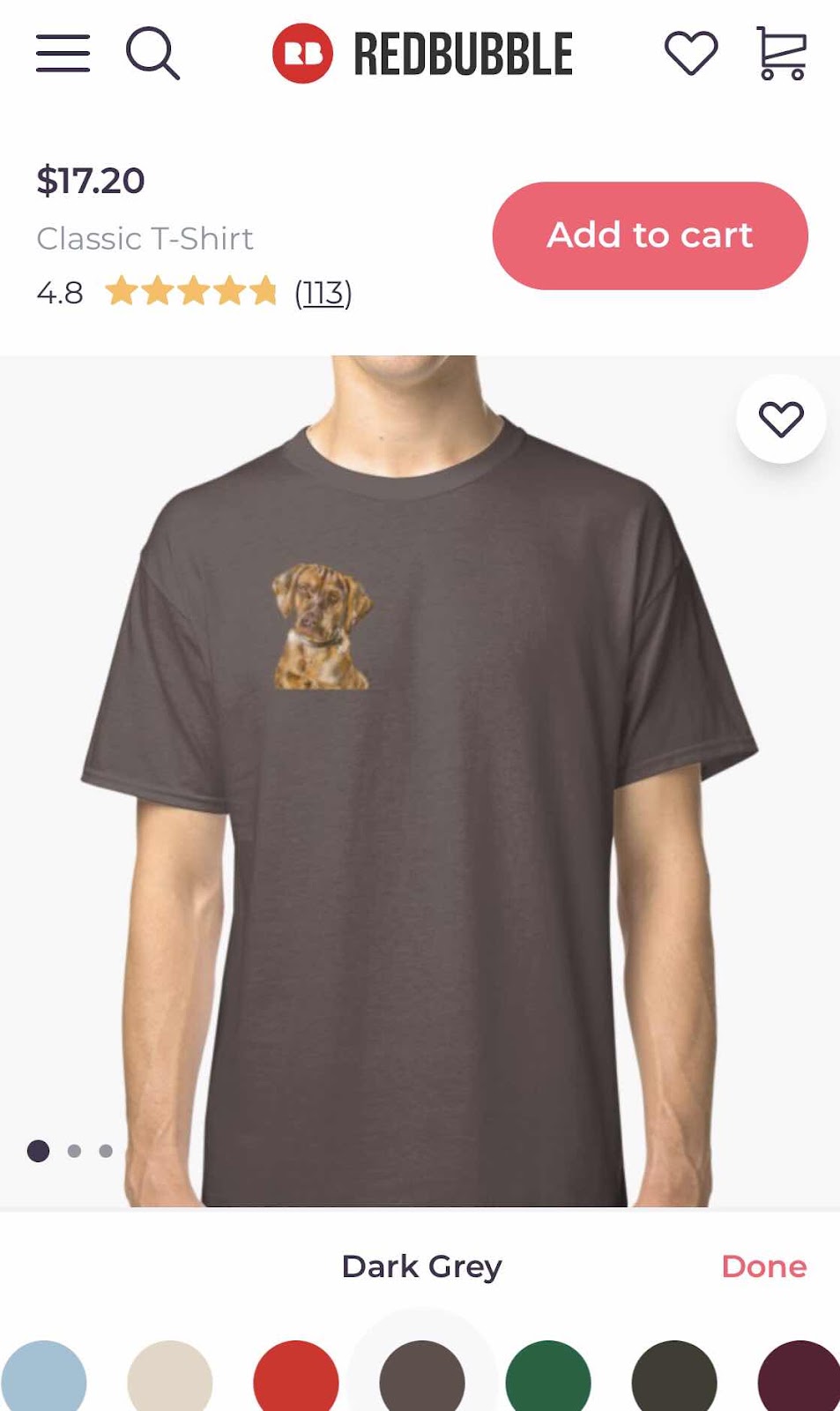
I’m not sure how old my iPad is, but I’ve been using it primarily to paint custom pet portraits using the sketchbook pro app. The sad thing is is that the sketchbook pro app is no longer supported on the updated operating systems, so I’m forced to keep it on a lower level system to preserve the app so I can use it. I was self taught on the sketch book pro app and it took a couple of years to perfect it. But my iPad became useless for other things that required updates to function. So I started thinking about a workaround. It’s been a while since I researched iPads and I was intrigued with the new iPad Pro that works with the Apple Pencil. I tried to learn the new sketch book pro app but found it quite difficult. I stumbled upon the Procreate app and read more about it. Since it was designed primarily for iPad use, maybe I could learn how to use it. So I ordered the latest iPad Pro and pencil and we went to the Apple store to pick it up. The Apple store is magical to me - kind of like art stores or container stores. I’ve always loved gadgets and was the first in line to get the first generation iPad. That’s when I started to paint again. Well, I’ve spent the last few weeks trying to learn about not only the new iPad and Pencil, but also Procreate. I downloaded the manuals for each and tried to learn a little bit every day. I like the larger iPad and use it for everything. My overall art style is changing from more precise to “impressionistic” watercolors - which is what I always preferred. The brushes and styles are very different - to me - from Sketchbook pro. Since I’m not a professional artist, I don’t know or need the functions that are available on the app. I probably use 10% of what’s out there. I’m not quite satisfied with my progress, but I tried doing our grandson’s Vizsla and even figured out the transparent background. I posted the image on Redbubble and Amazon Merch and ordered him a T-shirt with her painting on it. I’m practicing on a bunch of Persian art type things too - it’s one of the most frequently searched key words in my Etsy shop. At least I now have two options - I’ll use the old iPad for custom pet orders until I feel confident enough about my Procreate skills. Otherwise I’m having fun painting things I think look good. Thank goodness it’s a hobby!


Subscribe to:
Posts (Atom)