Observations, pictures, and sketches highlight the transition of moving to the nations's Capitol after 30 years of living in the Midwest. A clash in cultures? Maybe not!
Showing posts with label photo editing. Show all posts
Thursday, March 9, 2023
Procreate Photo Editing
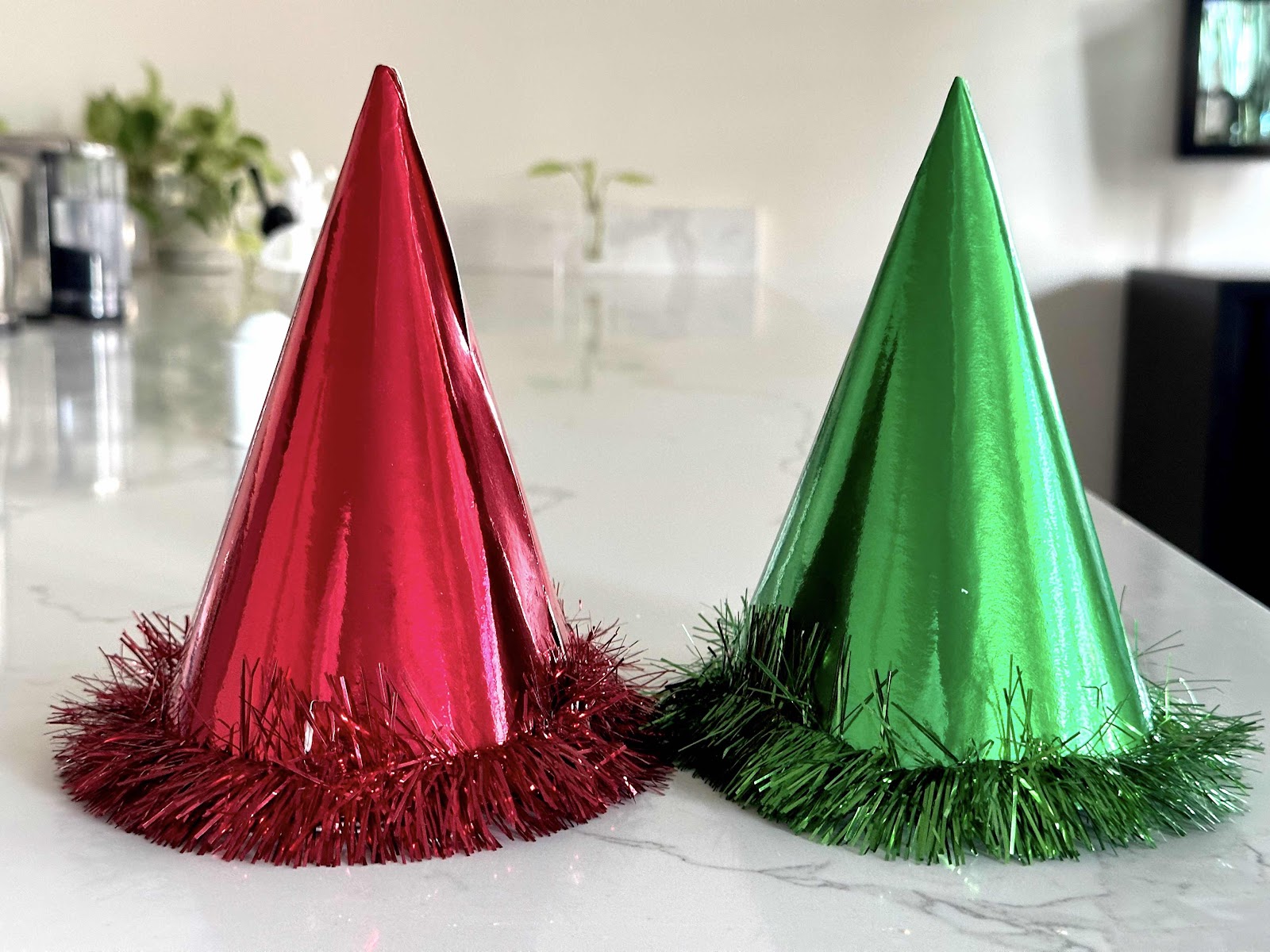
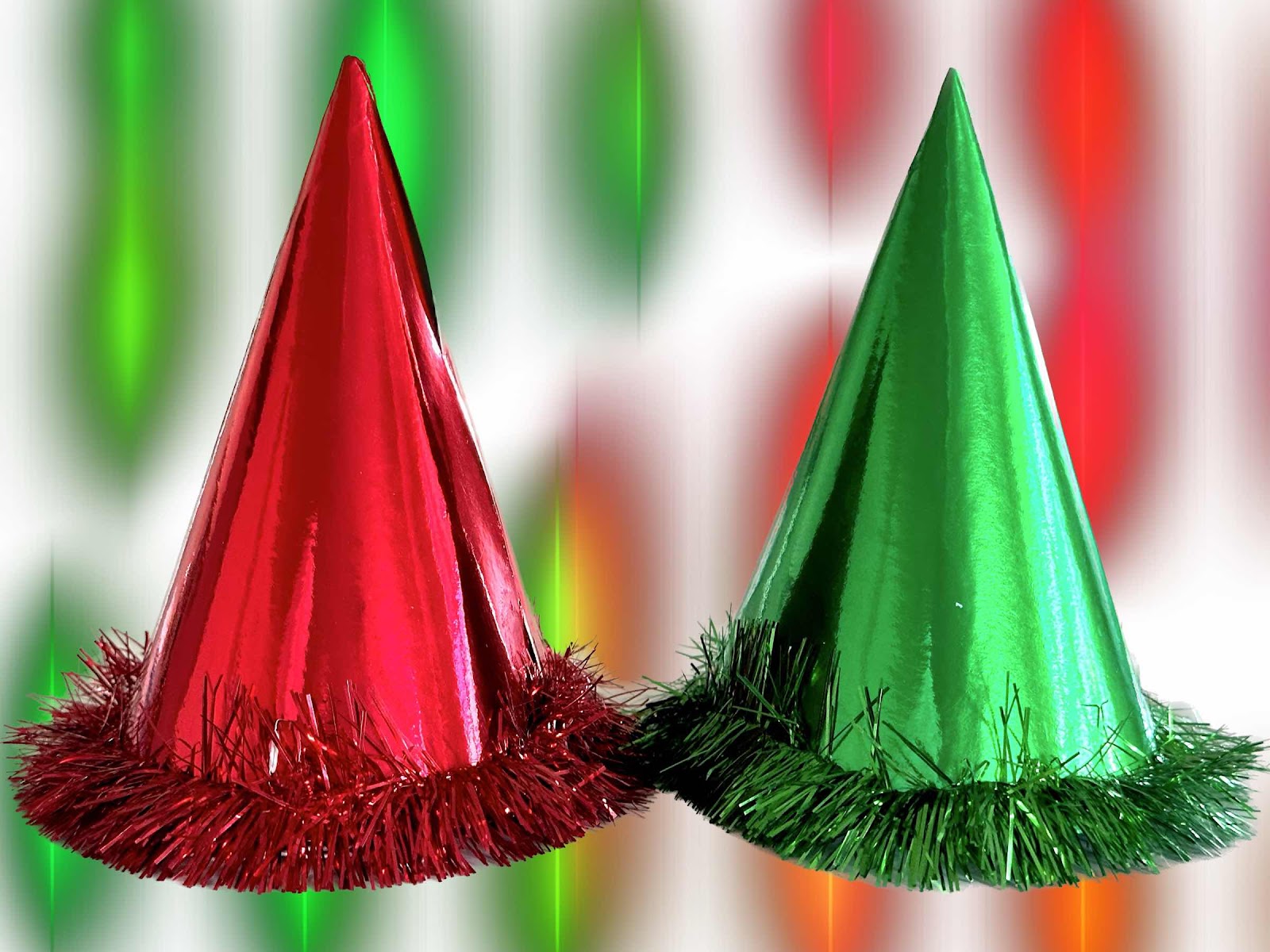
Every week I need to submit a photo for the weekly 52Frames challenge. Usually the generic editing function is used via the Apple iPad. But I also have an app called camera plus that has several great features including a clarity function that really brings out the colors on certain images. I also use Procreate for all of my digital paintings and recently wondered if I could also use it for editing photos. I wasn’t sure how exactly so I started to experiment with some things. It’s all self taught so it’s hit and miss. This week we need to take an image of complementary colors. This time I wanted to try several different backgrounds for a pair of New Year’s Eve hats that my husband and I don every year. So I isolated the hats on one layer, then experimented with several backgrounds that were sketched using the different brushes and styles available on another layer. So it would become a photo and a digital painting so to speak. The options are literally limitless based on your own creative thought process. Then I thought I would add our names to the image on another layer, then changed my mind to where the names would be located on the hats, then changed my mind to make them just initials, then changed my mind to put the initials on the top of the hats. I still don’t know if I like any of them, but it was an interesting experience. It’s not just taking pictures anymore - it’s telling a story and editing the photo in a way that grabs attention. But I need to really like it and I’m not quite sure about this one.


Sunday, February 5, 2023
Procreate for Photo Editing
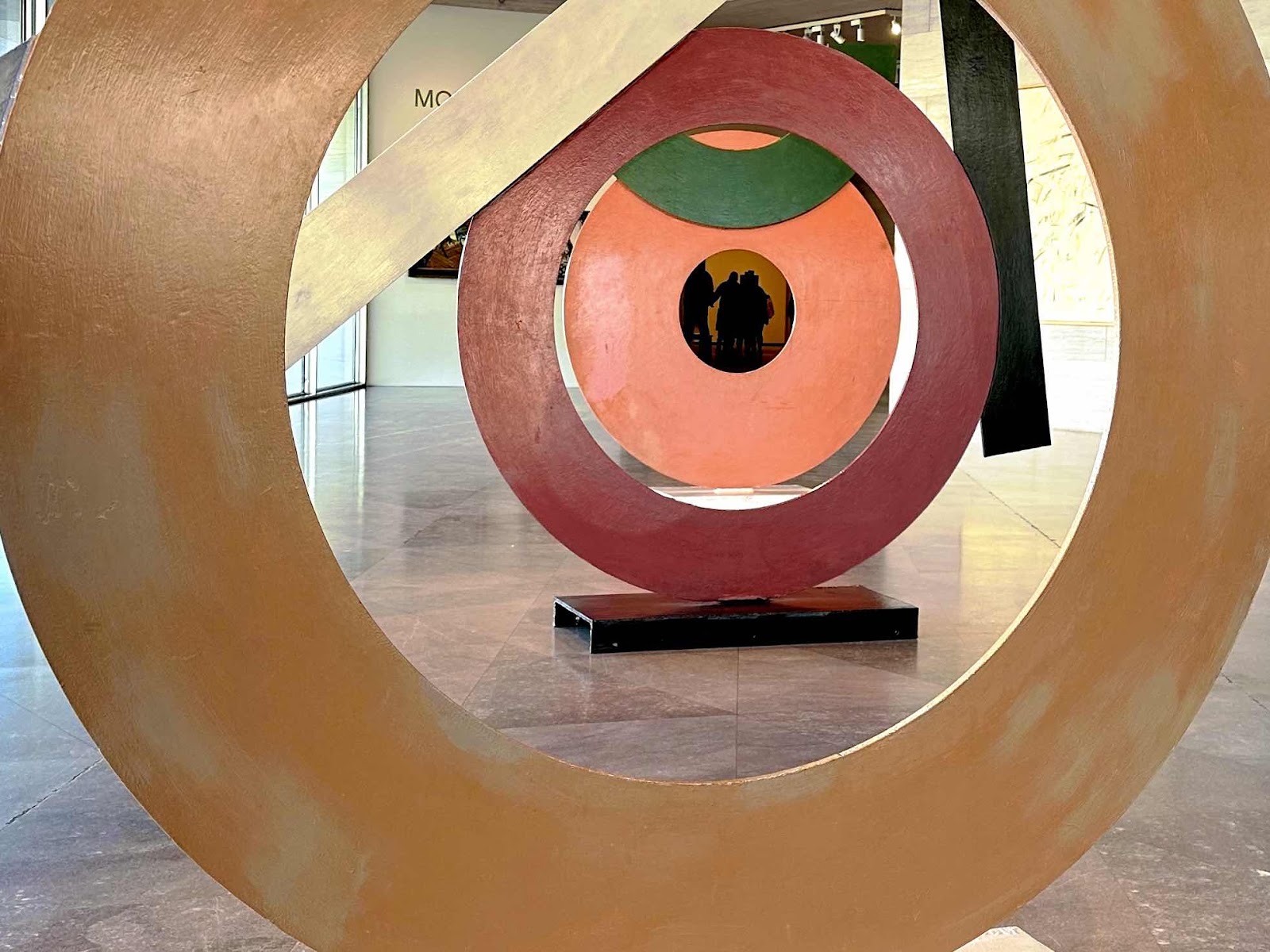
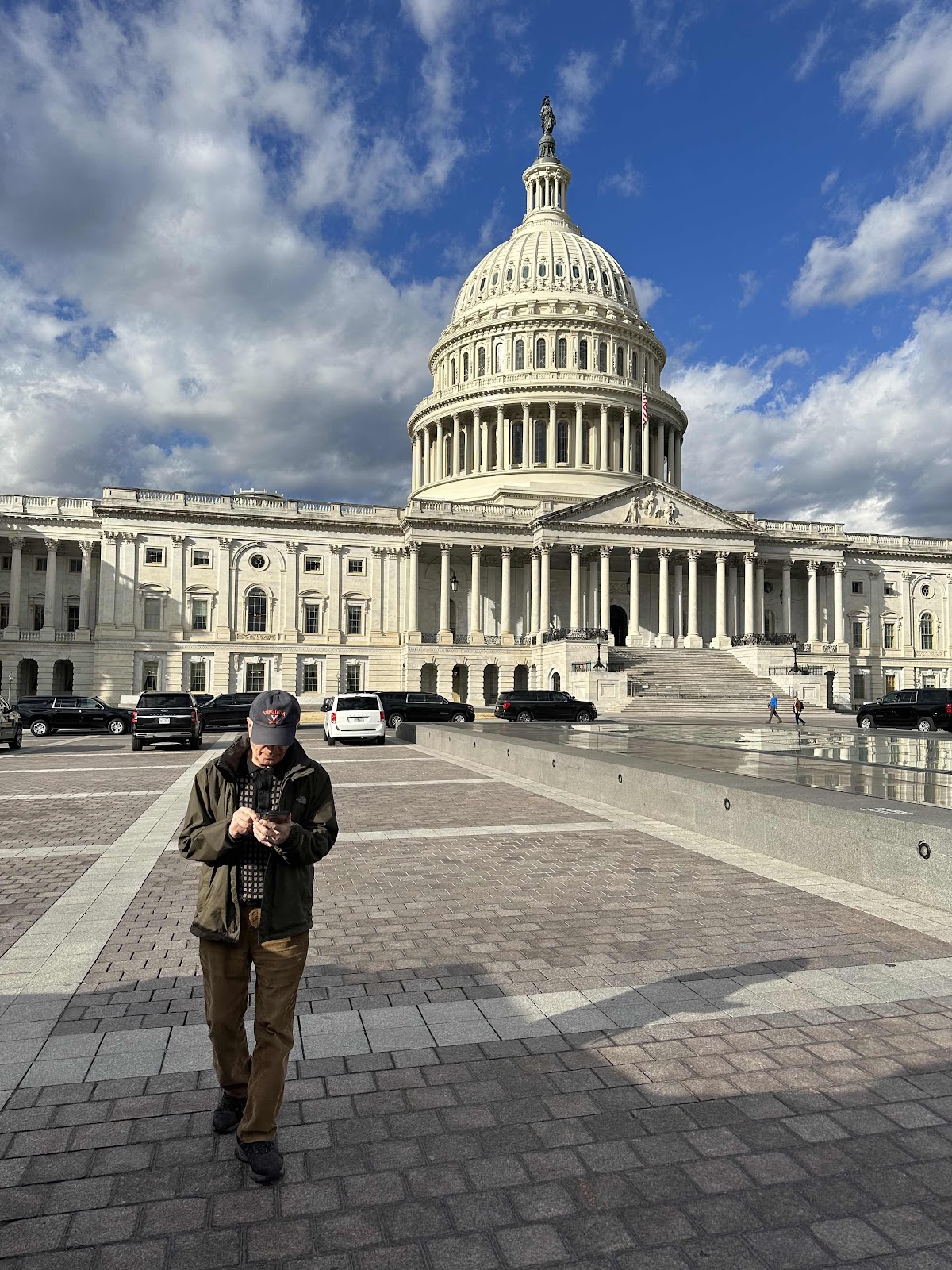
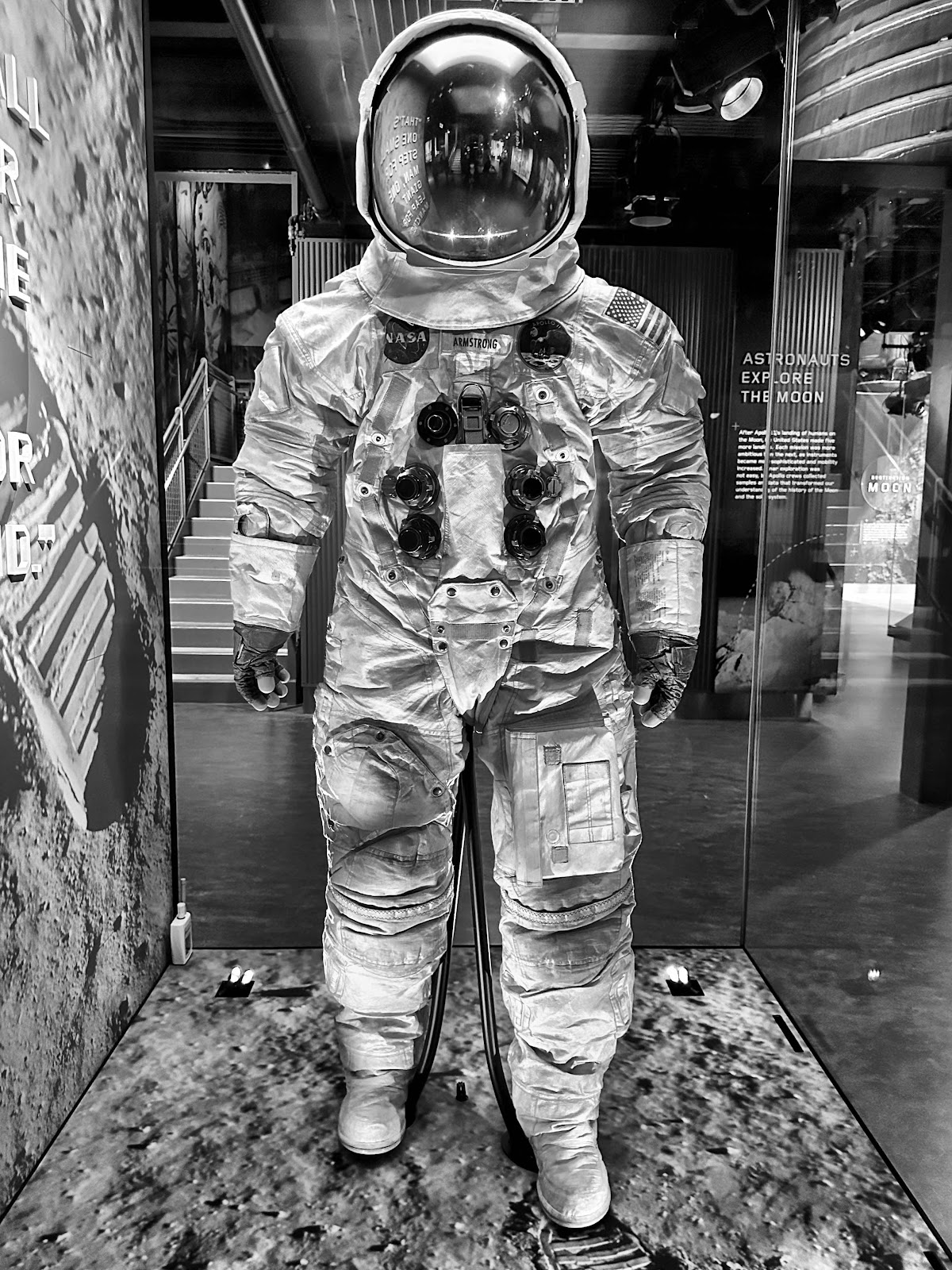
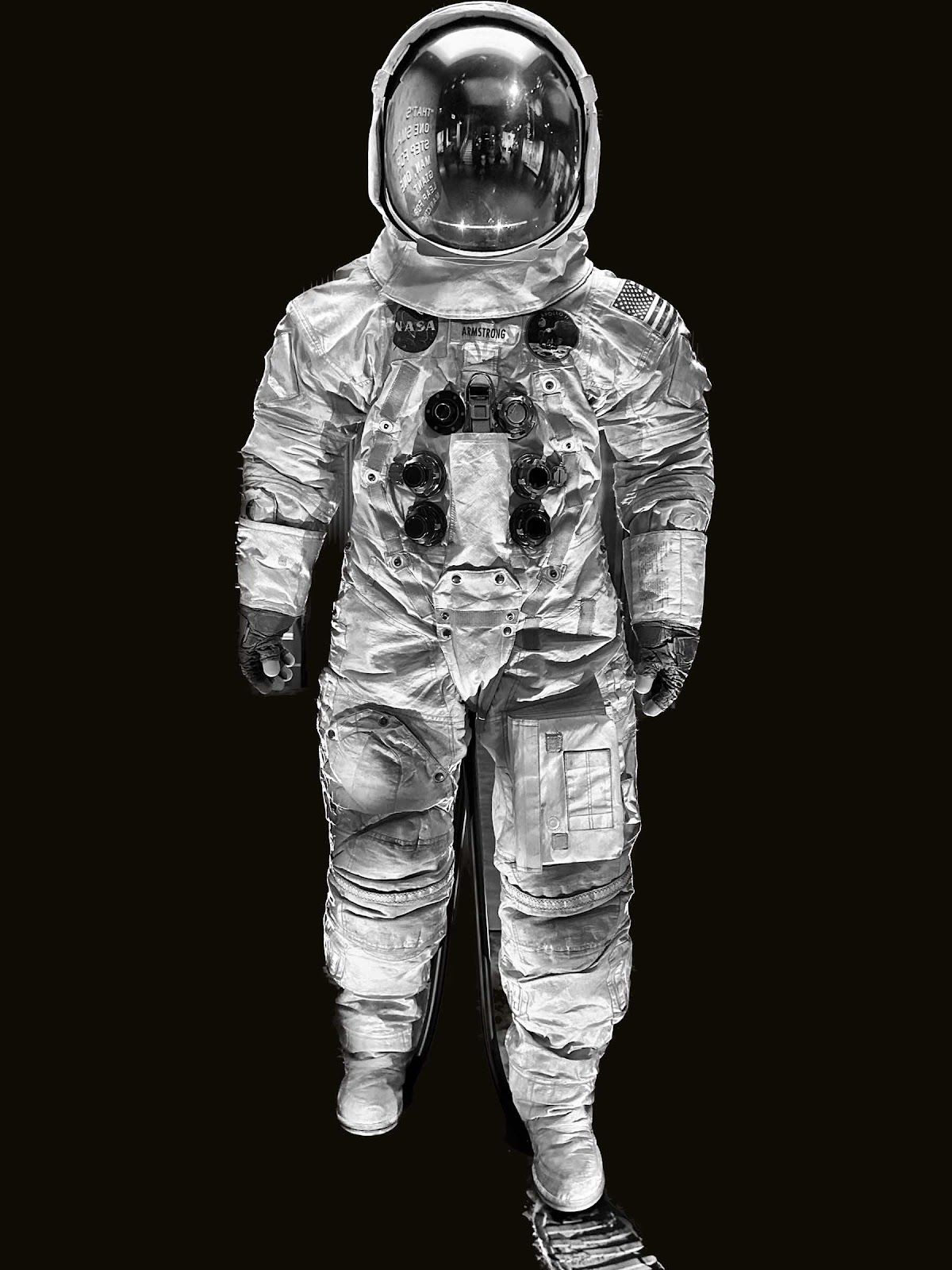
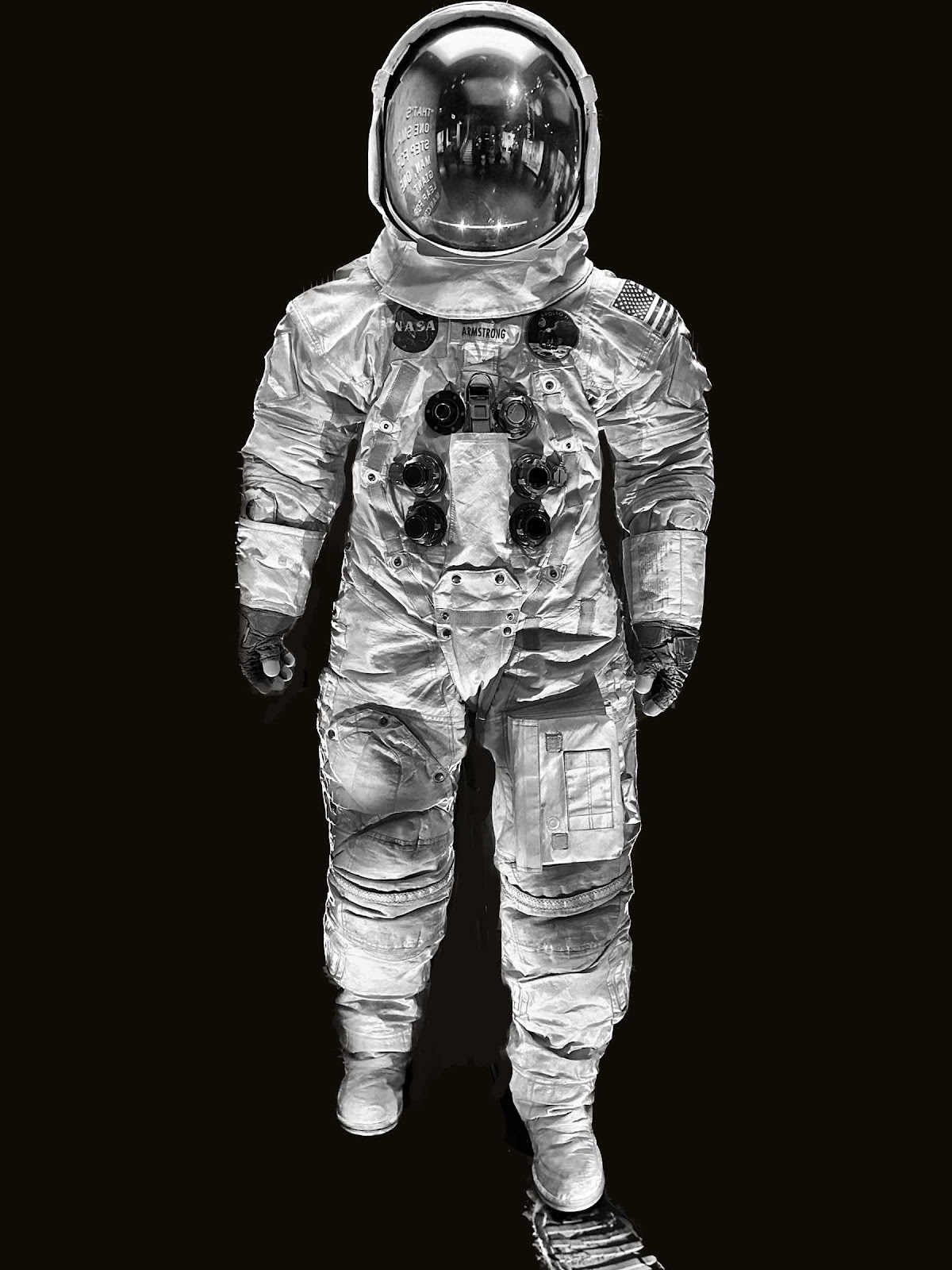
I have been using Procreate to paint digital art custom pet portraits for the last few years. It’s basically my art studio. The iPad is my canvas and the stylus is my brush. When I first started painting I used Sketchbook pro. It was all self taught and I know I’m missing out on a lot of things. Then sketchbook pro wasn’t going to be compatible with my iPad, or the program changed too much to relearn it. That’s when I started using procreate when I got my larger sized iPad Pro. It dawned on me that perhaps procreate could also be used for photo editing. Way back in the day I had a picture it program on my desk top computer that was used for photo editing. I even created a fifty year anniversary album for my parents using it. My weekly photo challenge got me to thinking that there must be a way to create more interesting photos aside from just basic editing - because I see things on there that aren’t just a typical photo. And with the latest photo updates on the iPad, you can easily carve out an image from its background and superimpose it on to another one. So I tried a couple of ideas and am slowly beginning to learn how I might be able to do it. Rather than layering the paint, you layer the images. So I tried it with a picture of my husband in front of the Capitol on top of the art at the National gallery. It was interesting. Last week I got a great photo of Neil Armstrong’s space suit at the air and space museum. So I isolated the suit from the noisy background and placed it on a plain black background. Because the cut wasn’t perfectly clean I painted in the lighter areas between the legs. A photo of rocket boosters was then added behind and the image really changed. Afterwards I googled if procreate could be used for photo editing and found out it could - to a certain degree. Photoshop is supposedly the best program for any of this but I don’t have the equipment for it. So I’ll need to read a bit more about it. This sort of thing I find very interesting. Maybe I will have some luck with it.


Subscribe to:
Posts (Atom)