Observations, pictures, and sketches highlight the transition of moving to the nations's Capitol after 30 years of living in the Midwest. A clash in cultures? Maybe not!
Showing posts with label laptop. Show all posts
Thursday, February 27, 2020
CD Reader
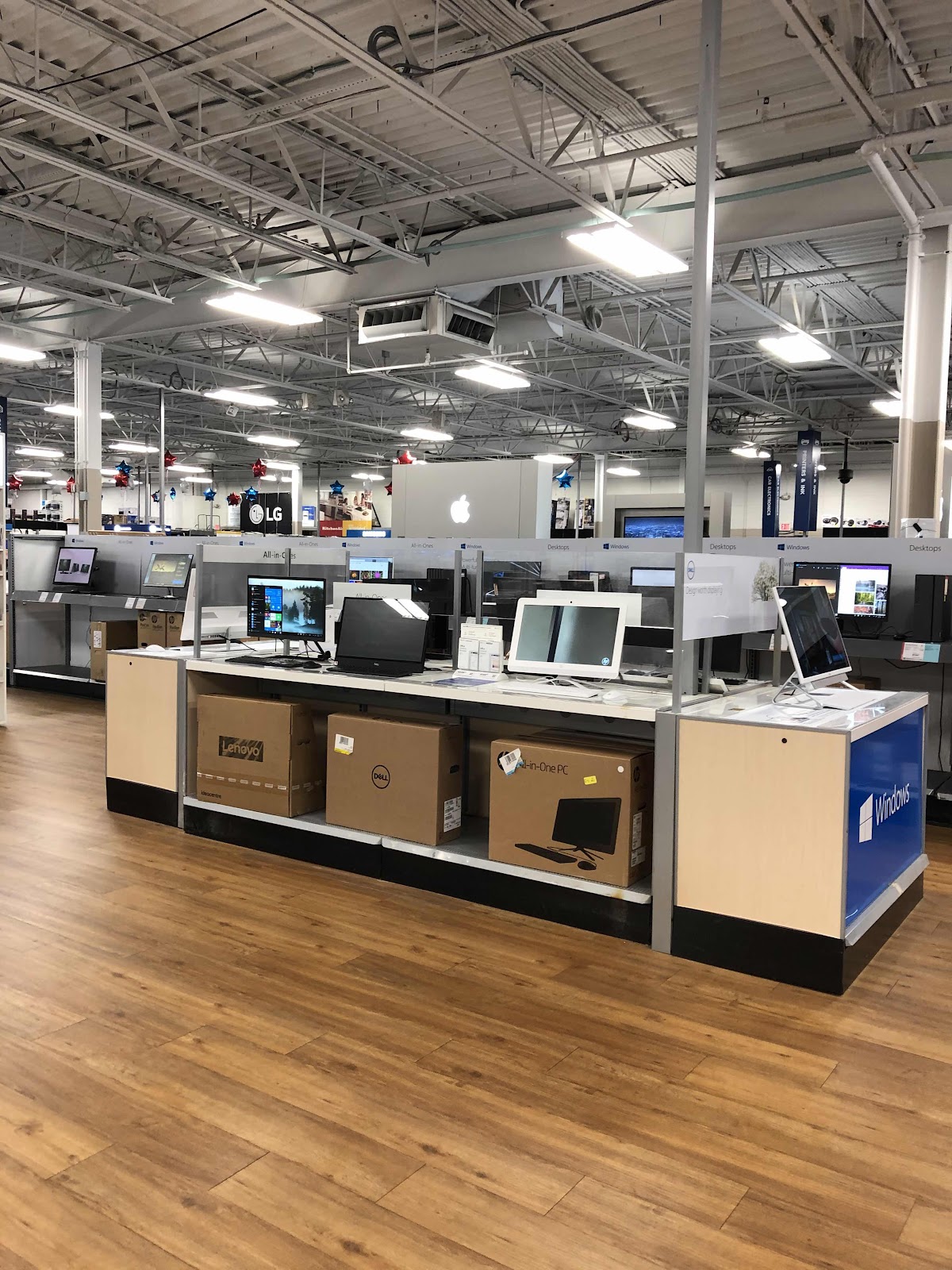
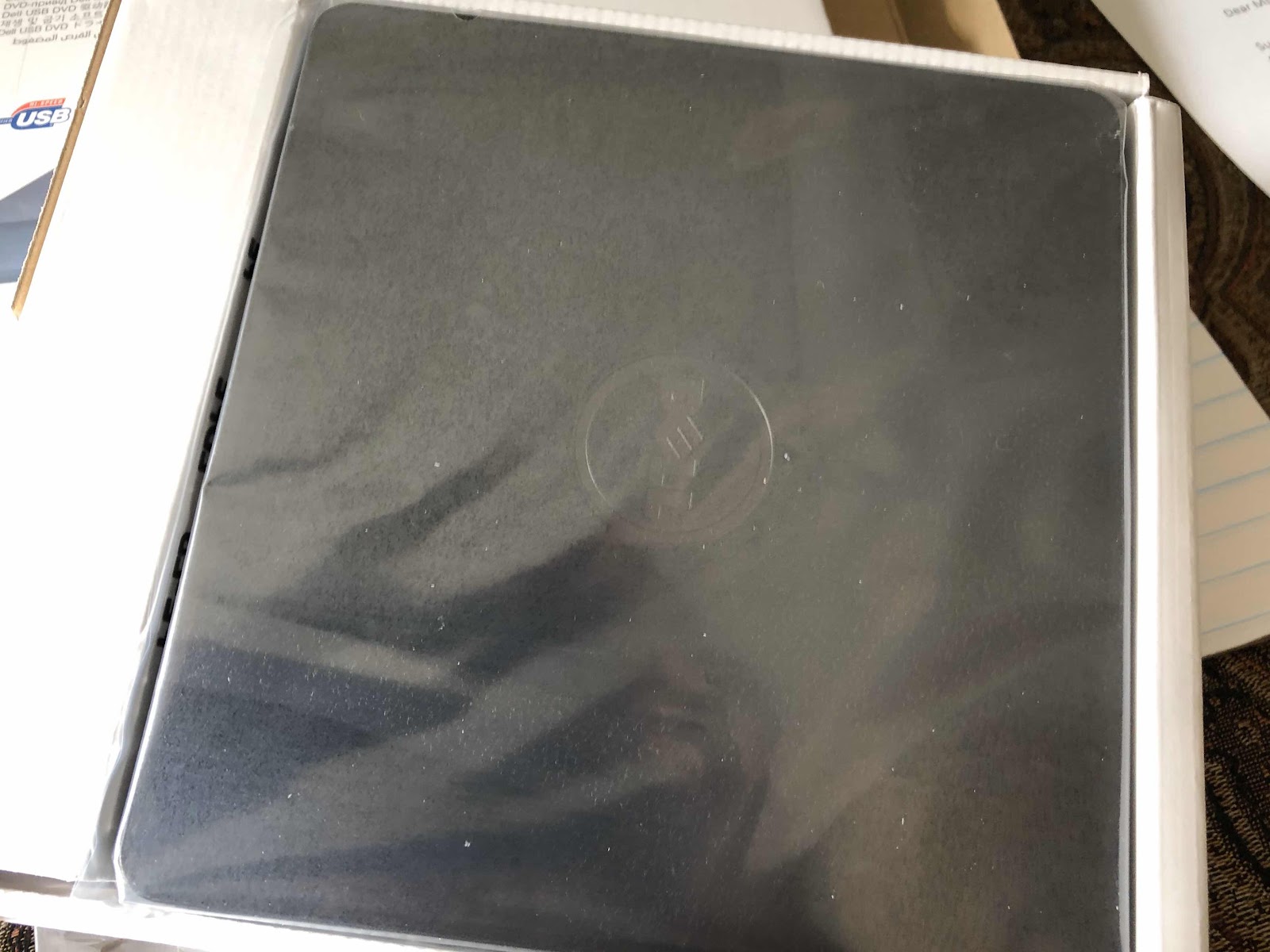
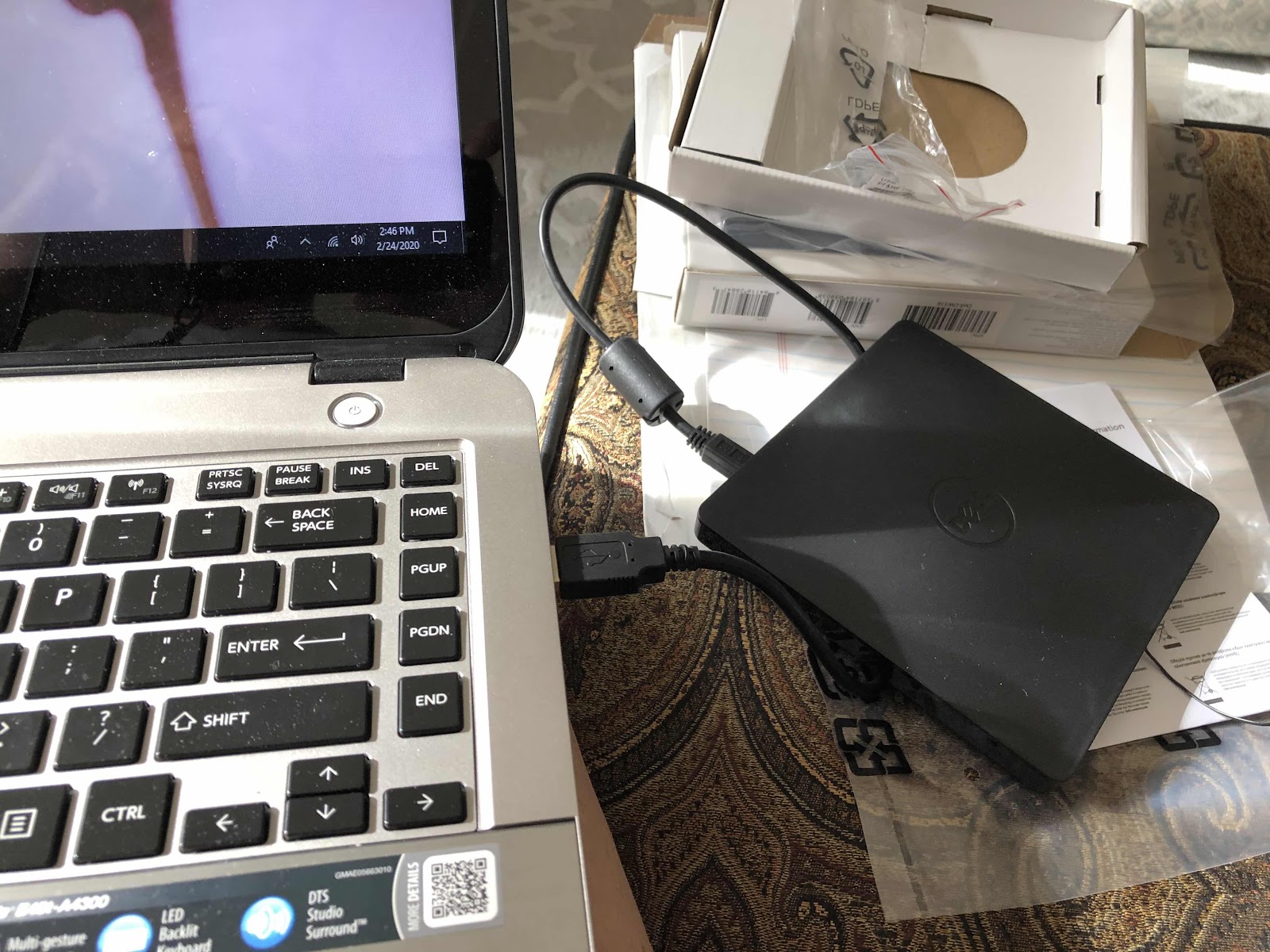
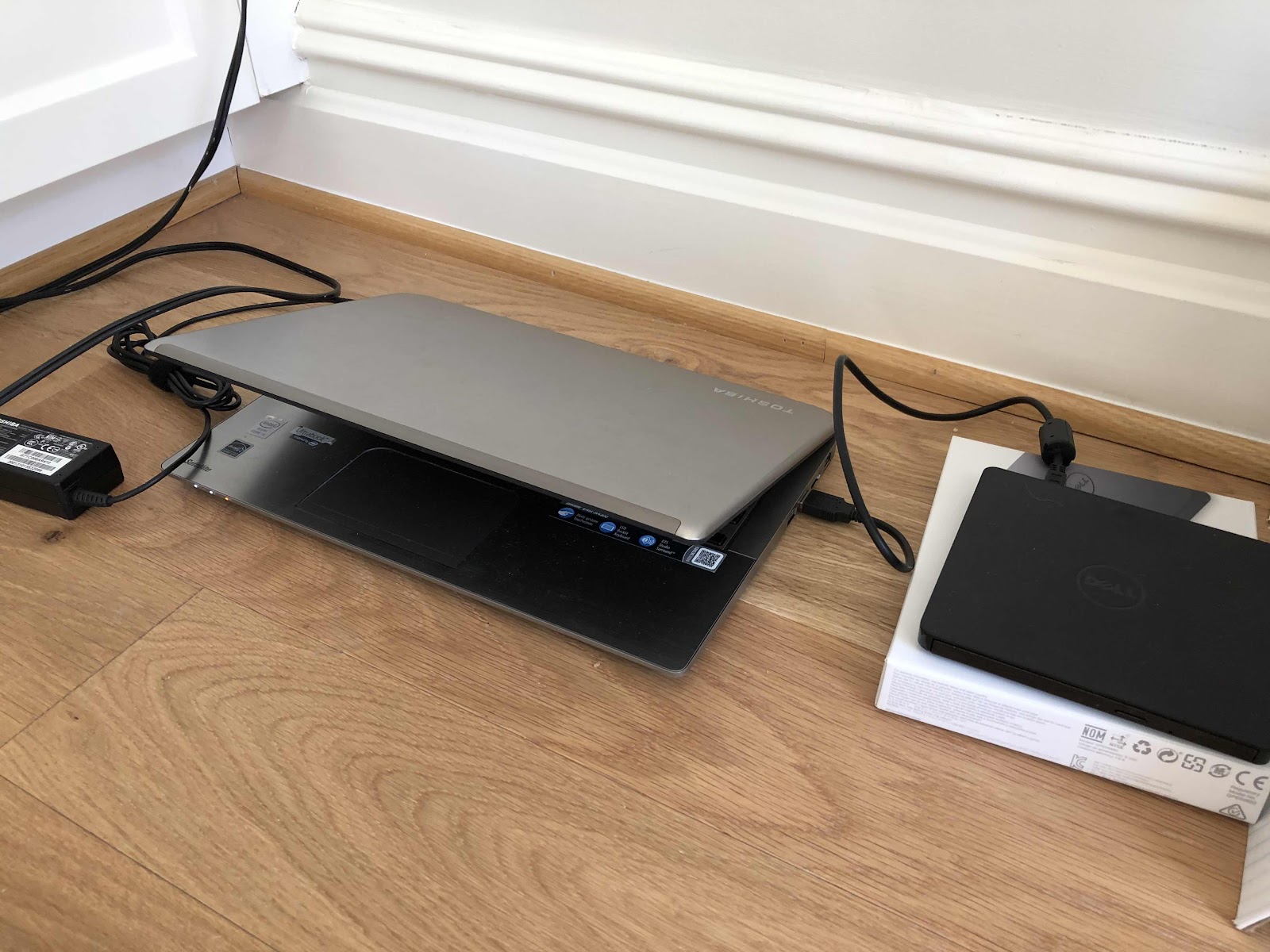
My old laptop had a CD reader/drive. We used a lot of CD’s back then. When I got my latest Toshiba laptop at least five years ago, I opted not to get the CD drive. I use my iPad for just about everything, and needed a simple laptop for functions the iPad just doesn’t have. I never cared for the iMacs and software, so I just stuck with the what I had been using at work for so many years. Now we have a project that requires reading a CD. Rather than try to figure it out at the local library, we decided to just buy the CD drive and take the time to review the records in the comfort of home. So we drove over to Best Buy and picked up a dell unit. It’s obviously easy to use. I’m sad that I didn’t think about getting it earlier because when we moved almost eleven months ago to our new condo in northern Virginia from Capitol Hill, we threw out all of our CD’s - a couple movies and many albums. You could say we are creatures of having the least amount of junk on our hands. When we moved, we purged even more of the few things that we owned. If it’s really important we can always access the music or the movie digitally. Somehow that never happens.


Saturday, September 10, 2016
HP Envy 5660 e All-In-One Set Up - How Things Have Changed!
My printer bit the dust after about five years. I tried everything and couldn't get the cartridges to align and the print jobs had major streaks. I need my printer primarily to make 8x10 copies of my digital art pet portraits to display at the Wagtime shop and occasionally to make copies of documents. I was also having trouble getting it to print from my laptop, and copying any black and white documents. I've never had anything but HP printers, so I did my homework and read the reviews about the latest HP printers available. I had an idea of what I wanted, so we headed out to Best Buy in Alexandria. I needed to see the printers rather than order on line, and have my questions answered too. It came down to one of the HP ENVY models. They were much cheaper than any of the printers I have ever owned. The drawbacks were two print cartridges rather than four, and the photo tray could not be size adjusted. Other than that, I didn't need a document feeder, the color touch screen display, and any increase in speed would be appreciated. After talking to the sales rep, I decided to go with the ENVY 5660, and it was a $60 discount. I always dread setting up equipment based on past experiences. But either I have become sufficiently knowledgeable (which I doubt) or the products and the systems have simply become so much easier to work with. No longer are CD's required - just smart phones, iPads, and apps. Nothing makes you feel better than a "congratulations" page to say the set up is complete. But only until I actually printed something from all my devices did it matter. After setting up my iPhone and iPad, I had to tackle the dreaded laptop. And to my surprise it was a snap. I saved the original box until I am certain it works properly. In the meantime I need to figure out how to dispose of the old printer and leftover very expensive ink cartridges. I understand both Best Buy and Staples have recycling programs. I guess that's something we will do next week.
Labels:
all in one,
Best Buy,
digitalart,
eprint,
HP,
hp envy 5660,
IPad,
iPhone,
laptop,
priniting,
Printer
Sunday, July 31, 2016
The Tiny Screen - Thank Goodness for TV Watching Options
We have two tiny apartments across the hall from each other. It makes for totally separate quarters when we have guests. Otherwise, one side is for living during the day, has a Murphy bed, and faces the front of the building; the other side has a separate bedroom for sleeping, a private patio and garden, and faces the rear of the building. That's all a good thing until it comes to TV watching. All of the Xfinity setup is on the side where we usually live and where the guests stay - with the big TV, so that means that the wifi signal doesn't always work so well across the hallway for us. And because it is a totally separate address, it requires two totally different set ups and all the additional expenses associated with it. Because we only used the tv on the "other side" when we had guests, we decided to eliminate the Xfinity box and service on that side, and live with the consequences. Our grandson was visiting with us the last two weeks, and he ultimately enjoyed the guest quarters with the full range of tv and Internet services along with the big screen. Luckily, I recently figured out that we could also watch live or saved tv on my iPad using the Xfinity apps. Using the iPad was okay, but too small and clunky. So I dragged out my laptop, put it on the laptop stand, and set it up for the same purpose. After two weeks we finally got used to sitting on the couch looking at the laptop a short distance in front of us. One of these days I will figure out how to get whatever is on my iPad on to the tv screen. But for now, this happens to work. Luckily we don't need to use it that often!
Friday, March 20, 2015
How Many Digital Devices Do You Have?
It started with a desktop computer and that was all we had in our "office space" in Milwaukee. A laptop joined it soon after. When we moved to DC, we got a new and reliable Toshiba laptop. We surely didn't have an office space in a 500 square foot apartment. How things have changed! My Kyocera smartphone was changed to an iPhone. Then my husband's hand held device was changed to another iPhone. We needed another laptop so each if us could use our own - or at least one was more reliable than the other. Oh- I forgot to mention the iPod we got for all my music before the iPhone. Once the iPad came around, things really changed. I got the very first iPad as soon as it was available. I waited by the window for it to be delivered - and I was thrilled! I just knew it would be the next generation of easy and useful. In between that I got one for my elderly mom, who uses it for email and for reading. I convinced my sister she needed one. We sent one to our friends in England. I replaced my iPad with an iPad two, and gave mine to my husband. Our iPhones have been updated to a four and a five. I'm itching to get the 6 - just because I rely so much on my social media connections and my digital art and these devices make life so much easier - or do they? This past November I got the latest iPad Air and it is used primarily for my art. All my art is created on the iPad. I paint my portraits using a stylus rather than a brush. It's so much neater than watercolor and pastels, and my studio travels with me. I still use my iPad two as a backup. My ten year old laptop was dying and replaced with a touchscreen Toshiba laptop last year because there are still some things I can only do with a laptop. I'm still attached to windows and haven't been able to warm up to the Apple laptop line. I'm not sure where it all ends, but I really like gadgets. Can you tell? I wonder what will happen when the TV crashes?
Saturday, February 1, 2014
Toshiba Satellite Laptop
We all know that Windows XP will no longer be supported as of April this year. My laptop is eight years old and uses XP. And with that laptop I like using Picasa for my photo manipulation, some Microsoft office products, and my printer, scanner photo-smart printer alignment. My husband's laptop is about five years old and has Vista, which I hate. Since the iPad was introduced three years ago, we not only have the first generation, by also the third generation. I use the iPad to create all my digital art and love the simplicity of use, but it has limitations beyond that. For some things you just have to have a laptop. Some of my customers cannot open picture files sent from the iPad, but can when I send them from my laptop. At work we just converted from XP to windows 7. I've looked at the Mac laptops, but am not in the mood to learn another operating system, but I really like the idea of having all the same equipment brand. So, after a lot of research and procrastination, I talked to our IT guy for last minute advice, and decided to just dive in, because in the end the laptops pretty much all do the same thing for basic needs. To make it easy, I just got another Toshiba, but a hybrid with touchscreen, keypad, and windows 8. I figured I could fumble my way through it, but would need a glass of wine to help set it up. So far, I was able to get Norton on with my current subscription, and can easily print an email, but not a photo from Picasa. So I added an app to my iPad for printing, which was a great improvement from a few years ago, but I can't get the printer software installed to access the scanner function. My printer is too old to meet the requirements for an iPad app. The problem is is that I know a little about this stuff, but not enough, and spend too much wasted time trying to figure it all out. That's why I'm glad I got it now to give myself enough time to reconcile all this junk. Each piece of equipment has it's strengths and weaknesses, but I really don't care to be an expert.
Subscribe to:
Posts (Atom)