Showing posts with label iPhone. Show all posts

Monday, April 15, 2024

52Frames Technology Photo Challenge

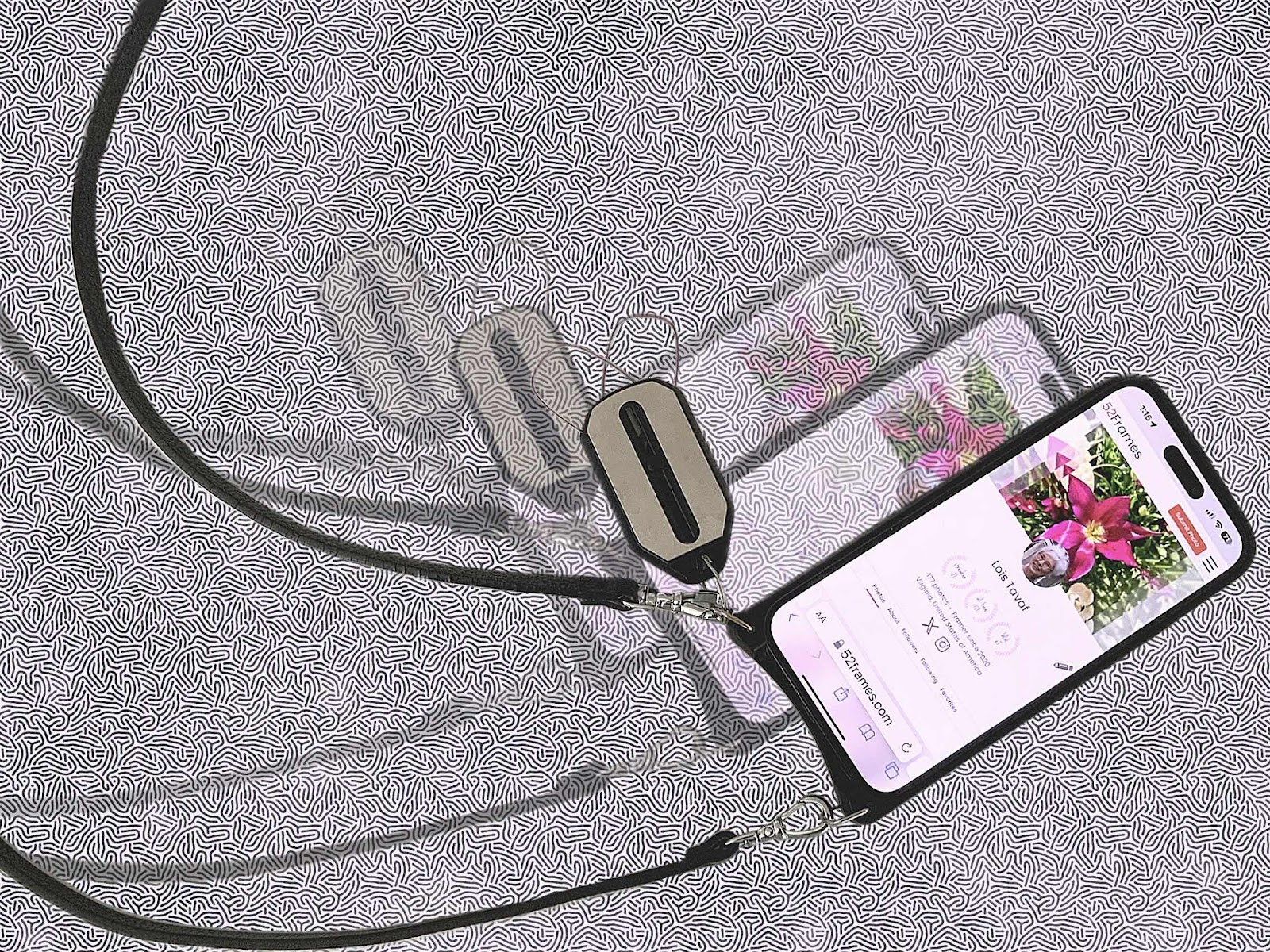
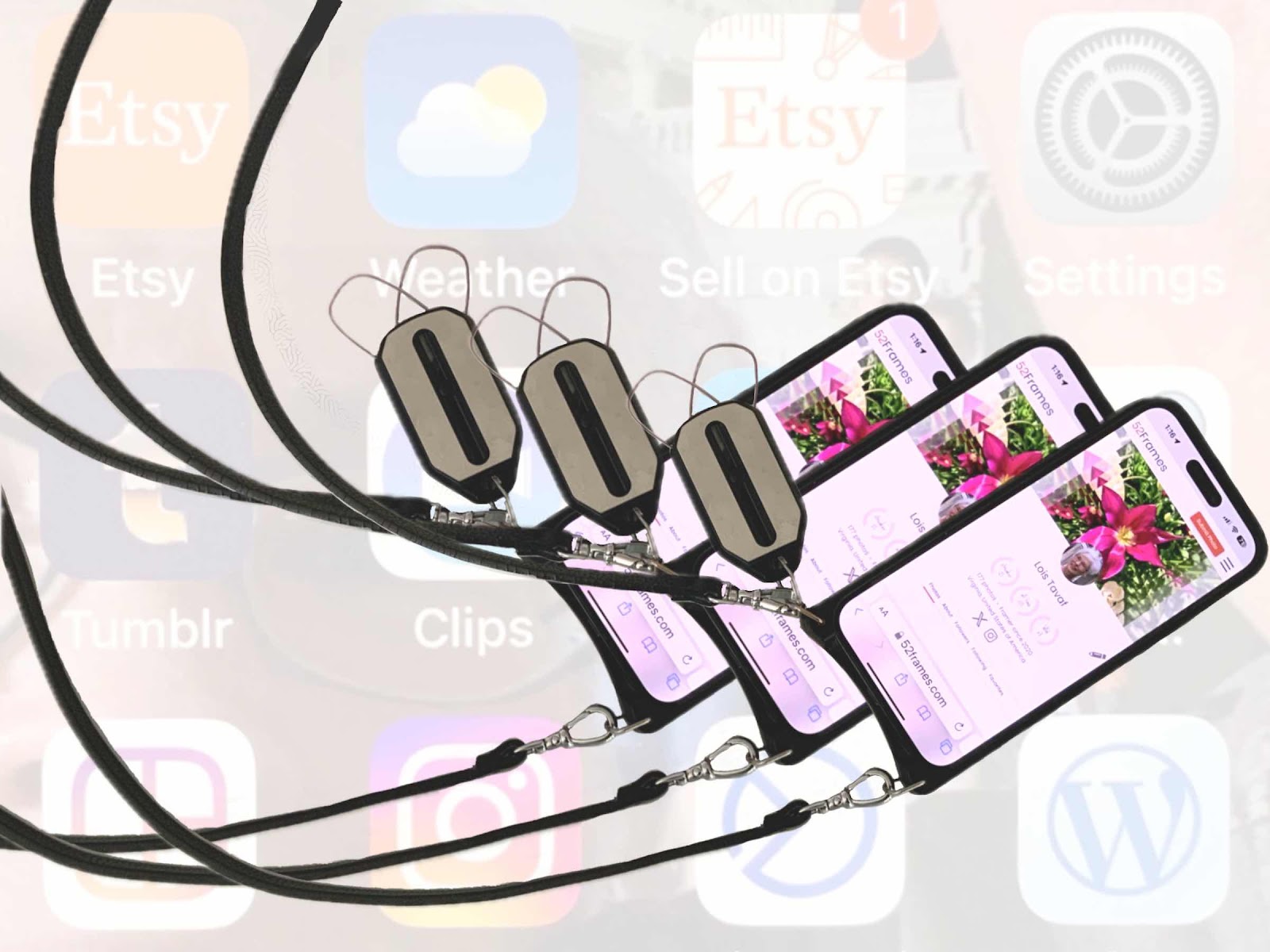
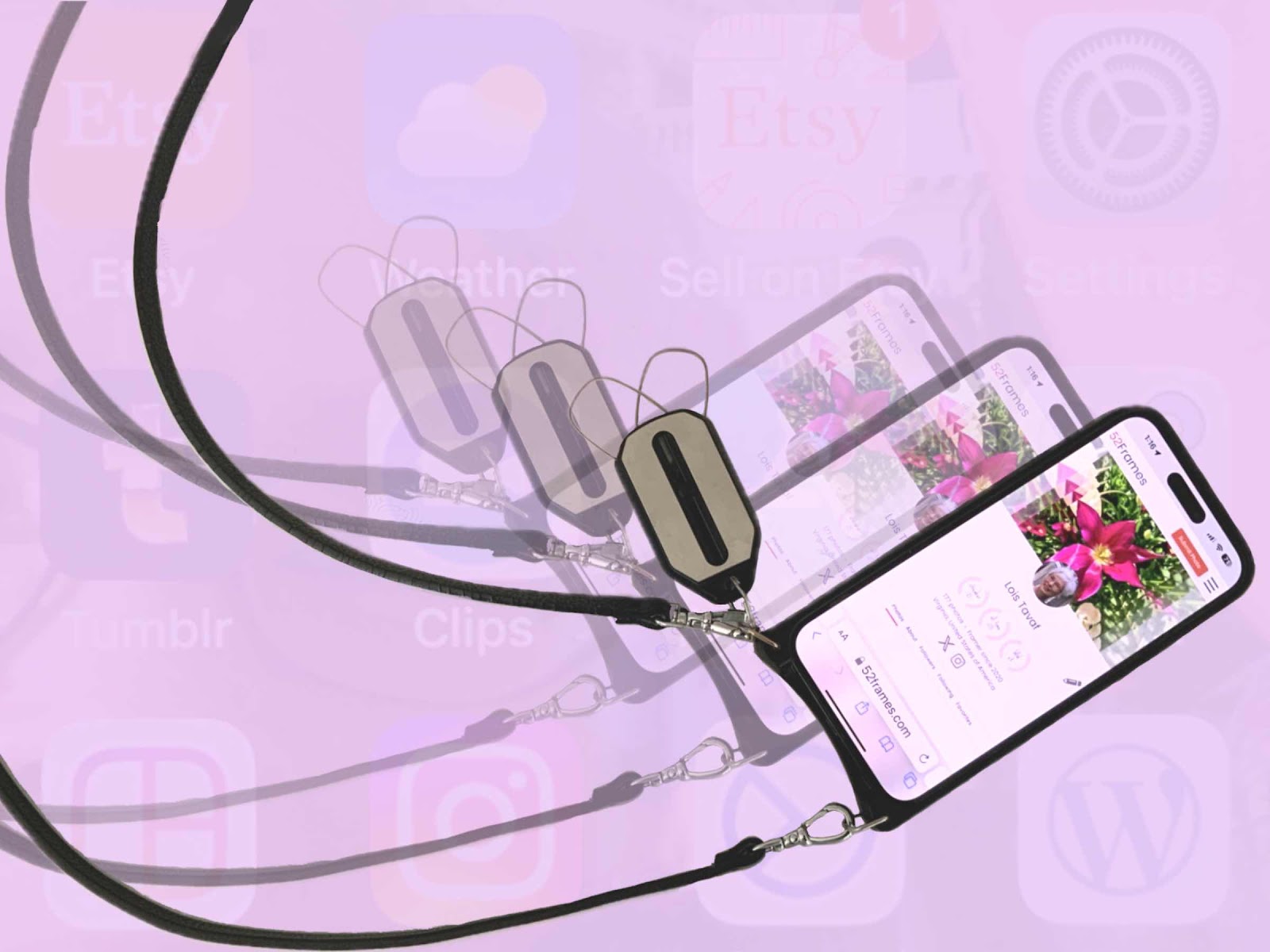
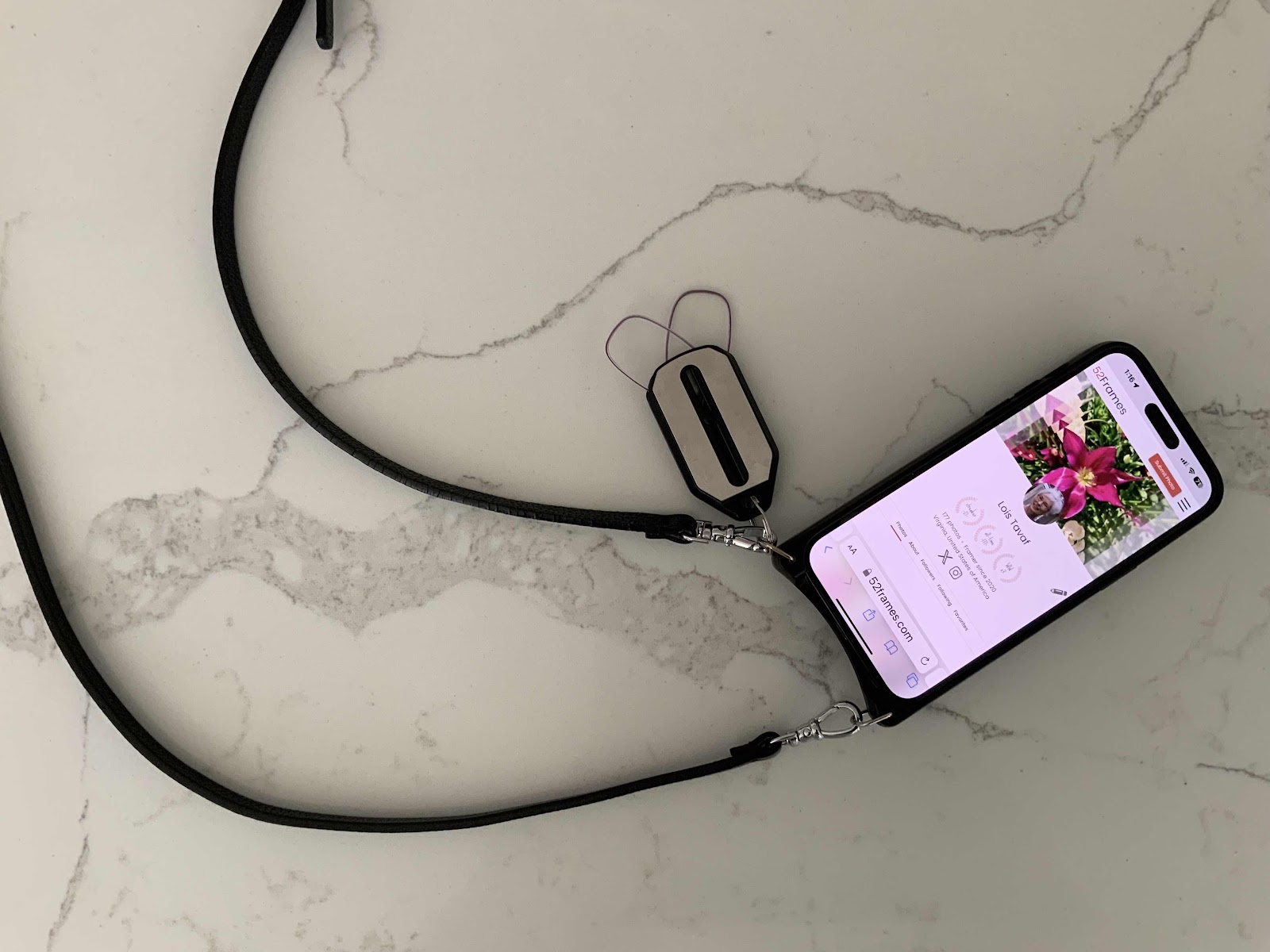
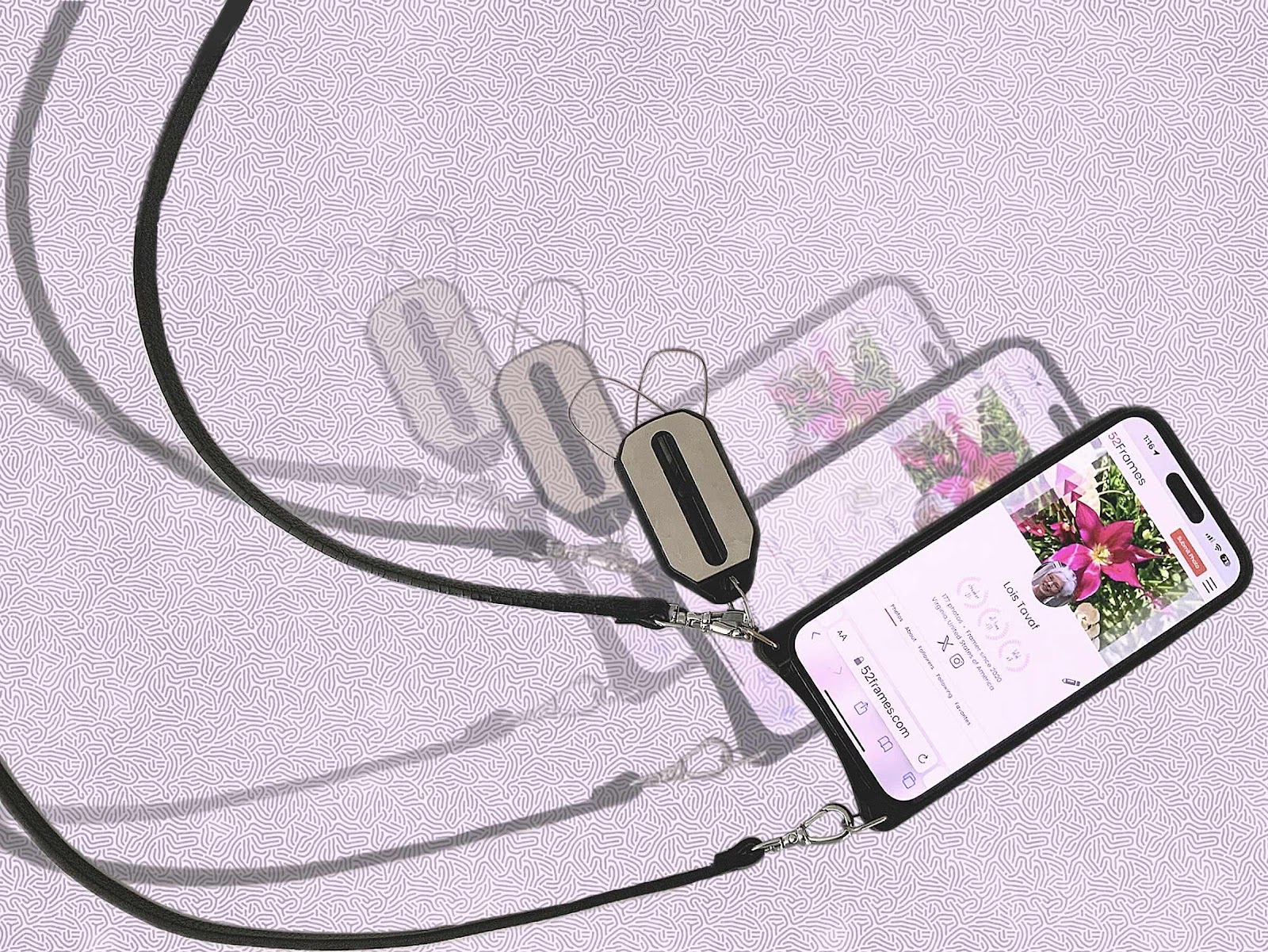
My favorite technology things are iPhones, ThinOptics readers, Bandolier straps, and the Procreate art app. So for this week’s 52Frames photo challenge I thought a composite image of these items would be appropriate since the subject was “technology,” So I took a photo of my phone, strap, and readers on the kitchen island, then sliced that image out and multiplied it two more times. Of course the 52Frames website was the screen image. The photos were edited in the camera plus app. Then using the Procreate app - the same one I use for all of my digital art and custom pet portraits - a background was added, several layers were added, and more cleaning up was done. A few different color backgrounds were tried. Usually several photos are taken for the weekly contest, but I only had this image in mind. The biggest question was where to crop it. I ended up using the original idea with the straps showing some movement and less emphasis on the phone size. Things have really changed from the original PictureIt! software for editing photos, taking photos with my swinger instant camera and all the other cameras to the ready at hand iPhone, and the klunky readers that are now replaced with ThinOptics key chain readers that are with me at all times. These are really my favorite things and they are used on a daily basis. I suppose I always loved gadgets. As a nursing administrator I headed the project to implement one of the first automated documentation systems in health care way back in 1988. And I preferred ICU and cath lab clinical specialties. I always loved visuals and excel spreadsheets as a performance productivity expert. I’m hoping I can stay on top of all of the products yet to come. We haven’t seen anything yet. 


Saturday, April 13, 2024

Bandolier Pouch

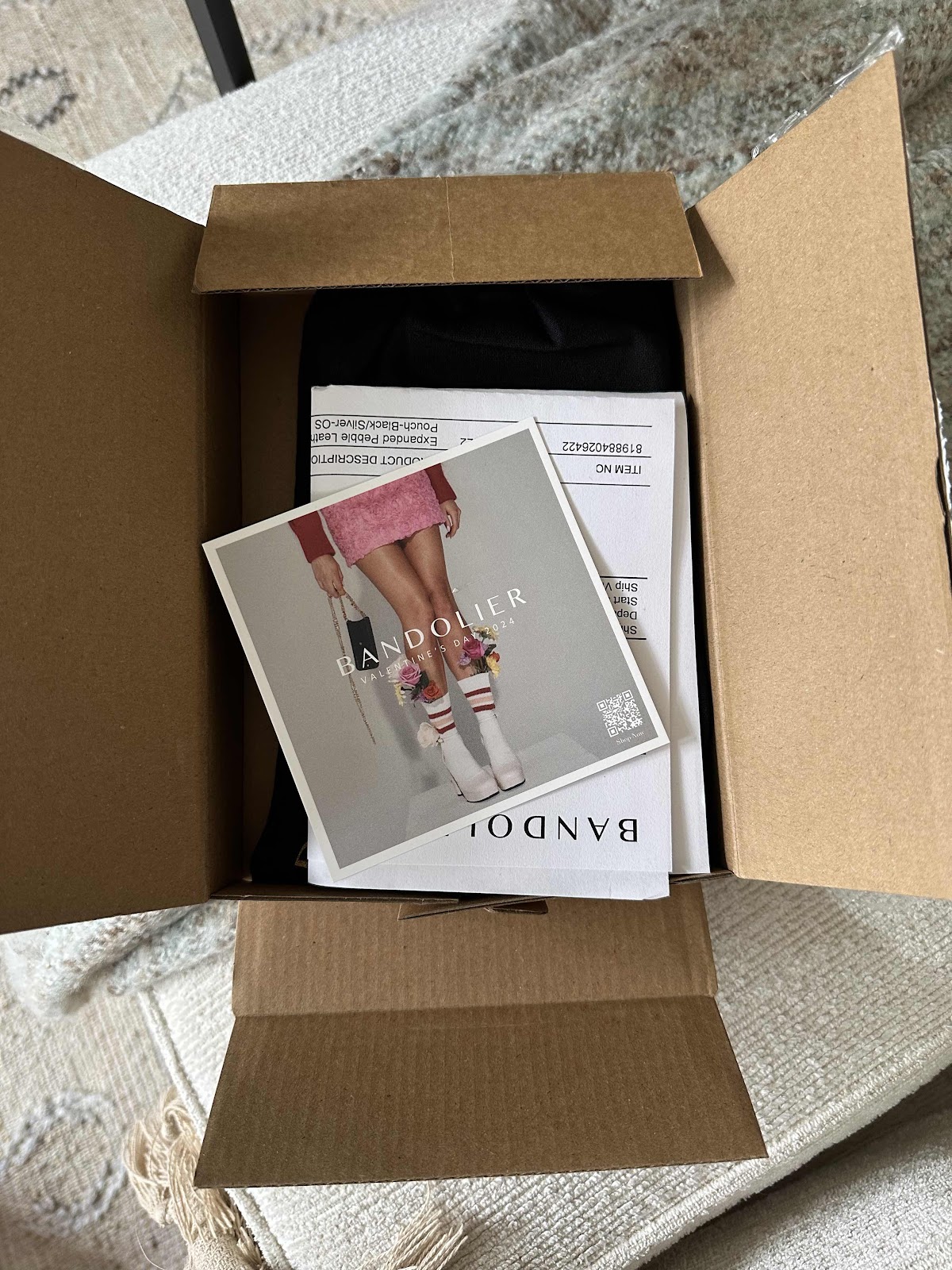
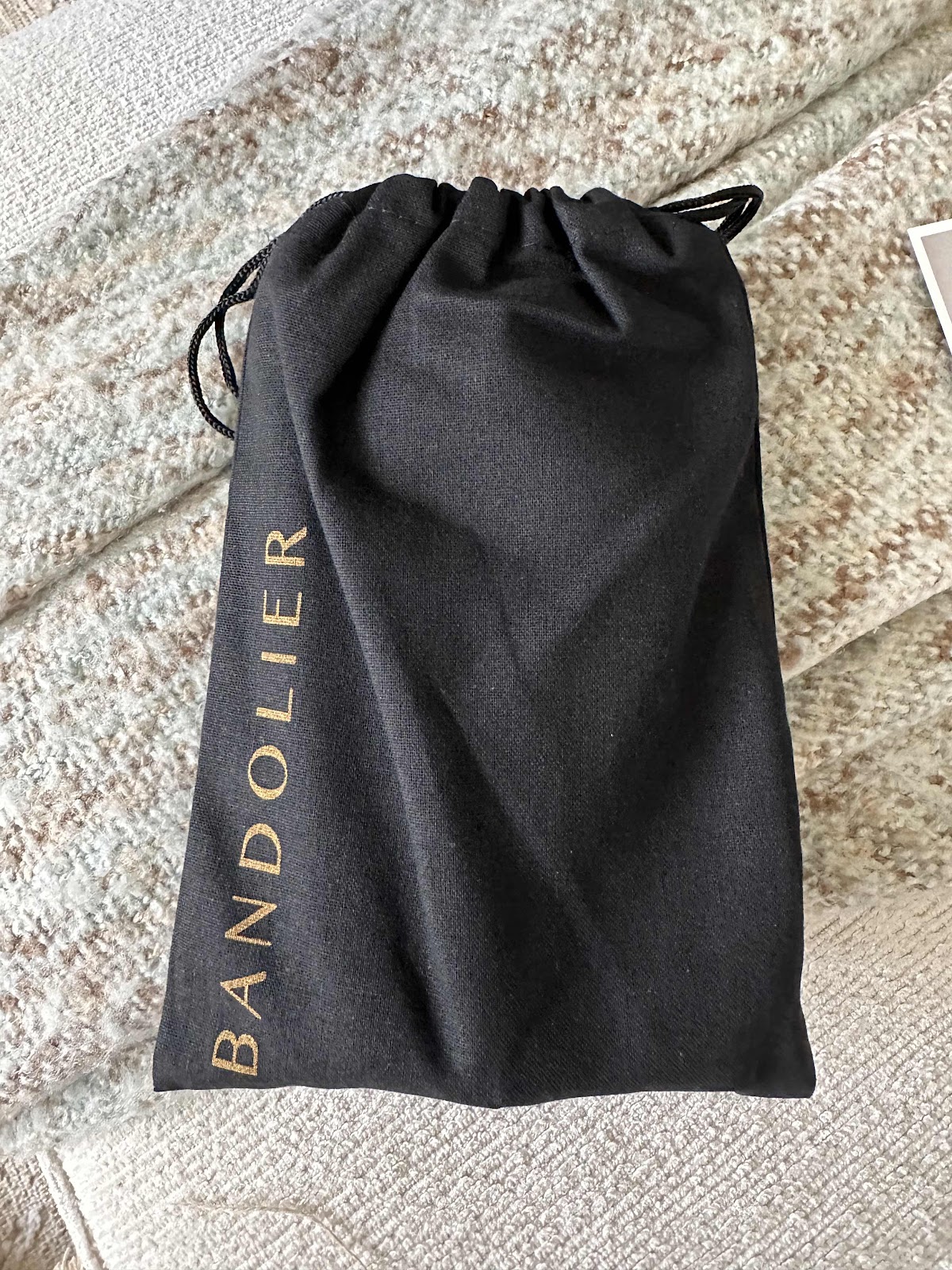
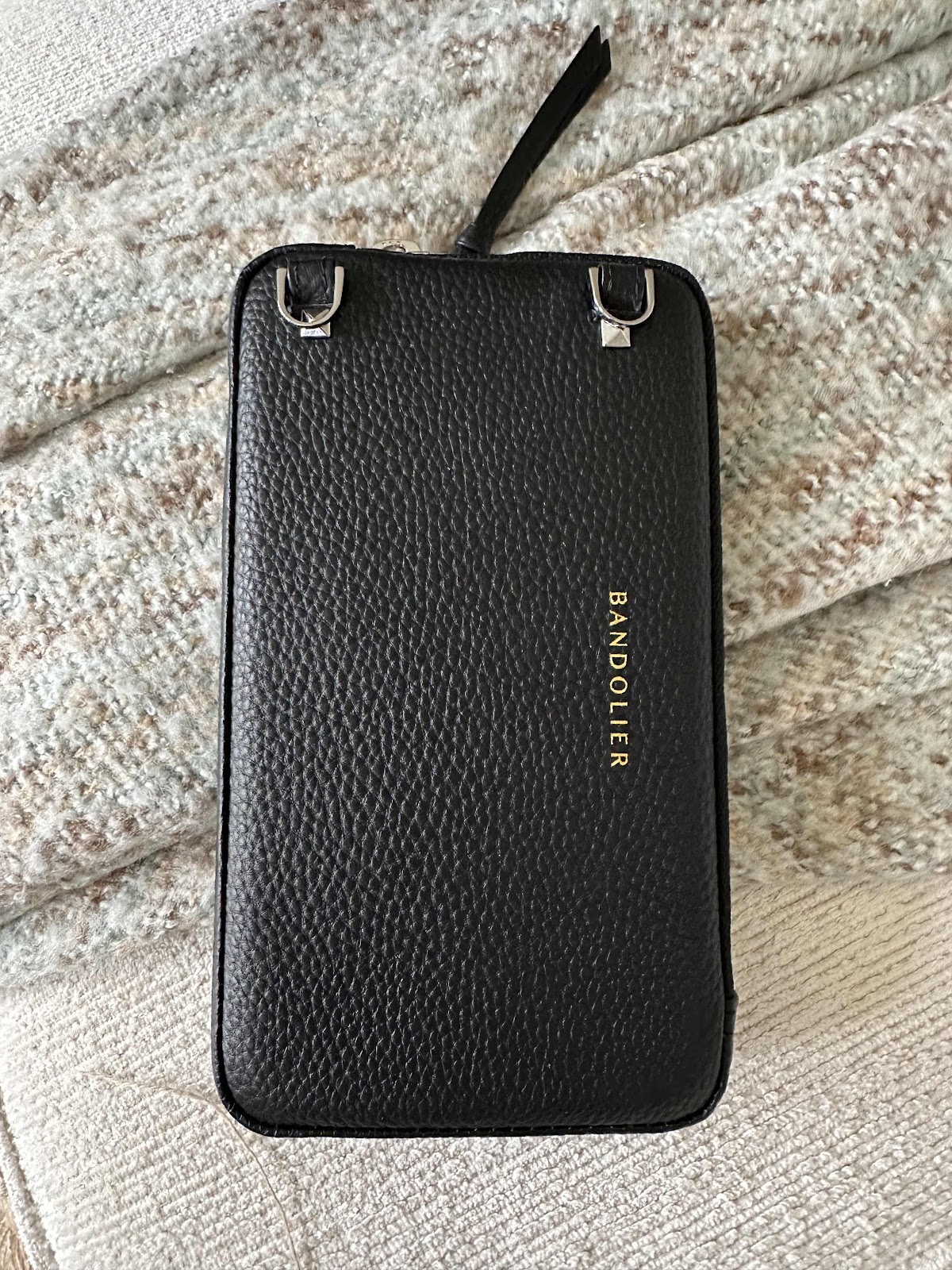
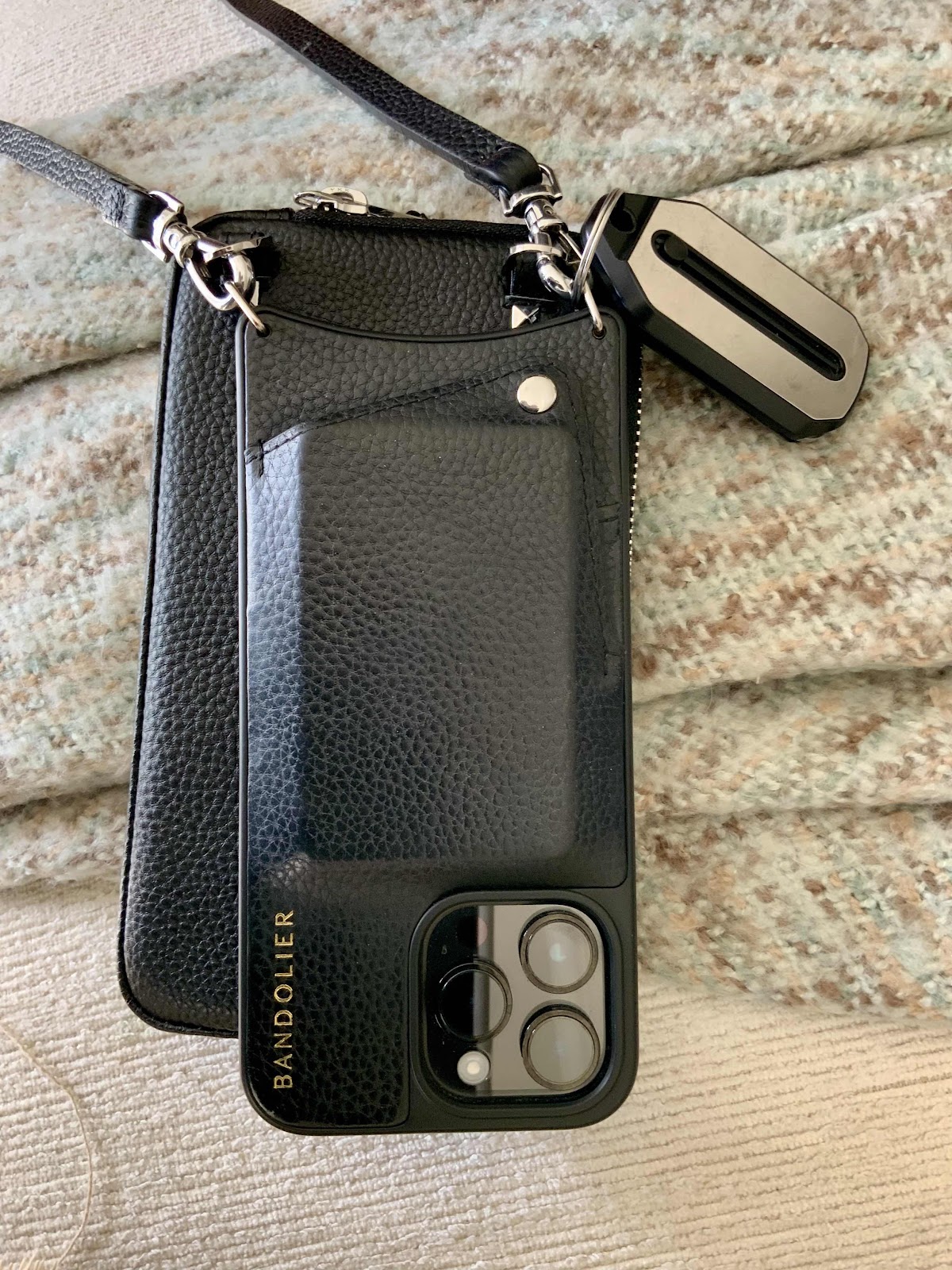
The other day we walked out of the door and my husband forgot his keys. Luckily we live in a condo and they keep a spare key at the desk. But it raised the idea that I should always carry keys too. Since the pandemic I no longer carry a large purse that held everything in it but the kitchen sink. And when I needed to carry more items I used a small Coach purse. I have an iPhone that is attached to a bandolier strap and case that holds credit and health insurance cards, and a bit of cash. My ThinOptics readers key chain is also attached to the strap. But carrying keys is too much. So I looked around for some options and found a bandolier pouch that could not only hold the keys, but also my ThinOptics sunglasses. It attached to the same strap that holds the phone. It arrived this week and I have been trying it out. I can no longer tuck my phone in to my front or back pocket because of the extra piece. But, I can now carry the keys and the sunglasses and tuck the readers inside. I love the strap because the phone is always with me and I’ll never forget it. And since I am always taking photos it’s so easy when the phone is this accessible - and it still is. There is also a strap that is made that has pockets built it, but it seemed a bit too much and bulky, and they didn’t have it with a silver trim. I suppose I just need to get used to the extra bulk. So now there is a place for the keys and the sunglasses. I guess that was the idea. 


Tuesday, November 7, 2023

iPhone Taking Photos by Itself

I love to take photos, and usually I am the one who takes them. I have an iPhone 14 Pro Max and guard it with my life. It is attached to me permanently via a bandolier strap. So whenever I am out of the house it never leaves my side. When we went for a morning walk the other day something weird happened. I always put the phone in the back right rear pocket of my pants - attached to the strap. But on colder days when I wear a heavier coat the phone goes in the front right pocket. Generally I take the phone out to take photos but on this particular morning I didn’t. When we got back to the car my phone felt a little warm. The camera was somehow left on and all the while we were walking it was taking photos of the inside of my pocket. And not just one. There were one hundred and eighty one photos and short movies. That is ridiculous! I was very anxious to get rid of all of the nonsense, but when I looked at the camera roll there was something very pretty about it. I’m not sure how it switched from regular photos to movies, but the end result changed from pinks to purples to neutrals to blue in an almost three dimensional way. That’s one way to create art - without even thinking about it. 


Thursday, March 30, 2023

Need Antivirus Software on IPhone?

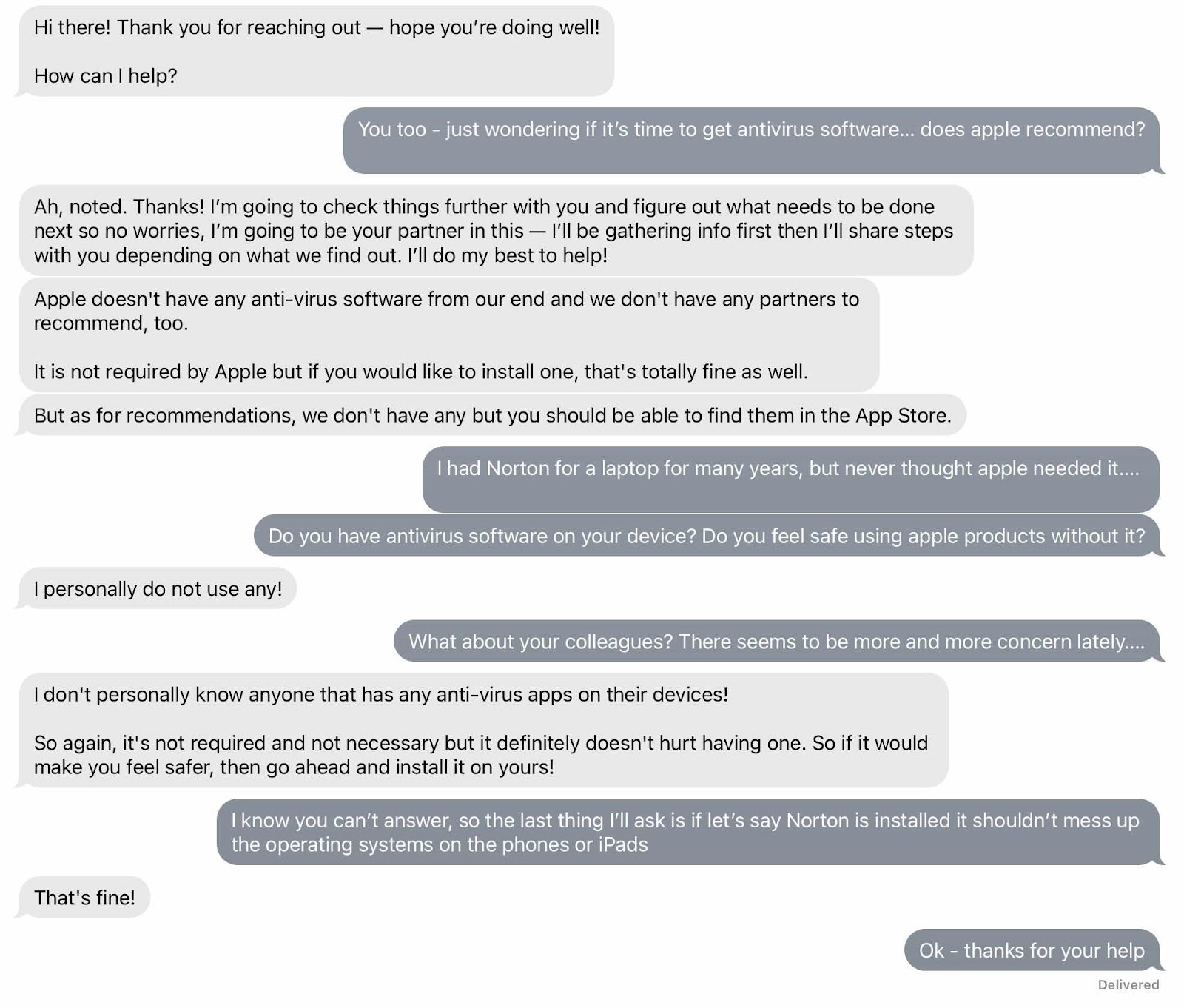
It used to be in the old days that antivirus software was required on laptops and such. It was necessary not only on work computers - which wasn’t my problem - but also at home, and that was my problem. Over the years I had a variety of laptops and Norton was the software of choice. I always kept one non apple laptop at home because I still needed it to do functions that an iPad couldn’t. Sometimes a completed digitalart art work needed to be sent via laptop to a customer. I also have to upload images to Amazon Merch via laptop because they are not friendly to mobile apple products. But when my last laptop died I didn’t replace it. My iPad Pro does most everything now, but I still can’t upload images to my Amazon Merch shop. But lately there have been more and more questions about antivirus software - even if you have an apple product. So I started a chat discussion with apple just to get a read on the state of things. The general answer was you don’t need an antiviral software on apple products, but if it makes you feel better it wouldn’t do any harm. And they certainly don’t have their own product and definitely wouldn’t recommend any one in particular. I asked if they or any of their colleagues had it on their devices and they said no. I suppose if you continue to update to the latest operating system and keep everything else up to date things should be okay. One of my friends was going to ask apple what they thought. I suppose we can compare notes. I still have a question in my mind but don’t feel like dealing with it right now. 


Sunday, February 26, 2023

New Teeth, Haircut, IPad, Earbuds, and iPhone Battery

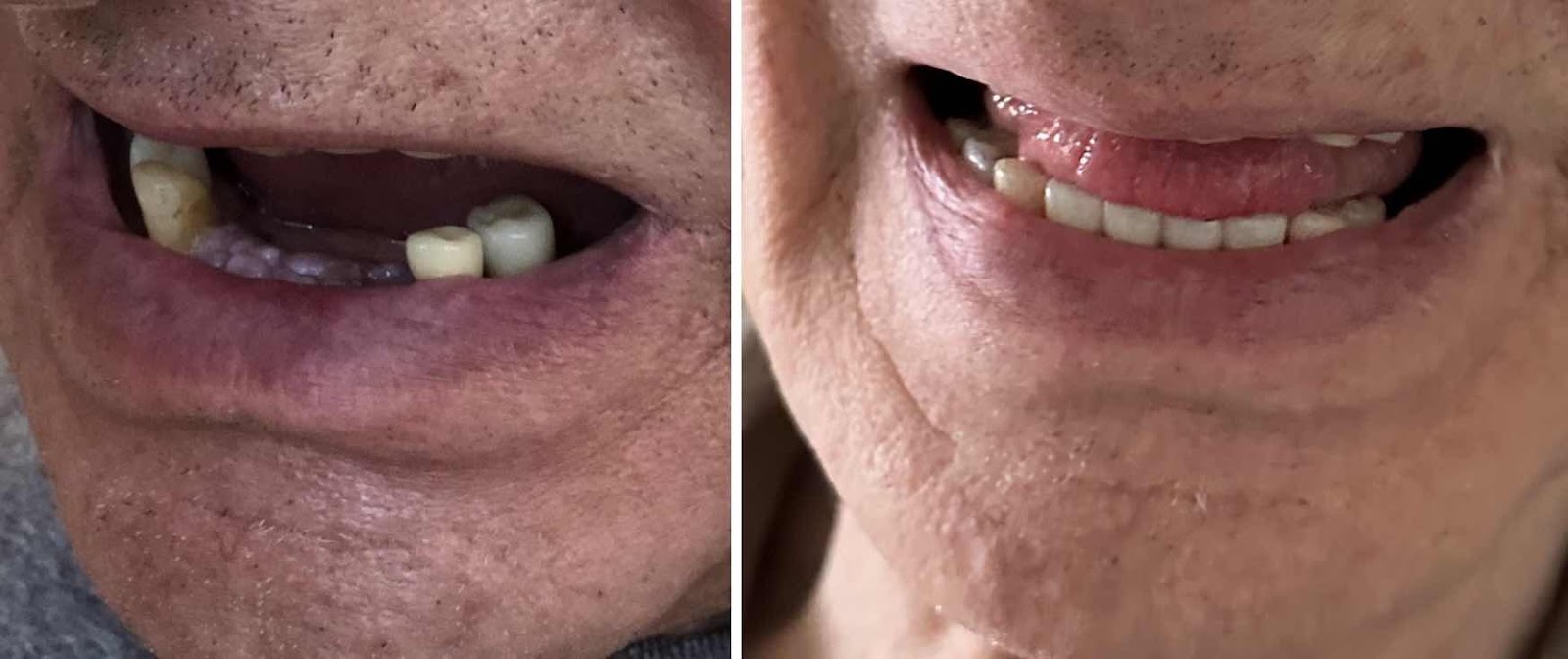
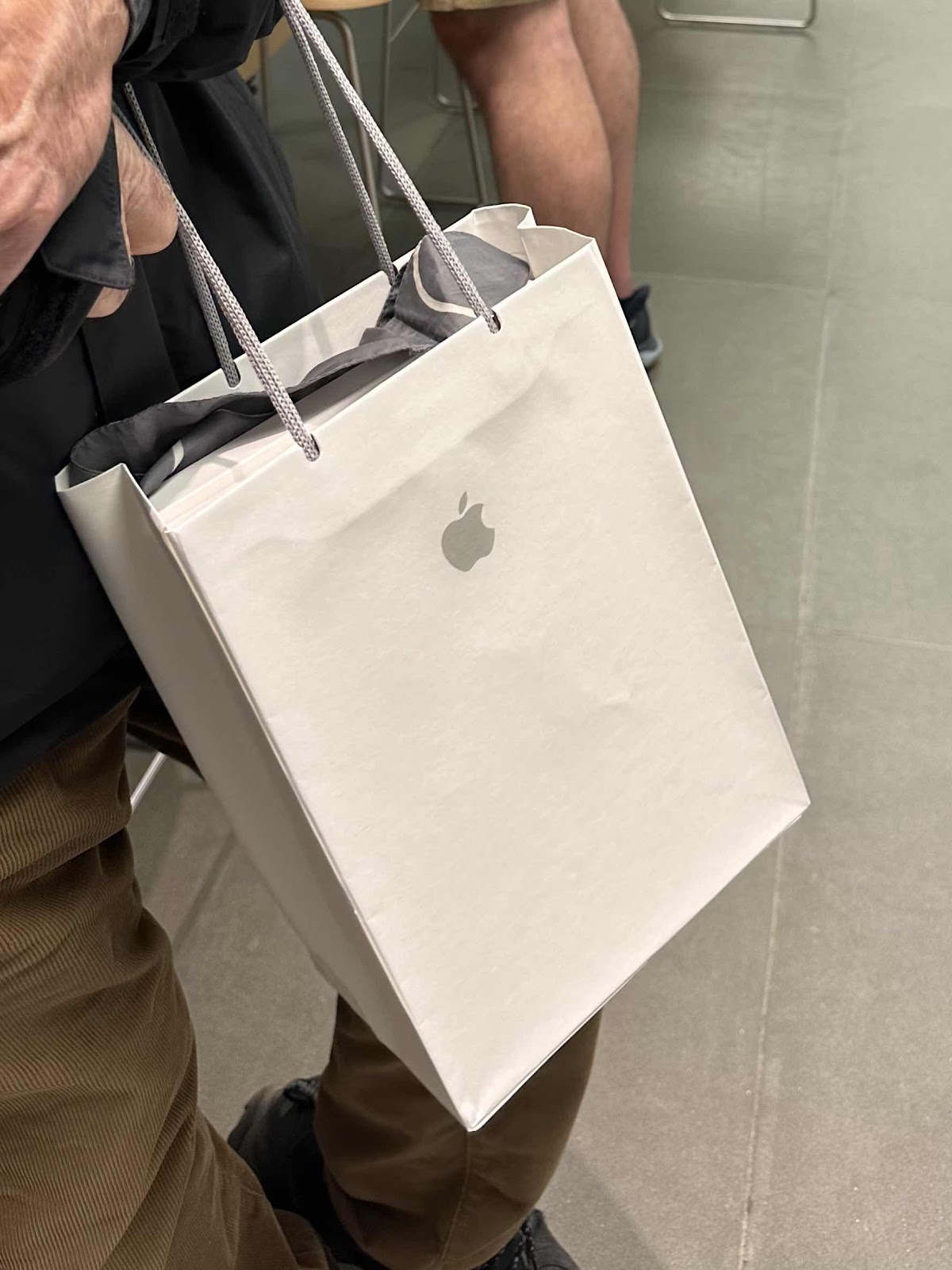
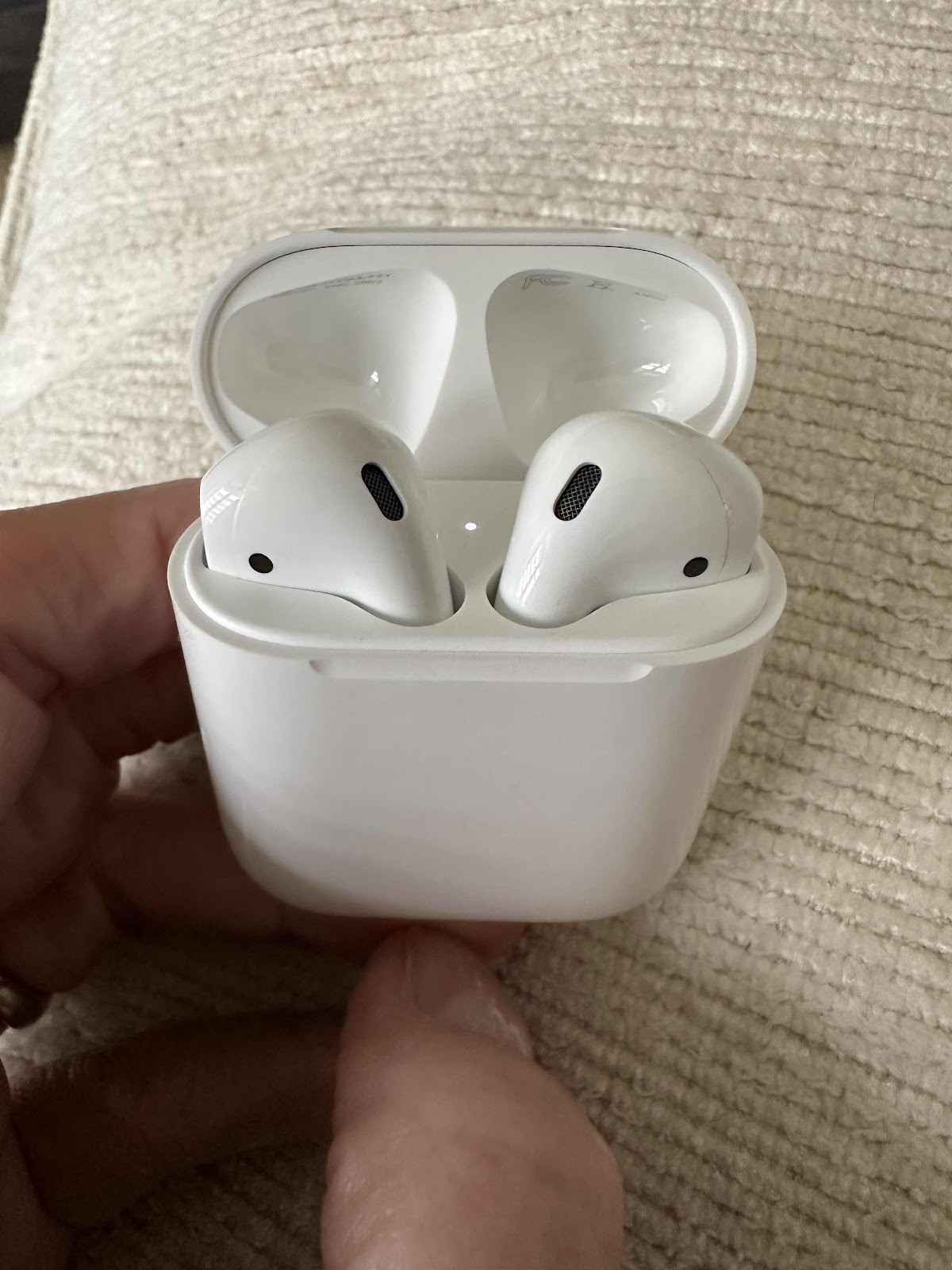
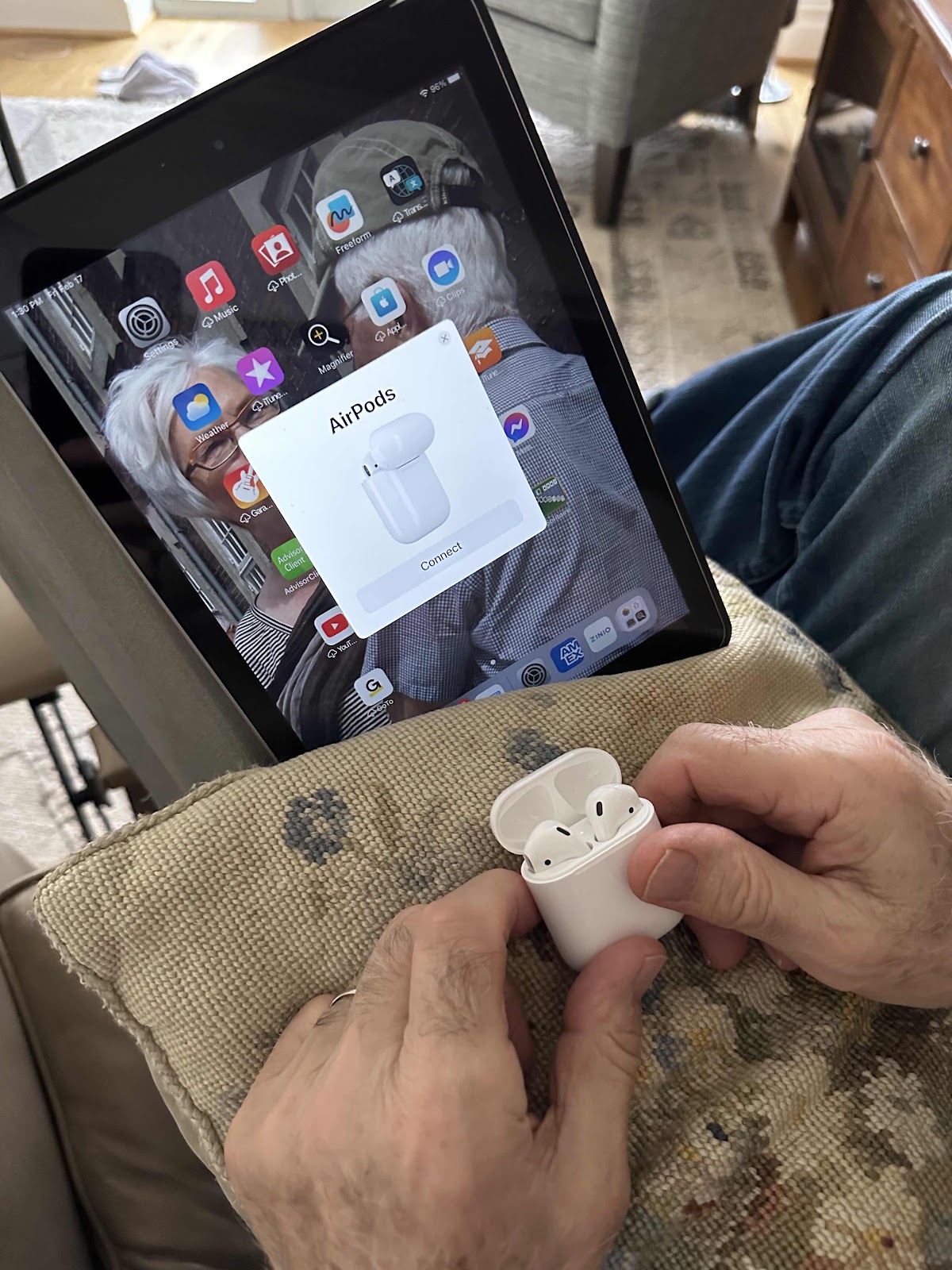
It was a good week last week for my husband. After six months of fooling around with dental implant preparation, the four front lower teeth were FINALLY done. He’s had single tooth implants before, but they were not in visible places. But for these he needed to have bone grafts, then a cosmetic partial made that didn’t last very long, and a lot of visits to prepare for, then implant the metal bases, and wait for the healing. It’s so wonderful to see he has all of his teeth now! Then he got a haircut. We needed to go to the Apple Store to see if his iPad needed a battery replacement. Since the iPad isn’t like an iPhone, it was near the lower per cent that would require an iPad replacement. Plus his iPad was discharging quickly and was acting up. It was a replacement device that we got exchanged when my mom’s stopped working three years ago. Along with that he just got my old iPhone 8 Plus because his iPhone 6 Plus died. We had never changed batteries on any of our iPhones. And I’m really sorry we didn’t attend to his sooner so we would have a replacement backup. So at the Apple Store his phone needed a new battery and we decided it was time for a replacement iPad. So we exchanged his old one for a similar model and got twenty dollars off because we have a grandson in college. Because there are no longer slots for the old earbuds, he needed to get wireless earbuds so he could listen to his material in the iPad. So last week was a big week for my husband - almost too much going on at once. With every new apple device comes a learning curve and personal setups that take time. But it was all worth it. Let’s hope everything stays in working order - teeth, earbuds, iPhone and iPad. But he will still need to get his hair cut. 


Saturday, February 18, 2023

Apple Store Visit and New Earbuds

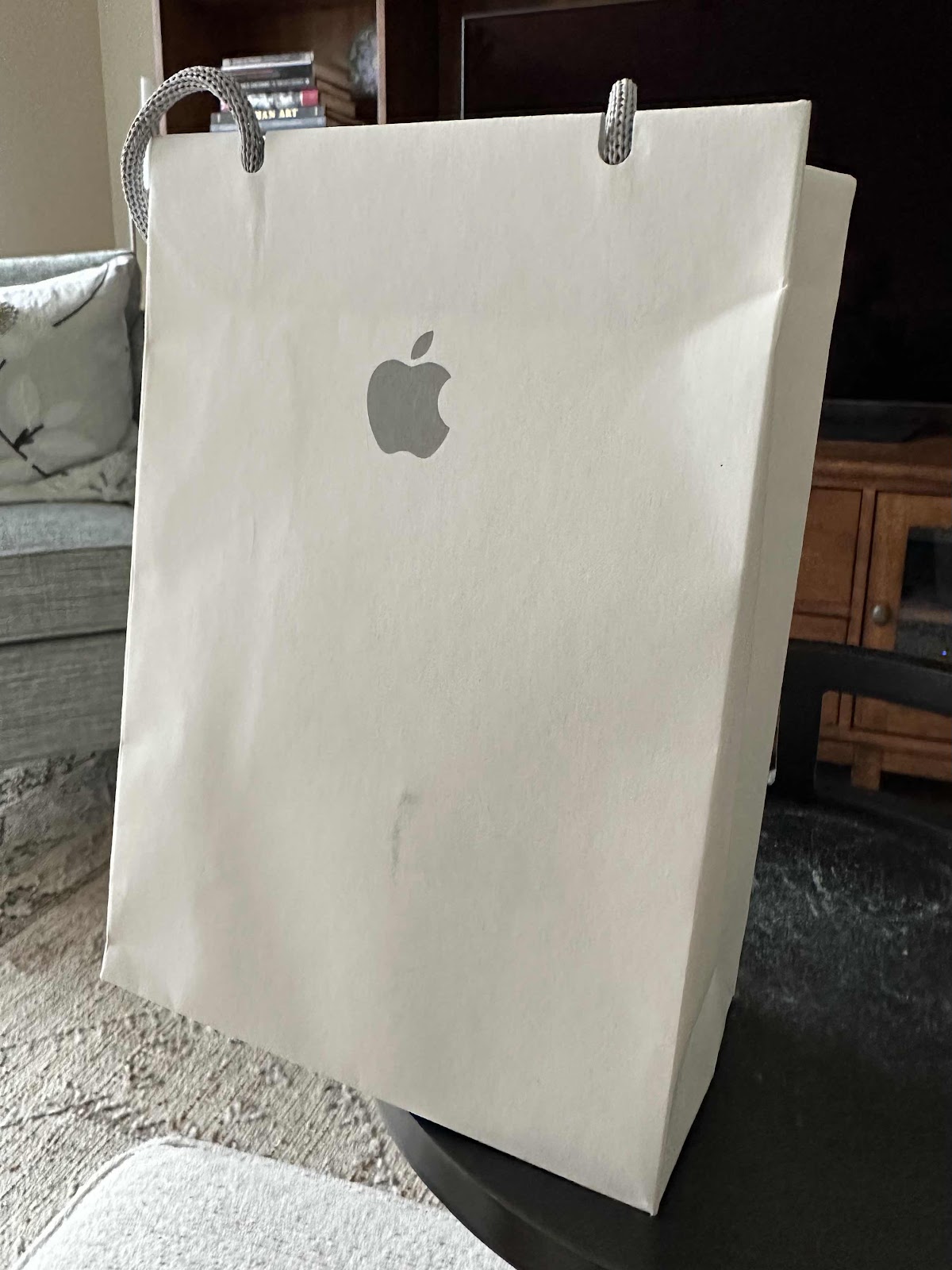
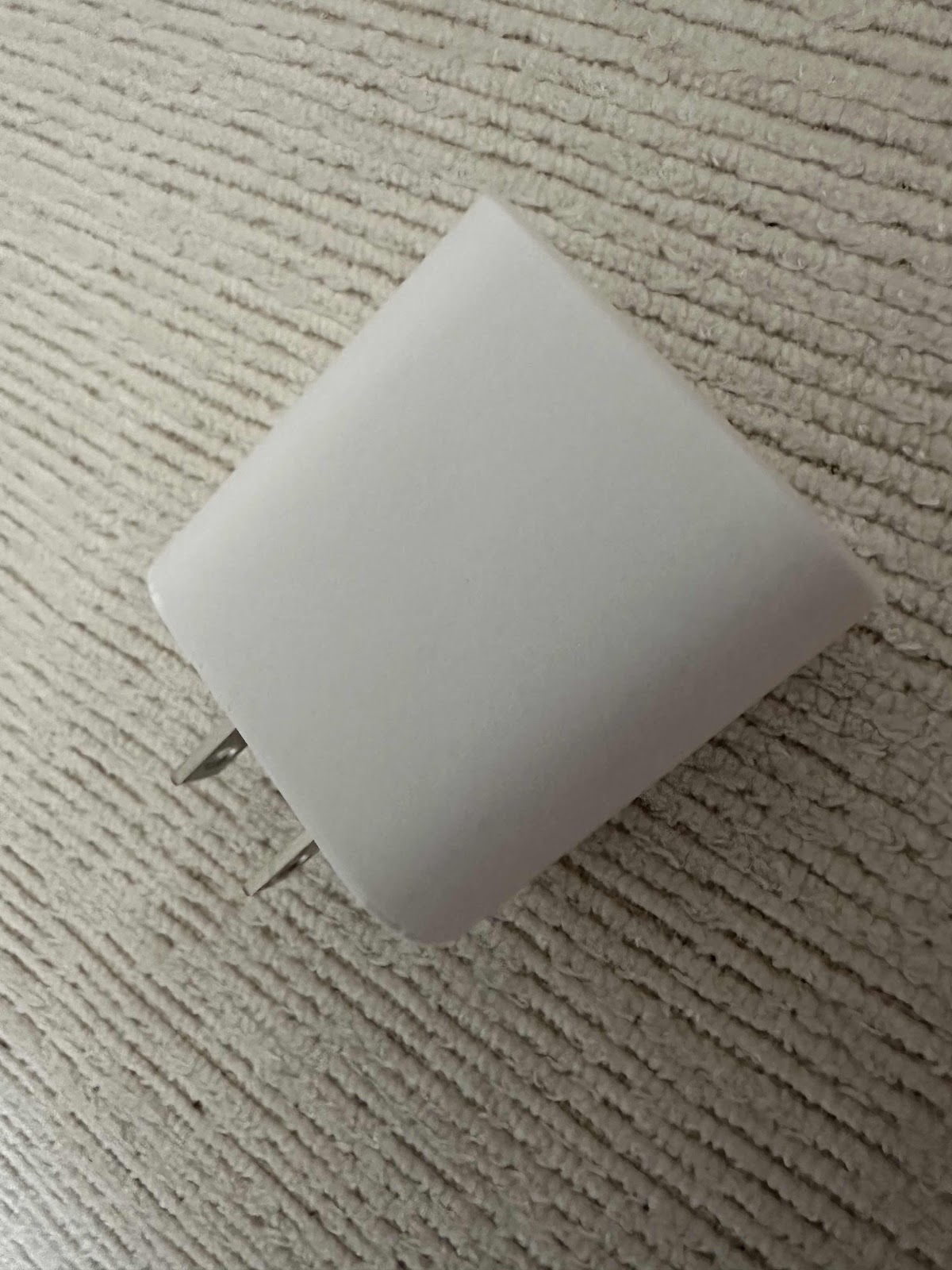
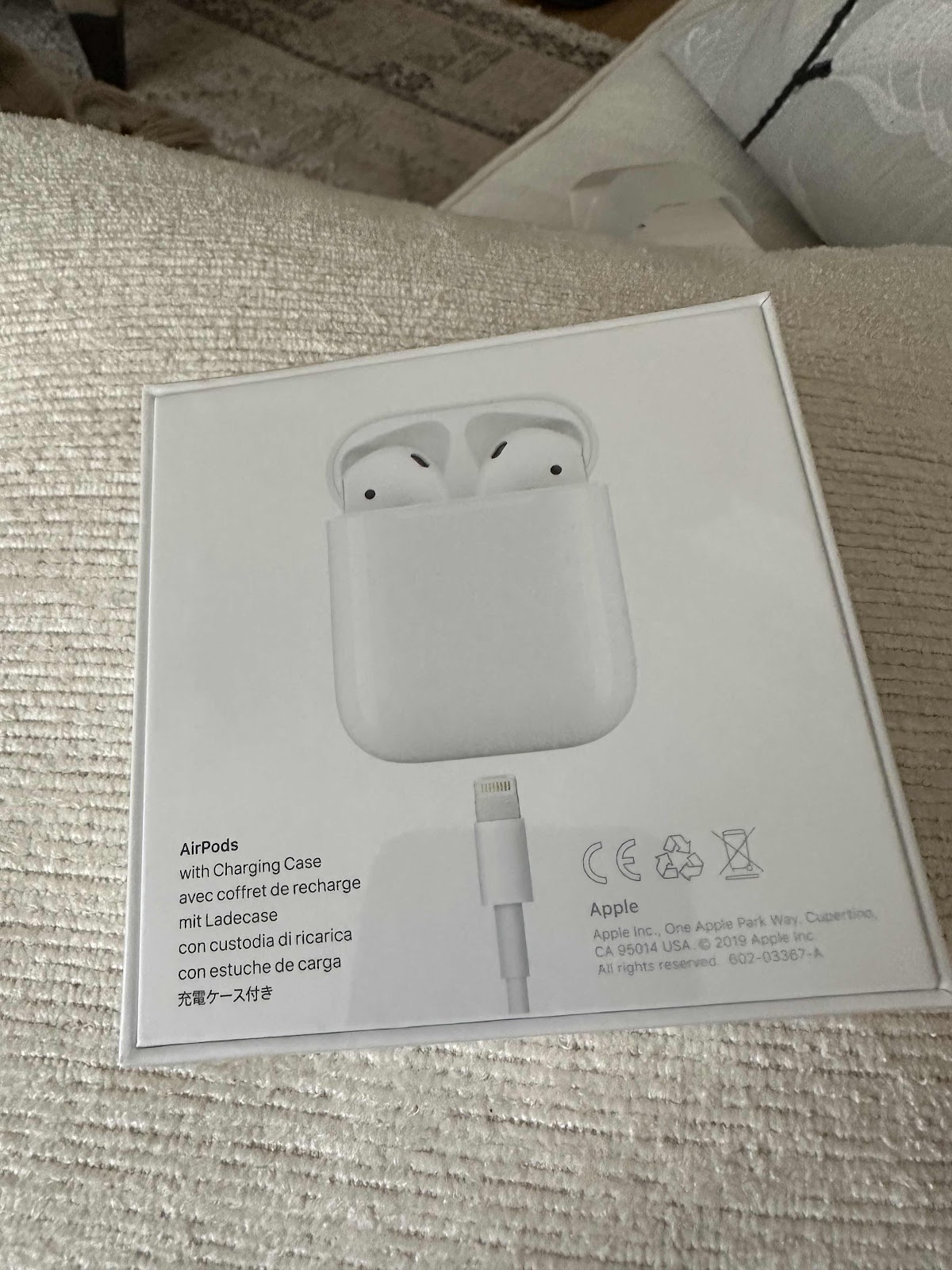
My husband’s 6plus iPhone finally bit the dust last week. So we changed his SIM card to my old iPhone 8plus. But, it was still my phone with all of my settings and notifications. I knew we needed to change the account owner to him, so we went to the Apple Store at Tyson’s to get some help. It took about an hour, but we got his phone taken care of and the person who helped us was really pleasant. Of course when we got home the email wasn’t working right so we may a need to make another trip because we have to have the battery replaced in that phone as well as his iPad. We have never had the battery replaced in any device. Unfortunately we didn’t get his old phone fixed in time and it can’t be salvaged. So we no longer have a back up. In the meantime we got my husband a pair of earbuds. He’s always struggling with the wires and most of the devices no longer have a slot for them anyway. And he routinely uses them and the wireless option should work well - we hope. My wireless hearing aids serve the same purpose. I also got a plug for my new phone so I can charge my watch at the same time. Now we need to make another appointment for the batteries to get replaced. It’s nice to have an Apple Store just down the street. I usually use the on line chat for most issues, but some things just can’t be avoided. We can take our morning walk while the work is being done anyway. I just need to figure out why his email isn’t working. 


Saturday, February 11, 2023

iPhone 6Plus Died

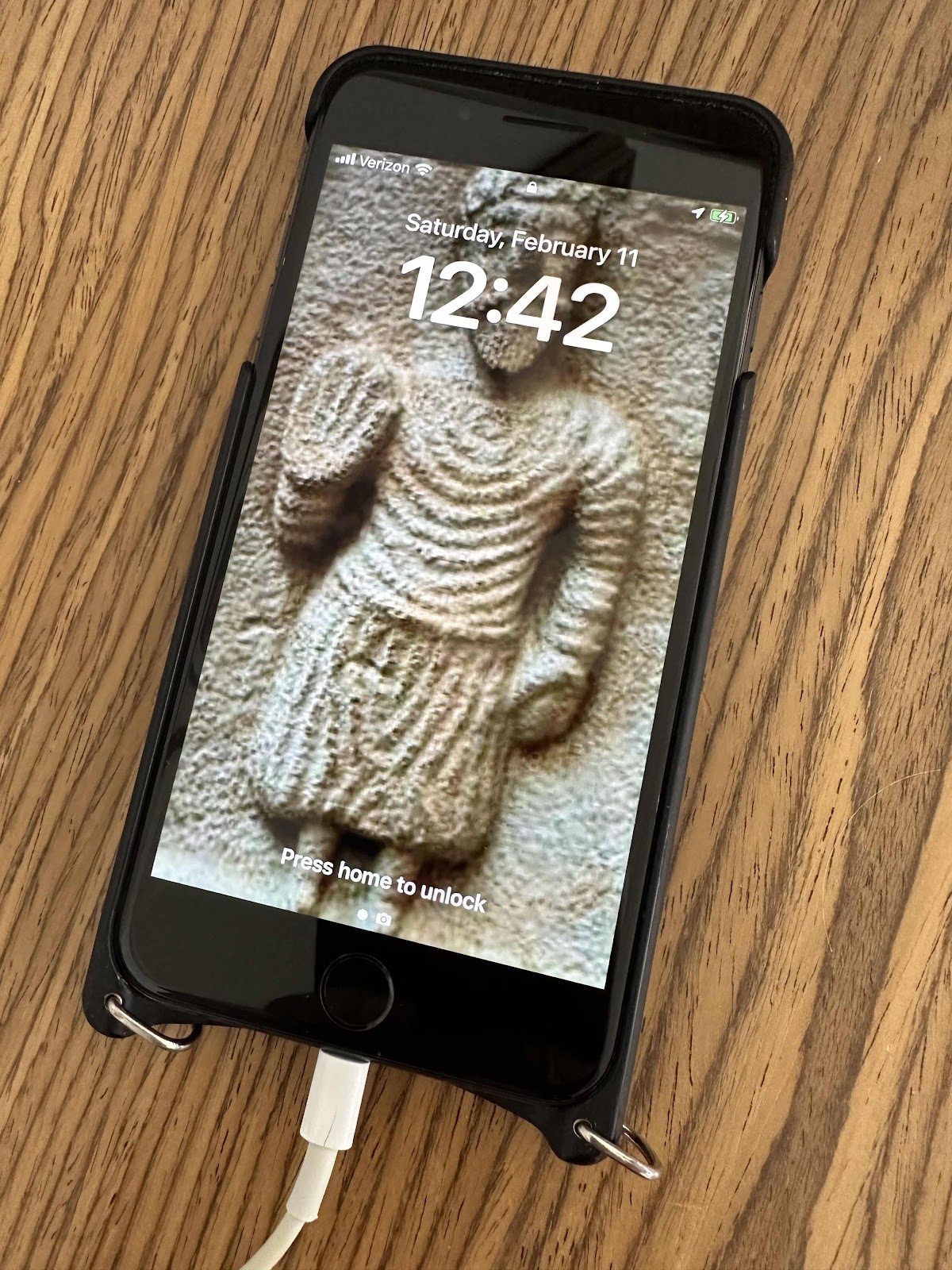
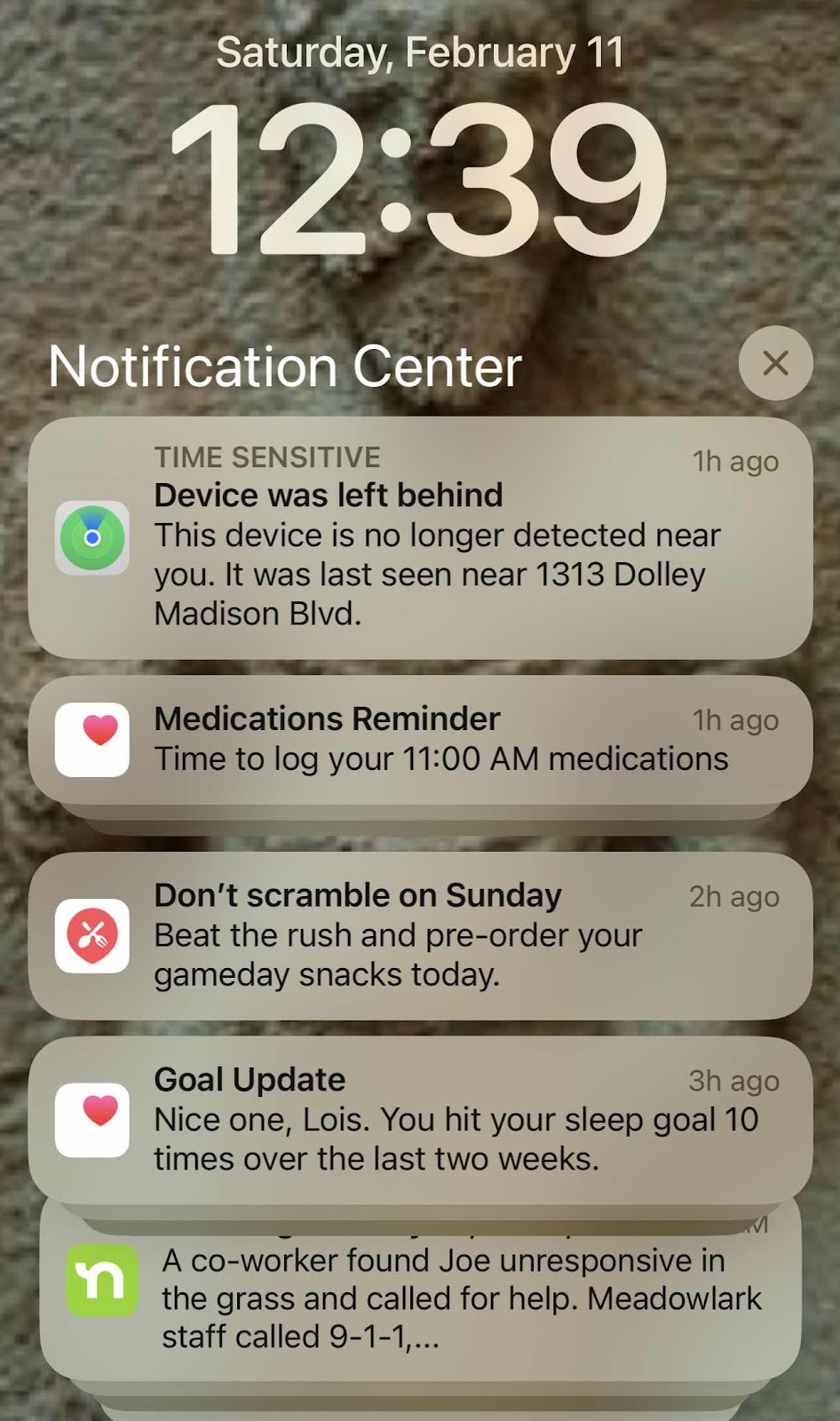
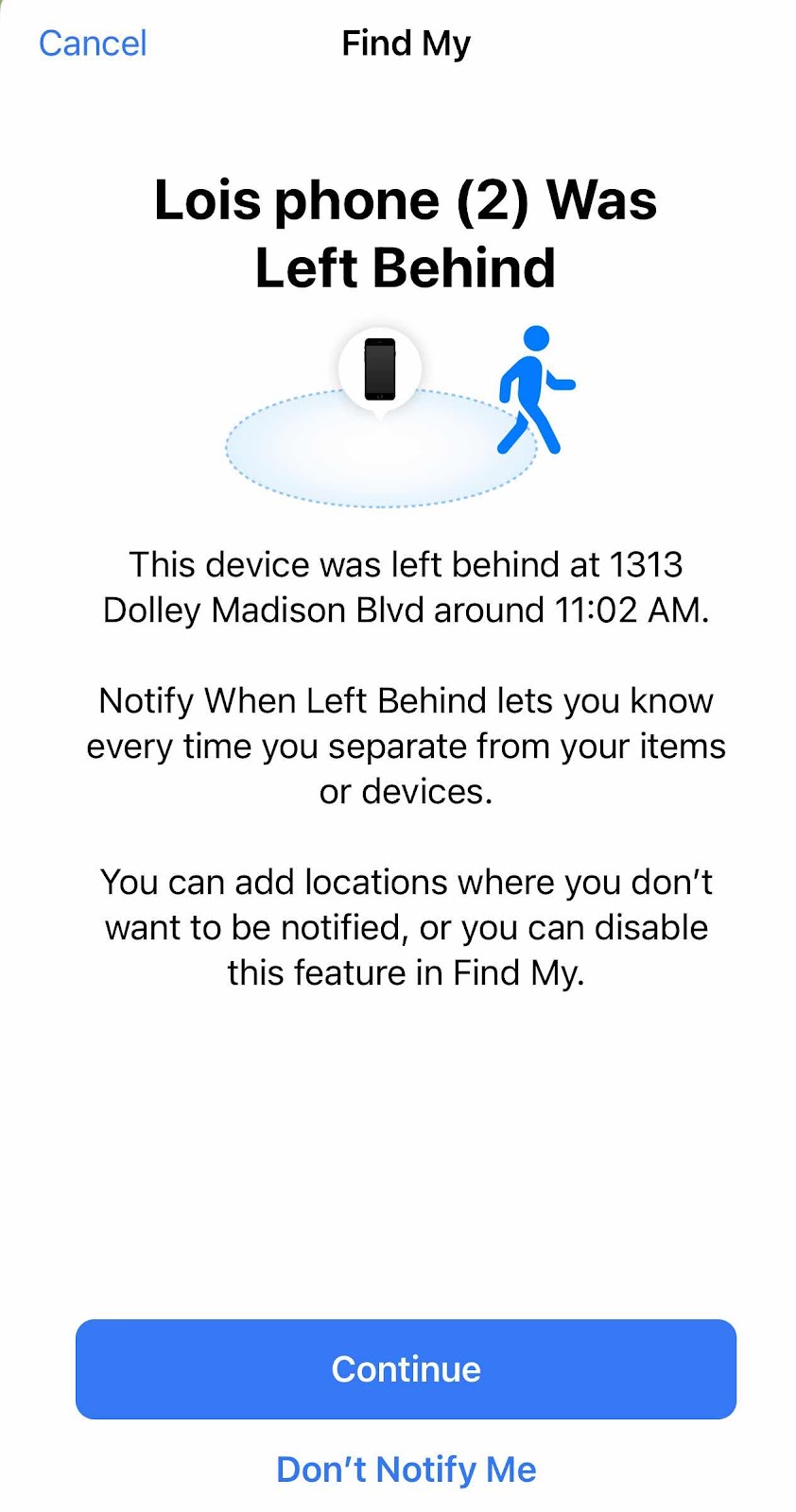
We had a back up plan because it happened too many times before. My husband has my old iPhone 6Plus. Over the last couple of years it has acted up. It won’t charge, or the battery drains quickly, or it’s just unreliable. So we researched to see what we could do to mitigate the issue if and when it happened again. His number could be forwarded to my phone, if anyone called it would go directly to voice mail, and he would still get text messages. And we could always get a new battery. I got a new iPhone 14 pro max last year and my 8plus has been lying around idle. One of the reasons I got a new phone was for the camera, but also because then we would have his new replacement and not worry any more about his not working. I’ve been asking him to switch to my old phone but we never got around to it. So this morning we found out that his phone just died. It simply stopped charging and there was nothing we could do about it. He was worried because he hadn’t received any phone calls or text messages lately, but at least we knew they would be retrieved once we got his phone going again. But our plan remained the same. It was time to upgrade to my iPhone 8plus. So we walked down the street with his phone and my old phone and asked if they could switch the SIM card from his phone to my old phone. I wasn’t sure how to do it and wanted to make sure the account was updated and the phone actually worked. It didn’t take long - we know from past experience. Now we need to make sure his “new” phone looks more like his phone. There are a lot of apps and such that he doesn’t use. The one thing nice about this arrangement is now all of the photos he takes will be auto uploaded to all of the devices. We might just get the battery updated on his phone just to have an extra phone. If nothing else I need to see if there are any photos of consequence and it is another device to play solitaire. The funny thing was when we took our morning walk I got a notification that his device was left behind, but it was still in his pocket. I have some sleuthing to do. 


Tuesday, April 6, 2021

52Frames Fast Shutter

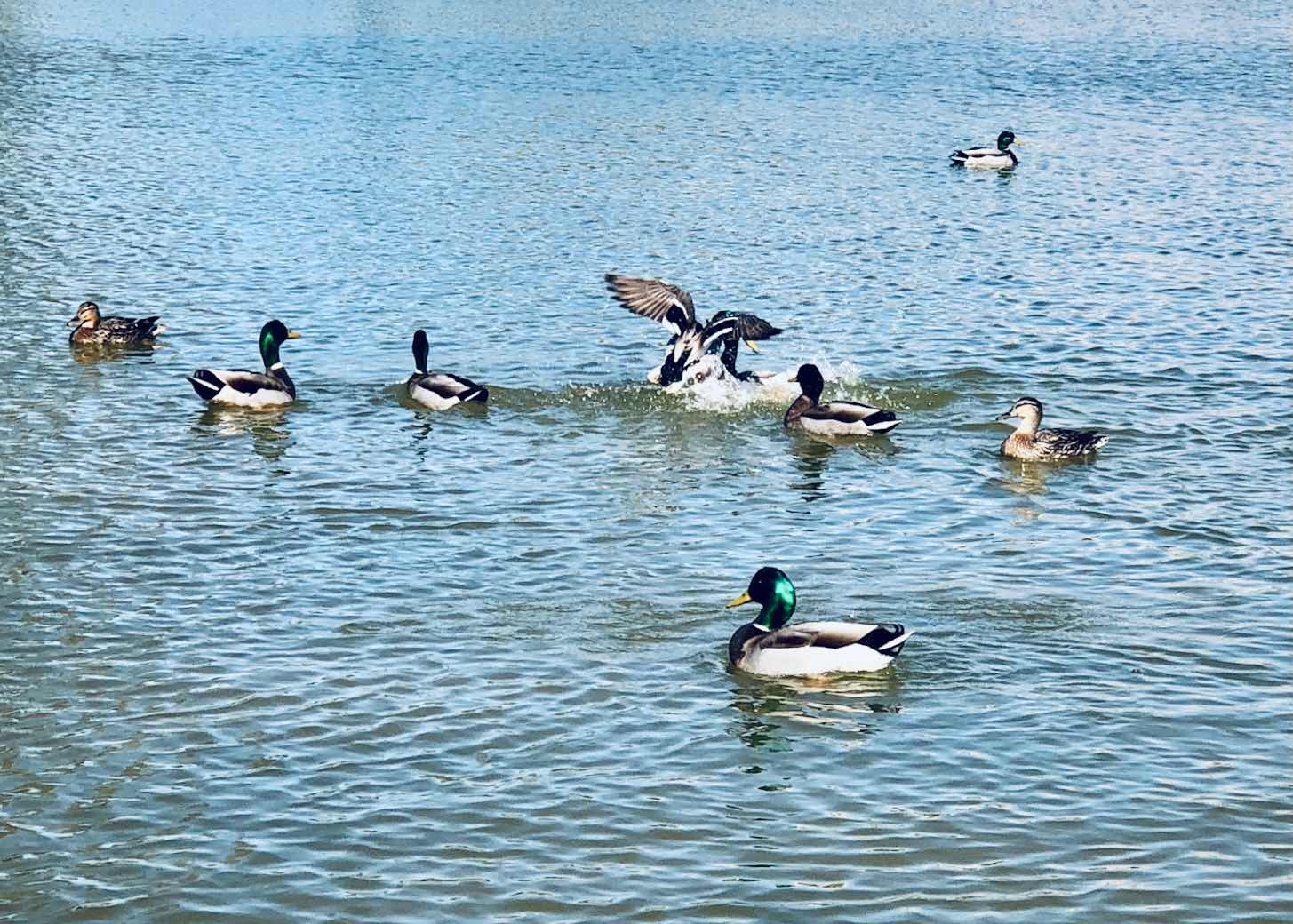
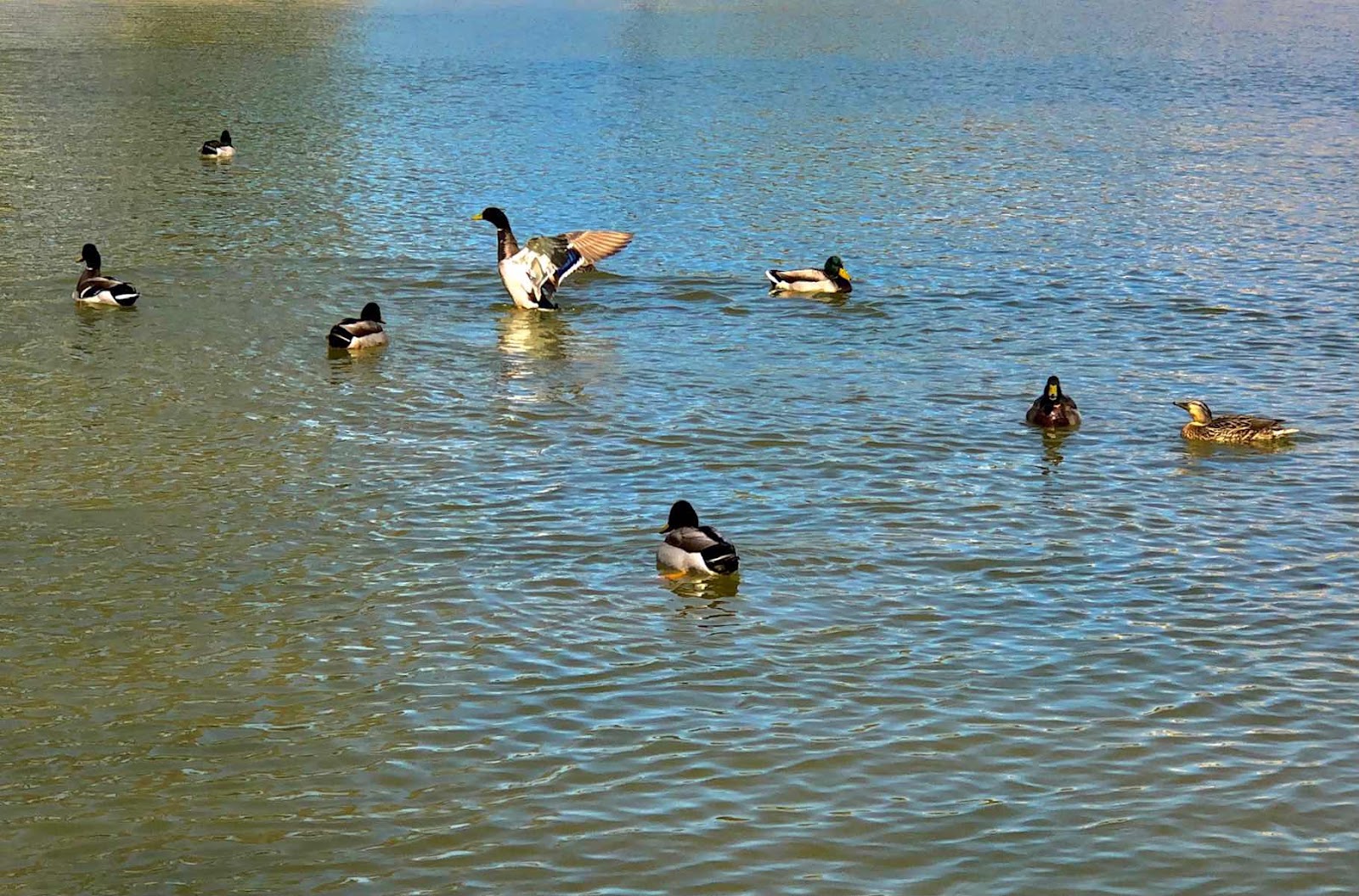
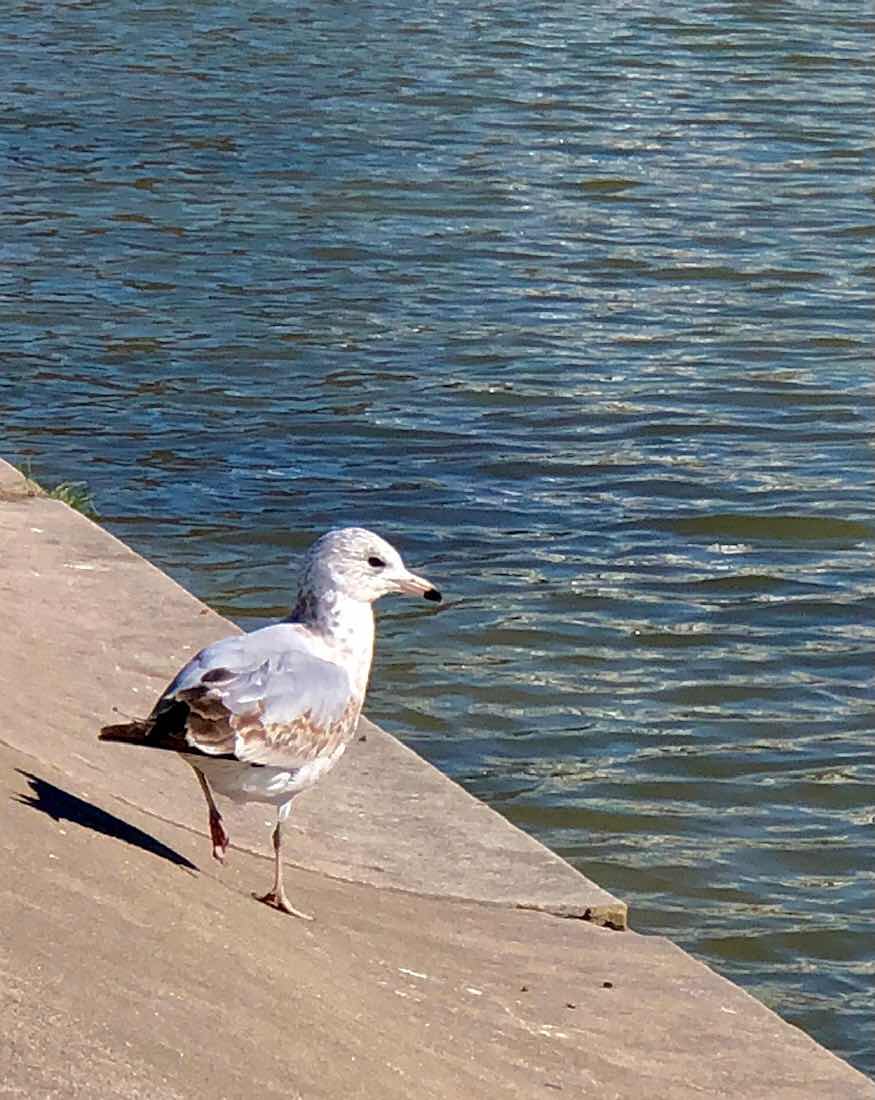
Last week’s 52Frames photo challenge was slow shutter. Because an iPhone doesn’t have a slow shutter I needed to download a camera app, study it up, and try to meet the challenge. This week the challenge was fast shutter. That process is something an IPhone can do and I have used it a few times before. You just hold down the shutter button for the time the object is in motion, go back and look at all the frames and select the ones you like. You can also take videos and take screen shots of the video at a spot you like, but the photo quality isn’t as good. We were so happy to finally be able to visit the Capitol reflecting pond last week since the fence surrounding the perimeter was taken down and Independence Avenue and the US Botanic garden once again became accessible. I was hoping the ducks returned to the pool and wanted to get a photo of them doing something. Well, the ducks were all over the place, but not within a reasonable range. The IPhone telephoto lens doesn’t exist, and the close ups are very pixilated. A couple of seagulls were in my range but weren’t moving. So my husband walked in a bit closer to get them to fly. I really didn’t think I was able to capture anything. I got the tail end of the first one. But the second one was very cooperative. I was able to get decent shots of the bird thinking about taking off, starting to take off, taking off, and flying. The most unexpected aspect of the photo was the beautiful background of the pool water that shimmered in green and blue. I’m not really a photographer and my iPhone is the only camera I have. But I was really pleased with my winged friend’s image. 


Saturday, January 30, 2021

Editing Photo Images

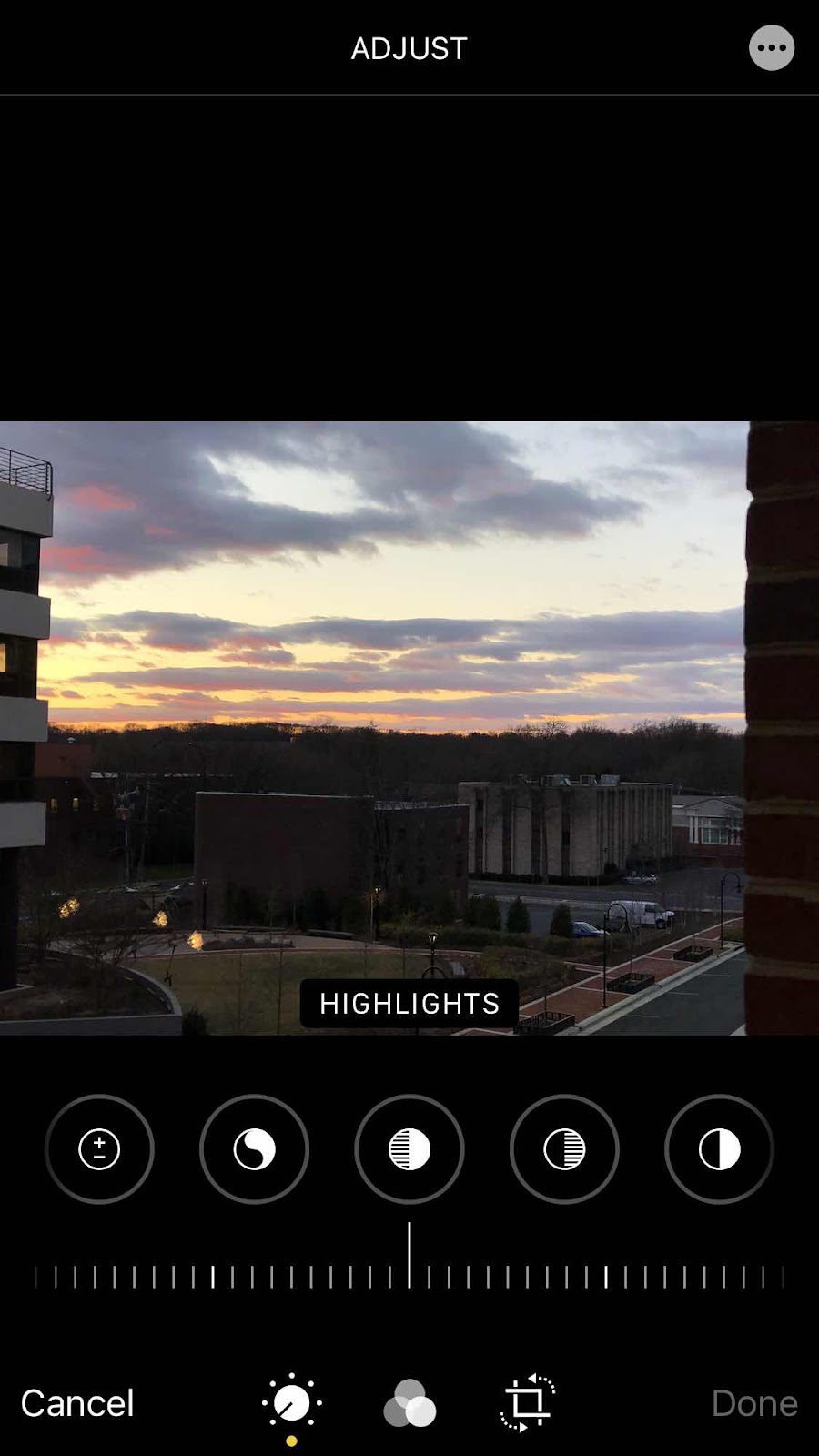
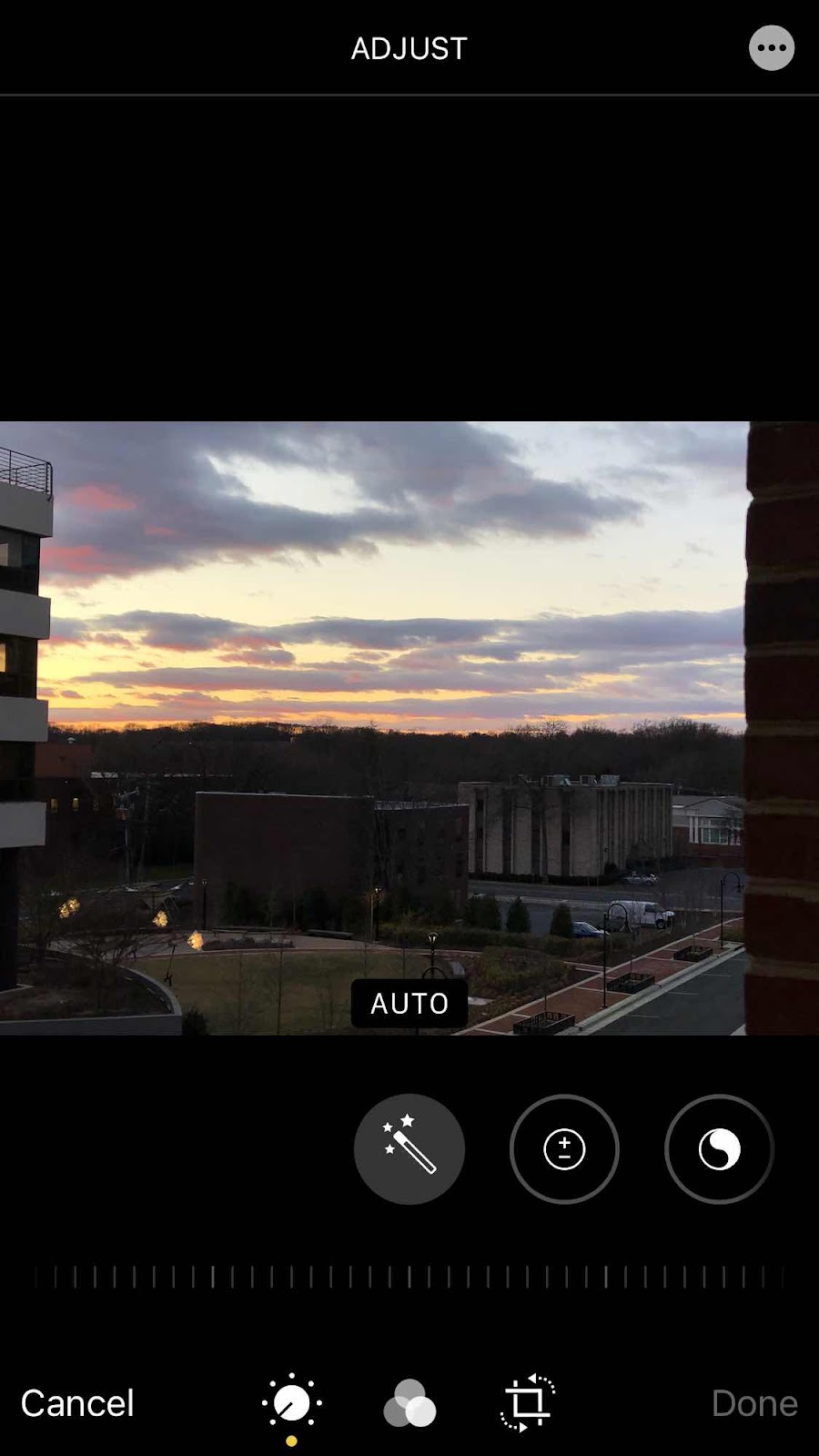
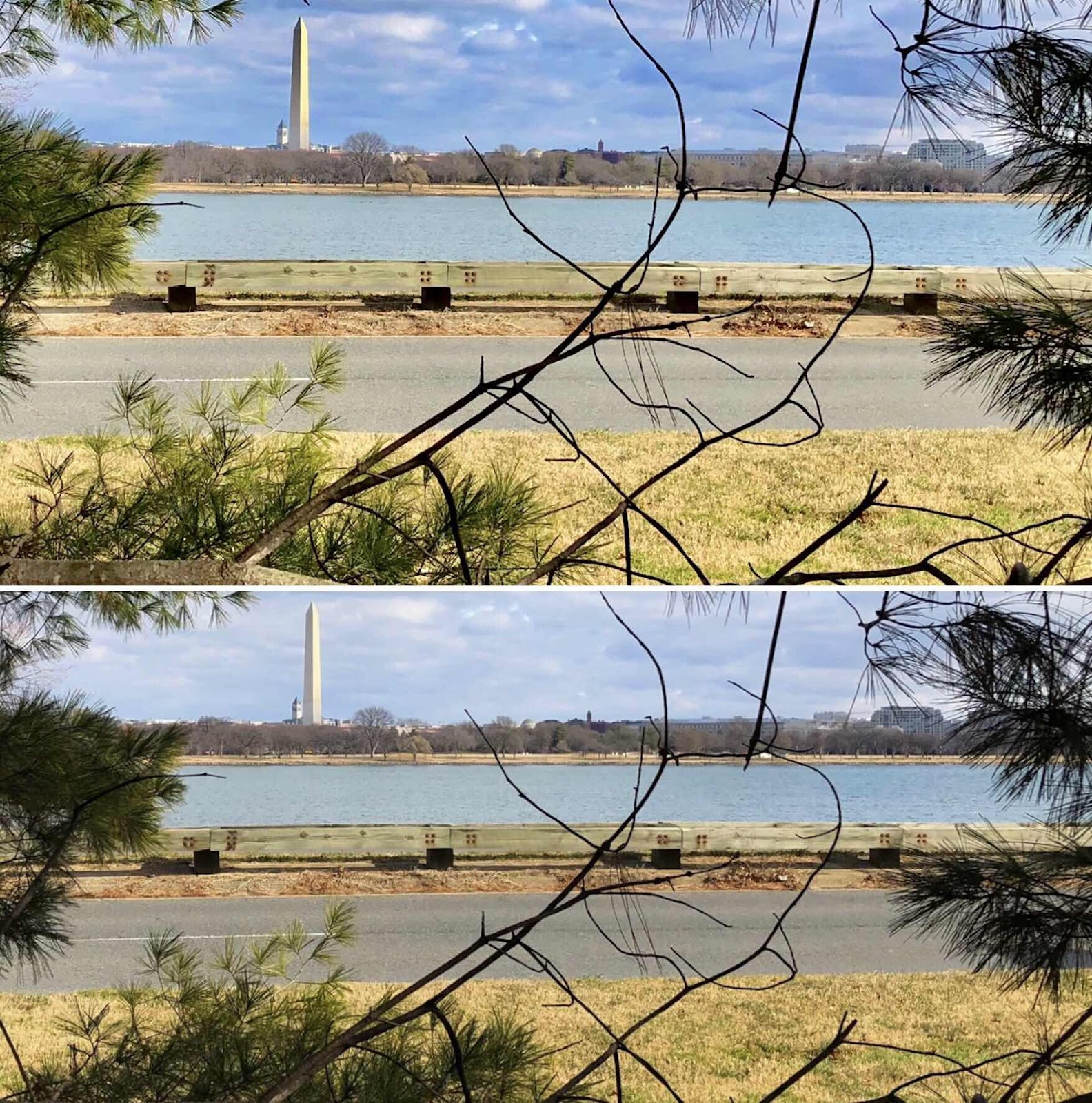
I have never taken a photography class, but I like taking photos. I remember my dad’s complicated manual 35mm camera. He took a lot of slides and we watched them projected on the wall. I was the first to get a swinger instant camera, and after that I always had some sort of camera - including the first digital camera that used discs and the latest was a Sony. But when the iPhone came along I now only use it for everything, including the weekly 52Frames photo challenge. Most photos require some sort of editing and I usually go with the “auto” option. But sometimes it’s worth making finer adjustments depending on the final look one might be after. Last week I practiced manually changing two images that were recently taken - one from Great Falls and the other was a “horizon” image. I wanted to make the River more obvious and bring out the green color; the other I wanted to make the sky more brilliant so the Washington memorial stood out more. There are several options - from exposure, to tint, to shadows, to vibrance, etc. Right now I’m just adjusting at whim. One of these days I need to study the names and definitions to see what the impact is supposed to be rather than rely on the here and there approach. It really does make a difference to the final outcome. So I put that photo activity on my list of things to do. There is always something to learn.