Observations, pictures, and sketches highlight the transition of moving to the nations's Capitol after 30 years of living in the Midwest. A clash in cultures? Maybe not!
Showing posts with label HP. Show all posts
Saturday, March 5, 2022
HP Ink Recycle Program
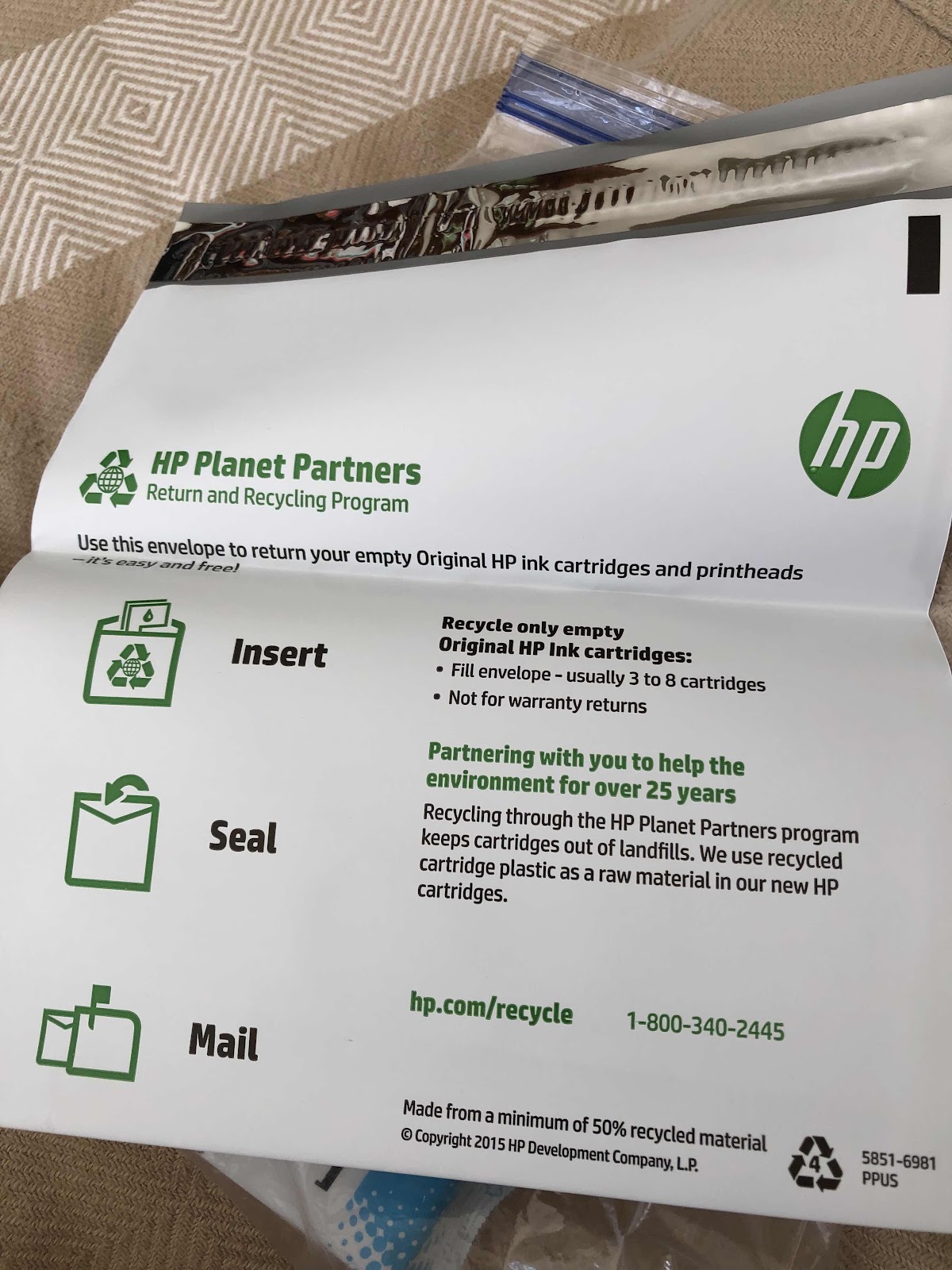
We belong to the HP Smart ink program. I pay about $1.99 per month for fifteen printed sheets, and when the ink is low it is sent to me automatically. When I was printing a lot of stuff it made sense. Since I hardly print anything anymore the ink wasn’t working even though it said there was plenty left. I contacted HP and they shipped out a black and color cartridge to replace mine after first performing some basic tests. The new cartridges did the trick and things were back to normal. But I didn’t have a recycle envelope included to send the used items back so I requested an envelope from their website. It just didn’t feel right dumping the used cartridges in to the garbage. The HP recycle envelope arrived yesterday and I put the cartridges in it and mailed them off today - postage free - at the post office. It was always such a pain to keep ink supplies on hand and then try to remember the right one to buy. I think my printer is no longer made and rarely print anymore and try to avoid it at all costs. Perhaps I should run a page once a month just to keep it in shape. The service at HP was great and now the printer is working again. I can’t always say that about anything else.


Tuesday, February 22, 2022
HP Ink Delivered
When I got the HP printer more than five years ago I signed up for the smart ink program. I used to do a lot of printing of my digital art to hang in the wagtime shop. The printer is connected to HP on line and ink is automatically sent when it detects when the level is low. Then you recycle the cartridges in an envelope they provide. It’s been over three years since a cartridge has been replaced and the print quality has deteriorated. So I contacted HP a to let them know. We had a chat and a few QA actions were taken. The ink status showed there was plenty left. Ultimately they determined to send me two new ink cartridges. They both arrived and have been installed. The print quality is excellent. What I realized is that my printer is no longer available and I am surprised they sent the ink. I pay $1.99 for 15 pages a month and that is rarely achieved. I liked the idea of not having to go out and buy ink cartridges when the supply would run low. I’m surprised the ink supply lasted as long as it did because we rarely print anything anymore, but I’m glad we still can when we need to.


Friday, January 28, 2022
HP Printer Instant Ink Chat
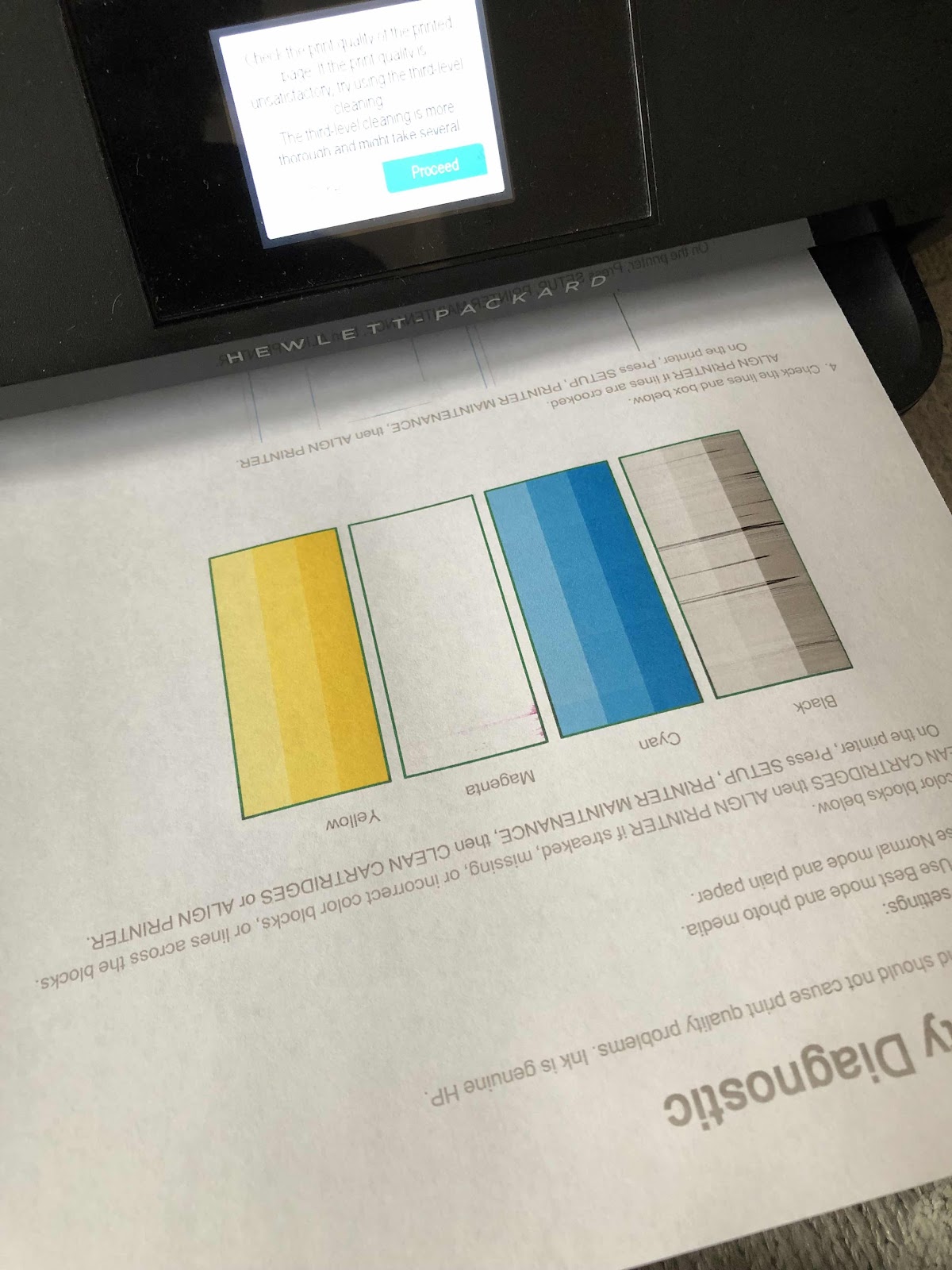
I’ve always had HP printers. Currently it’s an Envy printer that is at least 5-6 years old if not more. I used to use it a lot to print my digital pet portraits and showcase them at the Wagtime shop on Capitol Hill. I also signed up for instant ink. At a certain dollar amount every month ink cartridges are sent directly to you when the sensors show that they are running low. Then you send back the user cartridges for a recycle program. It worked very well for a nominal fee. Since I don’t print much any more I changed the amount of printed pages to about ten per month for an even smaller fee. But I haven’t changed the cartridges since we moved three years ago. The printed pages are now starting to get grey and the ink cartridges need to be exchanged - but the website shows that I still had plenty of ink. So I started a chat with HP a and asked them if I could get some replacement cartridges. Before that could be done they insisted that I try to clean the printer heads 3-5 times. The test pages were just as lousy as the printed pages. Without a lot of hassle they said they would replace both the color and black cartridges free of charge. Now I am waiting for them to arrive. It’s a good thing I don’t need to use the printer for anything and the print is still barely visible if I had to. All in all it was a no brainer chat. I like those the best.


Friday, March 19, 2021
HP Printer Instant Ink Plan
My HP printer is now located in the dusty lower shelf of our TV cabinet. It’s the perfect spot for the occasional use. When I got the printer, it was used primarily to print my digital custom pet portraits. I would mount them on foam board and hang them in the Wagtime shop on Capitol Hill by the Navy Yard. Since I no longer need to do that since we moved to northern Virginia, the printer use is much less. I also started an HP printer plan. HP would monitor the ink status and automatically send a cartridge when it was time, and the old cartridge would be mailed back for recycling in a pre paid envelope. I really liked the idea because I hated going to the store to buy ink. The plan was only $3.99 per month - a lot cheaper than buying the ink. This week I reviewed the plan and found that a lower priced plan was also available. It was only $0.99 per month. We rarely print anything anymore so this seemed like a great idea. So on the website the changes were made and the update was implemented beginning next month. If you do go over the allotted amount of printer pages in the month, you will pay more, but I just don’t see that happening. I’m glad I checked out the options again since it’s been a while and my printing needs have definitely changed.


Friday, October 14, 2016
Recycling an HP Printer and Ink at Staples
I need a printer to create images of my digital pet portraits to hang on my gallery wall at the Wagtime Shop on Capitol Hill. We also use a printer occasionally to make a hard copy of something or other. My old HP printer lasted about five years, and served me well. Last month I replaced it with an HP Envy printer. I didn't want to throw out the original box until I was sure it functioned. It seems to be working okay, so we decided it was time to get rid of the old printer. I checked on line and saw that Staples has a recycling program for office equipment and ink. I also called to make sure we wouldn't be making a trip to Staples for nothing. So I packed the old printer and ink in to the red 2016 Book Festival bag and carried it into the staples shop in Alexandria. They said I would get four dollars back for every ink cartridge (?), but the point was to just get rid of all the stuff and I won't be cashing in on the ink. It seems like a confusing thing anyway. So when we came home, my husband insisted that we declutter the closet and throw out the new printer box along with all the other recycling junk accumulated. I suppose I could have just thrown the printer out in the garbage myself. It just felt better to do it this way.
Sunday, September 18, 2016
HP Printer Replacement Ink Cartridge Program
The primary use for my printer is to make my digital art pet portraits come to life so I can display them at the Wagtime Shop. My old printer bit the dust a couple weeks ago and I researched HP printers and decided on the HP Envy 5660 all in one e printer. Of course, none of my old ink cartridges will work in the new printer, but I was intrigued by the mail in ink replacement program that HP offered. I always seem to have to make special trips to get the ink, never really knowing exactly when it would need to be replaced. So I signed up for the cheapest option at $2.99 a month, with the first three months service charge free, and my introductory kit just came in the mail. The program starts once I insert the replacement cartridges that were sent, and then the printer orders the new ones on line when it figures out it is running low. The program is based on sheets printed rather than by month, and the price for the ink is supposed to be a lot less. Also enclosed in the kit is a recyclable pouch that you send back to HP postage free when the cartridges are empty. So far I am happy with the printer and looking forward to seeing how this works. At least now I only have two cartridges rather than four. It's a necessary evil for my artwork, but it's well worth it!
Labels:
digitalart,
HP,
HP envy,
HP printer,
ink replacement,
Inkjet,
Photos,
printing,
recycle
Saturday, September 10, 2016
HP Envy 5660 e All-In-One Set Up - How Things Have Changed!
My printer bit the dust after about five years. I tried everything and couldn't get the cartridges to align and the print jobs had major streaks. I need my printer primarily to make 8x10 copies of my digital art pet portraits to display at the Wagtime shop and occasionally to make copies of documents. I was also having trouble getting it to print from my laptop, and copying any black and white documents. I've never had anything but HP printers, so I did my homework and read the reviews about the latest HP printers available. I had an idea of what I wanted, so we headed out to Best Buy in Alexandria. I needed to see the printers rather than order on line, and have my questions answered too. It came down to one of the HP ENVY models. They were much cheaper than any of the printers I have ever owned. The drawbacks were two print cartridges rather than four, and the photo tray could not be size adjusted. Other than that, I didn't need a document feeder, the color touch screen display, and any increase in speed would be appreciated. After talking to the sales rep, I decided to go with the ENVY 5660, and it was a $60 discount. I always dread setting up equipment based on past experiences. But either I have become sufficiently knowledgeable (which I doubt) or the products and the systems have simply become so much easier to work with. No longer are CD's required - just smart phones, iPads, and apps. Nothing makes you feel better than a "congratulations" page to say the set up is complete. But only until I actually printed something from all my devices did it matter. After setting up my iPhone and iPad, I had to tackle the dreaded laptop. And to my surprise it was a snap. I saved the original box until I am certain it works properly. In the meantime I need to figure out how to dispose of the old printer and leftover very expensive ink cartridges. I understand both Best Buy and Staples have recycling programs. I guess that's something we will do next week.
Labels:
all in one,
Best Buy,
digitalart,
eprint,
HP,
hp envy 5660,
IPad,
iPhone,
laptop,
priniting,
Printer
Subscribe to:
Posts (Atom)